


Distinguish the question from the result
Ask what the study set out to investigate, then ask what it found. Keeping those separate gives a discussion a clearer starting point.
Build questions around a paper’s design, results, and interpretation, with explanations for your discussion.
Drag and drop your files here.
Paste a link from YouTube, TikTok, X/Twitter, Instagram, Facebook, or any website.
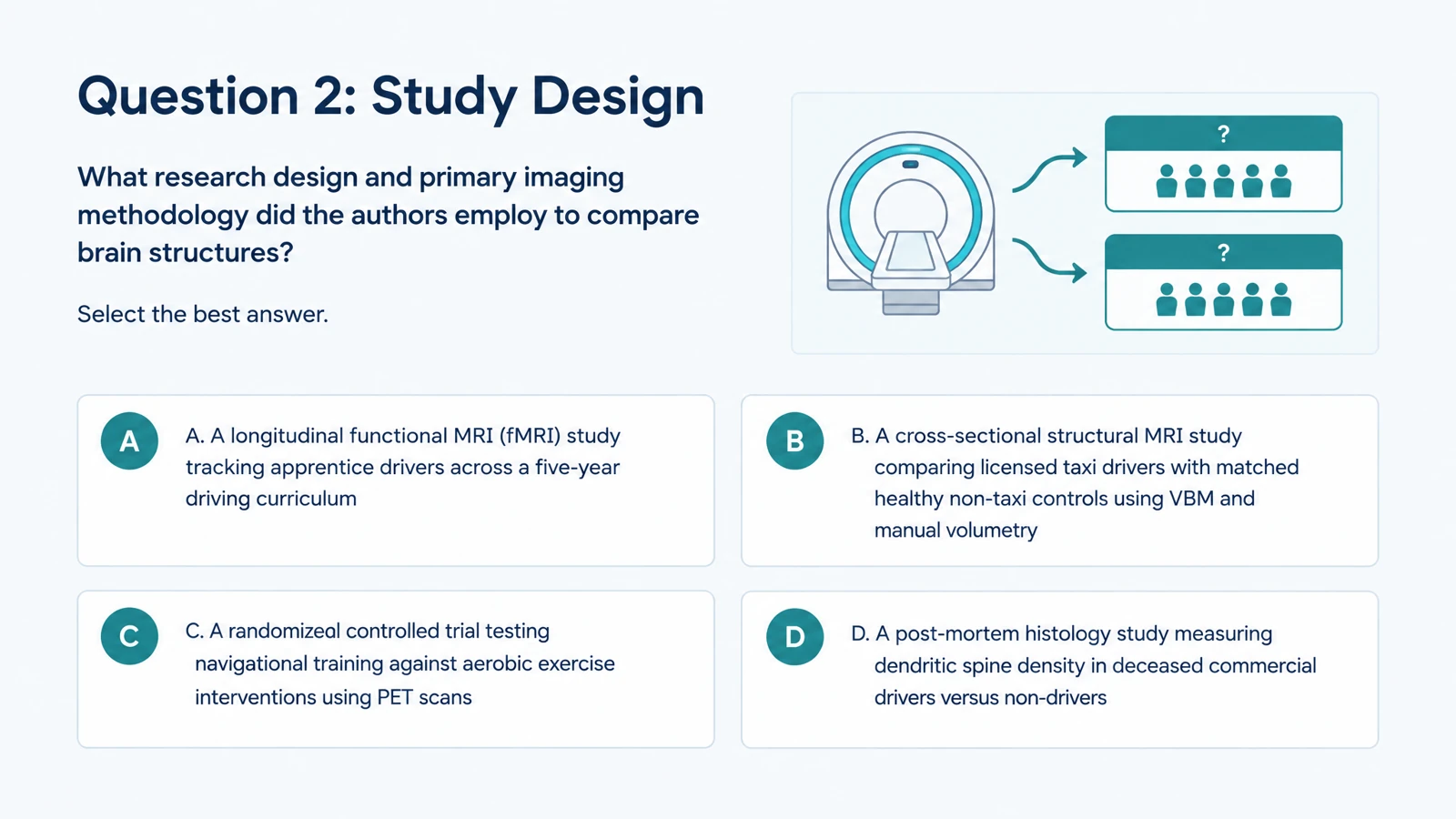
SlidesPilot creates a visual quiz from academic material. Choose questions that connect the paper’s claims to the way the research was conducted.
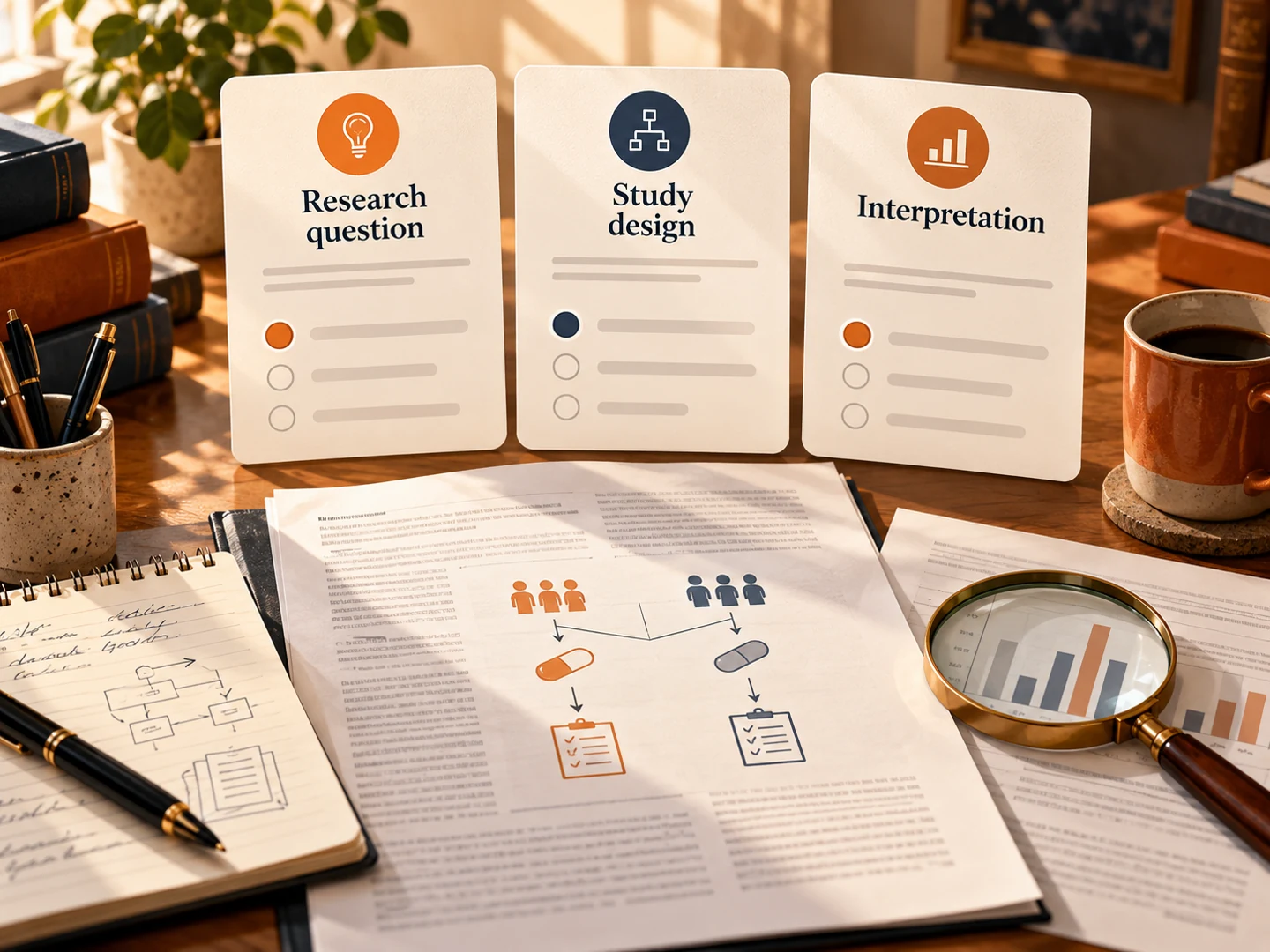
Ask what the study set out to investigate, then ask what it found. Keeping those separate gives a discussion a clearer starting point.
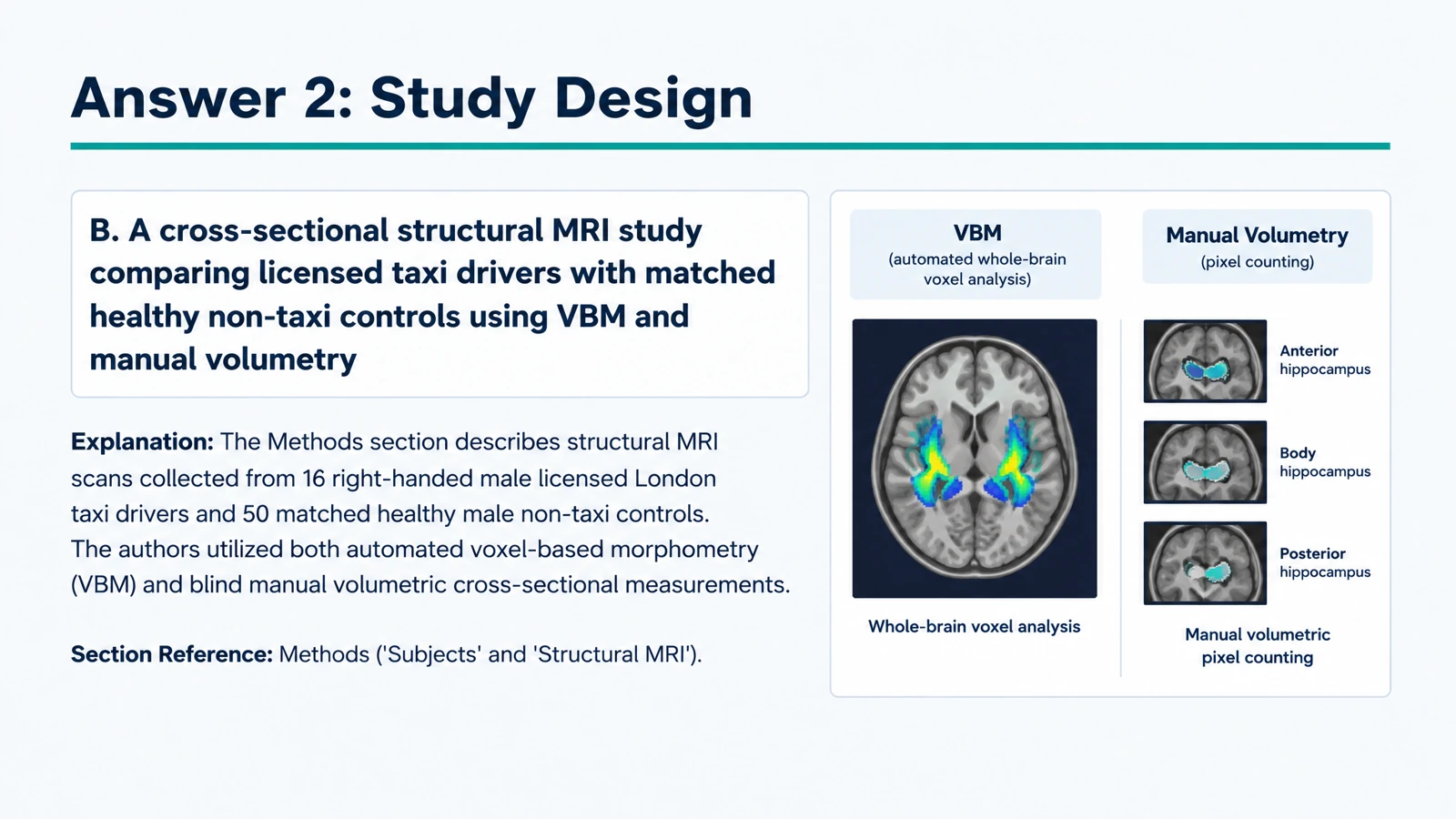
Use questions about participants, methods, variables, or model comparisons. The answer explanation can connect the design to what the study examined.
Ask what a result supports, what comparison matters, or how the authors discuss its meaning. Make interpretation part of the practice rather than only recall.
Upload the paper or paste the selected section.
Choose question type, level, language, and length. Name the concepts or research sections you want to cover.
Use the answer explanations to plan your discussion. Print a copy or edit the exported PPTX for the session.
Match the questions to the point of the activity.
Create a short reading check to revisit the paper’s central question, design, and findings.
Use a question to open discussion of an assumption or comparison. Reveal the answer explanation after participants share their reasoning.
Ask learners to identify study features in a concrete paper. Connect the terms from a methods course to the design they have just read.
Upload the paper, choose quiz settings, and describe your learning objectives. SlidesPilot creates questions and answer explanations from the material.
Yes. Specify the methods, comparisons, variables, or model details you want covered. This creates a focused activity for research-methods practice or seminar preparation.
Yes. Choose multiple choice and describe the kinds of distinctions you want the options to test, such as alternative study designs or interpretations of a finding.
Yes. Use it to organize the conversation around the research question, approach, evidence, and interpretation. Edit the PPTX to add your own discussion prompts.
Yes. Name the results you want to discuss or provide the relevant excerpt. Ask for questions about the comparisons and conclusions that matter to your reading.
Yes. Answer pages support a guided review of each question. They give you material for discussing how the answer relates to the paper.
Yes. Choose the language and describe the audience. Request an accessible introduction or more technical questions for an advanced discussion.
Yes. Print the completed set and choose the pages you need, or export editable PPTX to adapt the quiz in PowerPoint.
Prepare to explain a paper's question, methods, and findings.
Create practice questions from a PDF reading or course document.
Turn a chapter into recall, comparison, and application questions.
Give assigned online reading a focused comprehension activity.
Explore main idea, detail, vocabulary, and inference from a passage.
Organize a practice set around your revision topics and goals.
Create an editable quiz presentation for the shared classroom screen.
Build visual questions and answer explanations for your next lesson.
Prepare questions that connect the method, evidence, and conclusion.