
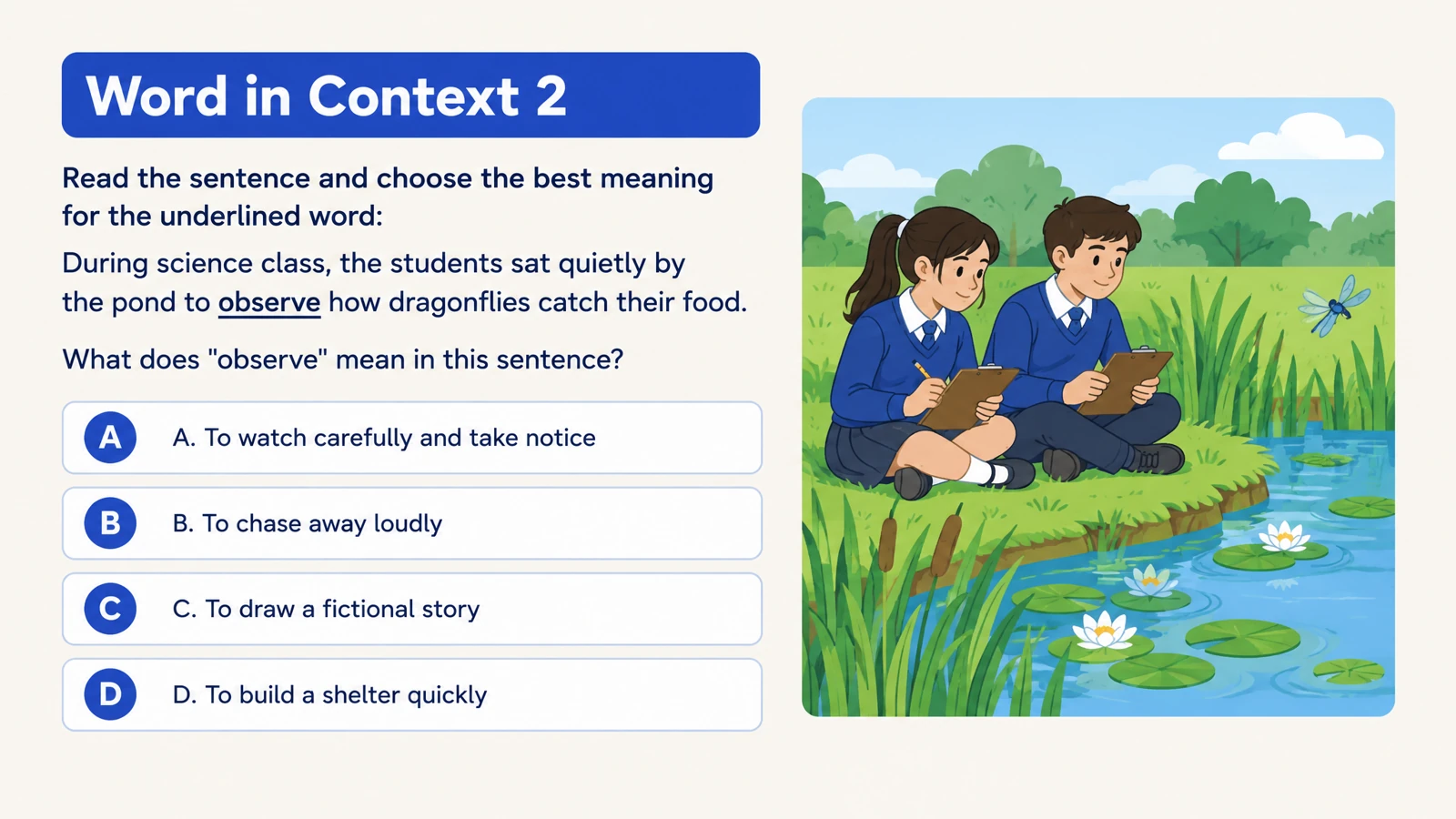
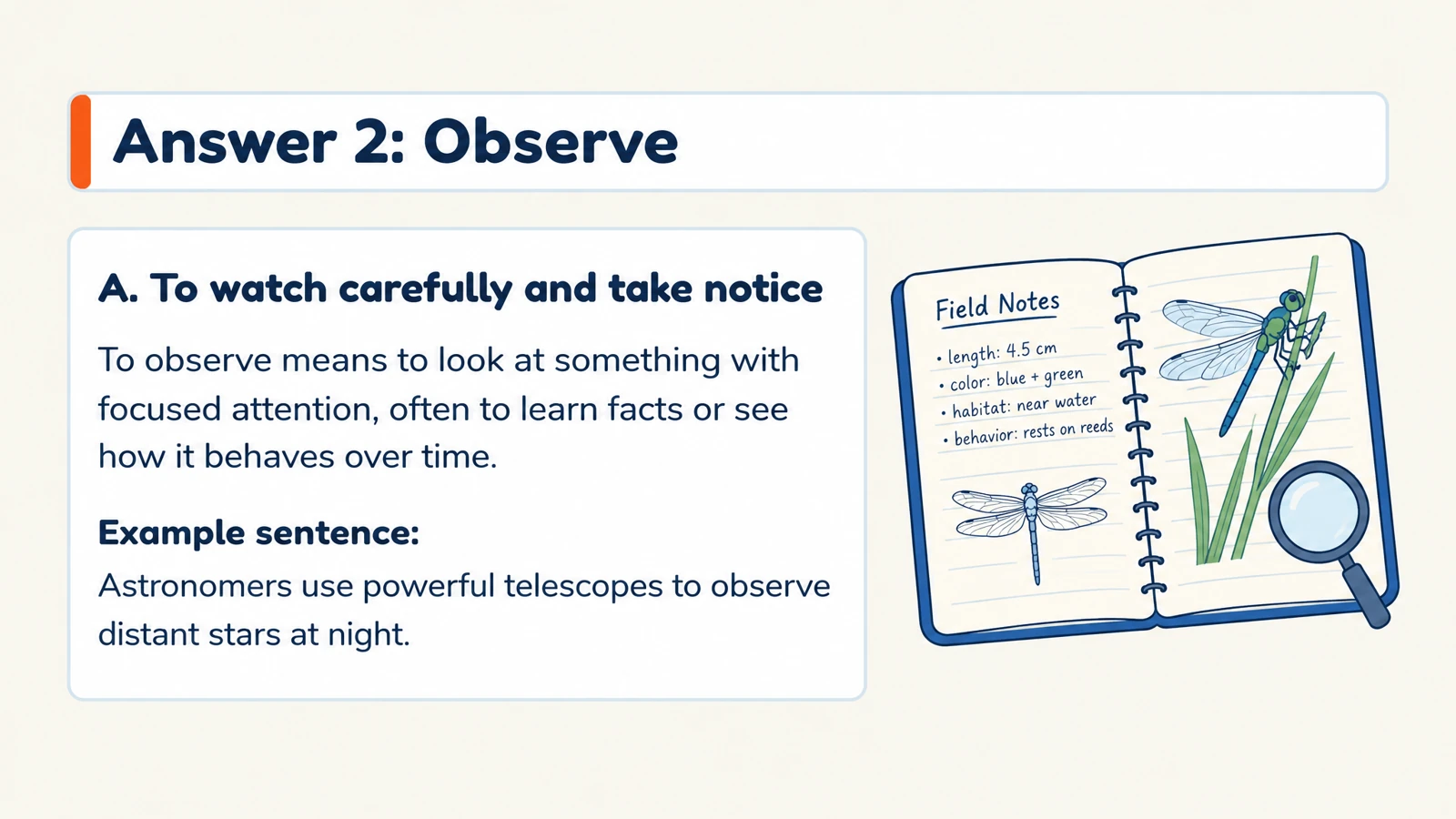


Check understanding with multiple choice
Create focused questions with clear answer choices. Set the number of options and the audience to shape practice for the level you teach.
Create quizzes with visual answer explanations from your teaching materials. Choose a question format that fits your lesson.
Drag and drop your files here.
Paste a link from YouTube, TikTok, X/Twitter, Instagram, Facebook, or any website.
Use your material to build a quiz around what learners should recall, connect, and explain.
Create focused questions with clear answer choices. Set the number of options and the audience to shape practice for the level you teach.
Bring related terms, definitions, and concepts together. Matching questions are a natural fit for scientific classifications, vocabulary, and relationships.
Pair questions with answers that reveal the reasoning. Use the answer pages to unpack a choice, illustrate a process, or start a useful discussion.
SlidesPilot creates the questions and gives them a presentation you will want to use: thoughtful layouts, meaningful visuals, and answer pages that carry the lesson forward.
Print your quiz for independent work, a tutoring exercise, or a classroom review. Bring the same designed questions into an offline activity.
Export an editable PPTX, adapt the wording, and rearrange the questions for your lesson. Present a question, invite discussion, then reveal its answer.
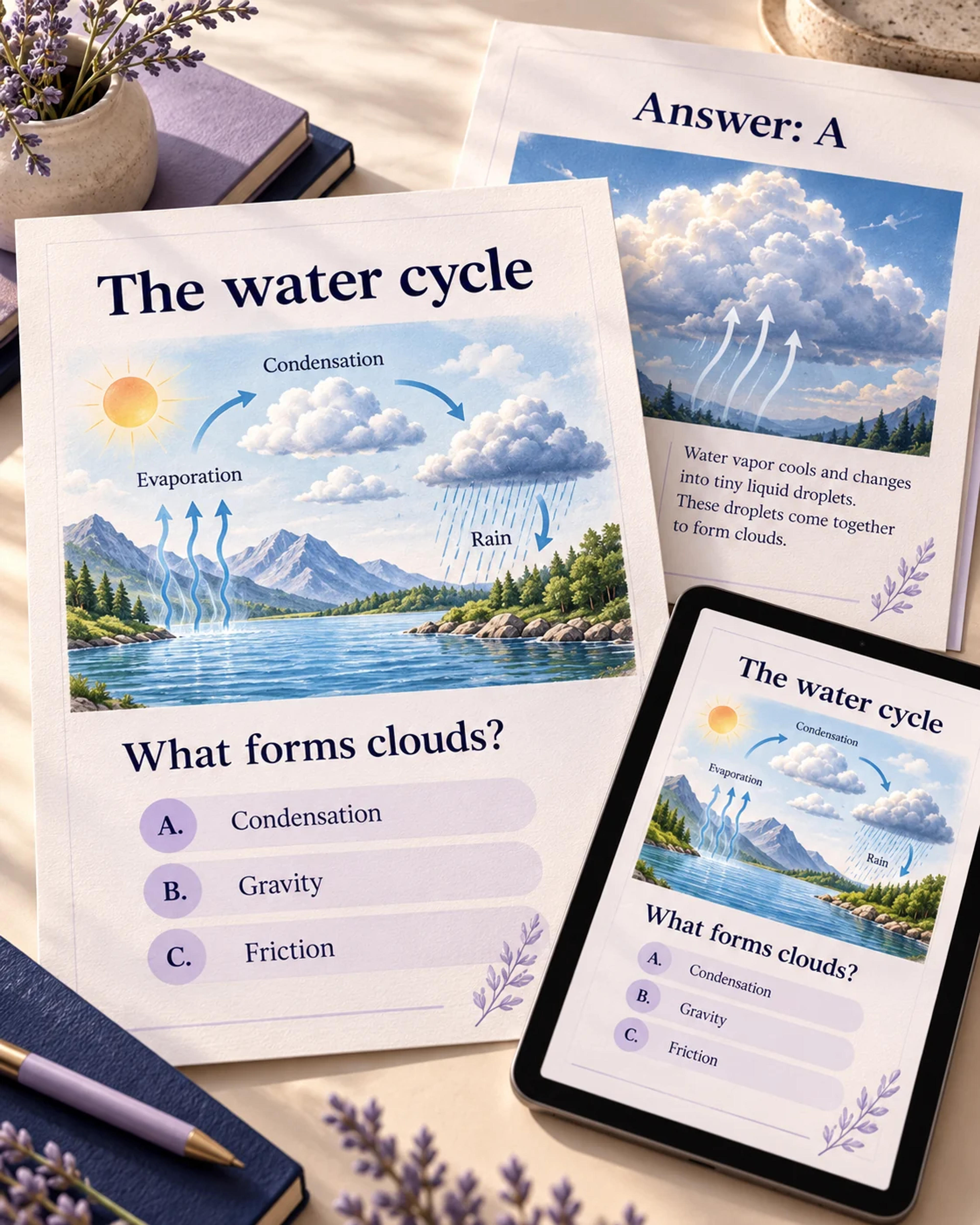
Upload a PDF, Word document, or presentation; paste a video or website link; add text; or describe a topic.
Set the audience, language, question type, number of choices, and visual style. Tell SlidesPilot the concepts or learning goals you want to emphasize.
Create your question-and-answer set, print it in one click, or export editable PowerPoint to fit it into the rest of your lesson.
Add your source material or describe a topic, choose the quiz settings, and generate a designed question-and-answer set. SlidesPilot combines content creation with visual layouts, one-click printing, and editable PPTX export.
Yes. Upload the file and tell SlidesPilot what you want the quiz to cover. Turn readings, lecture notes, slide decks, and handouts into focused questions for your learners.
Yes. Paste a supported video or website link. Use an educational video, online lesson, or reference article as the starting point, then tailor the quiz to your audience and learning goal.
Yes. SlidesPilot creates question pages with corresponding answers and explanations. Use them for self-study or to reveal and discuss the reasoning during a lesson.
Yes. Choose the question type and number of choices in the settings, and add instructions about the practice you want to create. Multiple-choice and matching quizzes are useful starting points for checking facts and connecting concepts.
Yes. Print your generated quiz in one click. Its designed pages are ready to use for an offline activity, a tutoring session, or a classroom review.
Yes. Export an editable PPTX and customize the text and design in PowerPoint. Update a question, adapt the examples, or combine the quiz with your existing lesson slides.
Create practice questions from a PDF reading or course document.
Use your notes to check what you can recall, connect, and explain.
Follow a YouTube explanation with questions learners can discuss.
Create a clear question, answer options, and a useful explanation.
Connect terms with definitions, examples, and related concepts.
Prepare question pages and answers for a paper-based activity.
Create an editable quiz presentation for the shared classroom screen.
Create illustrated study cards from your material or a topic.
Create beautiful questions, clear answers, and a resource you can print or keep editing.