


Meaning in context
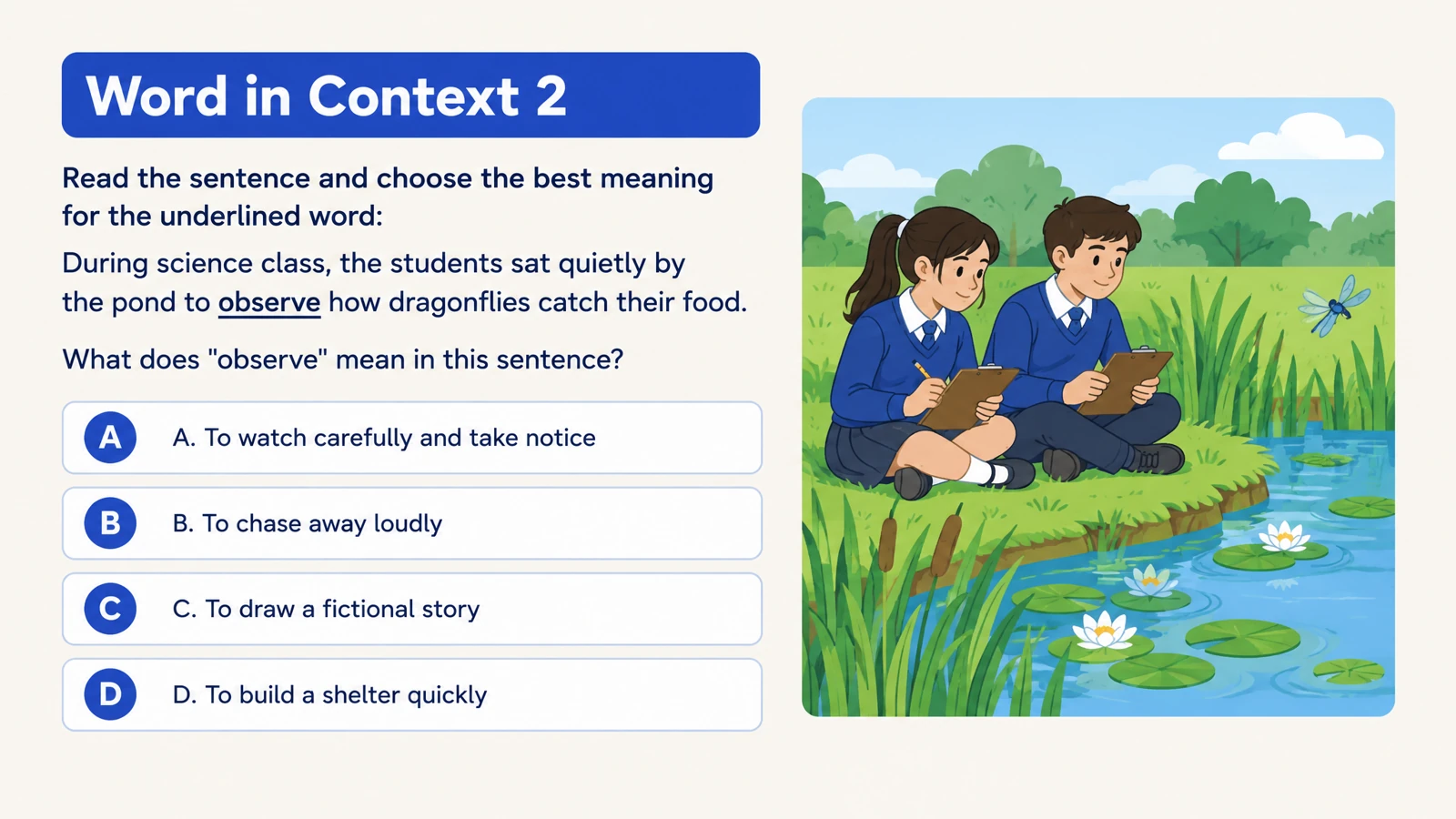
Ask learners to identify a word’s meaning from a sentence. Illustrations make the situation concrete while the choices focus attention on the language.
Turn a word list into vocabulary questions with visual context and clear answers.
Drag and drop your files here.
Paste a link from YouTube, TikTok, X/Twitter, Instagram, Facebook, or any website.
Build vocabulary practice that connects meaning, context, and use. Start with your own word list and shape the questions around the language your learners need.
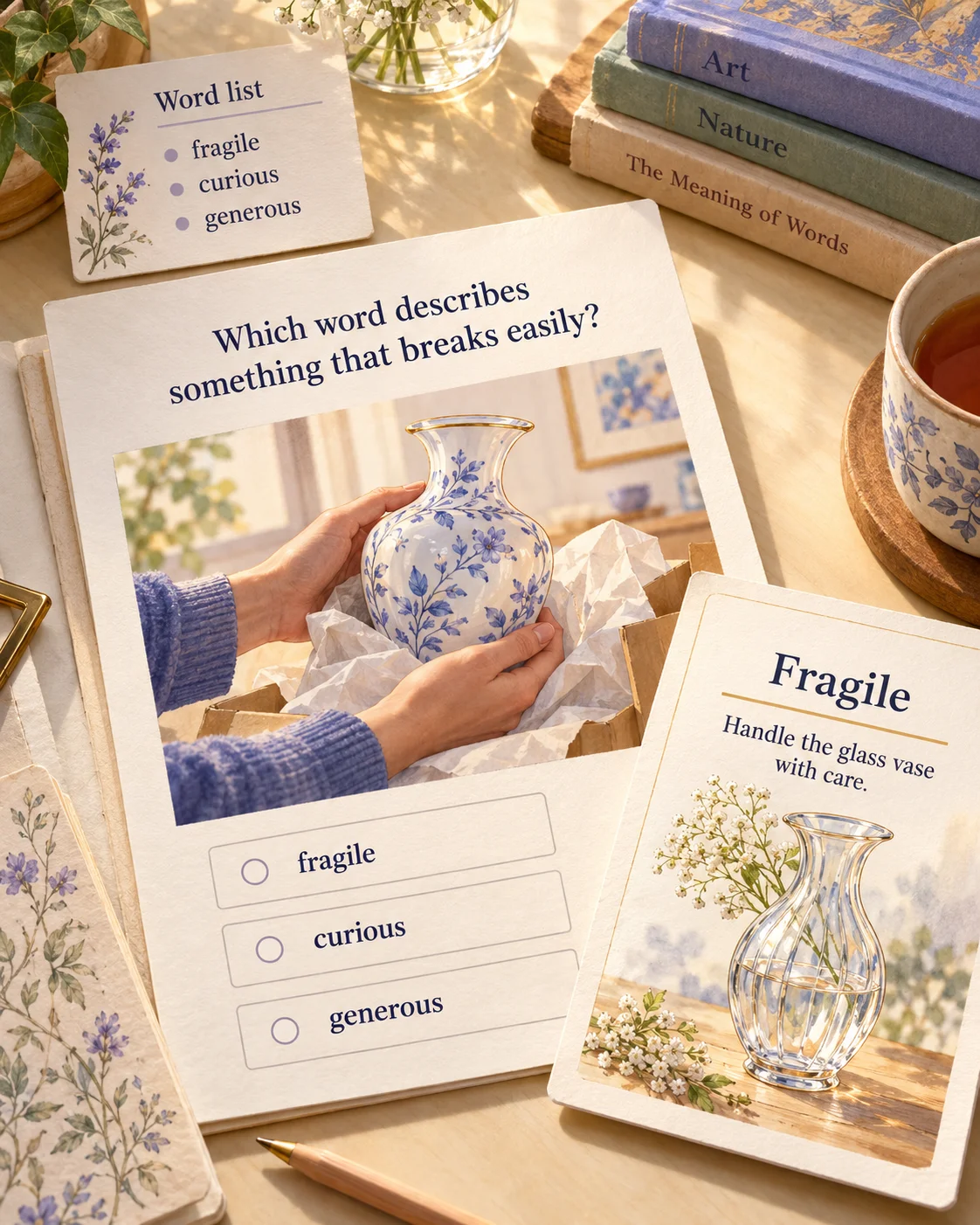
Place a target word in a scene learners can understand. A delicate vase gives “fragile” a concrete meaning; a travel situation gives a new expression a reason to be used.
Request meaning-in-context questions, matching definitions, or missing-word sentences. Describe the audience and sentence complexity so the exercise fits a beginner lesson or more advanced revision.
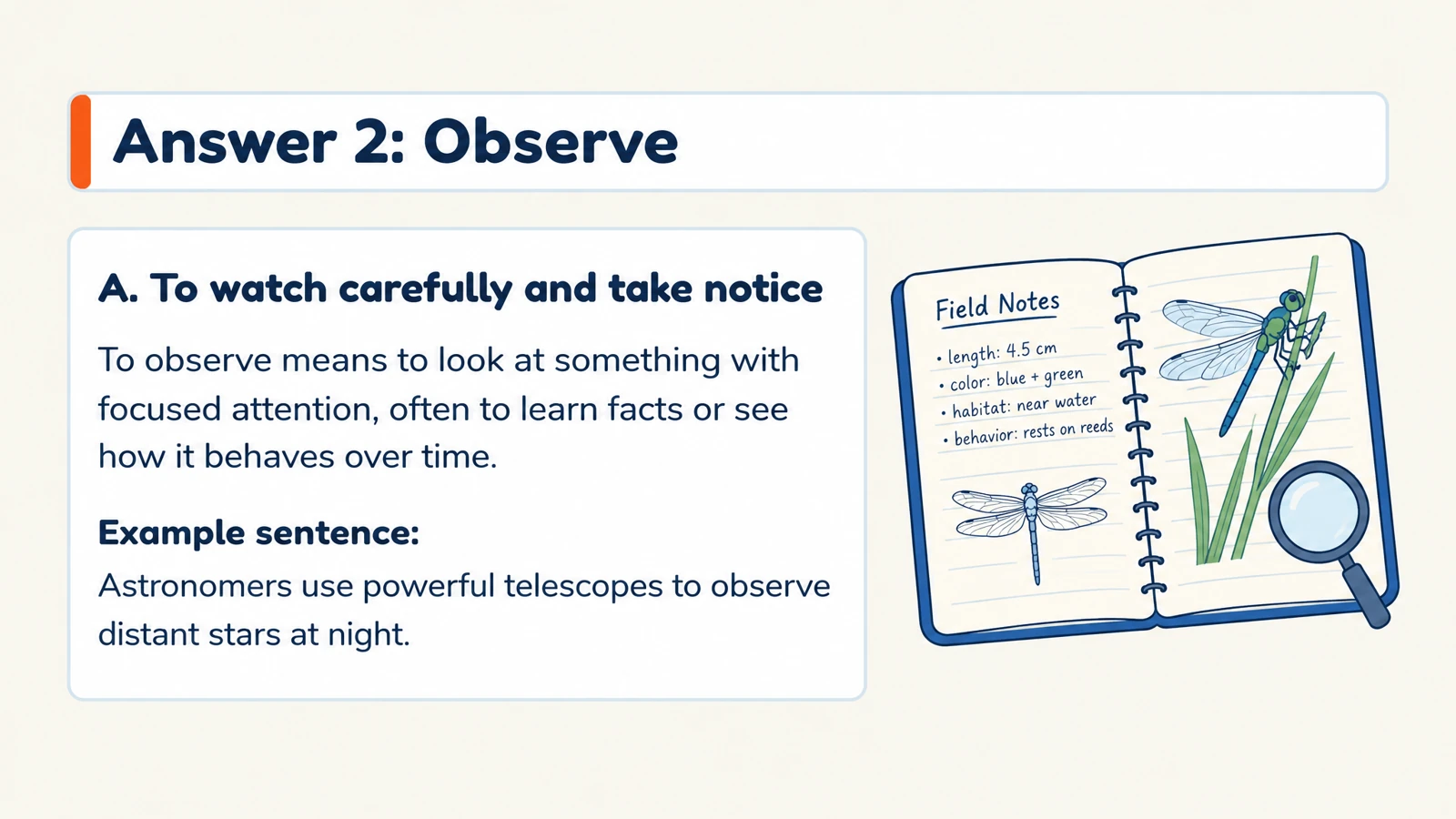
Use answer explanations to reinforce the meaning and show another use. Print the practice for class or edit the PowerPoint to add situations and expressions your own learners recognize.
Give familiar words a new context, or introduce a new set with visual support.
Ask learners to identify a word’s meaning from a sentence. Illustrations make the situation concrete while the choices focus attention on the language.
Request fill-in-the-blank questions that ask learners to choose or recall a word that completes a sentence. Tailor the sentence complexity to their level.
Use matching questions to connect terms with meanings. Build a warm-up, a revision activity, or focused practice for a new reading.
Add a word list, definitions, or the passage learners are reading.
Specify the language, level, and question type. Include a theme such as school, travel, science, or everyday conversation.
Generate the quiz with answers. Print the set for class or edit the PPTX to reuse it with a different group.
Yes. Paste the target words and any definitions or example sentences you want included. You can also upload the document containing your list. Choose the language, audience, and question type, then describe the situations in which learners should understand or use the words.
Yes. Paste the passage and name the vocabulary you want the quiz to emphasize. Add instructions about the level and the meanings or uses that matter for the lesson. This lets you connect the practice to the reading your learners already have.
Request multiple-choice questions about meaning in context, matching words with definitions, or fill-in-the-blank sentences. Choose the format in the generator and describe the learning goal. Use context questions for interpretation or matching to establish connections between new terms and their meanings.
Yes. Set the audience and describe the vocabulary level, sentence complexity, and depth you want. Beginners can practice familiar situations with clear visual support; advanced learners can work on distinctions between related words and more demanding contexts. Shape the task around what your group is learning.
Yes. Select the output language and describe the language-learning task. Ask for target-language definitions, translations, or example sentences according to your lesson goal. Include the intended audience so the wording and examples suit the learners who will use the quiz.
Yes. SlidesPilot creates corresponding answer explanations, and you can request example sentences in your instructions. Use the answer pages to reinforce the meaning and show a fresh use of the word. This gives you material for discussion after learners complete the questions.
Yes. Request familiar scenes or visual examples that make a word’s meaning concrete. For example, a delicate vase can support a question about “fragile.” SlidesPilot combines illustrations and designed question layouts so the image helps explain the language in context.
Yes. Print the questions and answers, or choose selected pages and Save as PDF in the print dialog. Download editable PPTX to add new words, change example sentences, or adapt the layout in PowerPoint. Keep the resource ready for the next lesson.
Connect useful words with meanings, scenes, and your own examples.
Practice everyday Spanish with illustrated bilingual examples.
Build illustrated spelling practice around your own word list.
Practice vocabulary and subject terms inside meaningful sentences.
Connect terms with definitions, examples, and related concepts.
Explore main idea, detail, vocabulary, and inference from a passage.
Prepare question pages and answers for a paper-based activity.
Build visual questions and answer explanations for your next lesson.
Make a vocabulary quiz with visual context, clear answers, and room for your own teaching style.