
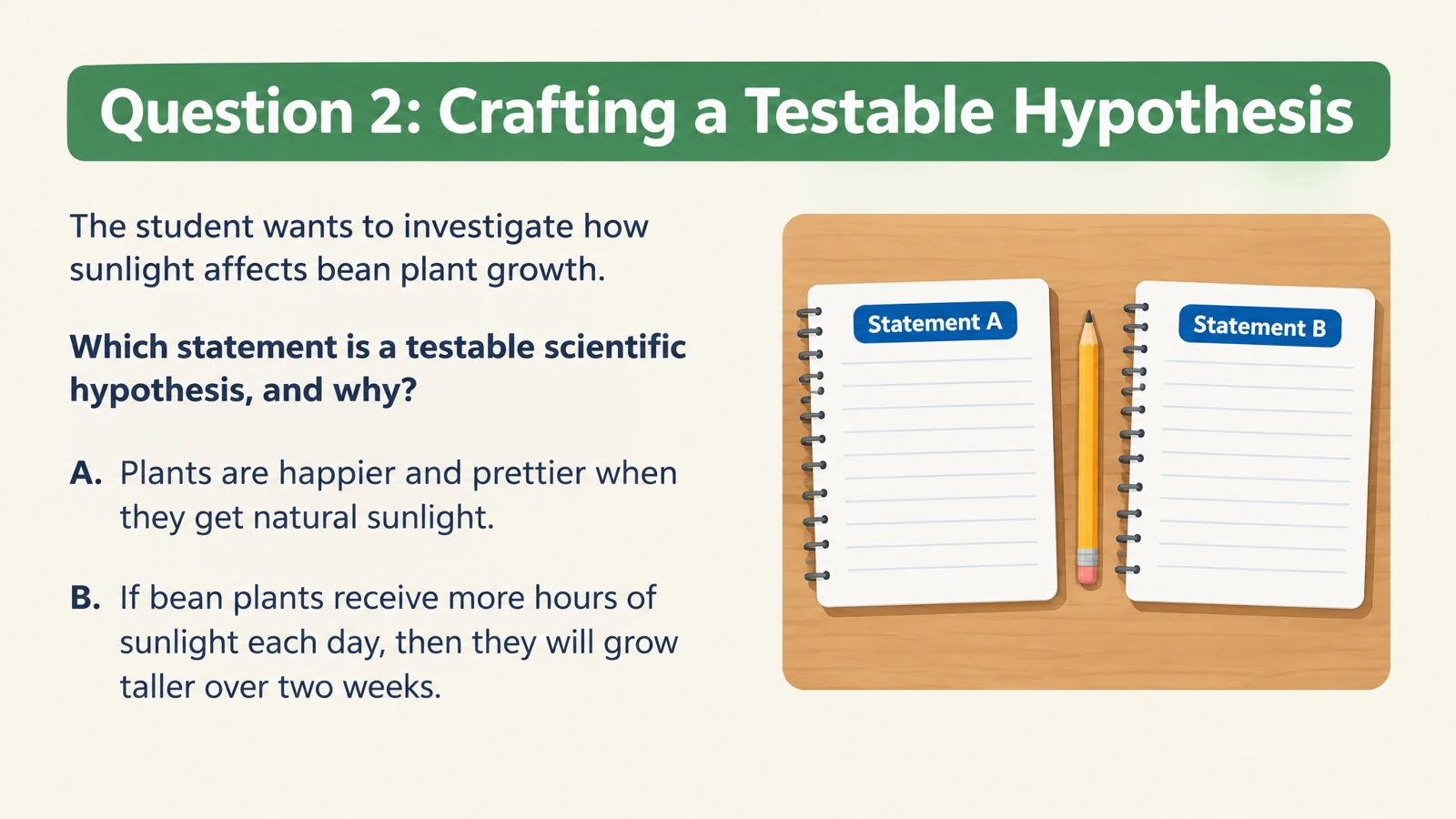
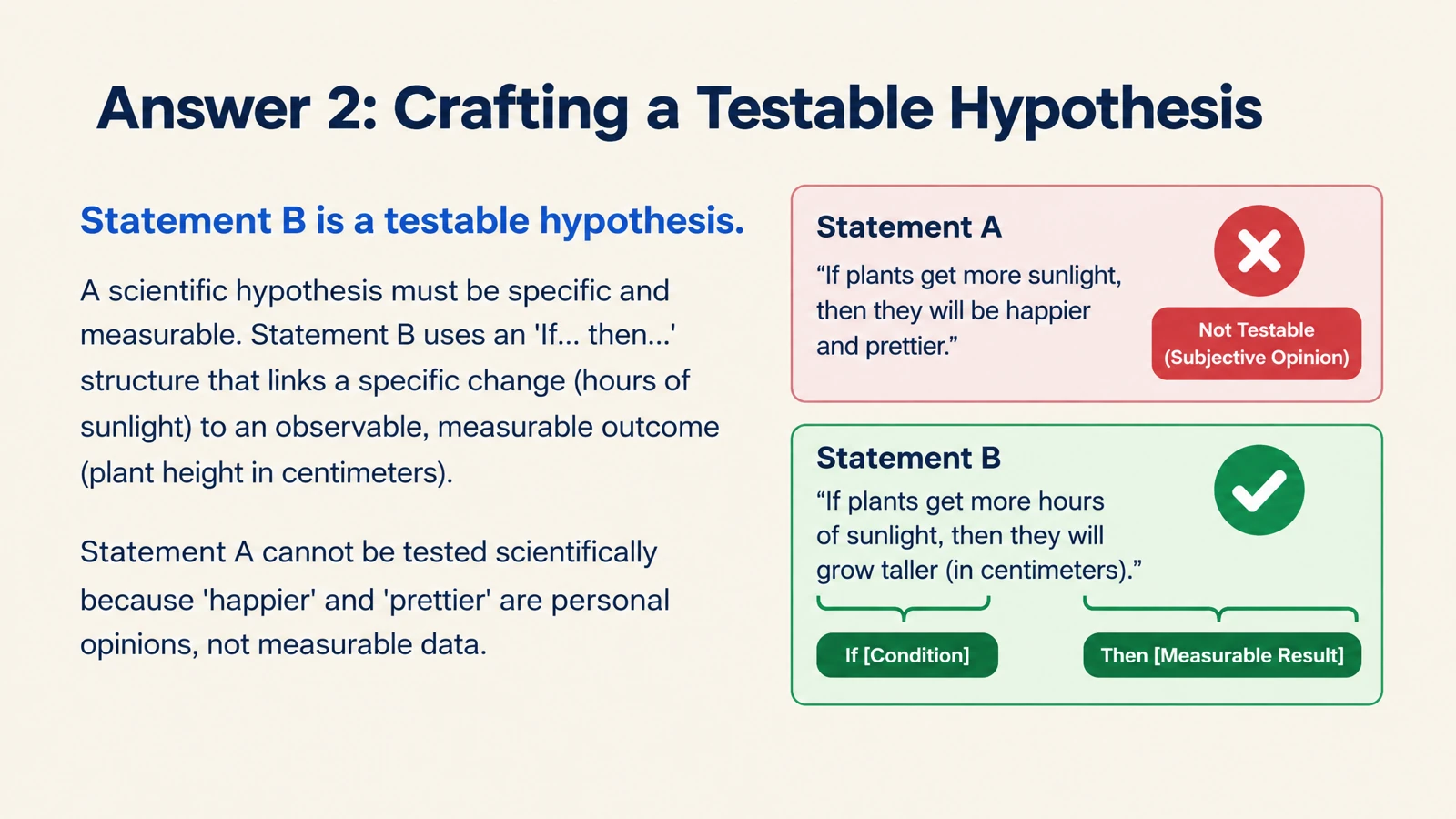


See the concept. Remember the connection.
Illustrations, diagrams, and thoughtful layouts turn a definition into something you can picture. Build cards that explain a force, show a biological process, or put a new word in context.
Turn your teaching materials into illustrated flashcards. Print a set or edit it in PowerPoint.
Drag and drop your files here.
Paste a link from YouTube, TikTok, X/Twitter, Instagram, Facebook, or any website.
Give every question a visual explanation—and every study set a life beyond the screen.
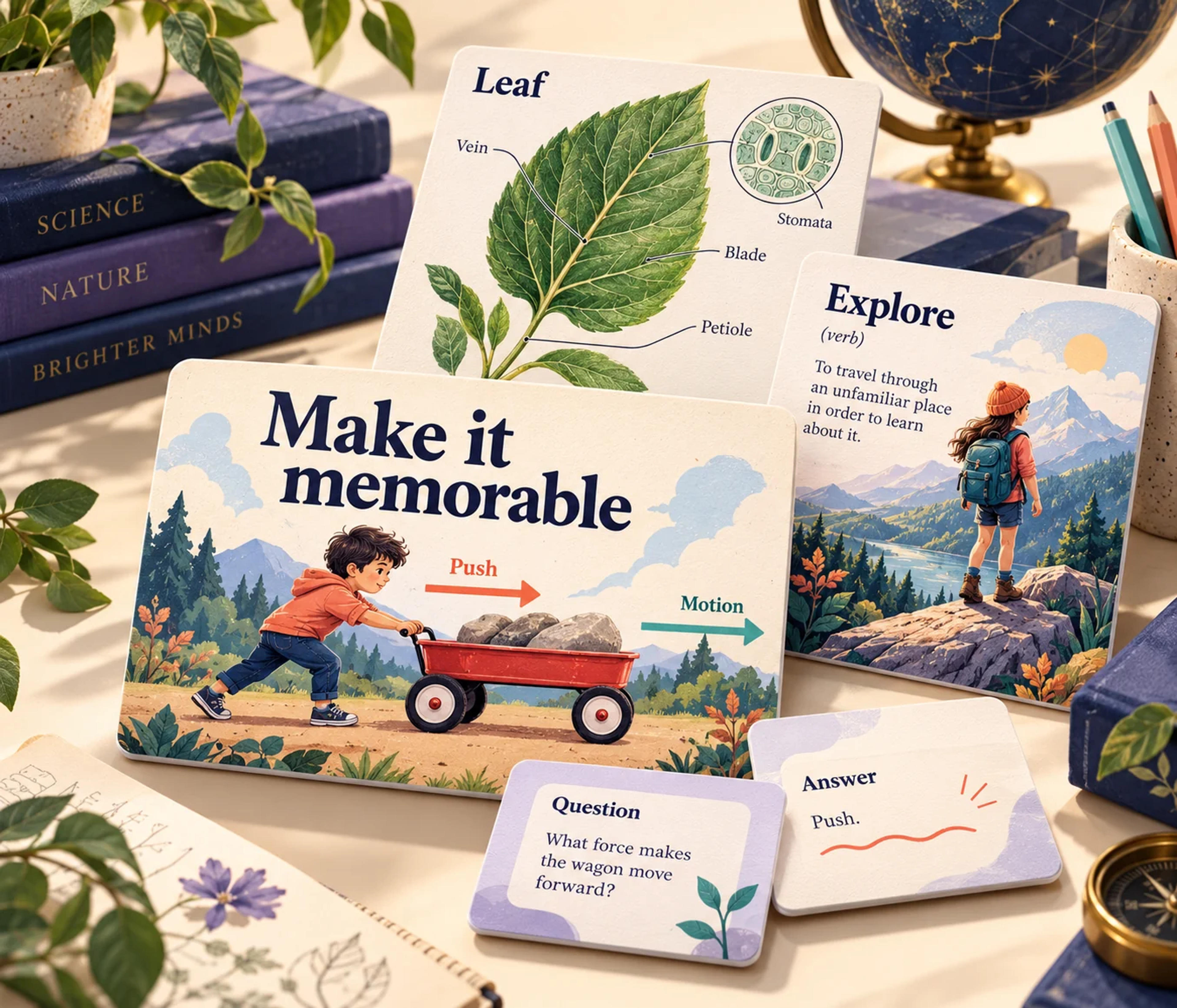
Illustrations, diagrams, and thoughtful layouts turn a definition into something you can picture. Build cards that explain a force, show a biological process, or put a new word in context.
Go from generated cards to paper in one click. Put a set on the study table, bring it to a tutoring session, or hand it out for a classroom review.
Export an editable PPTX and keep shaping the set. Rewrite a question, adjust a diagram, change the layout, or bring your favorite cards into a lesson deck.
One AI flashcard maker for the material you already have and the ideas you want to explore.
Upload PDFs, Word documents, or PowerPoint slides. Turn course notes, readings, and teaching materials into a focused set of questions and answers.
Paste a video or website link. Make flashcards from an educational YouTube lesson, an online explanation, or a reference article you want to revisit.
Paste a passage of text or describe a topic. Specify the audience, language, and ideas to cover, then let SlidesPilot develop the cards and their visual style.
Upload a file, paste a link or text, or enter a topic. Start with a whole lesson or focus on one concept you want to understand.
Choose your audience, language, length, and visual style. Add instructions such as “explain the vocabulary with everyday examples” or “focus on Newton’s three laws.”
Explore your question-and-answer cards. Print the set in one click or export editable PowerPoint to adapt it for your next lesson or revision session.
An AI flashcard generator turns learning material into question-and-answer cards. SlidesPilot also designs the finished set with illustrations, diagrams, and clear layouts, so you can study visually, print your cards, and edit them in PowerPoint.
Yes. Paste your notes or upload a PDF, Word document, or PowerPoint. For a textbook chapter, add instructions about the concepts or terminology you want to practice. SlidesPilot builds a visual study set around that material.
Yes. Paste the link and describe what you want to learn. You can turn a video lesson or reference article into cards for recalling key ideas, explaining processes, or practicing new vocabulary.
Yes. SlidesPilot supports one-click printing, so your AI-generated flashcards can become paper study materials for home revision, tutoring, and classroom activities.
Yes. Export your flashcards as an editable PPTX. You can customize the text and design in PowerPoint, combine cards with your existing slides, and reuse the set for another audience.
Yes. Set the output language and audience, then use your instructions to shape the depth, vocabulary, examples, and style. Create a friendly introduction for young learners or a more detailed review for an advanced course.
Turn a PDF chapter or handout into focused question-and-answer cards.
Give lecture notes and pasted text a question side for revision.
Carry the ideas from a YouTube lesson into a visual recall set.
Explain words, processes, and concepts through scenes and diagrams.
Make illustrated cards you can take to the study table or classroom.
Explore eleven complete illustrated sets and download their PDFs.
Generate cards, then edit and arrange the exported PPTX in PowerPoint.
Build visual questions and answer explanations for your next lesson.
Bring your learning material. Leave with beautiful flashcards you can flip, print, and keep editing.