
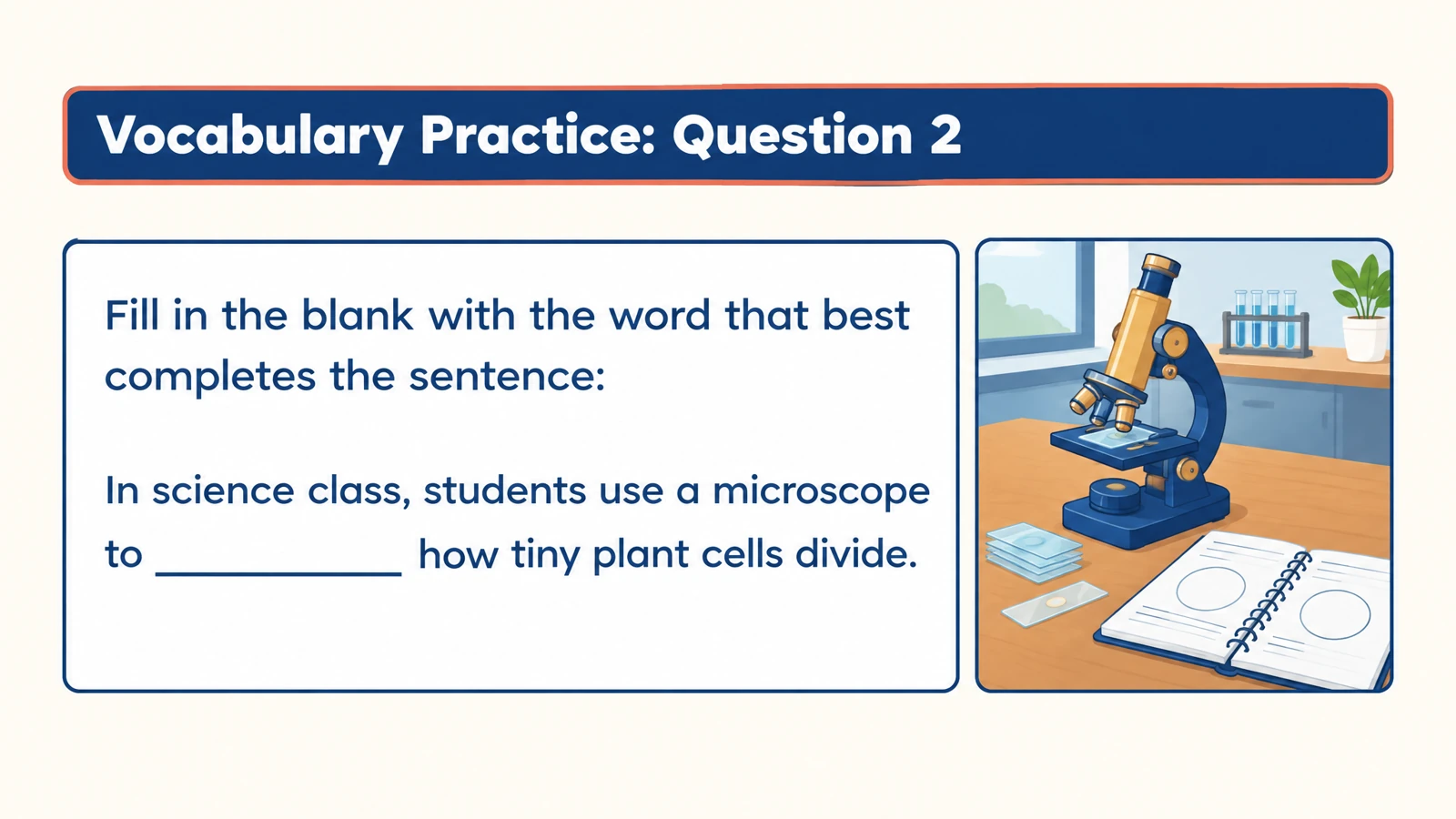
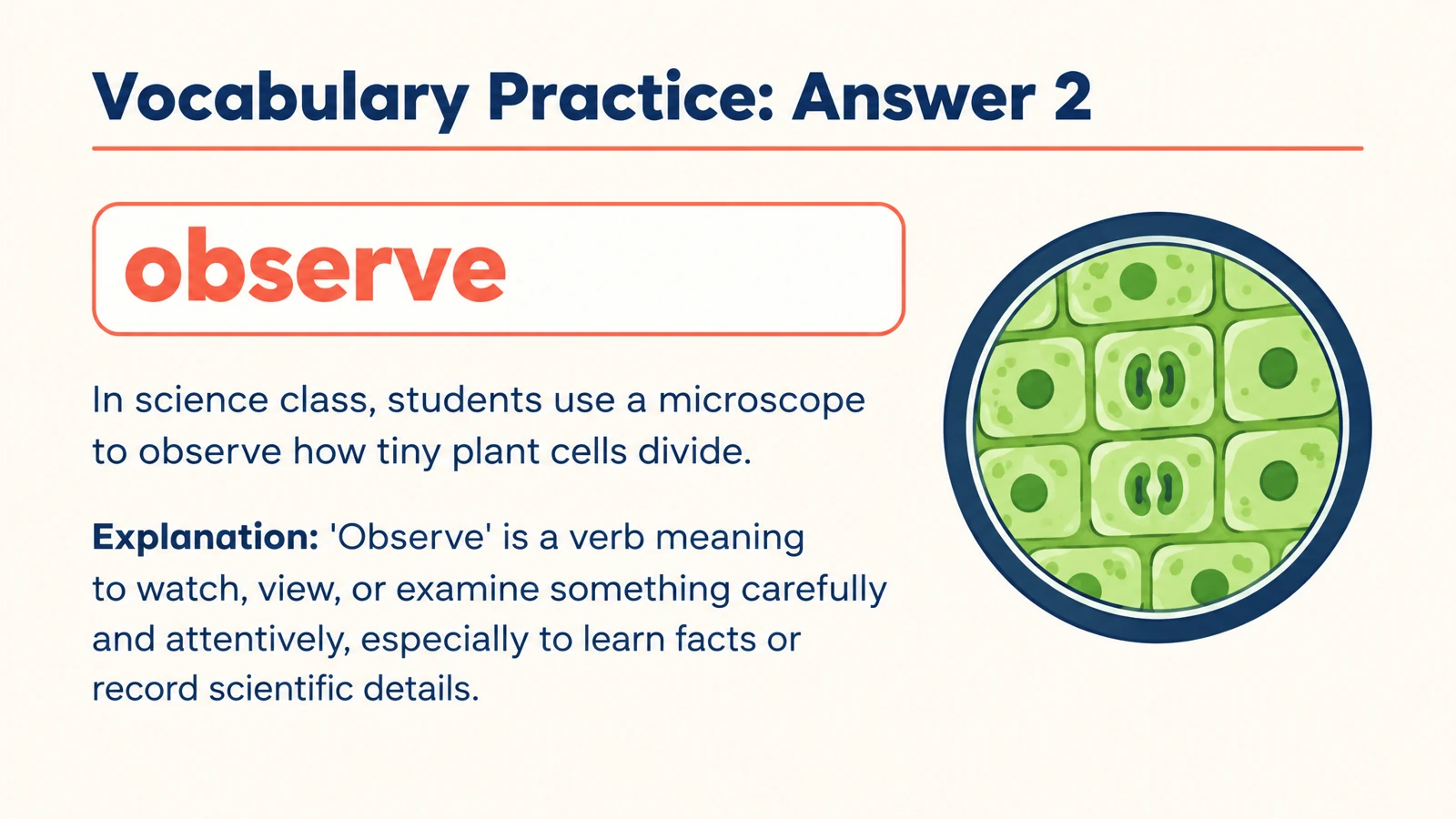


Check key distinctions
Use matching or multiple-choice questions to separate related terms. A handout about thermodynamics might ask learners to distinguish a system from its surroundings.
Make a quiz from your Word handout, with visual questions and explanations for a reading check or recap.
Drag and drop your files here.
Paste a link from YouTube, TikTok, X/Twitter, Instagram, Facebook, or any website.
SlidesPilot transforms Word material into a question-and-answer set. Shape the quiz around what learners should recognize, explain, or apply.
Use matching or multiple-choice questions to separate related terms. A handout about thermodynamics might ask learners to distinguish a system from its surroundings.
Ask how the document’s explanation would work in a concrete situation. Move from naming a concept to choosing or explaining an example.
Answer explanations give each question a useful second stage. Discuss the reasoning with a class or return to it during independent revision.
The same source can support different teaching moments, each with its own focus.
Create an opening check from the assigned handout. Use the responses to decide which ideas deserve more discussion.
Turn a training document into short discussion rounds. Present the questions, invite an explanation, then reveal the answer.
Print a practice set for learners to complete at their own pace. Keep answer pages for the review session or export PPTX to tailor the follow-up.
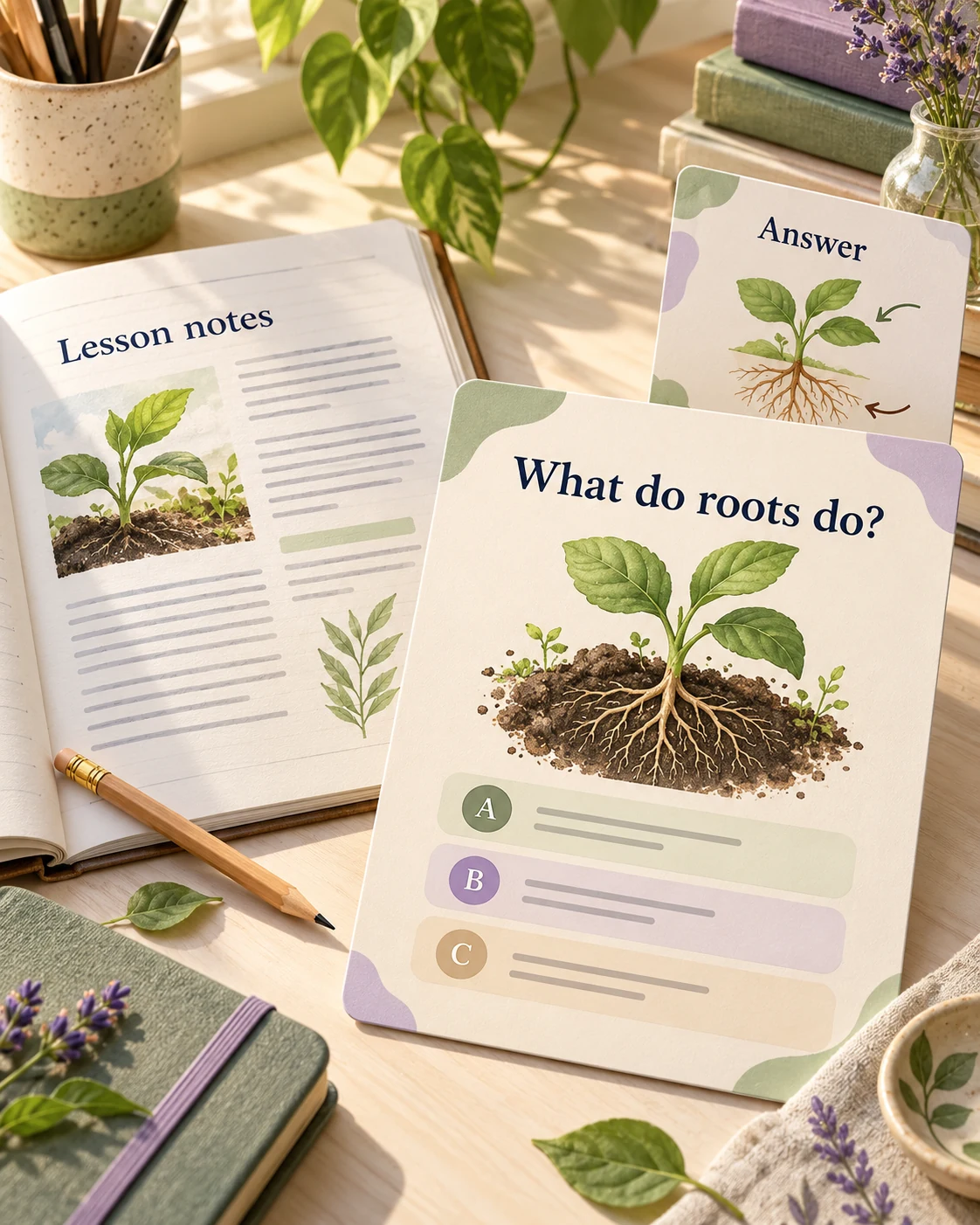
Add your Word lesson, handout, guide, or training material.
Choose question type, audience, language, and length. Name the sections or learning goals to emphasize.
Use the designed questions and answers on-screen, print them, or export editable PowerPoint.
Upload the document, choose your quiz settings, and generate. SlidesPilot uses its content to create visual questions with answer pages and explanations.
Yes. Both can provide the material for the quiz. Describe the learners and the practical knowledge you want the questions to cover, such as terminology, procedures, or comparisons.
Request multiple-choice, matching, true-or-false, or fill-in-the-blank practice. Choose the format that fits the knowledge you want learners to demonstrate.
Yes. Name the headings or concepts in your instructions, or upload a document containing your chosen excerpt. This keeps a short quiz aligned with a specific lesson.
Yes. The generated set includes answer pages with explanations. Use them for a classroom walkthrough, a trainer-led discussion, or independent review.
Yes. Use the page selection in your browser print dialog to print the question pages or the answer pages you need. You can also save your selection as PDF.
The editable export is PPTX. Open it in PowerPoint to adapt text and visual elements, then print or present the version you want to use.
Yes. Switch to Paste in text for an excerpt, notes, or a short lesson. The other input tabs remain available while the output stays a quiz.
Make Word handouts and study documents useful for active recall.
Create practice questions from a PDF reading or course document.
Use your notes to check what you can recall, connect, and explain.
Turn teaching slides you already have into a quiz on the same material.
Create a clear question, answer options, and a useful explanation.
Connect terms with definitions, examples, and related concepts.
Prepare question pages and answers for a paper-based activity.
Organize a practice set around your revision topics and goals.
Start with the Word document you already have.