


Main idea
Ask which idea brings the passage together. In the water-cycle example, the central point is the continuing movement of water through Earth and the atmosphere.
Generate questions about main ideas, details, vocabulary, and inference, with answers grounded in your passage.
Drag and drop your files here.
Paste a link from YouTube, TikTok, X/Twitter, Instagram, Facebook, or any website.
SlidesPilot turns a passage into visual comprehension practice. Name the skills you want to develop so the activity follows the meaning of the text.
Ask which idea brings the passage together. In the water-cycle example, the central point is the continuing movement of water through Earth and the atmosphere.
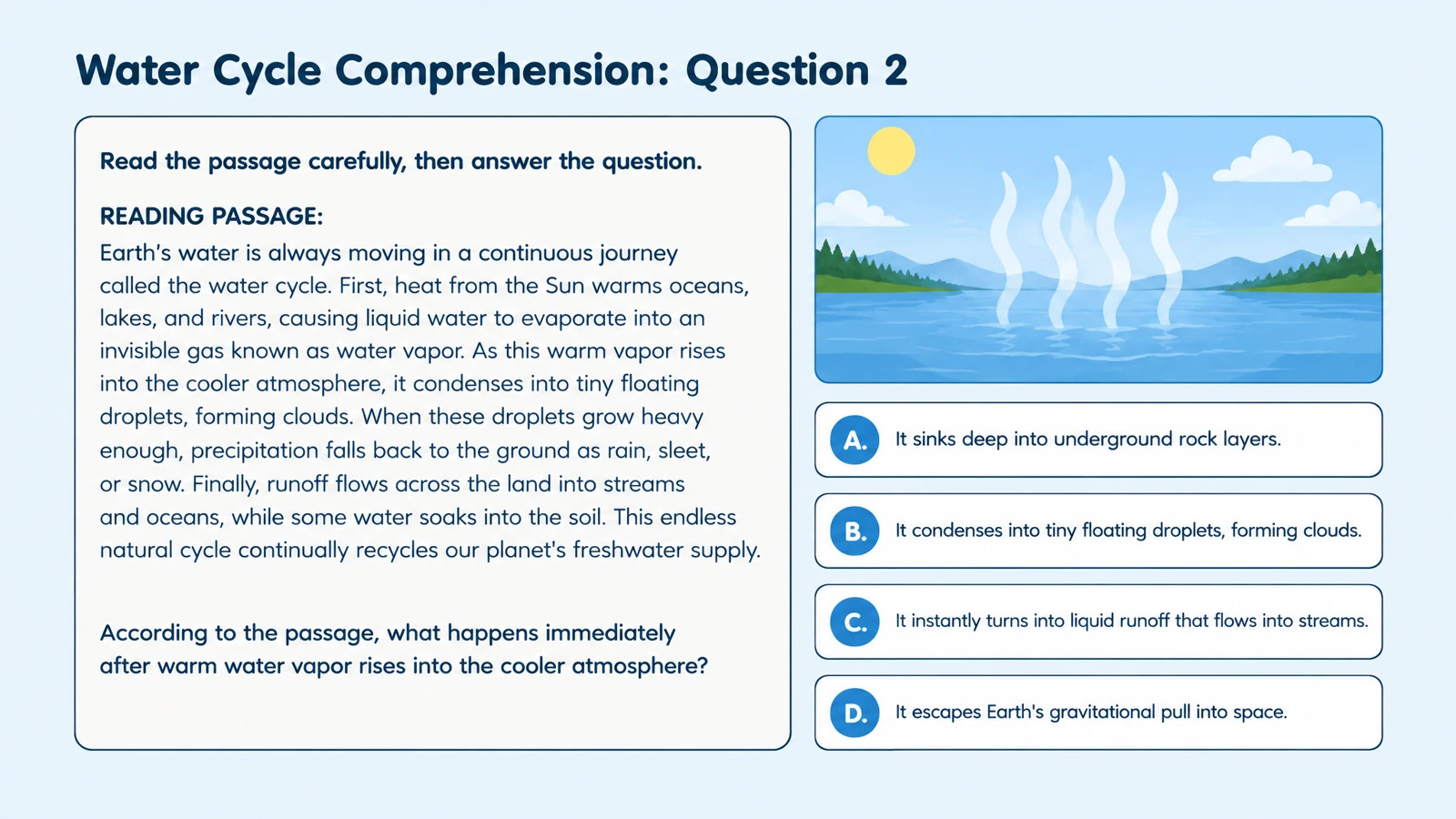
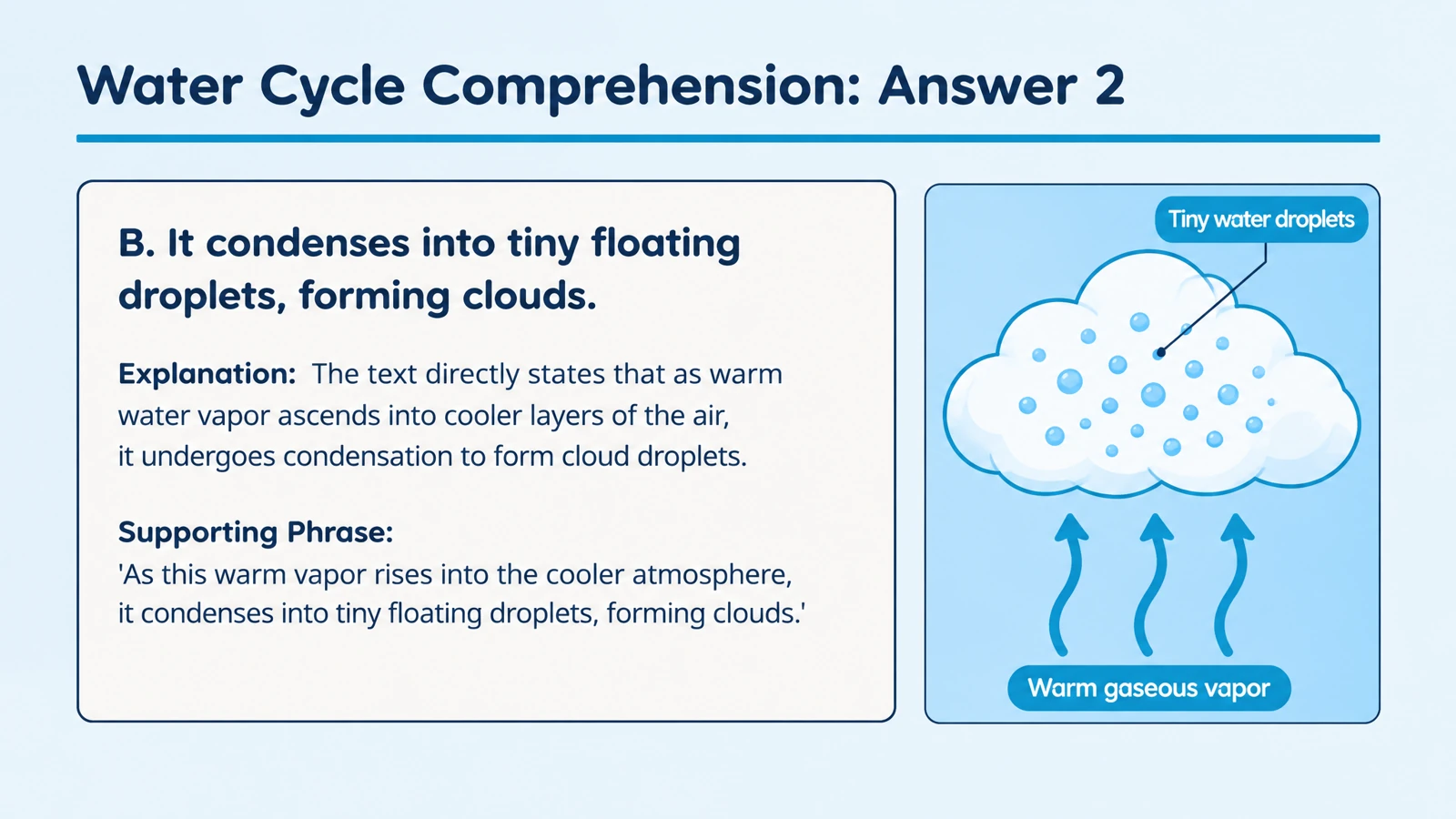
Focus on information stated in the passage. A question can ask what happens to water vapor as it cools, then connect the answer to the explanation.
Ask what a word means in the sentence where it appears. The surrounding passage gives learners evidence for choosing the meaning.
Use questions about what happens next or how one stage leads to another. This helps learners follow the structure of an explanation.
Ask learners to connect ideas from the passage to reach a supported conclusion. Keep the requested inference within the information the reading provides.
Use the explanation to return to the relevant wording or idea. The review becomes another pass through the meaning of the text.
Add the passage, or upload a document containing it. Use Paste link when your reading is on a webpage.
Choose audience, language, length, and question type. Name the reading skills you want included.
Use the question and answer pages for class, print a practice copy, or adapt the PPTX for your learners.
Make the questions useful before, during, and after discussion.
The same reading can support independent practice, a group discussion, or a more focused follow-up. Give each version a clear reading skill and a useful next action.
Guide independent reading: Create a focused set around the passage’s central ideas. Learners have a clear purpose for the reading they are about to complete.
Support a small-group conversation: Invite learners to explain what in the text supports their answer. Reveal the generated explanation after the group has discussed the question.
Prepare another version: Change the learner level or focus for a fresh set, or edit the PPTX to adjust the wording and add your own follow-up question.
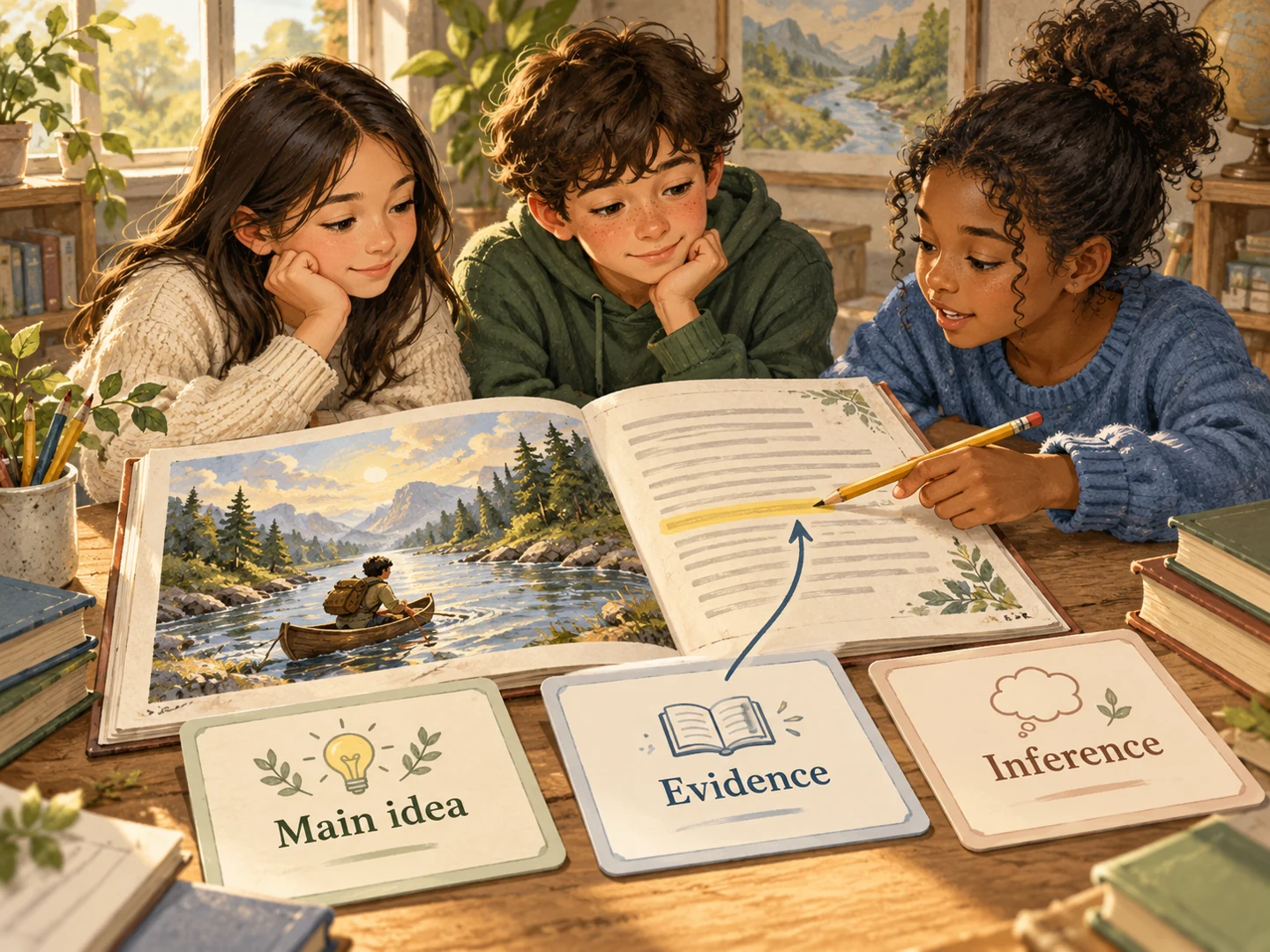
Paste the passage, choose quiz settings, and name the reading skills you want to cover. SlidesPilot creates questions and answer explanations from the text.
Yes. Specify those skills in your instructions. You can request a focused activity on one skill or a set that covers several aspects of comprehension.
Yes. Add the passage and describe the learning objective. For fiction, focus on characters, events, and interpretation; for nonfiction, ask about explanations, evidence, and relationships.
Yes. Choose multiple choice and describe the audience and skills. Use the answer explanations to discuss why the selected answer fits the passage.
Yes. Specify the age or reading level and choose the output language. Ask for direct questions and accessible wording or a more demanding interpretation task.
Yes. Switch to Paste link and add the URL. The website-to-quiz page also explains how to create a reading activity directly from an online article.
Yes. Answer pages provide explanations for review. Ask for references to the relevant passage ideas when you want the discussion to return closely to the text.
Yes. Print selected pages or export editable PPTX. Use PowerPoint to adapt the questions, add a discussion prompt, or combine the activity with your lesson.
Give assigned online reading a focused comprehension activity.
Turn a chapter into recall, comparison, and application questions.
Build questions from a Word lesson, guide, or training handout.
Practice vocabulary and subject terms inside meaningful sentences.
Practice meanings, relationships, and words in context.
Prepare question pages and answers for a paper-based activity.
Turn an online article into questions you can revisit after reading.
Build visual questions and answer explanations for your next lesson.
Create a reading activity around the skills you want to develop.