
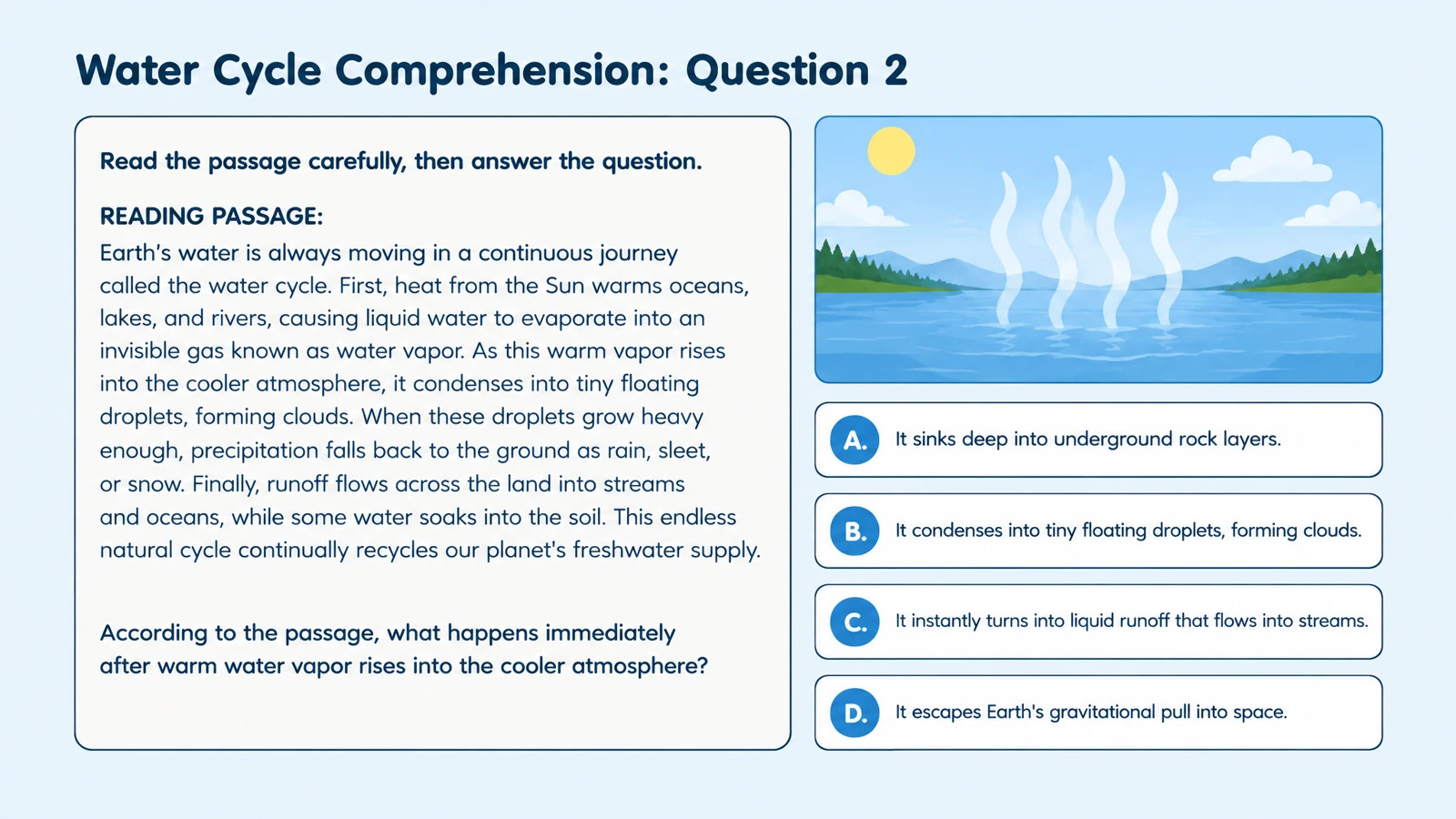
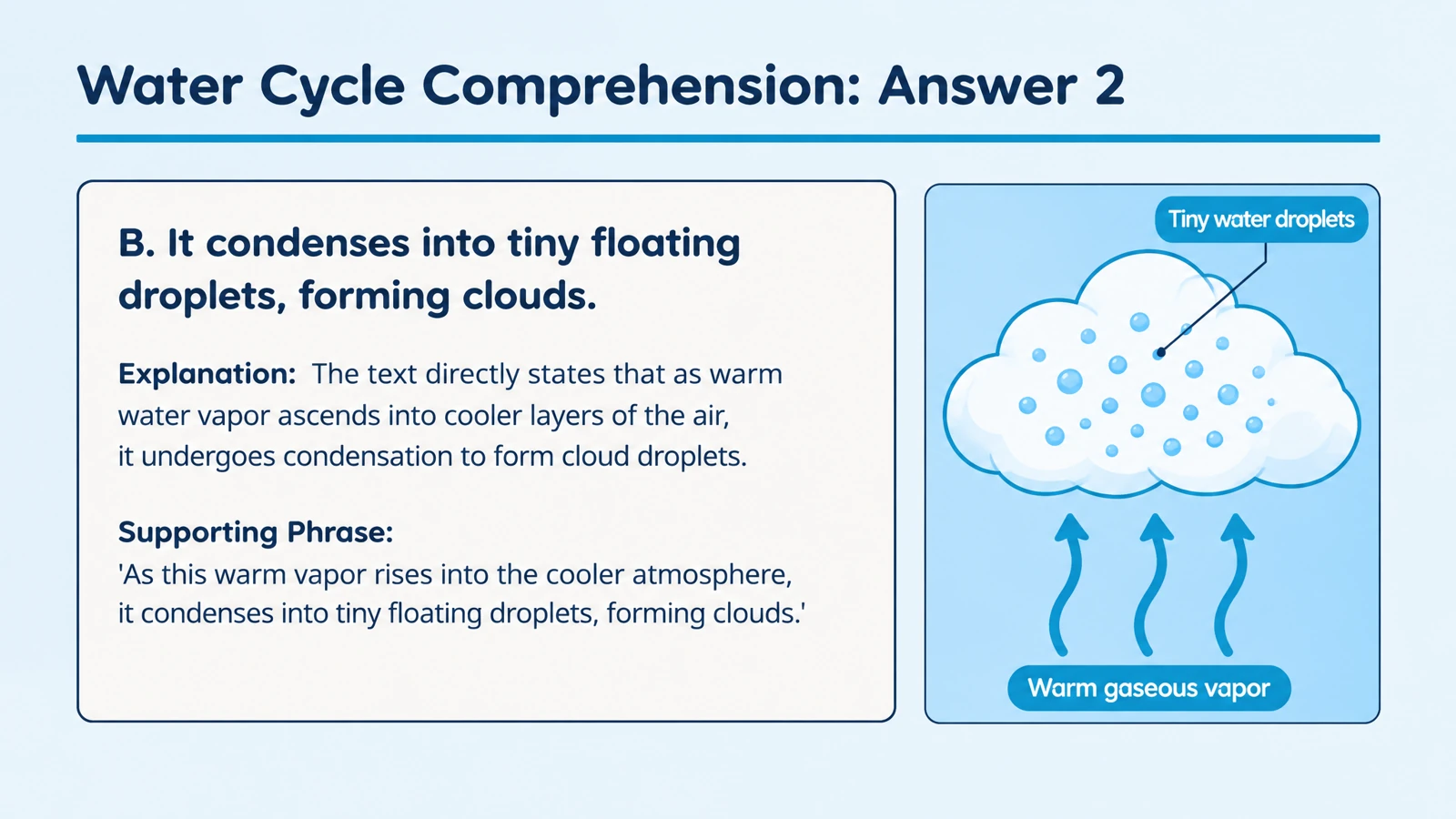


Bring relationships into view
Visual layouts and diagrams help explain how terms, processes, and concepts fit together. Your quiz can test understanding of the reading, not simply recognition of its headings.
Create quiz questions and visual answer explanations from a PDF chapter, handout, or course reading.
Drag and drop your files here.
Paste a link from YouTube, TikTok, X/Twitter, Instagram, Facebook, or any website.
Start with a reading assignment, lecture handout, training guide, or textbook chapter saved as a PDF.
Choose the audience and question type. Tell SlidesPilot which concepts or sections to emphasize.
Reveal the answers for discussion, print the quiz for practice, or export an editable PowerPoint deck.
Turn the ideas in the PDF into a resource learners can use.
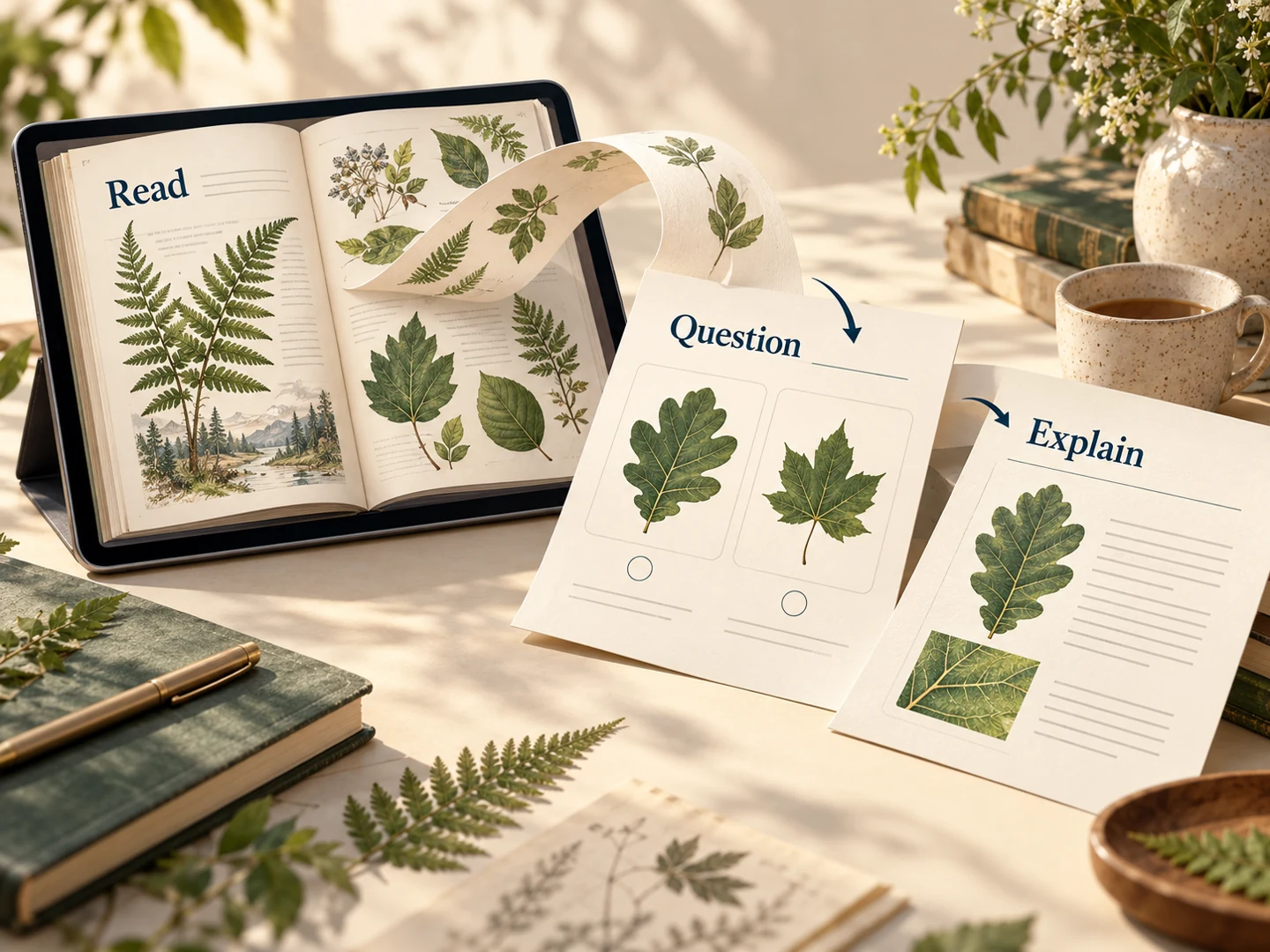
Visual layouts and diagrams help explain how terms, processes, and concepts fit together. Your quiz can test understanding of the reading, not simply recognition of its headings.
Build multiple-choice, matching, true-or-false, or fill-in-the-blank questions around your learning objective. Set the question format in the generator.
Generated answer pages give you a natural follow-up to each question. Use them to guide a review session or let learners compare their reasoning.
Keep the same source material working across class preparation and independent practice.
Print the designed questions for a small-group exercise or a follow-up assignment. The answer pages support your walkthrough afterward.
Download PPTX and adapt the questions in PowerPoint. Add a class-specific example, change the order, or bring a question into an existing presentation.
Work through the quiz after reading the PDF, then reveal the explanations. Use the questions to revisit definitions, compare ideas, and prepare examples to discuss at the next session.
Upload your PDF, choose the quiz format and audience, and describe the material you want covered. SlidesPilot turns the document’s ideas into designed questions and answer explanations. Use the result for independent practice, a classroom exercise, or an editable PowerPoint recap.
Start with a textbook chapter, reading assignment, lecture handout, training guide, or report. Name the concepts or sections you want the quiz to emphasize. The same source can support a quick reading check or a more detailed discussion of processes, comparisons, and applications.
Yes. Use your instructions to identify the chapter, subject, or learning objectives that matter for the activity. Ask for key definitions, comparisons, or examples from that material. Set the audience and depth so the resulting questions suit your class or revision session.
Choose multiple choice, matching, true or false, or fill in the blank. A glossary can support matching practice, while a chapter explaining a process can support questions about its steps and outcomes. Add instructions about how you want learners to demonstrate their understanding.
Yes. SlidesPilot generates answer pages with explanations to support review and discussion. Reveal them after a question, use them to guide your walkthrough, or keep them available for independent study. The quiz becomes a reusable learning resource alongside the original PDF.
Yes. Select the output language and audience, and describe the vocabulary and depth you want. Turn the same reading into introductory practice for one group or a more detailed recap for another. You can keep adjusting the wording in the exported PowerPoint.
Yes. Open Print on the completed set and select the question pages using the page-range controls. Keep the answer pages for your explanation afterward. You can also choose Save as PDF in the print dialog to keep the selected pages as a digital handout.
Yes. Export editable PPTX to revise a question, add an example from class, or change the layout and order. Bring selected questions into an existing lesson presentation or keep a separate revision deck. Your source PDF remains the starting point for a new, adaptable resource.
Turn a PDF chapter or handout into focused question-and-answer cards.
Turn a chapter into recall, comparison, and application questions.
Ask focused questions about study design, evidence, and interpretation.
Build questions from a Word lesson, guide, or training handout.
Create a clear question, answer options, and a useful explanation.
Connect terms with definitions, examples, and related concepts.
Prepare question pages and answers for a paper-based activity.
Organize a practice set around your revision topics and goals.
Turn your next PDF into questions learners can answer, discuss, and take away.