


Terms and definitions
Turn a glossary into a set of relationships learners can work through. Use the answer pages to explain what distinguishes similar terms.
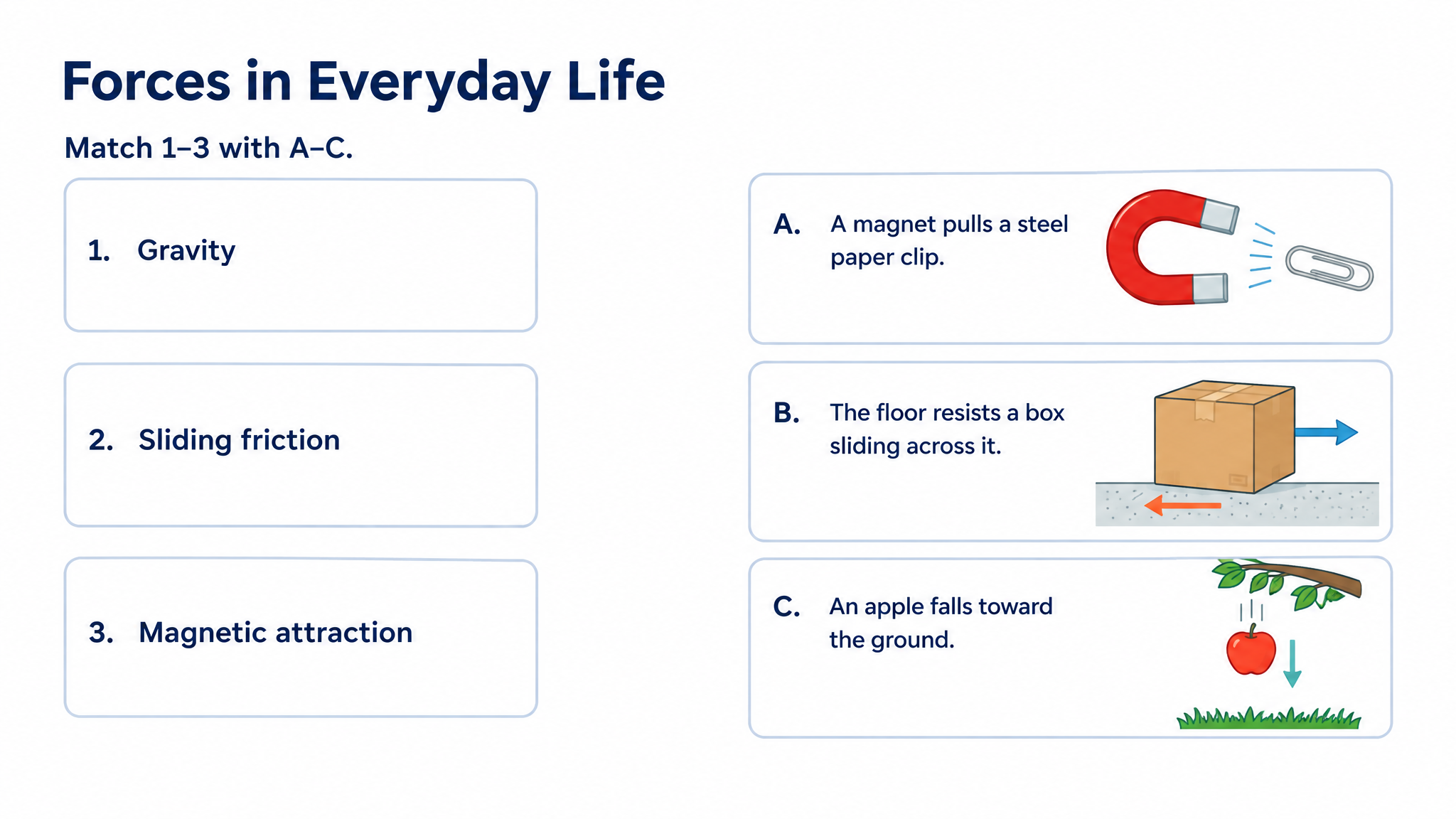
Turn terms, definitions, and examples into visual matching questions with answer explanations.
Drag and drop your files here.
Paste a link from YouTube, TikTok, X/Twitter, Instagram, Facebook, or any website.
Use matching questions when knowing how two ideas connect is the point.
Turn a glossary into a set of relationships learners can work through. Use the answer pages to explain what distinguishes similar terms.
Connect an abstract idea with an everyday situation, a diagram, or a concrete example. Make the relationship visible as well as verbal.
Ask learners to connect each instrument, process, or energy source with the feature that defines it. The science example above pairs measuring instruments with their functions and renewable sources with their examples.
A matching quiz can do more than pair two lists. Build an activity that helps learners recognize relationships, discuss their choices, and carry the idea into a new example.
Pair a scientific term with its function, an unfamiliar word with its meaning, or a historical event with its consequence. Tell SlidesPilot which relationship matters so the exercise has a clear learning purpose.
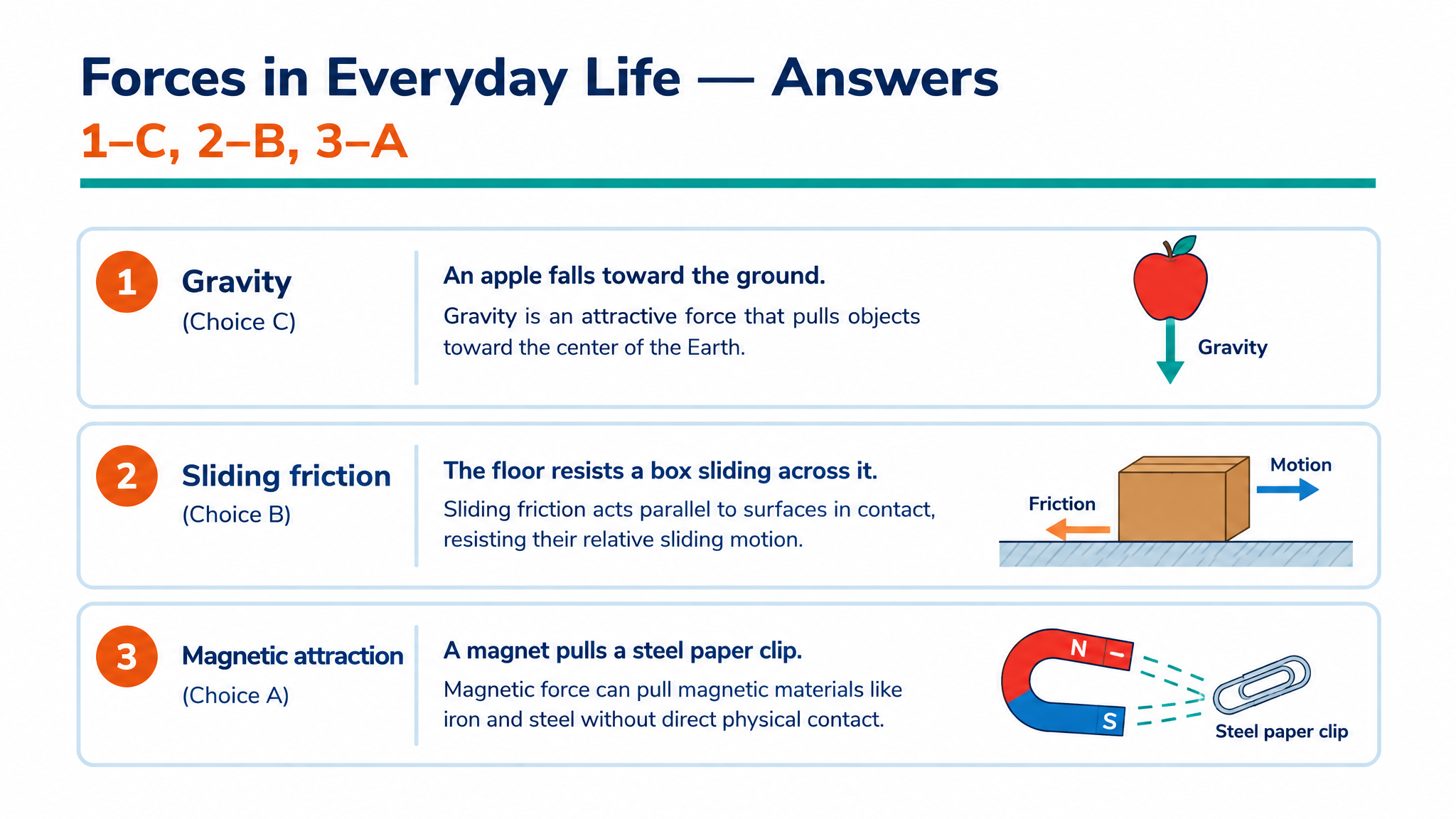
Use the generated answer pages to show what connects each pair. A picture, diagram, or concrete example gives learners something to point to when they explain why their match makes sense.
Print question pages for an individual exercise, discuss the answers on-screen, or export editable PPTX to adapt the terms for your class. Keep the same relationships available for a later recap.
Paste related terms and definitions, upload a lesson file, or enter a topic.
Choose matching questions and describe what should be paired, such as concepts with examples or terms with definitions.
Use the designed questions and answers on-screen, print the set, or download editable PPTX.
Paste the terms and definitions, upload a lesson file, or describe a topic. Choose matching questions and explain the relationship you want learners to practice. SlidesPilot creates designed exercises and answer pages that you can present, print, or export as editable PowerPoint.
Build pairs around concepts and examples, processes and functions, categories and characteristics, or events and consequences. Describe the relationship in your instructions. For example, a science activity can connect a structure with its function, while a language activity can match a word to a familiar situation.
Yes. Paste your vocabulary, glossary, or lesson notes and specify which terms belong in the exercise. Include definitions or examples when you want to use particular wording. The exported PowerPoint also lets you adjust individual pairs and explanations for your class.
Yes. The generated set includes answer pages showing the matches and explaining the relationships. Use them after learners complete the exercise to discuss why each pair belongs together. They also give students a way to revisit the material during independent practice.
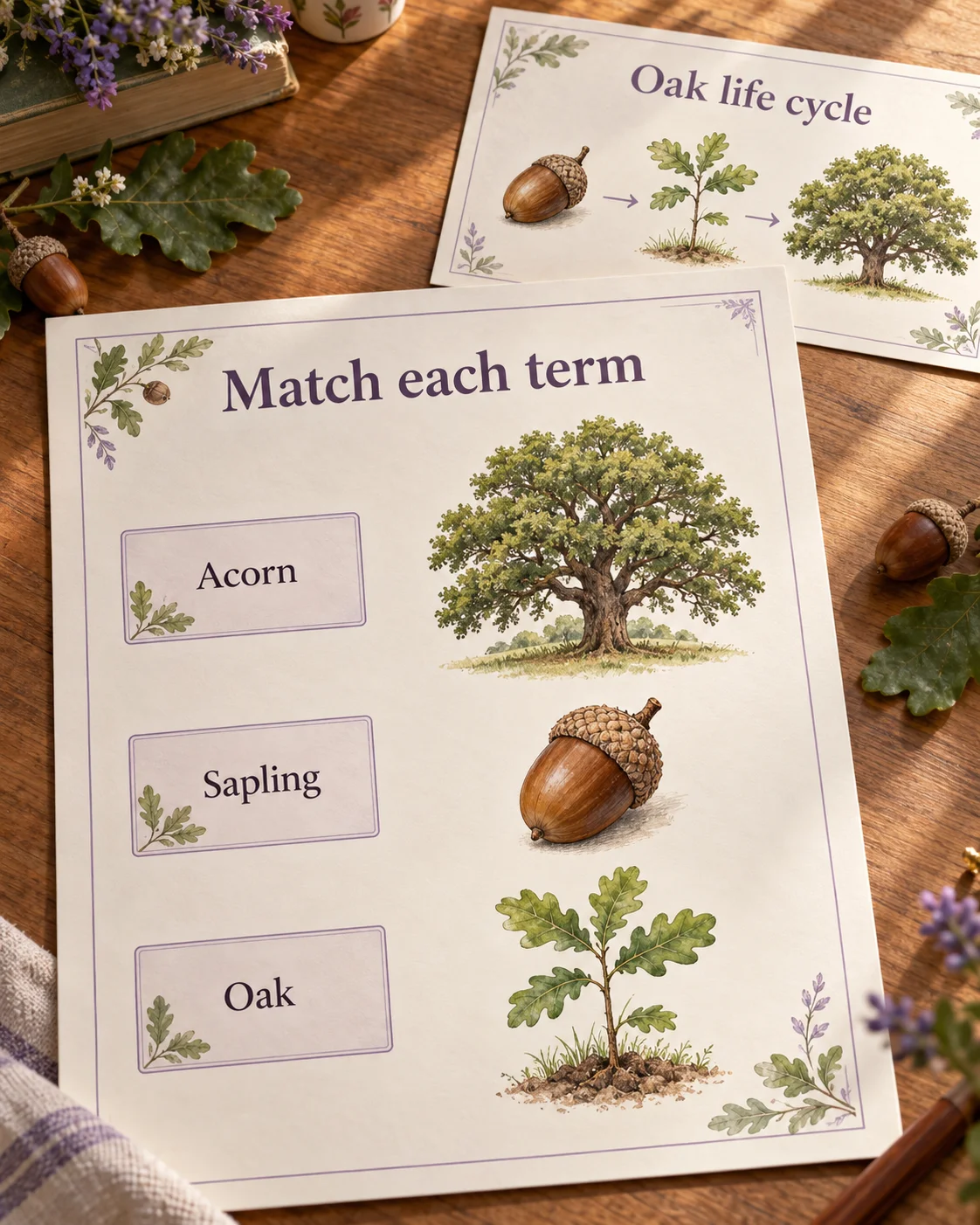
Yes. SlidesPilot combines matching questions with designed layouts, illustrations, and visual explanations. Ask for examples that help learners recognize the relationship, such as a picture linked to a term or a diagram supporting a scientific concept. The preview above shows a matching activity with answer explanations.
Yes. Choose the audience and output language and describe the complexity you want. A beginner set can connect clear everyday terms, while a more advanced set can distinguish closely related concepts. Tell SlidesPilot what learners should understand by the end of the activity.
Yes. Open Print on the completed set and use the page-range controls to select the question pages for learners. Print the corresponding answer pages separately for your walkthrough, or keep them on-screen while the group discusses its choices.
Yes. Export editable PPTX to change terms, revise definitions, replace examples, or rearrange the layout. Keep a version for the current lesson and adapt it for another group. You can also bring selected matching questions into a larger teaching presentation.
Practice meanings, relationships, and words in context.
Create a clear question, answer options, and a useful explanation.
Practice vocabulary and subject terms inside meaningful sentences.
Use a focused statement to start a clear explanation of the answer.
Create practice questions from a PDF reading or course document.
Prepare question pages and answers for a paper-based activity.
Create an editable quiz presentation for the shared classroom screen.
Connect useful words with meanings, scenes, and your own examples.
Build a matching quiz that looks clear, explains the answers, and is ready for your classroom.