
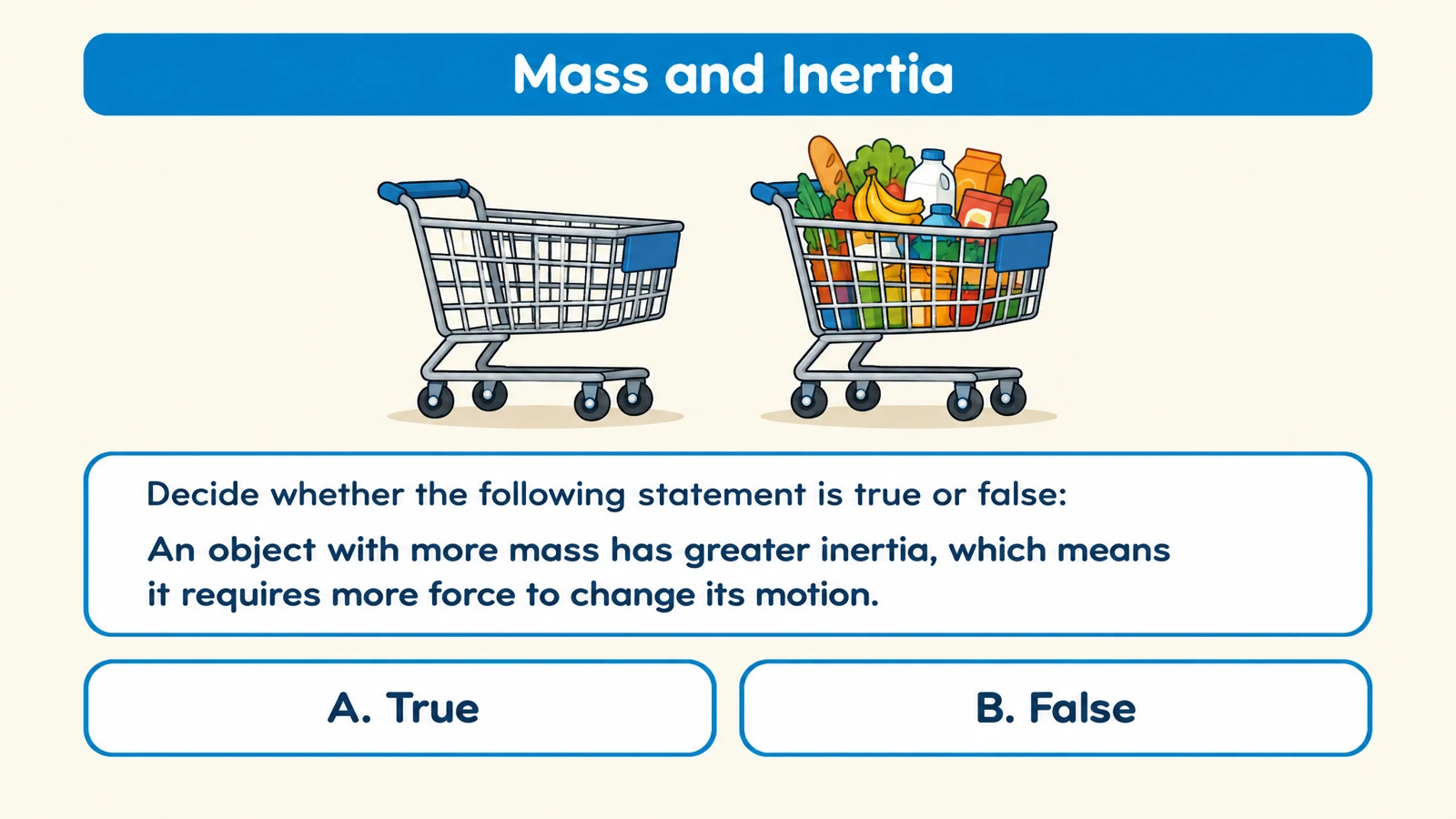


Separate related ideas
Request statements that test a meaningful distinction. In a motion lesson, learners can compare speed with velocity or balanced forces with changing motion.
Create true-or-false questions with explanations for a quick knowledge check or classroom discussion.
Drag and drop your files here.
Paste a link from YouTube, TikTok, X/Twitter, Instagram, Facebook, or any website.
SlidesPilot creates true-or-false practice that gives a statement a useful follow-up. Ask learners to make a judgment, then explain the concept behind it.
Request statements that test a meaningful distinction. In a motion lesson, learners can compare speed with velocity or balanced forces with changing motion.
Name the misunderstanding you want to address. A carefully focused statement makes it easier to discuss why the reasoning needs to change.
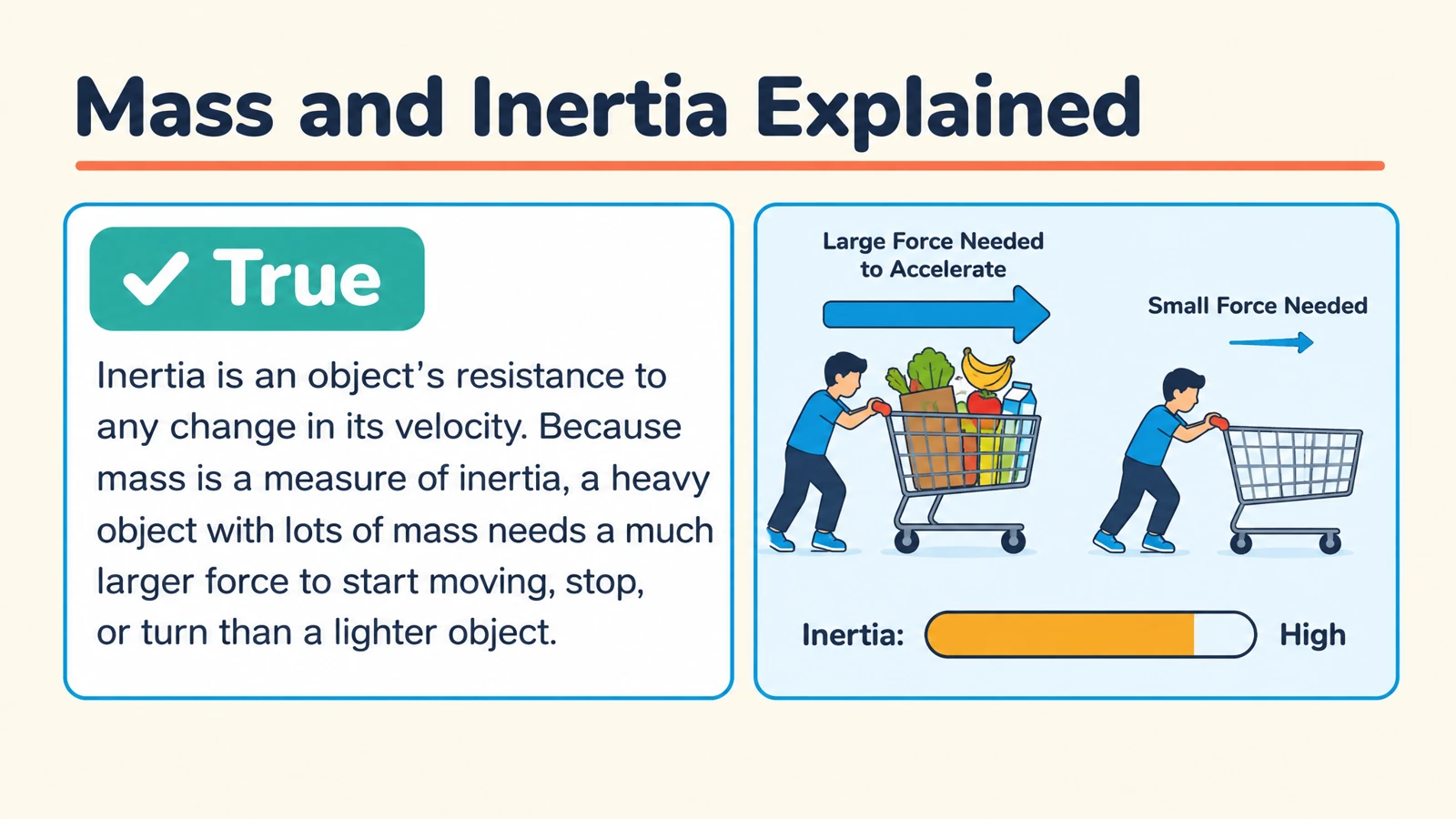
Ask learners to explain a statement using a familiar situation. The visual answer page can give the discussion a concrete reference.
Use your instructions to make the practice clear and purposeful.
Ask for a single idea in each statement. This keeps the judgment and its explanation centered on the same learning objective.
Describe the audience and the lesson. An introductory forces check needs different wording from an advanced mechanics review.
Request a reason for each answer. Use the review to discuss the concept and ask learners to express a corrected statement when needed.
Paste notes, upload a document, add a link, or describe a topic.
Request true-or-false questions and specify concepts, audience, language, and length.
Present or print the statements, then reveal the explanations. Export PPTX to adapt the set.
Add your learning material, select or request true-or-false practice, and describe the audience and focus. SlidesPilot creates statement questions with answer explanations.
Yes. Paste your notes or upload a document. Name the concepts you want the statements to check so the practice follows your lesson.
Yes. Describe the misunderstandings you want to address. Ask for focused statements and explanations that clarify the distinction.
Yes. Include that preference in your instructions. You can also specify the topic coverage and level of challenge for the set.
The generated answer pages include explanations. Ask for a corrected statement when you want the review to show how the idea should be expressed.
Yes. Create a short set, invite learners to decide and explain, then reveal the answer. Print or project the activity depending on the class.
Yes. Choose the question pages in the print dialog and print the answer pages as a separate review copy.
Yes. Export editable PPTX and adapt the wording, examples, and visual elements in PowerPoint.
Create a clear question, answer options, and a useful explanation.
Connect terms with definitions, examples, and related concepts.
Practice vocabulary and subject terms inside meaningful sentences.
Organize a practice set around your revision topics and goals.
Prepare question pages and answers for a paper-based activity.
Create an editable quiz presentation for the shared classroom screen.
Connect questions, variables, fair tests, and evidence.
Build visual questions and answer explanations for your next lesson.
Create statements that focus attention on the ideas you teach.