
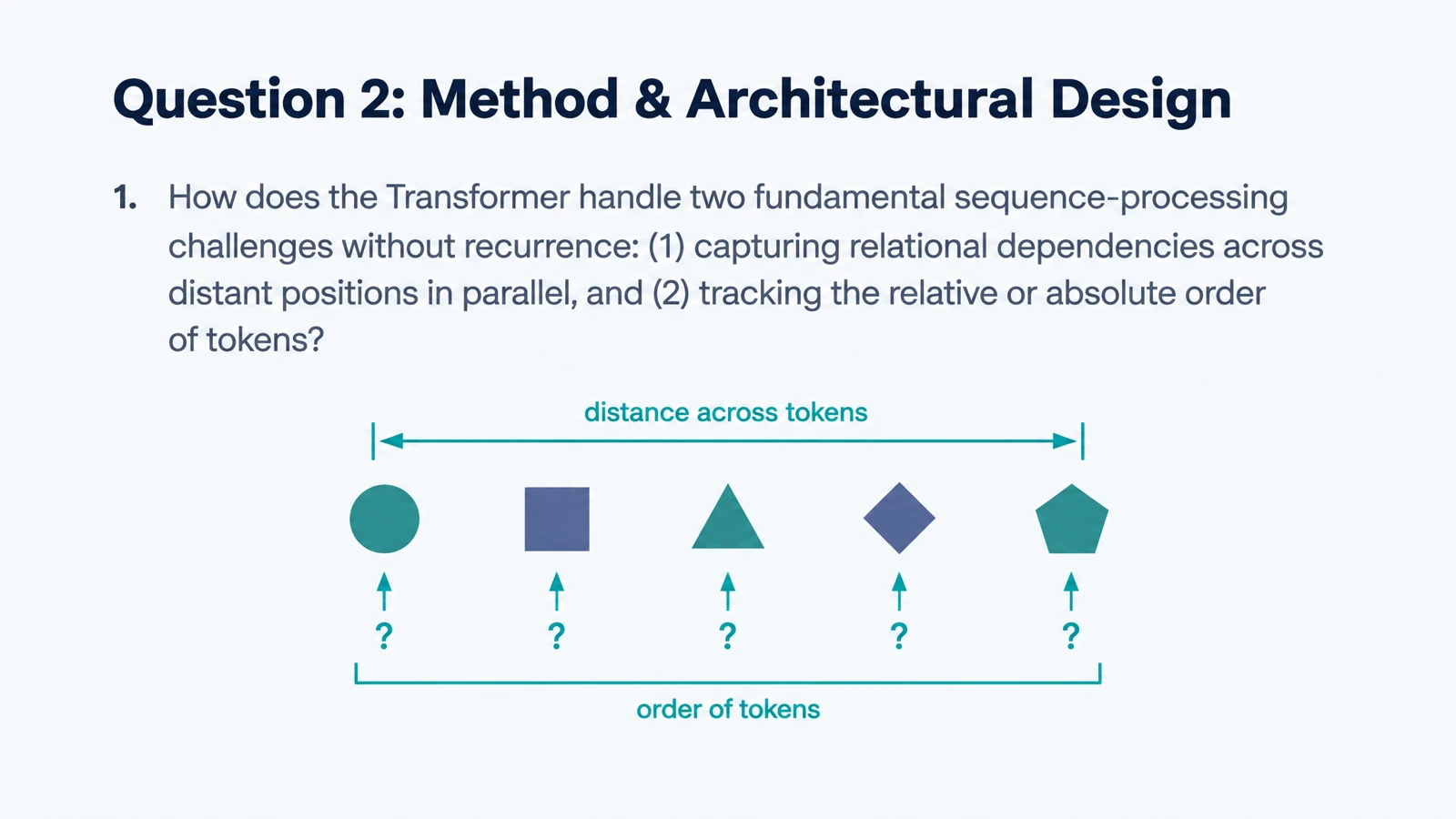
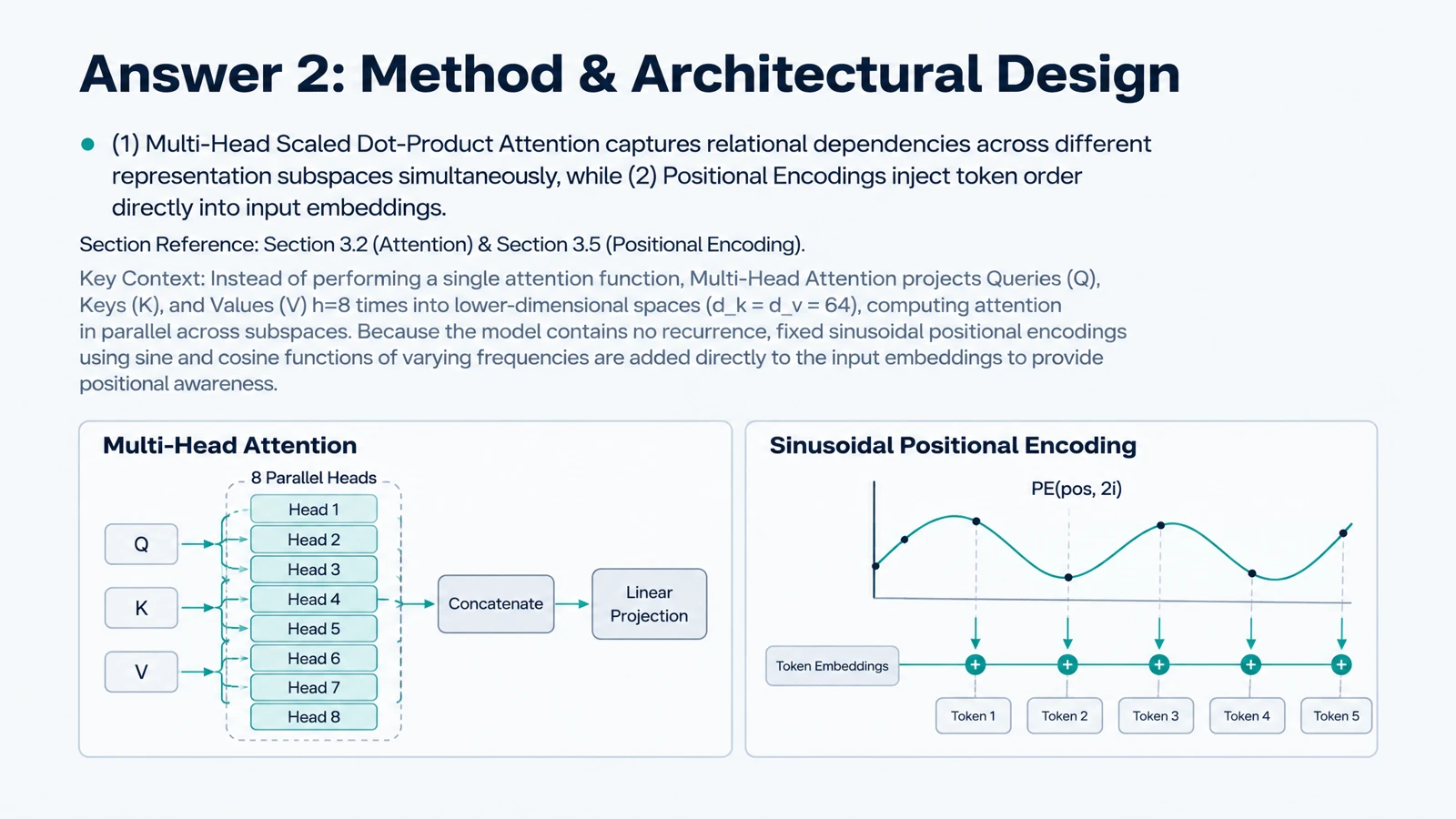


What problem does the paper address?
Begin with the gap, question, or objective. Ask what the authors wanted to understand and why their approach mattered in the context of the work.
Create illustrated cards around a paper’s question, methods, and findings for seminars or journal-club discussions.
Drag and drop your files here.
Paste a link from YouTube, TikTok, X/Twitter, Instagram, Facebook, or any website.
SlidesPilot turns academic reading into questions you can explain. Organize your instructions around the paper’s reasoning, so the set supports a meaningful conversation about the research.
Begin with the gap, question, or objective. Ask what the authors wanted to understand and why their approach mattered in the context of the work.
Request cards about the method, model, variables, or comparisons. A clear question about the design can make a dense methods section easier to discuss.
Focus on the central findings and the relationship between results and conclusions. Ask for the distinctions you want to explain to someone else.
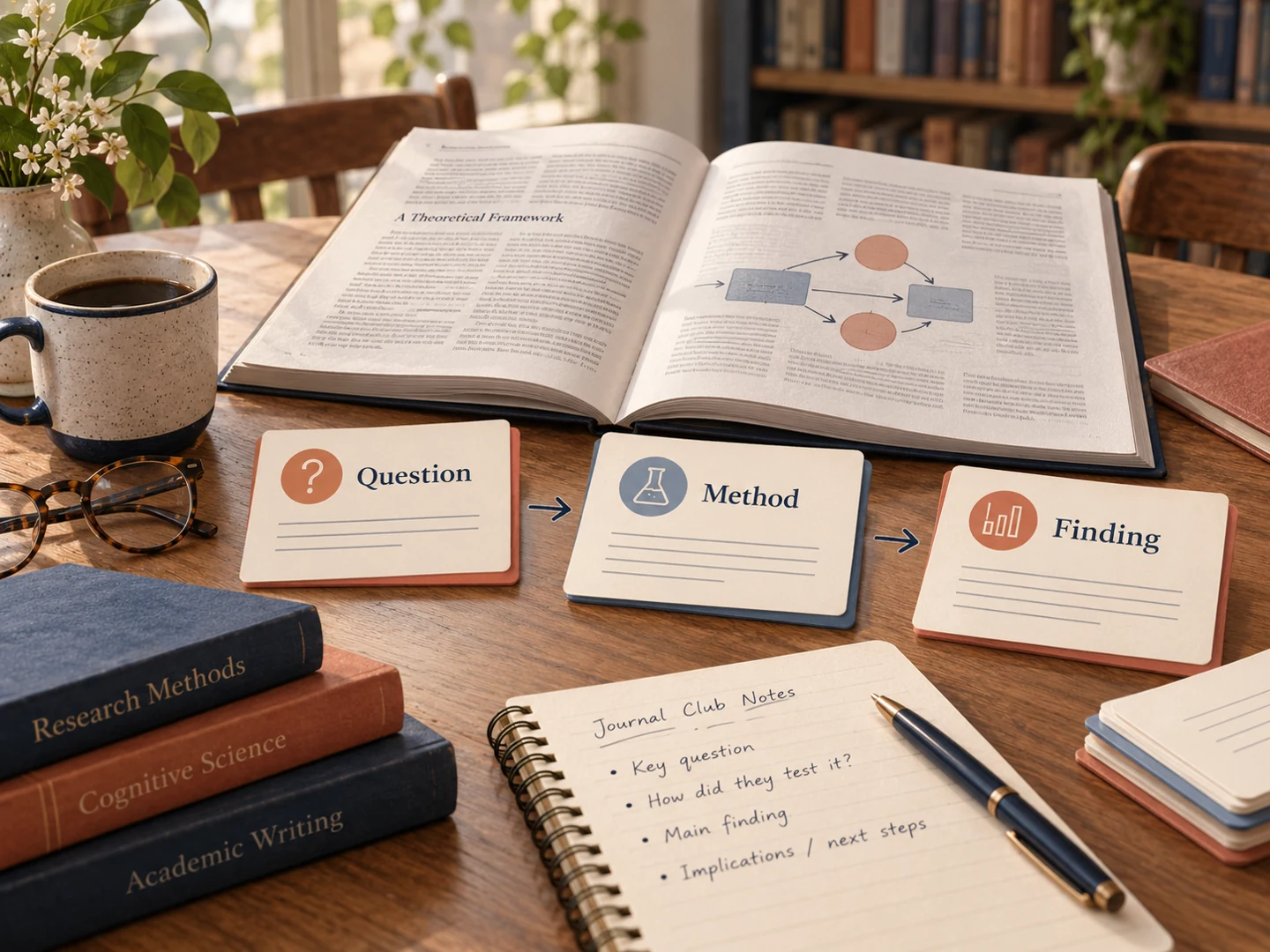
The example above uses a research-study card format. Shape your own set around the paper and the discussion you are preparing.
A useful research card helps you explain a choice, a relationship, or a finding. Choose the discussion you are preparing for, then give each prompt a clear role.
Prepare for journal club: Build prompts that move from the research question to the method and interpretation. Bring the printed cards to guide a structured discussion.
Learn a technical method: Ask for explanations of the key mechanisms and how they fit together. In a machine-learning paper, that might mean relating the model architecture to the task it solves.
Reconnect papers in a reading project: Create a focused set for each paper, then use editable PPTX to bring selected ideas into your own comparison or seminar presentation.
Add the PDF or paste the excerpt you want to study.
Name the sections, methods, findings, or concepts to cover. Describe the audience and desired technical depth.
Work through the cards, print a discussion copy, or export editable PowerPoint for a research presentation.
Upload the paper, describe your reading goals, and generate. SlidesPilot creates questions and explanations around the concepts, methods, and findings you ask it to emphasize.
Yes. Name the methods section and specify what you want to understand, such as the study design, variables, model components, or comparisons.
Yes. Ask for prompts about the research question, approach, principal findings, and interpretation. Use the result to structure a conversation, then edit the PPTX to add your own discussion points.
Yes. Describe the mechanisms and relationships you want explained. Illustrated card layouts can help you discuss how the ideas connect.
Yes. Paste the text you want to study. The excerpt becomes the material for the set, making it useful for a focused discussion of a research question or summary.
Yes. Specify whether the audience is new to the topic, taking an advanced course, or preparing a specialist discussion. Choose the output language as part of the setup.
Yes. Print the generated set or export editable PPTX. Adapt selected cards in PowerPoint and bring them into your seminar presentation.
Yes. Research paper to quiz creates practice questions with answer explanations. Use that workflow when you want a question format such as multiple choice rather than a flashcard set.
Ask focused questions about study design, evidence, and interpretation.
Turn a PDF chapter or handout into focused question-and-answer cards.
Break a chapter into concepts, processes, and examples to recall.
Turn an online article into questions you can revisit after reading.
Connect questions, variables, fair tests, and evidence.
Generate cards, then edit and arrange the exported PPTX in PowerPoint.
Make illustrated cards you can take to the study table or classroom.
Create illustrated study cards from your material or a topic.
Create questions that help you explain what you read.