
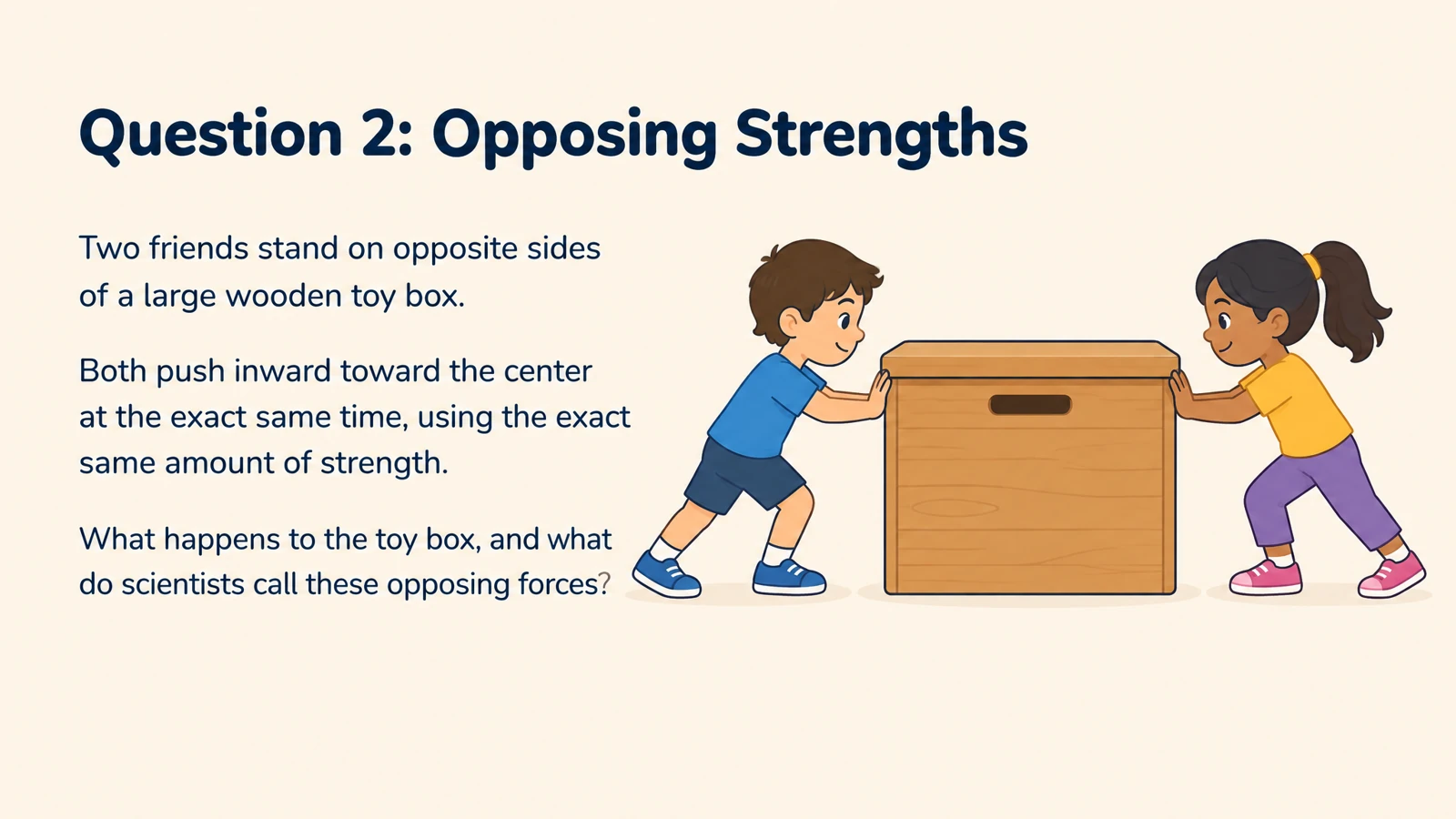
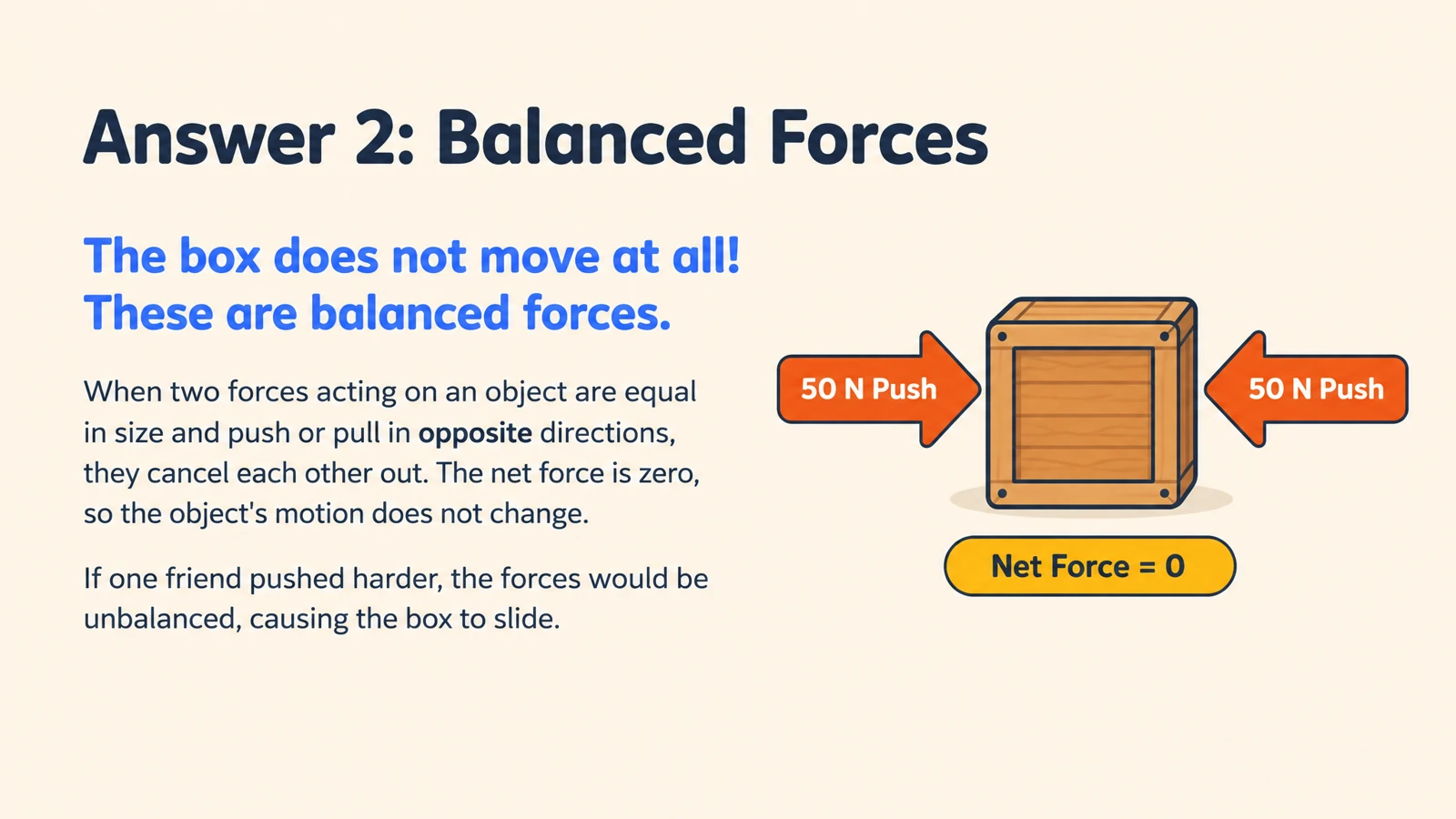


Start with your chapter objectives
Name the ideas students should understand by the end of the lesson. A physics section might connect force, mass, and acceleration through a focused set of questions.
Turn chapter concepts into illustrated questions and explanations for classroom activities and independent practice.
Drag and drop your files here.
Paste a link from YouTube, TikTok, X/Twitter, Instagram, Facebook, or any website.
Choose the chapter concepts and learning objectives, then create illustrated questions and explanations for your students.
Name the ideas students should understand by the end of the lesson. A physics section might connect force, mass, and acceleration through a focused set of questions.
Request questions about stages, causes, and relationships. Use the answer pages to explain how one part of a process leads to the next.
Ask for questions that apply a definition to a familiar situation. An illustrated answer gives students a concrete reference for discussing an abstract idea.
Upload a chapter document, paste an excerpt, or add the notes you use to teach the section.
Set the student level, language, and depth. Specify the chapter concepts, comparisons, and examples to include.
Present cards during the recap, print them for paired practice, or save a PDF for students. Export editable PPTX to add your own teaching examples.
Use the same cards to introduce ideas, guide classroom practice, and give students a focused recap.
Introduce the chapter’s ideas, give students focused questions to work through, and revisit the visual answers together. The same set can support an in-class activity and independent practice afterward.
During teaching: explain a concept: Present a focused prompt before revealing its diagram and explanation. Connect the answer with the chapter passage you are teaching.
During practice: let students explain: Print question cards for pairs or small groups. Ask learners to compare ideas, apply a definition, or explain a process in their own words.
After class: give students a focused recap: Save a PDF for students to revisit, then bring selected questions back into the next lesson. Keep the editable PPTX for another class.
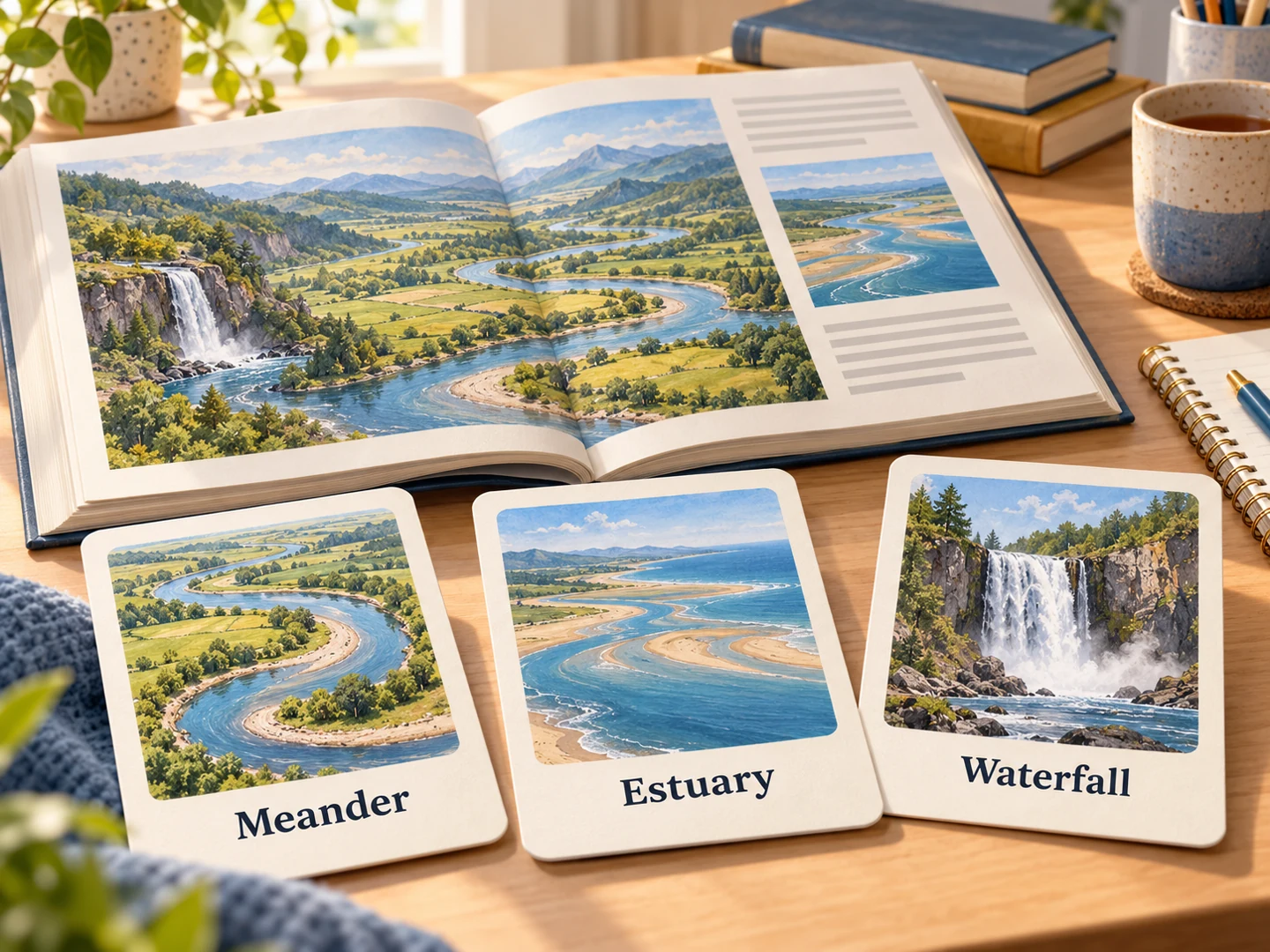
Add the chapter material as a document or pasted text, describe your class and learning objectives, and generate. SlidesPilot creates illustrated question-and-answer cards for teaching and student practice.
Yes. Upload one chapter or provide the relevant excerpt. Name the concepts your lesson covers so the set fits a chapter introduction, recap, or focused activity.
Yes. Upload images of the pages as your source. You can also paste the passage or use a PDF version of the chapter.
Yes. Ask for questions about the concepts and relationships in the chapter. Request a water-cycle sequence, a plant-and-animal-cell comparison, or another visual explanation at your students’ level.
Yes. Combine terminology, comparisons, and application questions around your chapter objectives. Print the questions for pairs or groups, then use the answer pages for your walkthrough. Students can also use the set for exam revision.
Yes. Describe the audience, language, and depth. Create an introductory set for one group or a more detailed treatment for another, then adjust the editable PowerPoint as needed.
Yes. Print the completed set or save a PDF through the print dialog to give students for practice. Export editable PPTX to change wording, add examples, or bring selected cards into your lesson slides.
Yes. The textbook-to-quiz workflow creates practice questions and answer explanations from chapter material. Use cards for concept practice and a quiz for a follow-up knowledge check.
Turn a chapter into recall, comparison, and application questions.
Create classroom flashcards from a PDF chapter, handout, or teaching document.
Turn lesson notes into illustrated cards for teaching and student practice.
Connect cell structures with their functions in an illustrated set.
Revisit atoms, ions, and bonding through visual explanations.
Use industrial Britain to practice causes, changes, and consequences.
Make illustrated cards you can take to the study table or classroom.
Create illustrated study cards from your material or a topic.
Create illustrated questions and explanations around the textbook material your students are learning.