
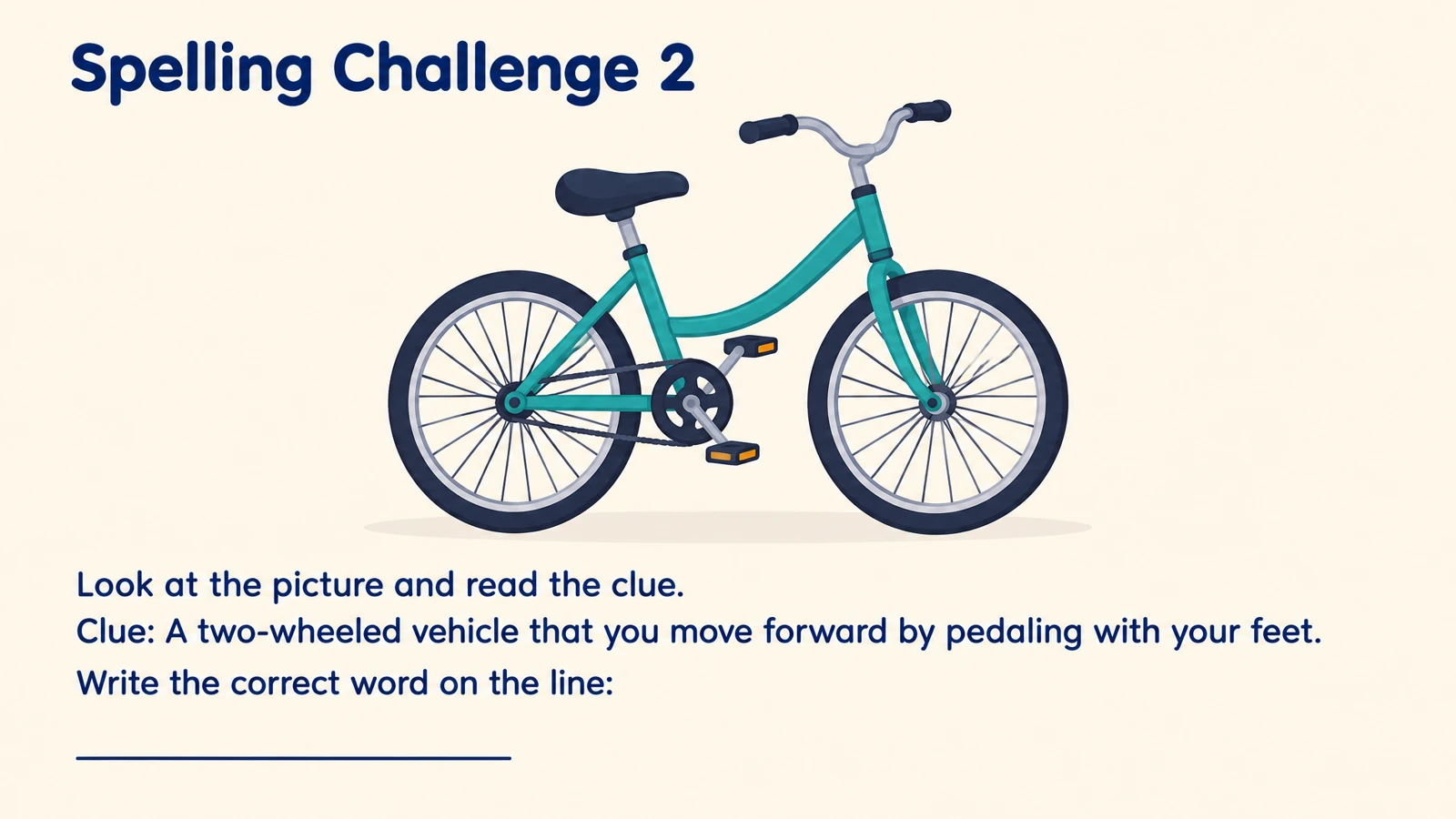
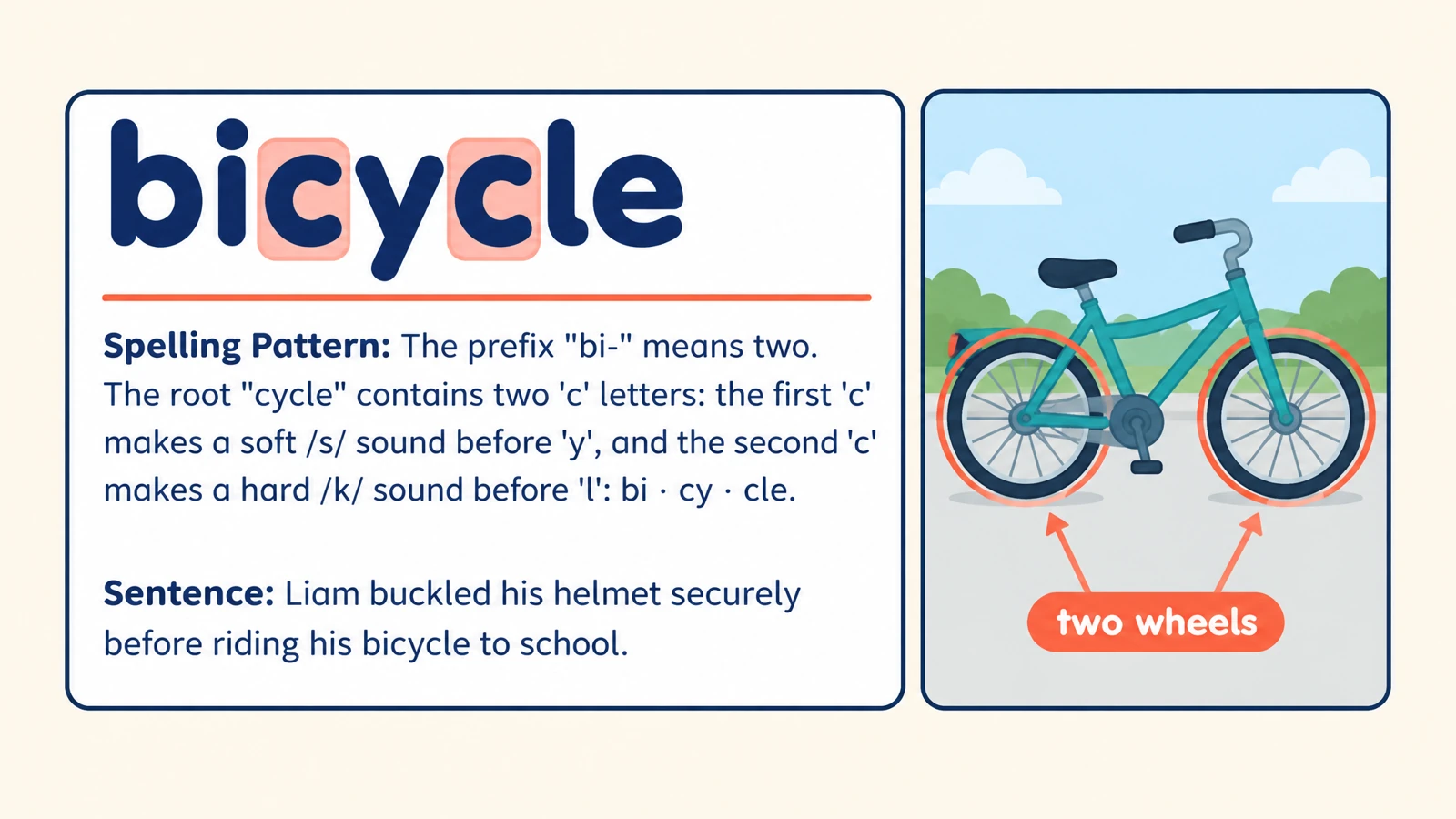


Connect the word to a picture
Ask learners to spell the object or action shown. A familiar picture gives a concrete cue while the spelling remains the task.
Create spelling practice from your word list, with picture clues, missing letters, and answers.
Drag and drop your files here.
Paste a link from YouTube, TikTok, X/Twitter, Instagram, Facebook, or any website.
SlidesPilot builds visual spelling questions from the words and instructions you provide. Choose the kind of recall that fits your learners.
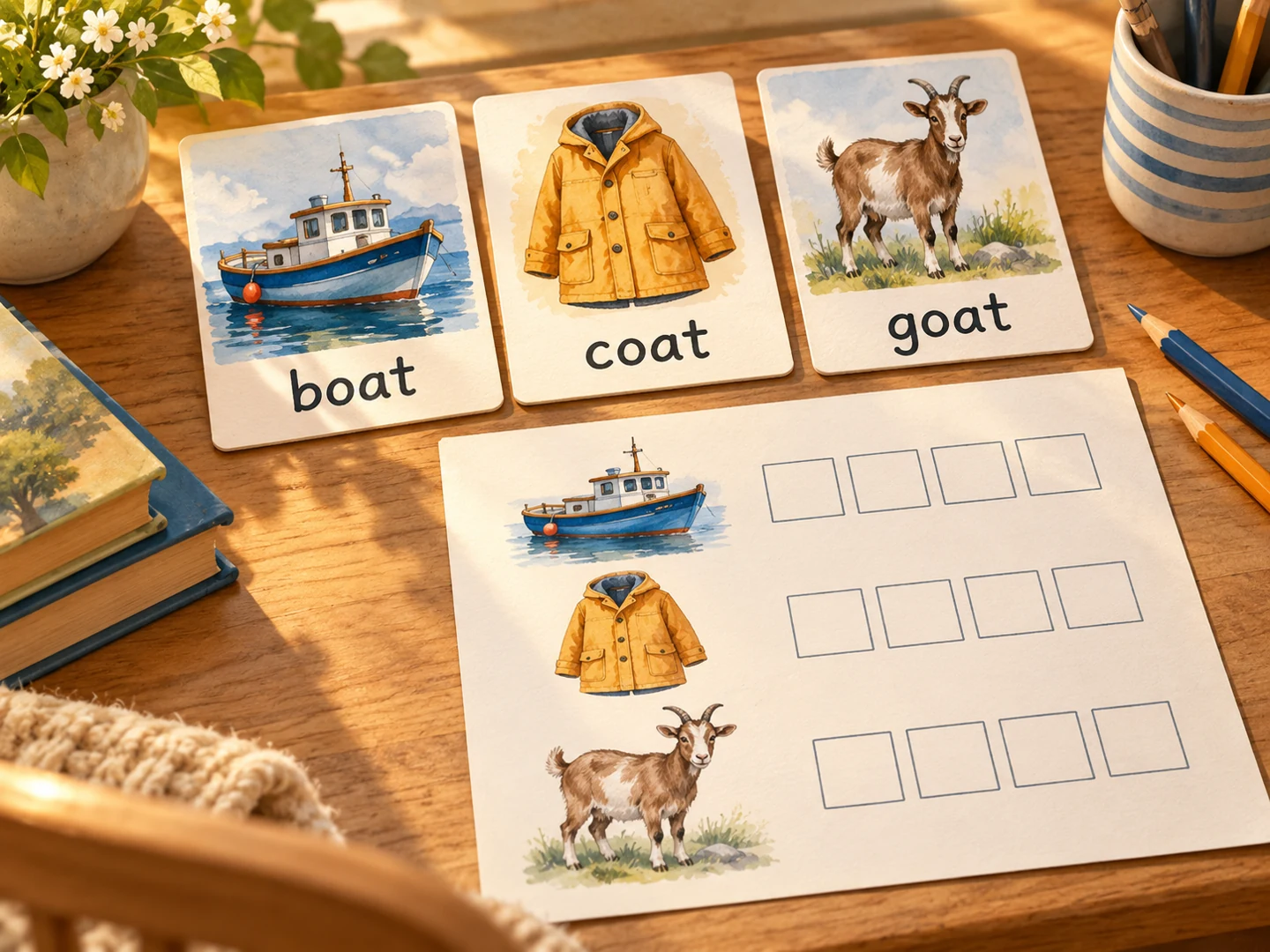
Ask learners to spell the object or action shown. A familiar picture gives a concrete cue while the spelling remains the task.
Request gaps that practice the part of a word you want learners to notice. Use the answer to revisit the complete spelling.
Group the list around animals, school, food, or a reading lesson. The theme gives the activity a shared context.
Add the words you are teaching and any example sentences or themes.
Specify level, language, and the question style, such as picture clues or missing letters.
Print the practice pages and keep the answers for review, or export editable PPTX to adjust the activity.
Give each pass through the words a different purpose.
Use the illustrated questions as a shared classroom prompt. Say the word together before learners attempt its spelling.
Print selected question pages for a short exercise. Choose the words and page order that fit the session.
Reveal the completed words and discuss the spelling feature you are teaching. Adapt the PPTX with another example using the same pattern.
Paste your target words, describe the learner level and exercise style, and generate. SlidesPilot creates visual spelling questions with answer pages.
Yes. Paste the exact words from your weekly list. Add the theme or spelling pattern you want the activity to reinforce.
Yes. Request picture clues and a spelling task for each target word. The supplied example above shows how a visual cue can lead into a written answer.
Yes. Ask for missing-letter practice and describe the spelling features to emphasize. You can tailor the task to beginner words or a more advanced pattern.
Yes. Choose the language and give the target words in that language. Include the learner level and the kind of practice you want.
Yes. Print the question pages and read your words or sentences aloud during the lesson. The generated answer pages give you a clear review copy afterward.
Yes. Select the question pages in the browser print dialog. You can save that selection as PDF or print the answers separately.
Yes. Export editable PPTX to revise the wording, examples, and page order in PowerPoint. Create a new set when you want a different list or exercise style.
Practice meanings, relationships, and words in context.
Practice vocabulary and subject terms inside meaningful sentences.
Connect useful words with meanings, scenes, and your own examples.
Practice everyday Spanish with illustrated bilingual examples.
Explain words, processes, and concepts through scenes and diagrams.
Explore main idea, detail, vocabulary, and inference from a passage.
Prepare question pages and answers for a paper-based activity.
Build visual questions and answer explanations for your next lesson.
Start with the list your learners are working on now.