
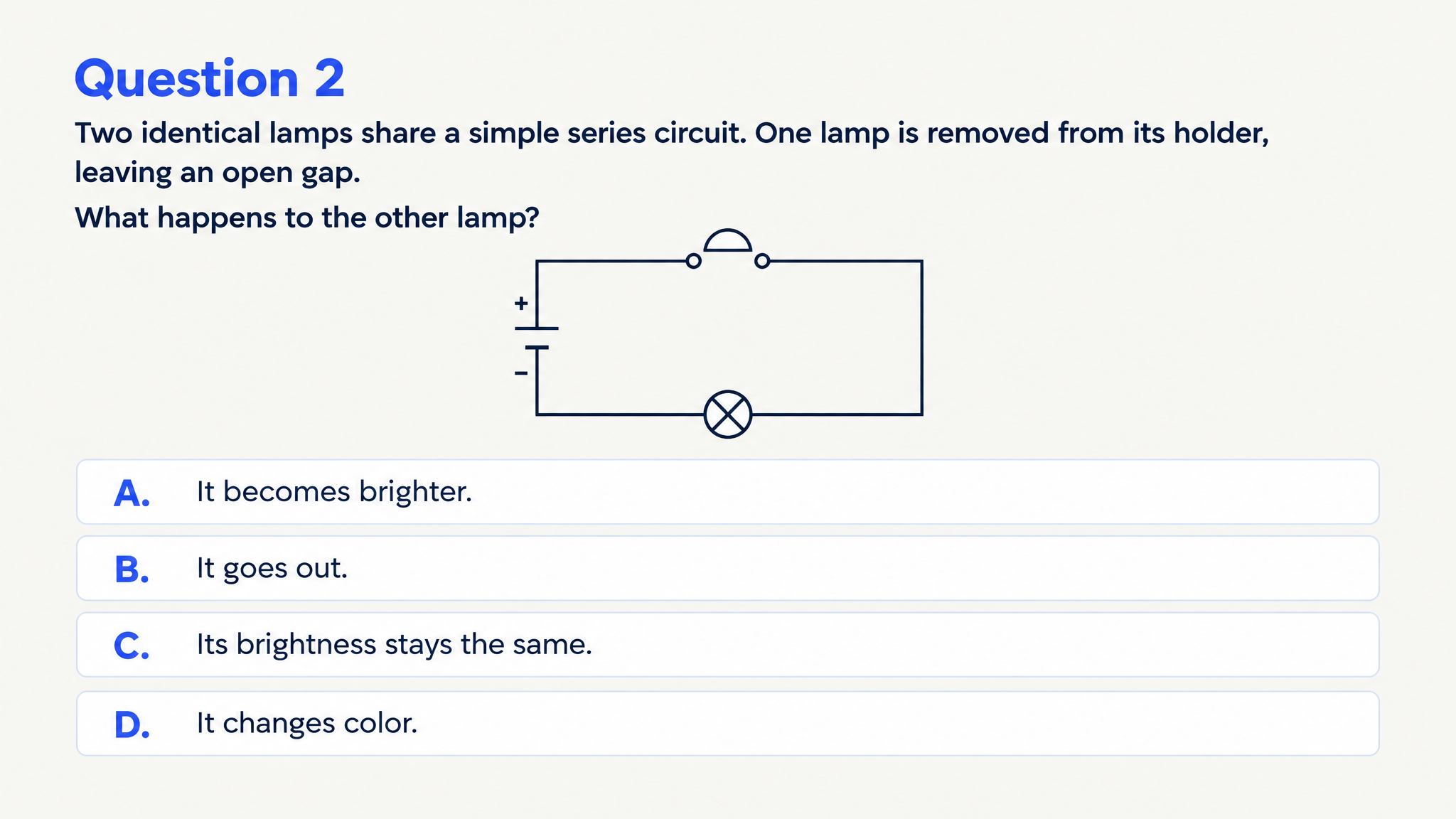
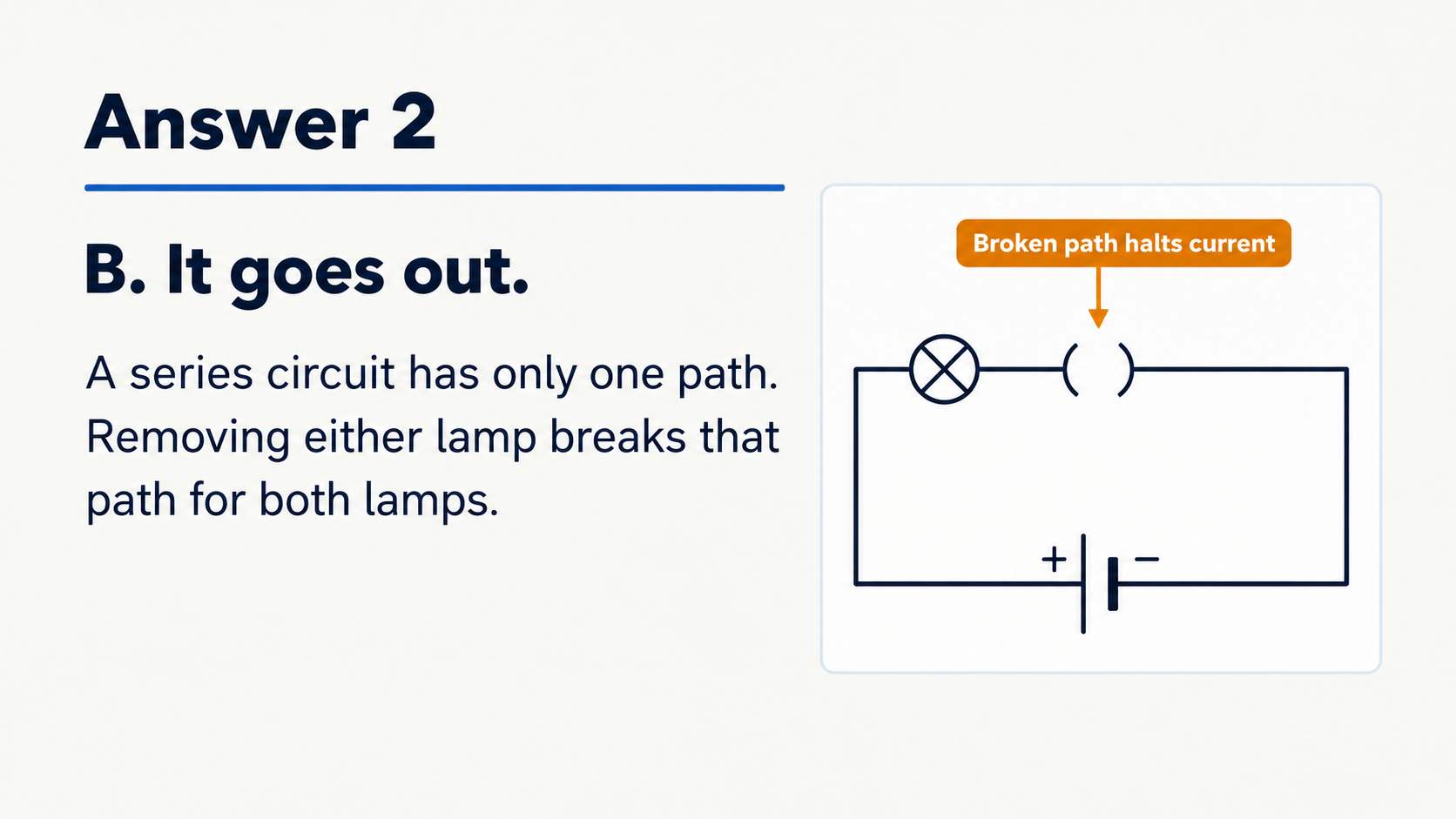


Map your material to learning objectives
Name the chapters, concepts, or skills your class should practice. Build a focused test for an end-of-unit review, tutoring session, or preparation for an upcoming assessment.
Build a practice test around your lesson objectives, with questions and explanations you can print or edit.
Drag and drop your files here.
Paste a link from YouTube, TikTok, X/Twitter, Instagram, Facebook, or any website.
Turn your teaching material into a designed question-and-answer set. Set the objectives so the test fits the understanding you want students to demonstrate.
Name the chapters, concepts, or skills your class should practice. Build a focused test for an end-of-unit review, tutoring session, or preparation for an upcoming assessment.
Combine recall questions, comparisons, and application tasks. Specify the student level and concepts you want the questions to distinguish so the practice reflects your teaching goals.
Use the answer pages to discuss the reasoning after students attempt the questions. Connect each explanation with an example from your lesson and choose ideas to revisit with the group.
Upload course notes, a chapter, or a lesson document, paste a passage or link, or describe the topic you want to assess.
Choose the audience, language, length, and question type. Describe the knowledge and application skills your students should demonstrate.
Print the question pages for practice and keep the explanations for your walkthrough. Save a PDF for students or export editable PPTX to adapt the test for another class.
Use practice questions before a review, after teaching a topic, or as a focused follow-up for your students.
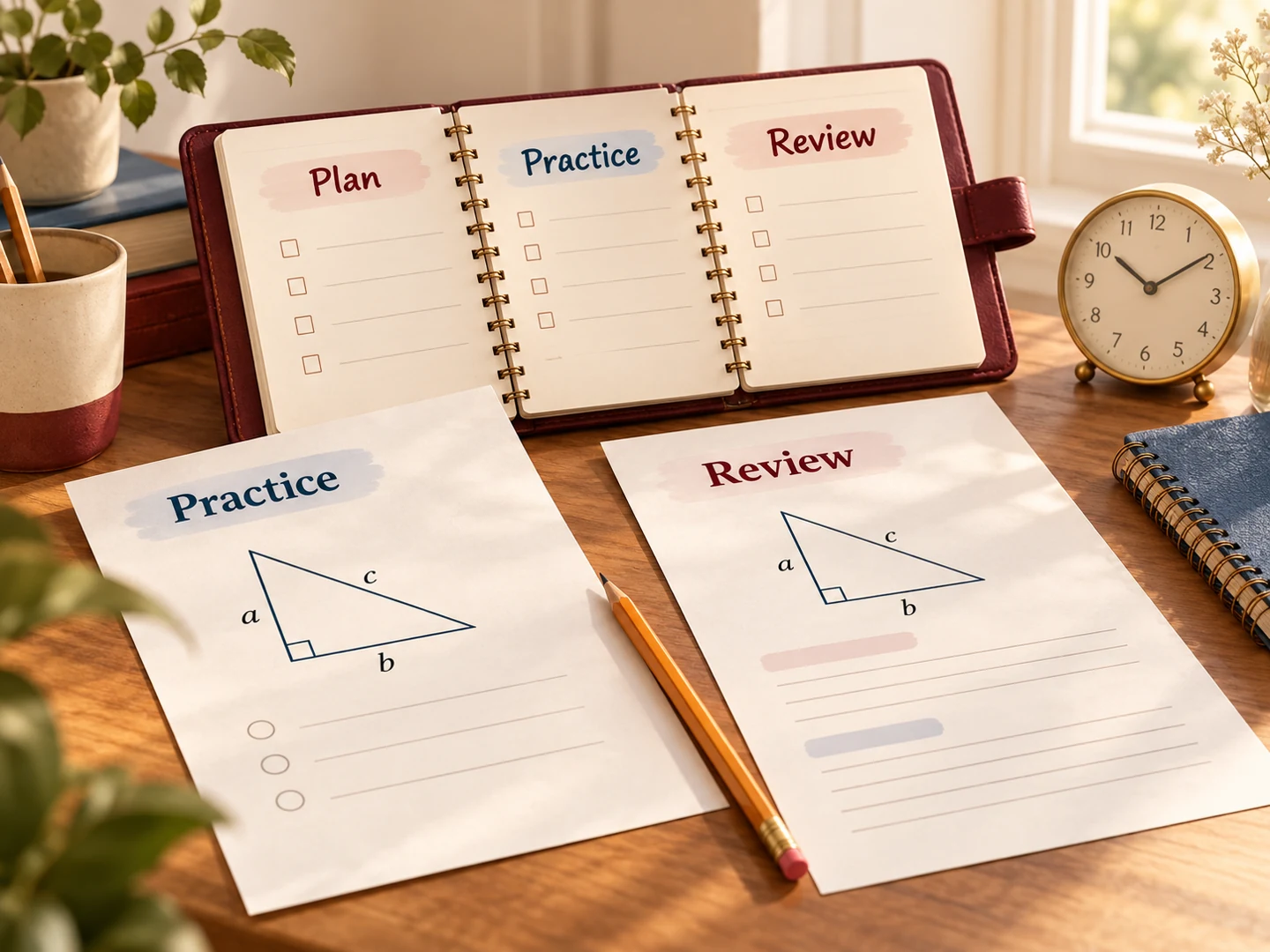
Prepare a short knowledge check around the central concepts. Use students’ answers and explanations to focus the review discussion on the ideas that need more attention.
Create a practice set from the lesson you have covered. Give students time to answer independently, then reveal the visual explanations during your walkthrough.
Print a set for tutoring or small-group practice, or give students a PDF to use after class. Export PowerPoint to add your examples and reuse the resource with another group.
Add your teaching material, specify the student level and learning objectives, choose the quiz settings, and generate. SlidesPilot creates designed practice questions and answer explanations for classroom use and follow-up practice.
Yes. Upload a lesson document or paste your notes. Name the chapters and concepts to cover so the test follows the material you teach.
Yes. Choose Generate and describe the subject, class level, and scope. Include your learning objectives and whether students should recall, compare, explain, or apply the ideas.
Choose formats such as multiple choice, matching, true or false, and fill in the blank. Add instructions about recall, comparisons, or application to shape the practice.
Yes. Choose the available length setting and describe your students’ level. Request introductory questions, more detailed conceptual practice, or a focused check of selected objectives.
Yes. The generated answer pages include explanations you can use for a teacher-led walkthrough, group discussion, or a separate review copy for students.
Yes. Select the question pages in the print dialog for student practice and keep the answer pages for your explanation afterward. Use Save as PDF to create a file you can distribute.
Yes. Export editable PPTX to change wording, reorder questions, and add examples for another class. Teachers can give learners a practice copy after a lesson, and students can also generate tests for their own revision.
Turn a chapter into recall, comparison, and application questions.
Turn teaching notes into questions for a classroom recap.
Create practice questions from a PDF reading or course document.
Create a clear question, answer options, and a useful explanation.
Use a focused statement to start a clear explanation of the answer.
Practice vocabulary and subject terms inside meaningful sentences.
Prepare question pages and answers for a paper-based activity.
Create illustrated study cards from your material or a topic.
Create questions and explanations around what your students need to understand, then print, distribute, and adapt the set.