


Pictures that give you something to explain
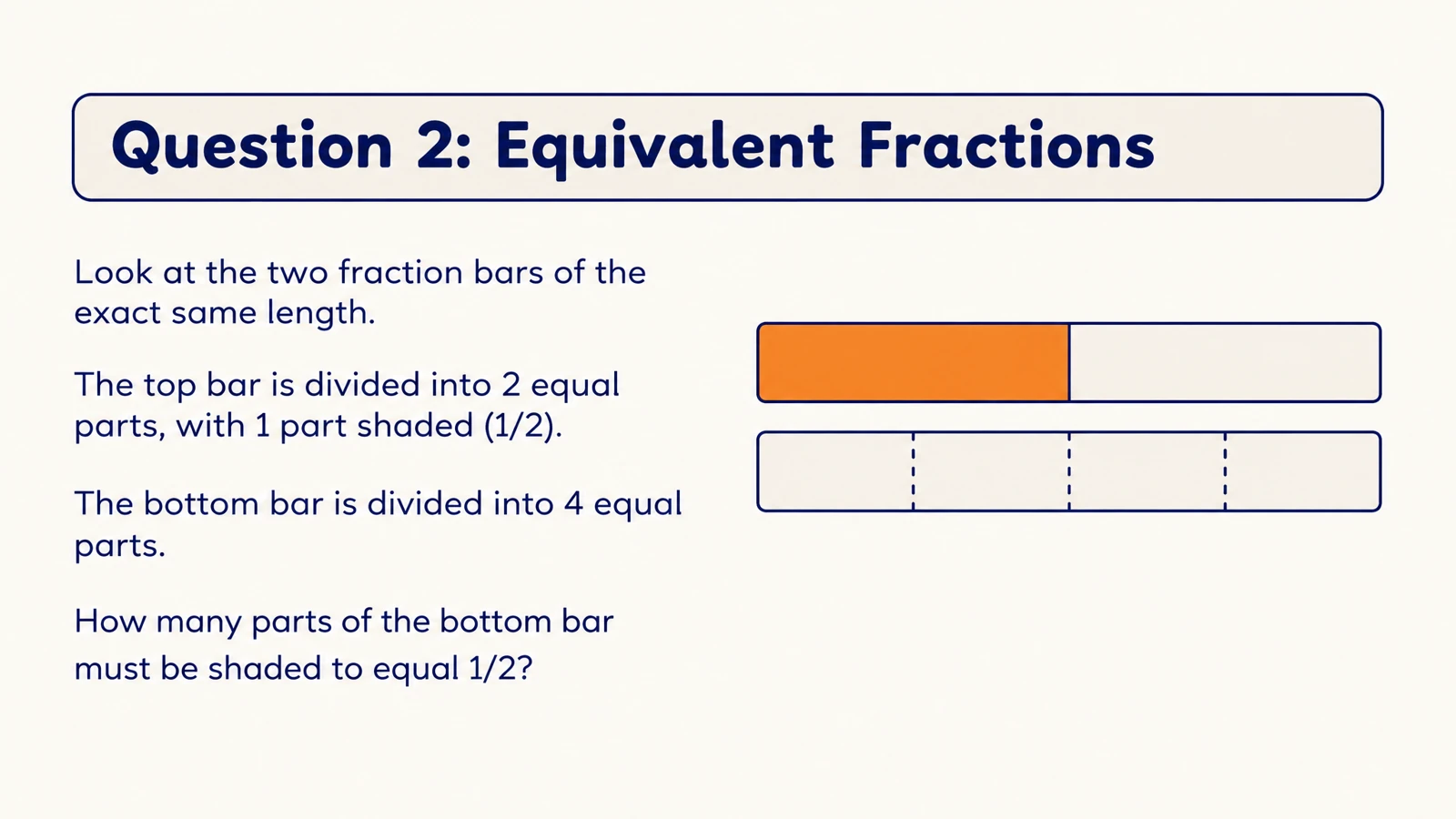
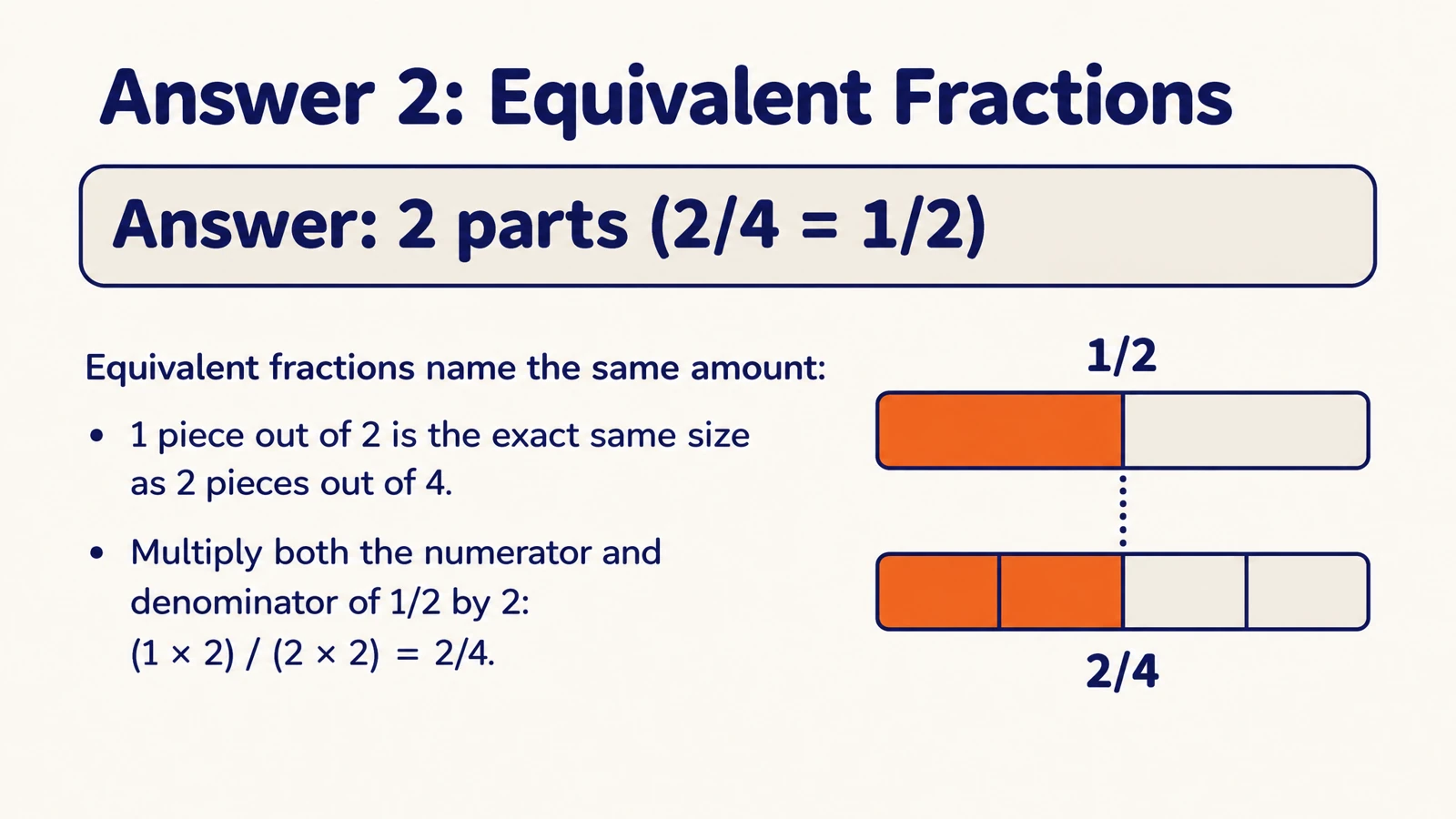
Use diagrams, scenes, and visual examples to connect a question with its meaning. A force becomes a push or a pull you can picture, not just a definition to repeat.
Create illustrated cards from your material and print them for lessons, tutoring, or hands-on practice.
Drag and drop your files here.
Paste a link from YouTube, TikTok, X/Twitter, Instagram, Facebook, or any website.
Designed questions and visual answers make paper practice feel like a complete learning activity.
Use diagrams, scenes, and visual examples to connect a question with its meaning. A force becomes a push or a pull you can picture, not just a definition to repeat.
Open Print on your finished set and take your cards into a classroom, tutoring session, or home study routine. You can also save a PDF through the print dialog.
Export editable PPTX to adjust wording, change the design, or adapt the same topic for another group before your next print run.
Upload a document, paste notes or a link, or describe what learners should practice.
Choose the audience, language, length, and visual style. Ask for one focused idea per card and an explanation on its answer side.
Open the completed cards and select Print. Use the print dialog to choose your printer, page range, or Save as PDF.
Add your notes, a document, a link, or a topic, then choose the audience, language, and visual style. SlidesPilot creates illustrated questions and answer pages. Open the finished set and select Print to bring the cards into your study session or classroom.
Yes. Upload a PDF, Word document, or PowerPoint, or paste the notes and concepts you want to practice. Describe the learning goal and any examples you want included. Your material becomes a designed card set you can print and keep editing.
Yes. Use the page-range controls in your print dialog to select the pages you need. Choose a few questions for a short activity or include the corresponding answers for partner practice. You can return to the same set when you want to print another selection.
Yes. Open Print and choose Save as PDF in the browser’s print dialog. This gives you a digital copy to keep with your study materials or print later. Use the same page-range controls when you want a PDF containing only a selected part of the set.
Yes. Export editable PPTX and customize the cards in PowerPoint before your next print run. Simplify a question, change an example, adjust the visuals, or arrange the set around a lesson. Keep the editable version so you can adapt it again.
Yes. Describe the subject, age group, and vocabulary level, and request familiar situations and clear illustrations. Use the questions for discussion and the answer pages to explain the idea together. Printed cards can support classroom stations, tutoring, or learning at home.
Yes. Print a set for partners to take turns asking questions, use selected cards for a classroom recap, or bring them to a study group. Keep the illustrated answers available for discussion. You can adapt the PowerPoint version to fit the activity and audience.
Yes. Set the output language and audience when creating the cards, then describe the depth and examples you want. Make a short introductory set or a more detailed review of a topic. Your print copy can fit the lesson while the editable version supports future changes.
Explore eleven complete illustrated sets and download their PDFs.
Explain words, processes, and concepts through scenes and diagrams.
Explore fraction models, comparisons, and printable math practice.
Connect useful words with meanings, scenes, and your own examples.
Connect cell structures with their functions in an illustrated set.
Connect questions, variables, fair tests, and evidence.
Generate cards, then edit and arrange the exported PPTX in PowerPoint.
Prepare question pages and answers for a paper-based activity.
Create illustrated questions and answers, print your set, and keep an editable PowerPoint for the next lesson.