


Find the central argument
Ask which idea brings the article together. This helps a reading discussion begin with the big picture before moving into details.
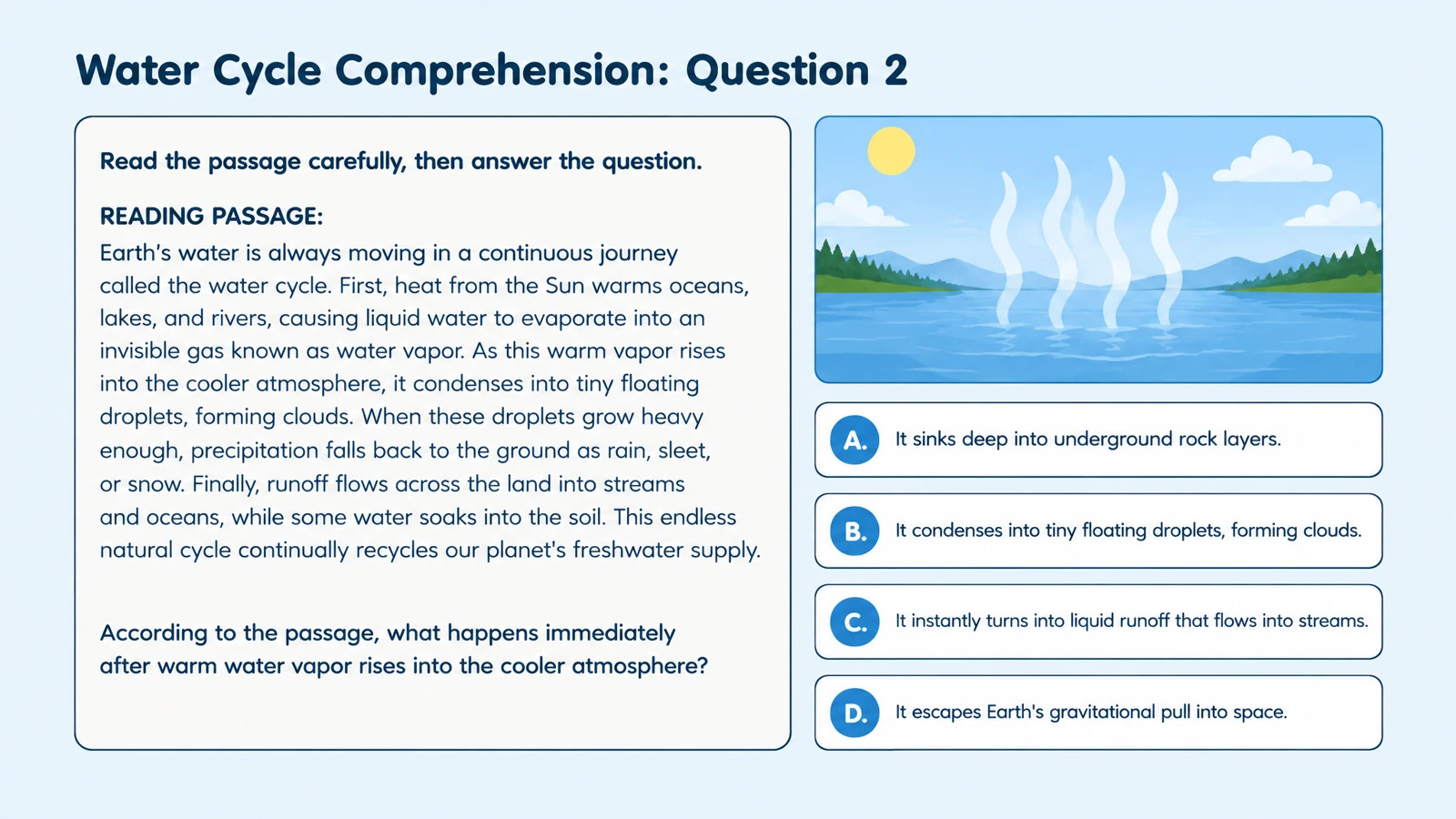
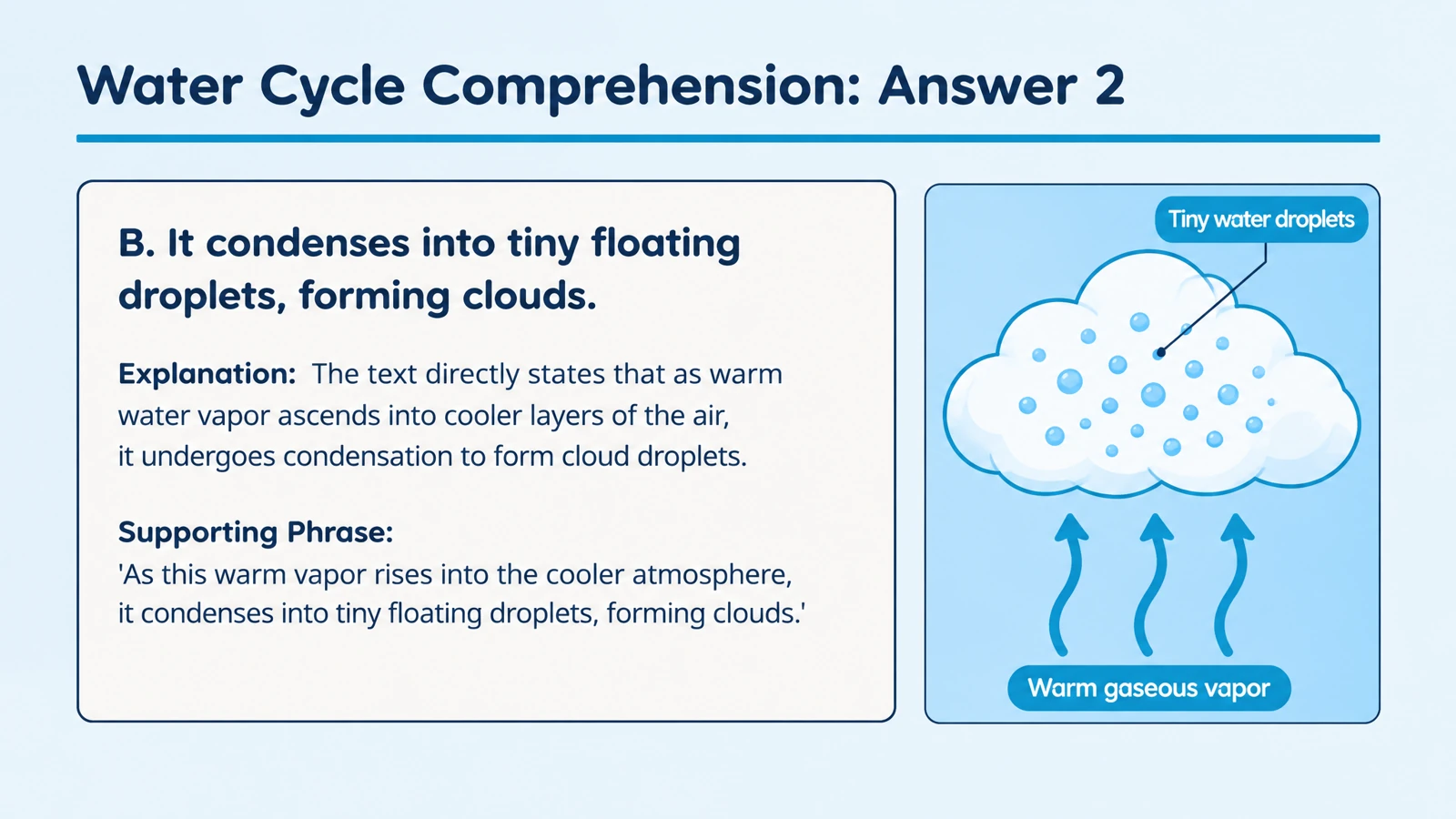
Build a reading check from an online article, with visual questions and explanations to guide discussion.
Drag and drop your files here.
Paste a link from YouTube, TikTok, X/Twitter, Instagram, Facebook, or any website.
Add the URL of an article, explainer, or reference page.
Specify the audience, question type, and focus: main ideas, details, vocabulary, or application.
Present the questions, reveal the explanations, print a reading activity, or edit the exported PPTX.
A website quiz gives an online reading a clear learning task. SlidesPilot uses the page content to build questions and explanations around the focus you choose.
Ask which idea brings the article together. This helps a reading discussion begin with the big picture before moving into details.
Request questions about examples, reasons, and comparisons. Learners practice explaining how a detail supports the article’s wider point.
Turn unfamiliar vocabulary into questions tied to the article’s subject. An answer can explain the term as part of the reading rather than in isolation.
Project a question, invite responses, and reveal its explanation. Use the quiz as a bridge between independent reading and shared discussion.
Print the questions for a group activity or homework follow-up. Select the answer pages separately when preparing the discussion.
Download editable PPTX to change wording or add a related example. Keep the set useful as your class moves to another part of the topic.
Paste the webpage URL in Paste link, choose quiz settings, and generate. SlidesPilot turns the page content into questions with answer explanations.
Yes. Use the link as the source and describe the ideas you want covered. A broad reference article can become a focused quiz about one section or topic.
Yes. Describe the audience and choose the output language. Ask for straightforward recall, interpretation, or more demanding comparisons depending on the lesson.
Yes. Select the question type and describe the skills to assess. You can focus multiple-choice questions on main ideas, details, or vocabulary in context.
Yes. Answer pages support a review of each question. Use them to explain the reading and start a discussion about why the answer fits.
Yes. Switch to Paste in text and add the passage. This makes the selected excerpt the source for the activity.
Yes. Print the generated set and choose the relevant pages in the print dialog. Save as PDF when you want a digital copy of that selection.
Yes. Export editable PPTX and open it in PowerPoint. Adjust the wording, add your own discussion prompts, or combine selected questions with your lesson slides.
Turn an online article into questions you can revisit after reading.
Explore main idea, detail, vocabulary, and inference from a passage.
Ask focused questions about study design, evidence, and interpretation.
Follow a YouTube explanation with questions learners can discuss.
Move from watching a demonstration to explaining its ideas.
Create a clear question, answer options, and a useful explanation.
Prepare question pages and answers for a paper-based activity.
Build visual questions and answer explanations for your next lesson.
Create a quiz that turns reading into discussion and practice.