


Vocabulary in a situation
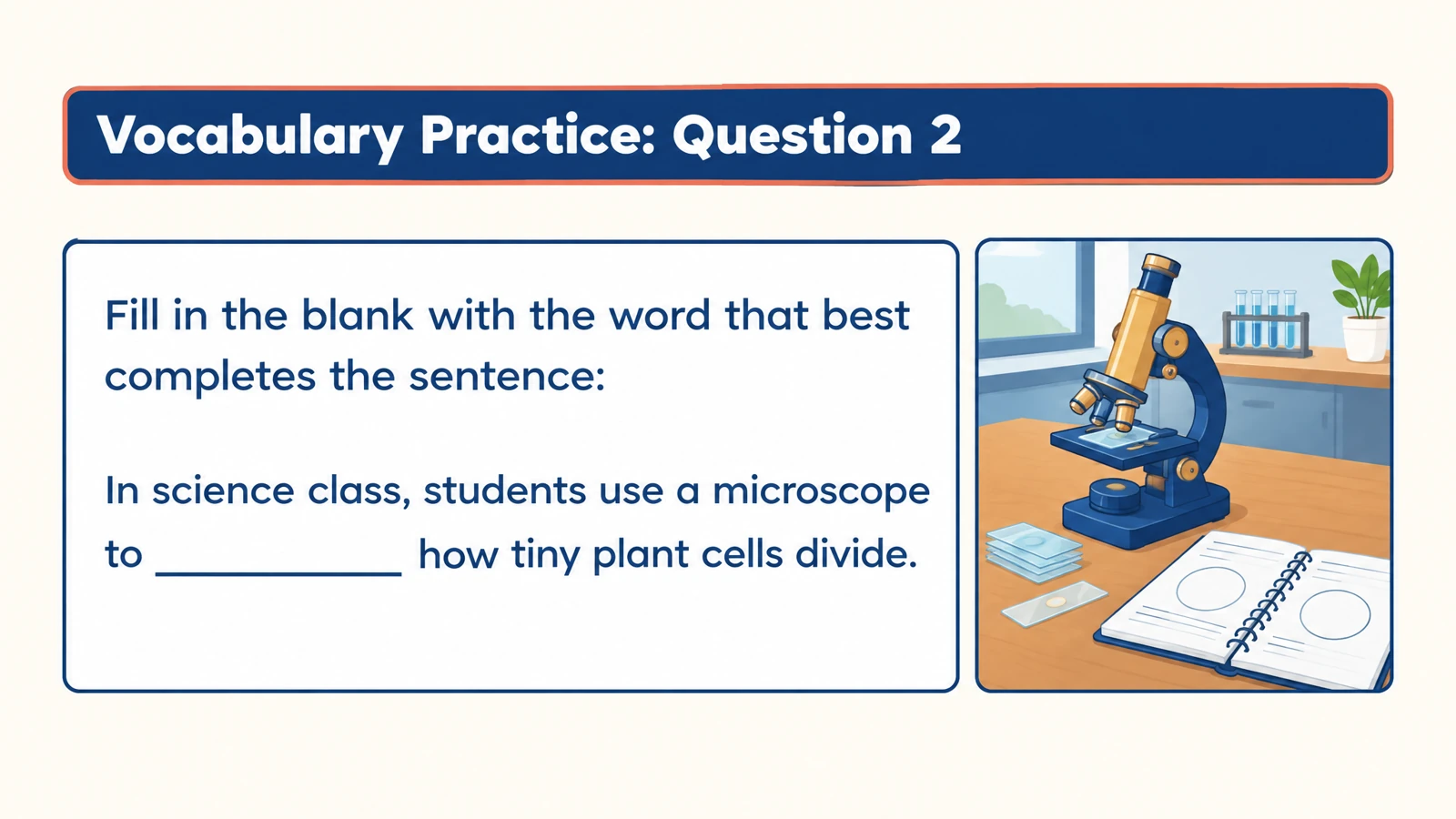
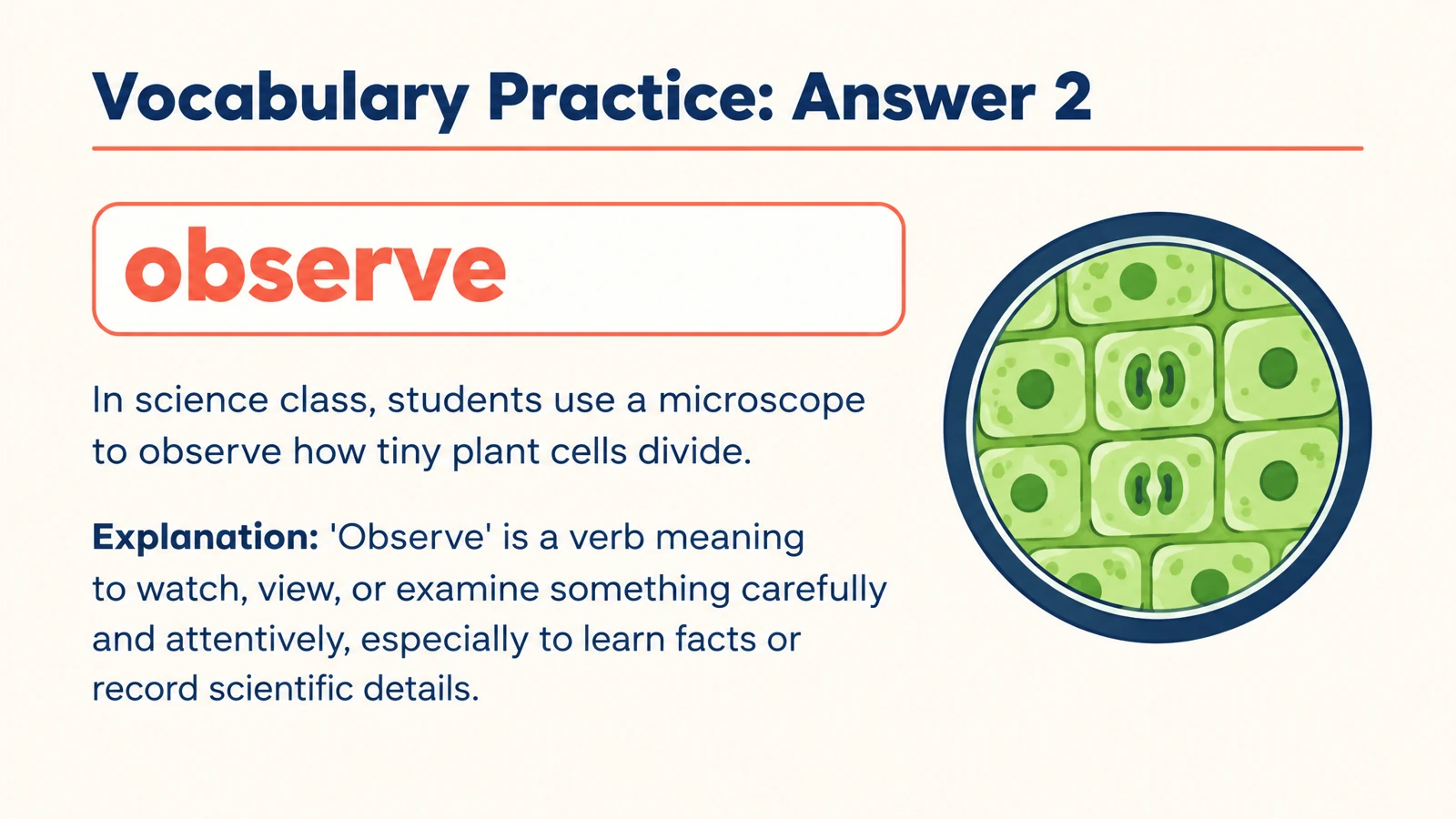
Ask for a word that completes an everyday scene. “The glass is ___, so carry it carefully” connects fragile to a useful context.
Turn a passage or word list into contextual fill-in-the-blank questions with answers.
Drag and drop your files here.
Paste a link from YouTube, TikTok, X/Twitter, Instagram, Facebook, or any website.
SlidesPilot creates missing-word practice from your material. Use the sentence around the blank to give the task meaning.
Ask for a word that completes an everyday scene. “The glass is ___, so carry it carefully” connects fragile to a useful context.
Remove the concept you want learners to recall from a scientific or historical statement. Keep the surrounding sentence focused on its meaning.
Request practice around a particular grammatical form or word family. Specify the learner level and the pattern you want the sentences to reinforce.
Paste a passage, vocabulary list, or lesson notes. You can also upload a document or describe a topic.
Request fill-in-the-blank questions and describe the target words, level, and context. Ask for a word bank if that suits the activity.
Reveal the answers for review, print the question pages, or edit the PPTX to tailor the exercise.
Describe the learning job when you set up your own exercise.
“Use curious, observe, fragile, compare, and predict in everyday sentences for upper-elementary learners. Leave the target word blank.”
“Create missing-term questions about evaporation, condensation, and precipitation. Give enough context for learners to identify the process.”
“Create short sentences practicing past-tense verbs for beginner English learners. Include an answer explanation for each sentence.”
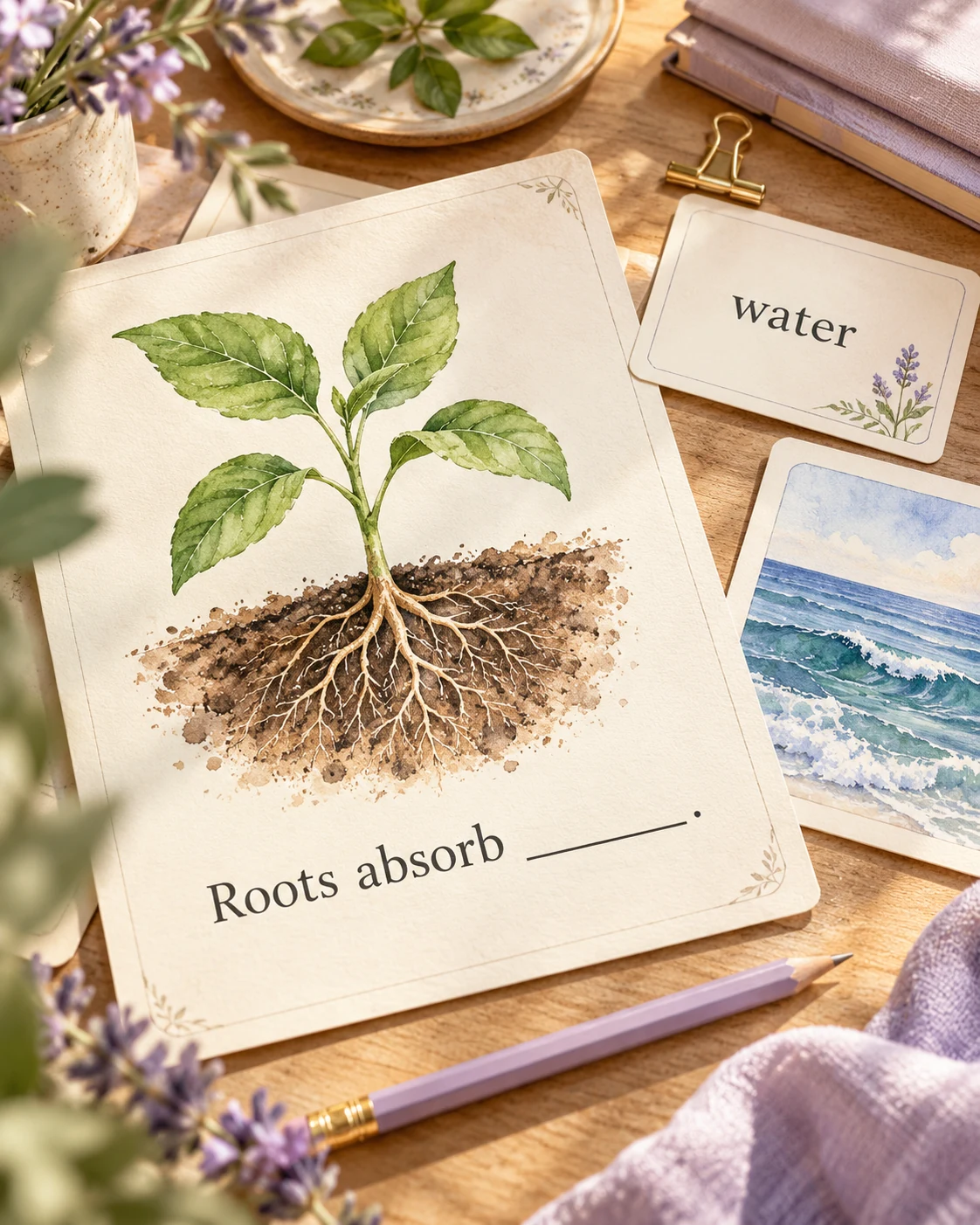
Paste your text or word list, request fill-in-the-blank practice, choose the audience and language, and generate. SlidesPilot creates question pages and answer explanations.
Yes. Paste the passage and describe the concepts or language you want to practice. You can focus the blanks on key vocabulary, subject terms, or a particular language pattern.
Yes. Ask for a cloze-style exercise and specify the words or ideas to practice. The instructions let you shape the passage and the kind of missing information learners should supply.
Yes. Include a word bank in your instructions when learners should choose from a set of options. You can also ask for recall practice without a word bank.
Yes. Provide the target words and explain the context you want. For vocabulary, include definitions or example sentences when you want the exercise to follow your lesson closely.
Yes. The generated set includes answer pages and explanations. Use them after learners complete the blanks or keep them as a separate review copy.
Yes. Print the completed set and select the question pages you need. Save as PDF from the print dialog to keep a digital version of the activity.
Yes. Export editable PPTX to adjust wording, examples, and visual elements in PowerPoint before printing or presenting.
Practice meanings, relationships, and words in context.
Build illustrated spelling practice around your own word list.
Explore main idea, detail, vocabulary, and inference from a passage.
Connect terms with definitions, examples, and related concepts.
Use a focused statement to start a clear explanation of the answer.
Connect useful words with meanings, scenes, and your own examples.
Prepare question pages and answers for a paper-based activity.
Build visual questions and answer explanations for your next lesson.
Create missing-word practice around the lesson you want to teach.