


Build around the ideas you teach
Use lesson notes, a chapter summary, or a terminology list to create questions around your learning objectives. Specify what students should recall, explain, or apply.
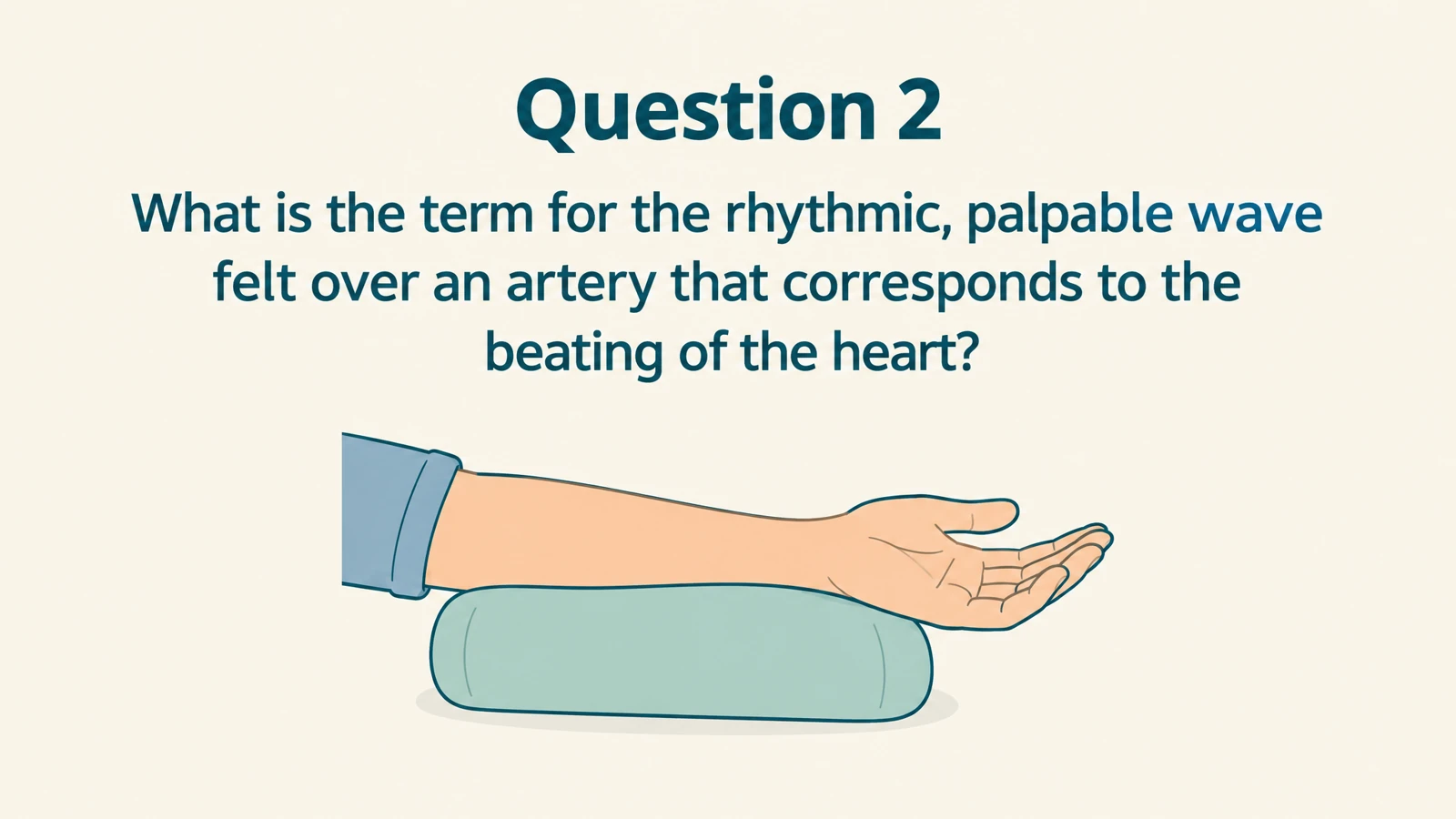
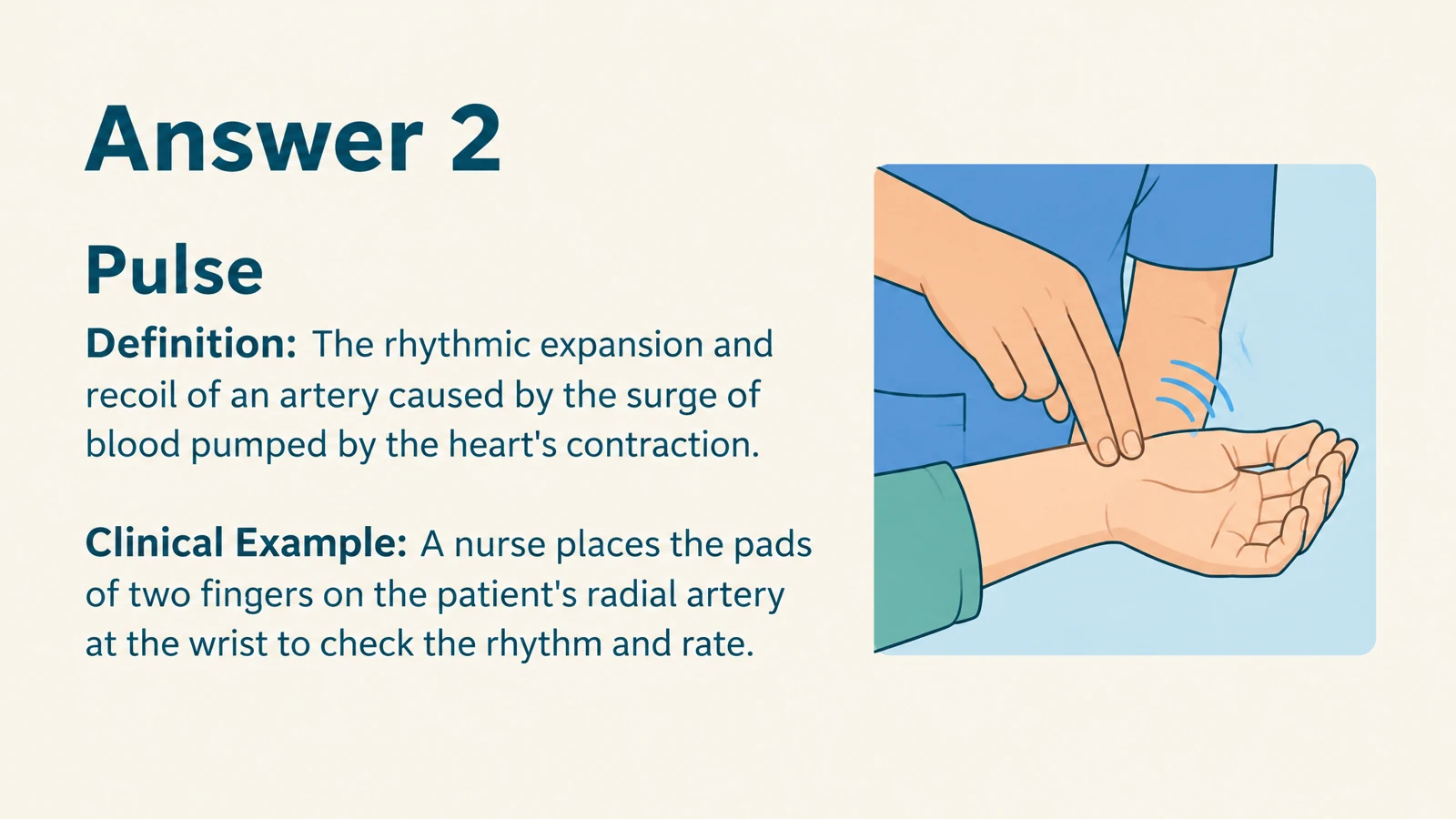
Turn lesson notes into illustrated questions and answers. Use them in class or give learners a practice copy.
Drag and drop your files here.
Paste a link from YouTube, TikTok, X/Twitter, Instagram, Facebook, or any website.
Turn your lesson notes into questions students can discuss, practice, and revisit.
Use lesson notes, a chapter summary, or a terminology list to create questions around your learning objectives. Specify what students should recall, explain, or apply.
Turn processes, relationships, and definitions into visual answers. A diagram or familiar example gives students something concrete to discuss after they attempt the question.
Print cards for paired practice or save a PDF to give students after the lesson. Export editable PPTX to adapt the examples and explanations for another group.
Paste the notes, outline, or passage you want to teach. You can also upload the document that contains your material.
Set the audience, language, and depth. Request vocabulary practice, conceptual explanations, or questions tied to the lesson you are planning.
Use the cards for a warm-up, partner activity, or lesson recap. Print selected pages, save a PDF for students, or export editable PowerPoint.
Give the material you teach a visual question-and-answer format, ready for classroom activities and student follow-up.
Turn your glossary into questions about meaning, function, and examples. A biology term can become a prompt students answer before you reveal a visual explanation.
Create prompts around the steps and connections in your lesson notes. For photosynthesis, ask students what plants need, what they produce, and how the stages fit together.
Give students a printed or PDF set to revisit independently, then reuse selected cards in your next class. Keep the editable PPTX so the resource develops with your teaching.
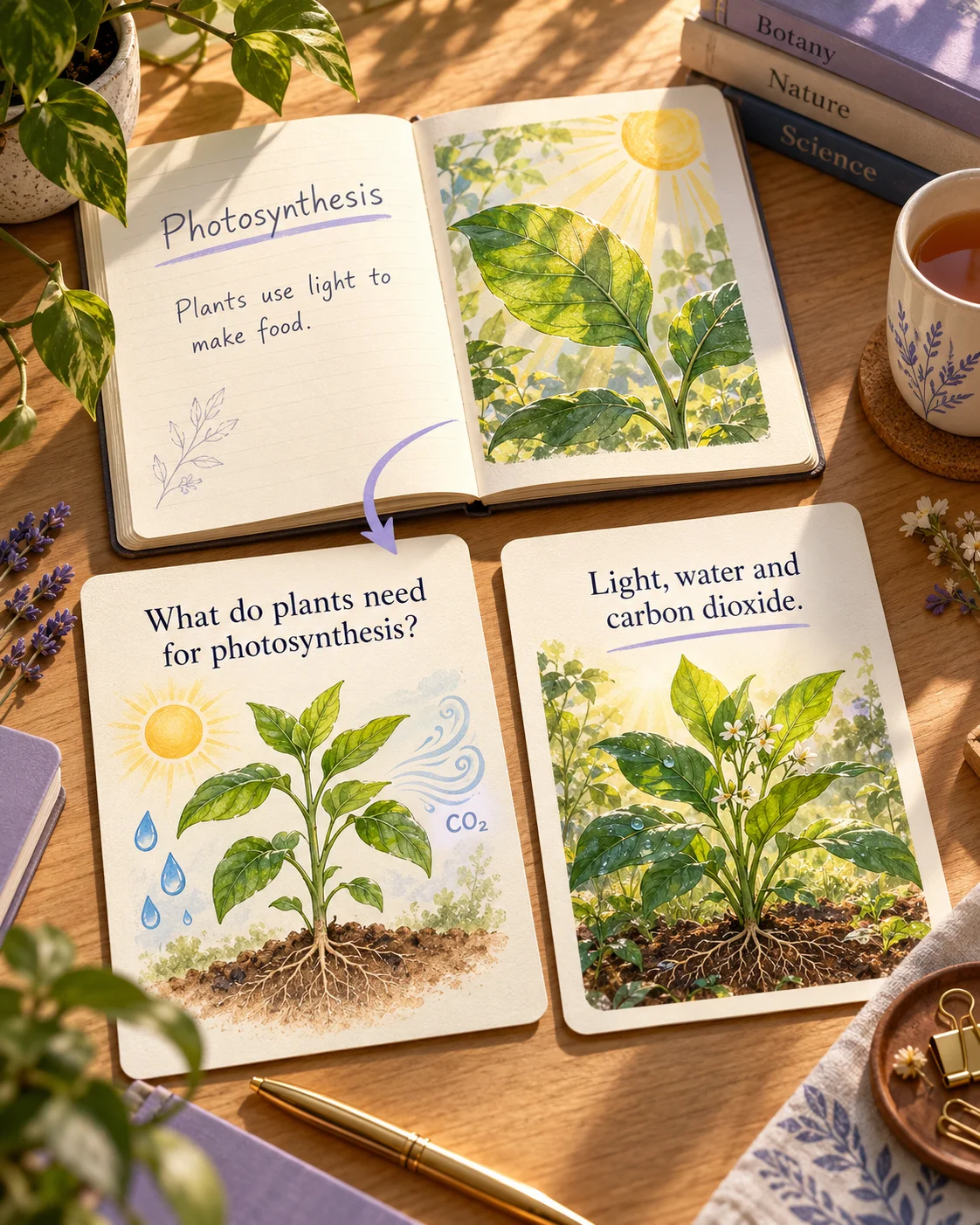
Paste your lesson notes, choose the learner level, language, and length, and name the concepts you want covered. SlidesPilot creates illustrated question-and-answer cards you can present, print, or export as editable PowerPoint.
Use lesson outlines, lecture notes, chapter summaries, glossaries, or passages from your teaching material. Add the learning objectives and examples you want students to work with. Upload a file when your notes are saved in a document.
You can start with your existing teaching notes. SlidesPilot develops questions and visual answer explanations from the material, while your instructions shape the focus, audience, and depth.
Yes. Paste the relevant passage or name the concepts to emphasize. Ask for photosynthesis inputs and outputs, comparisons between similar terms, or vocabulary from one lesson. Specify what students should be able to explain afterward.
Yes. SlidesPilot creates illustrated cards with diagrams, visual examples, and designed layouts. Use the answer side to explain a process, put a term in context, or make a relationship visible during your walkthrough.
Yes. Set the output language and audience, then describe the vocabulary and depth. Create an introduction for younger learners or a more detailed recap for an advanced class. You can further adjust the exported PowerPoint for another group.
Yes. Print your completed set for class or partner work. Choose Save as PDF in the print dialog to create a file you can give students for independent practice. Select the pages you want so questions and answers can be distributed separately.
Yes. Export editable PPTX to change wording, examples, images, and layouts in PowerPoint. Add a point from the latest lesson, simplify a question, or combine cards with your teaching slides. Students and independent learners can also create cards from their own notes.
Turn teaching notes into questions for a classroom recap.
Make Word handouts and study documents useful for active recall.
Turn textbook chapters into illustrated cards for teaching and practice.
Connect useful words with meanings, scenes, and your own examples.
Explain words, processes, and concepts through scenes and diagrams.
Make illustrated cards you can take to the study table or classroom.
Generate cards, then edit and arrange the exported PPTX in PowerPoint.
Create illustrated study cards from your material or a topic.
Create illustrated questions and explanations for your next class, tutoring session, or take-home activity.