


Questions with visual context
Illustrations and diagrams give learners a clear situation to think about. Create a worksheet-style activity that feels connected to the subject.
Generate a quiz with answers and print the pages you need. Keep an editable PowerPoint for the next lesson.
Drag and drop your files here.
Paste a link from YouTube, TikTok, X/Twitter, Instagram, Facebook, or any website.
Upload a teaching file, paste a passage or link, or describe a topic and audience.
Request multiple-choice, matching, true-or-false, or fill-in-the-blank questions with answer explanations.
Select Print on the generated set. Choose your printer and page range, or save the set as a PDF.
Use the same quiz for independent work and the conversation afterward.
Illustrations and diagrams give learners a clear situation to think about. Create a worksheet-style activity that feels connected to the subject.
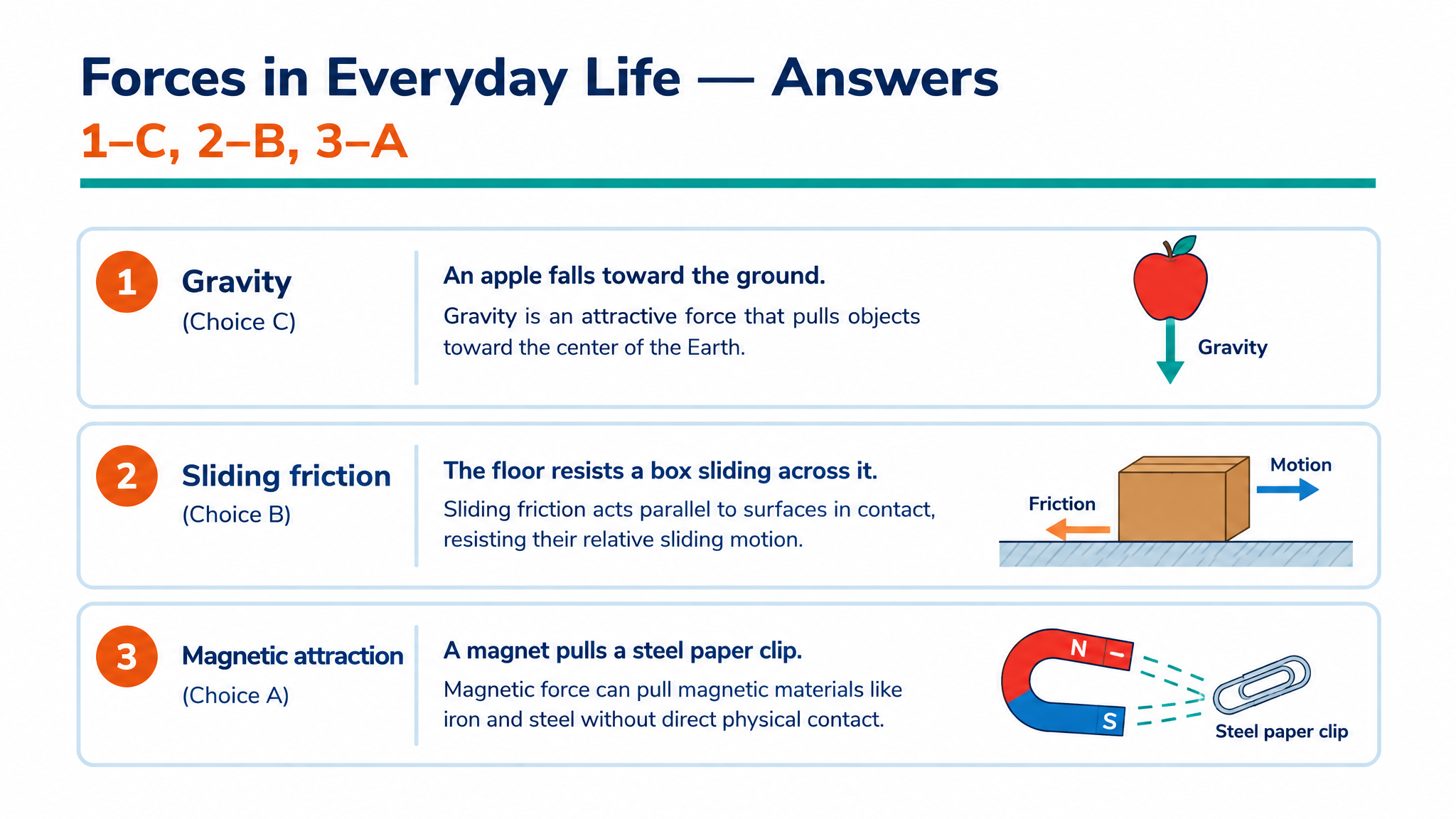
Use the generated answer pages to explain choices and connections. Keep the questions and explanations together as a reusable teaching resource.
Download PPTX to adjust vocabulary, replace a question, or change the order before printing another version.
Add your lesson material or describe a topic, choose the quiz settings, and generate the set. SlidesPilot creates designed questions with corresponding answer explanations. Open the completed resource and select Print to prepare it for a class, tutoring session, or independent practice.
Yes. Use the page-range controls in the print dialog to select only the question pages for learners. Keep the answer pages for your walkthrough or print them as a separate reference. This lets the same generated set serve both the activity and the review afterward.
Yes. Select Save as PDF in your print dialog to keep the completed quiz or a selected range of pages. Store the question copy with your lesson materials and retain the answers for review. You can return to the PDF when you need another print copy.
Choose multiple choice, matching, true or false, or fill in the blank. Describe the subject and the kind of understanding you want to check. Use a format that fits the activity, such as matching terminology or applying a concept through a multiple-choice question.
Yes. Upload a PDF, Word document, or PowerPoint, paste notes or a link, or start from a topic. Tell SlidesPilot which ideas and learner level to focus on. The printable questions stay connected to the material you want to teach.
Yes. Export editable PPTX and revise the wording, answer options, explanations, images, and layout in PowerPoint. Add a classroom example, simplify the language, or reorder the questions. Keep the editable file for the next group or lesson.
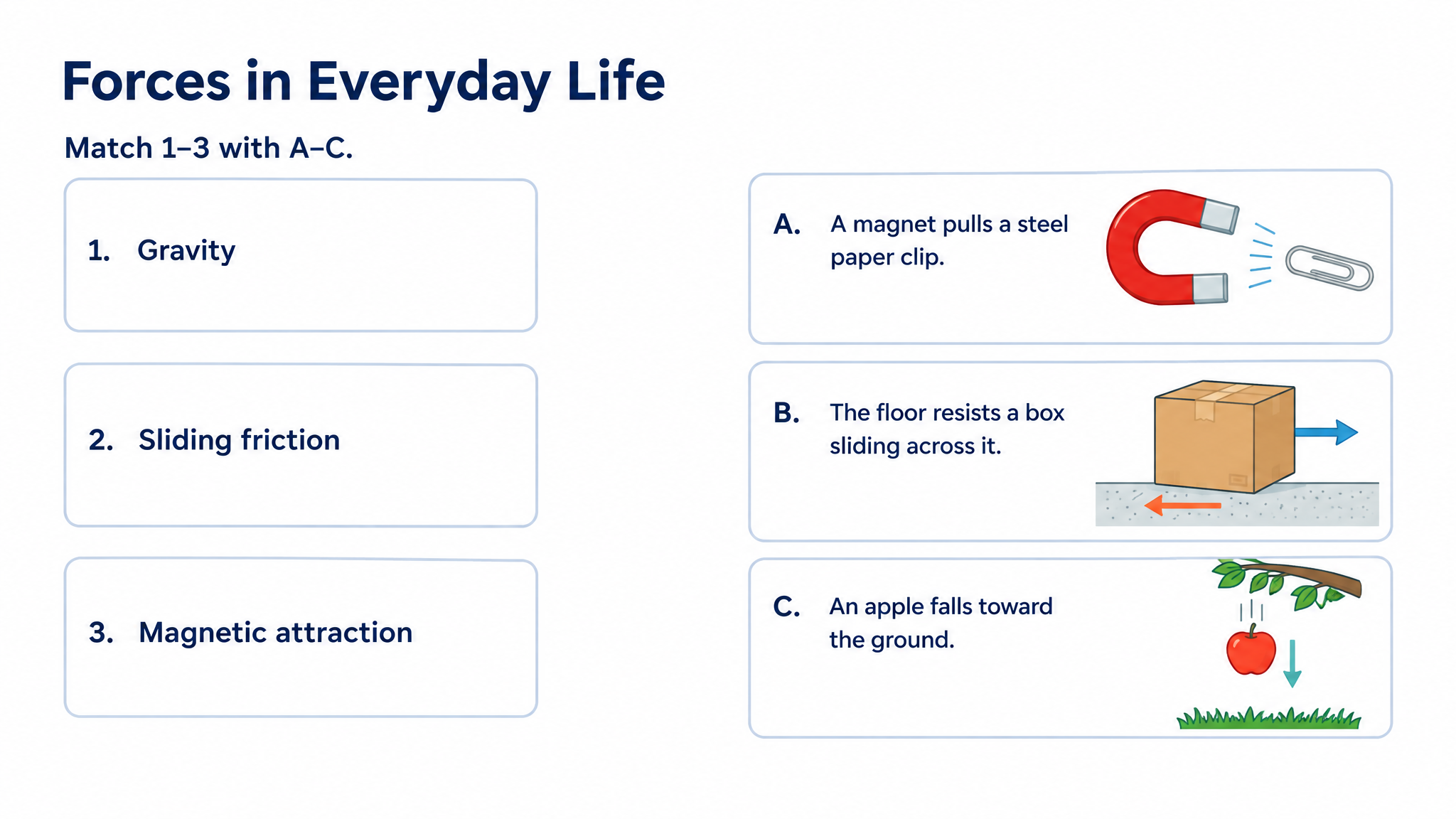
Yes. SlidesPilot creates designed questions and explanations with visual context. Request a scene, process, or relationship that helps learners understand the task. The preview above shows the kind of illustrated question-and-answer resource you can bring into a printed activity.
Yes. Choose the output language and audience, and specify the depth and vocabulary you want. Create introductory practice or a more detailed recap using the same topic. You can further personalize the exported PowerPoint before printing it for another group.
Make illustrated cards you can take to the study table or classroom.
Create a clear question, answer options, and a useful explanation.
Connect terms with definitions, examples, and related concepts.
Practice vocabulary and subject terms inside meaningful sentences.
Build illustrated spelling practice around your own word list.
Explore main idea, detail, vocabulary, and inference from a passage.
Organize a practice set around your revision topics and goals.
Create an editable quiz presentation for the shared classroom screen.
Turn your lesson into a designed quiz with answers. Print it for class and keep the editable version for next time.