

Present one question clearly
Give each question, answer set, image, or scenario enough space for the audience to respond.
Turn quiz questions, answers, and explanations into engaging presentation slides
Drag & drop your file here or
Convert quiz questions and answers into decks for practice, explanation, and classroom review.
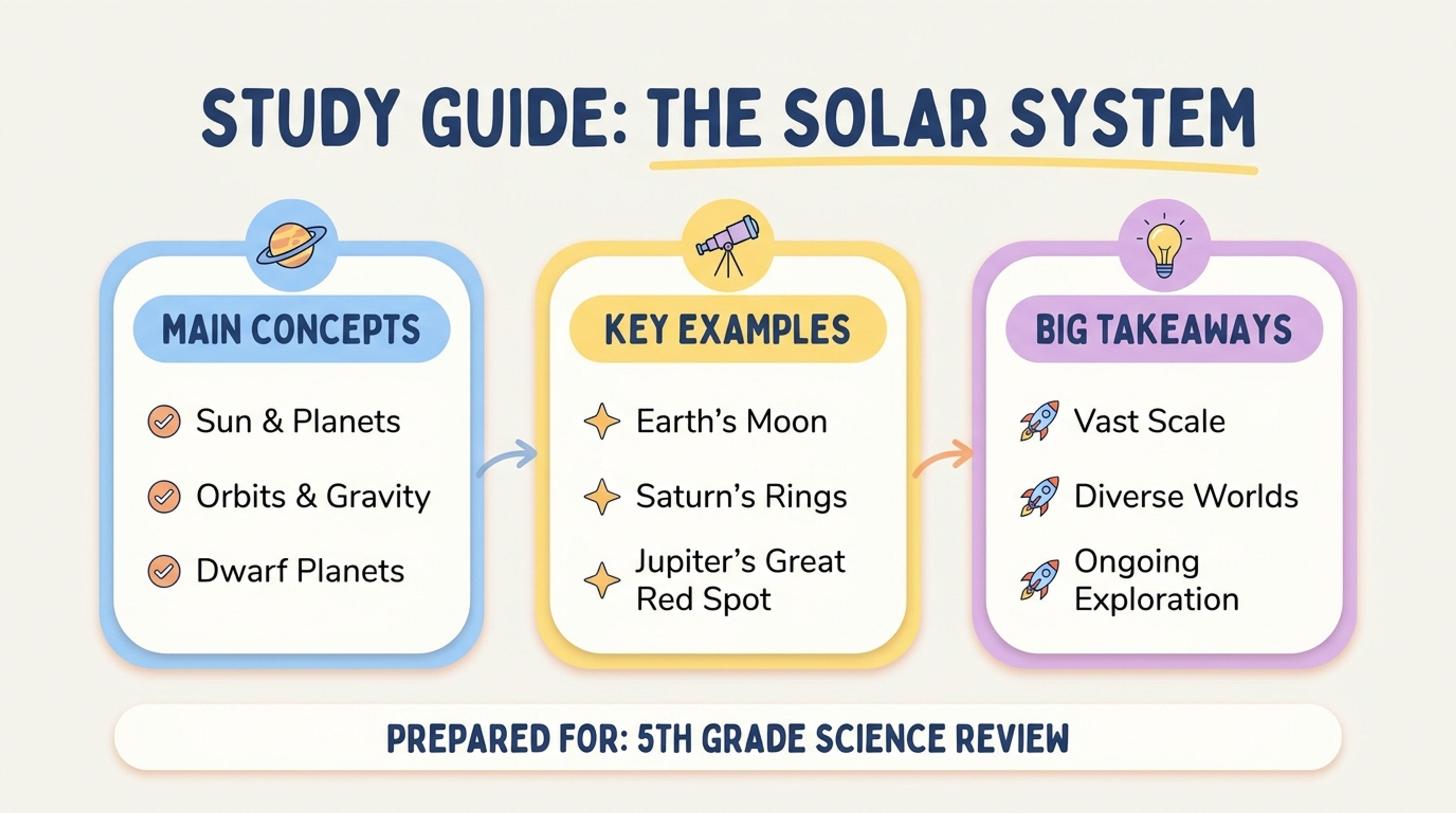
Turn questions into slides that let students answer, compare, and discuss the reasoning.
Create clear question, response, explanation, and review slides for classroom checks, training sessions, and group learning.
Give each question, answer set, image, or scenario enough space for the audience to respond.
Follow questions with clear answers, reasoning, examples, and teaching points.
Group questions by topic or difficulty and close with scores, recap, or next-step material.
Add questions, answer choices, correct answers, explanations, categories, and any supporting images or scenarios.

Choose a classroom review, training check, team activity, exam preparation, or knowledge recap.

Organize by topic, difficulty, round, or learning objective and decide how answers should be revealed.

SlidesPilot builds question slides, answer slides, explanations, section breaks, and a final review sequence.

Refine wording, visuals, ordering, branding, and teaching notes, then export the editable presentation.

SlidesPilot turns existing questions and answers into a polished deck that supports participation, explanation, and review.

Each prompt receives a clear, focused presentation layout.

Answers and explanations follow the question flow in a format that works for live delivery.

Questions can be organized into sections, rounds, or learning objectives.

Reasoning, examples, and teaching points reinforce the correct answer.

Key concepts and commonly missed ideas come together at the end of the deck.

Adjust questions, visuals, order, and branding for any class or team.
Use multiple-choice questions, true-or-false items, short-answer prompts, scenarios, answer keys, and explanations.
Yes. SlidesPilot can create a question slide followed by an answer and explanation slide for live reveal.
Yes. Group the presentation into rounds, subjects, learning objectives, or difficulty levels.
Yes. Shape the quiz for lessons, exam preparation, onboarding, workshops, or team knowledge checks.
Yes. Include reasoning, examples, definitions, and key takeaways to reinforce learning.
Yes. Customize the complete presentation and export an editable PPTX or continue in Google Slides.
Turn lesson plans, textbooks, lecture notes, and summaries into coordinated learning presentations.
Transform written lesson plans into engaging PowerPoint presentations
Transform textbooks into PowerPoint presentations
Transform class notes into structured PowerPoint presentations
Transform lengthy quizzes into concise study guides instantly
Transform your study notes into PowerPoint presentations
Turn notes, paragraphs, and ideas into a clear, editable PowerPoint presentation.
Transform your work into a presentation, instantly. ⭐ #1 AI PowerPoint Generator | Trusted by 3 million users worldwide