

Convert the full presentation
Export every slide through one online workflow instead of saving images individually.
Turn every PowerPoint slide into a separate JPG image and download the complete set together in one ZIP file.
Drag & drop your PowerPoint file here or
Export a complete PPT or PPTX as separate JPG files for websites, email, social content, thumbnails, previews, and easy image sharing.
Export every slide through one online workflow instead of saving images individually.
Use presentation images across email, websites, social posts, thumbnails, and visual previews.
Receive separate JPG images in presentation order, bundled together for convenient sharing and storage.
Export every PowerPoint slide as an individual JPG image and download the complete set together.
Choose the PowerPoint presentation containing the slides you want to export as JPG images.
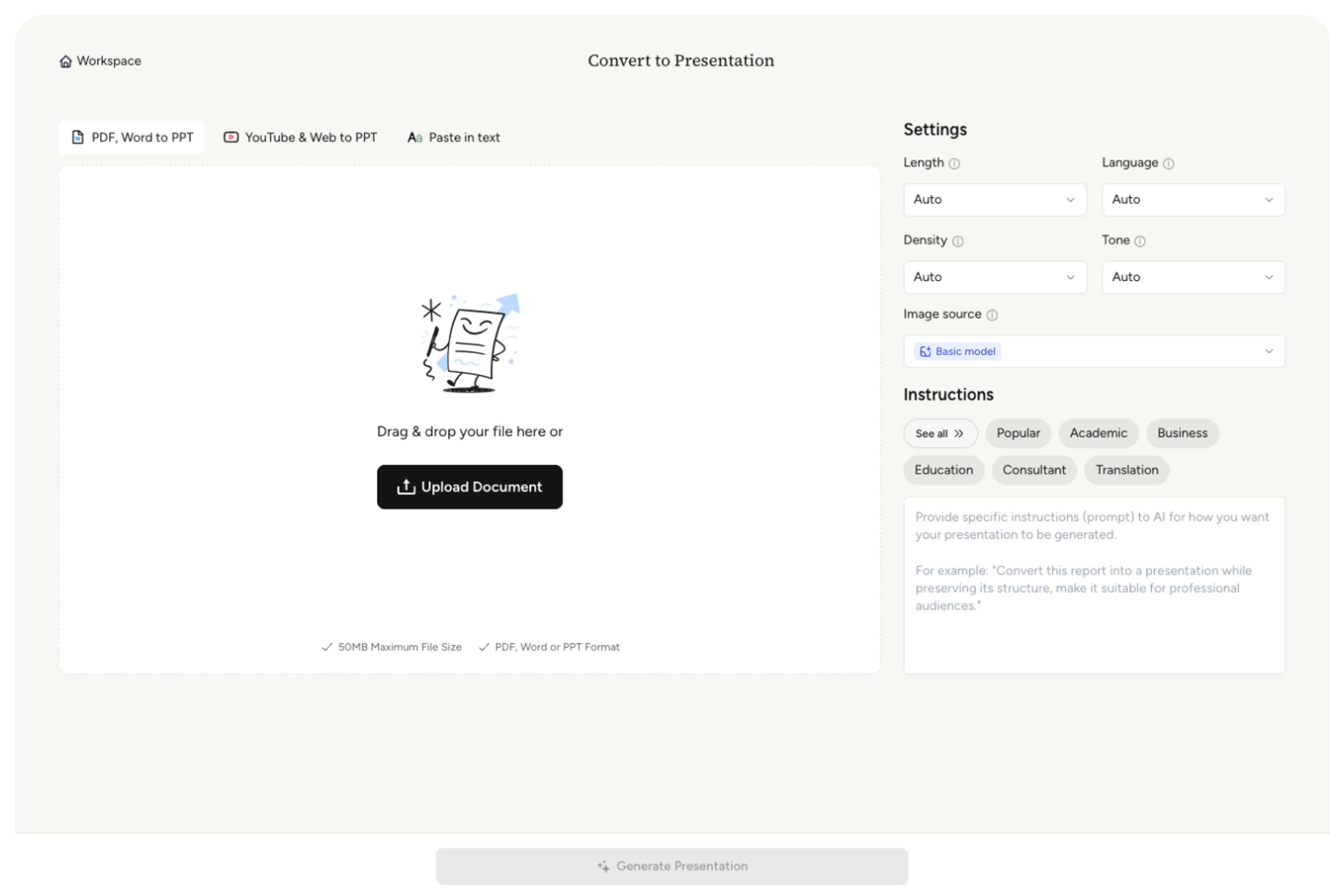
SlidesPilot creates a separate JPG image for each slide and keeps the files in presentation order.
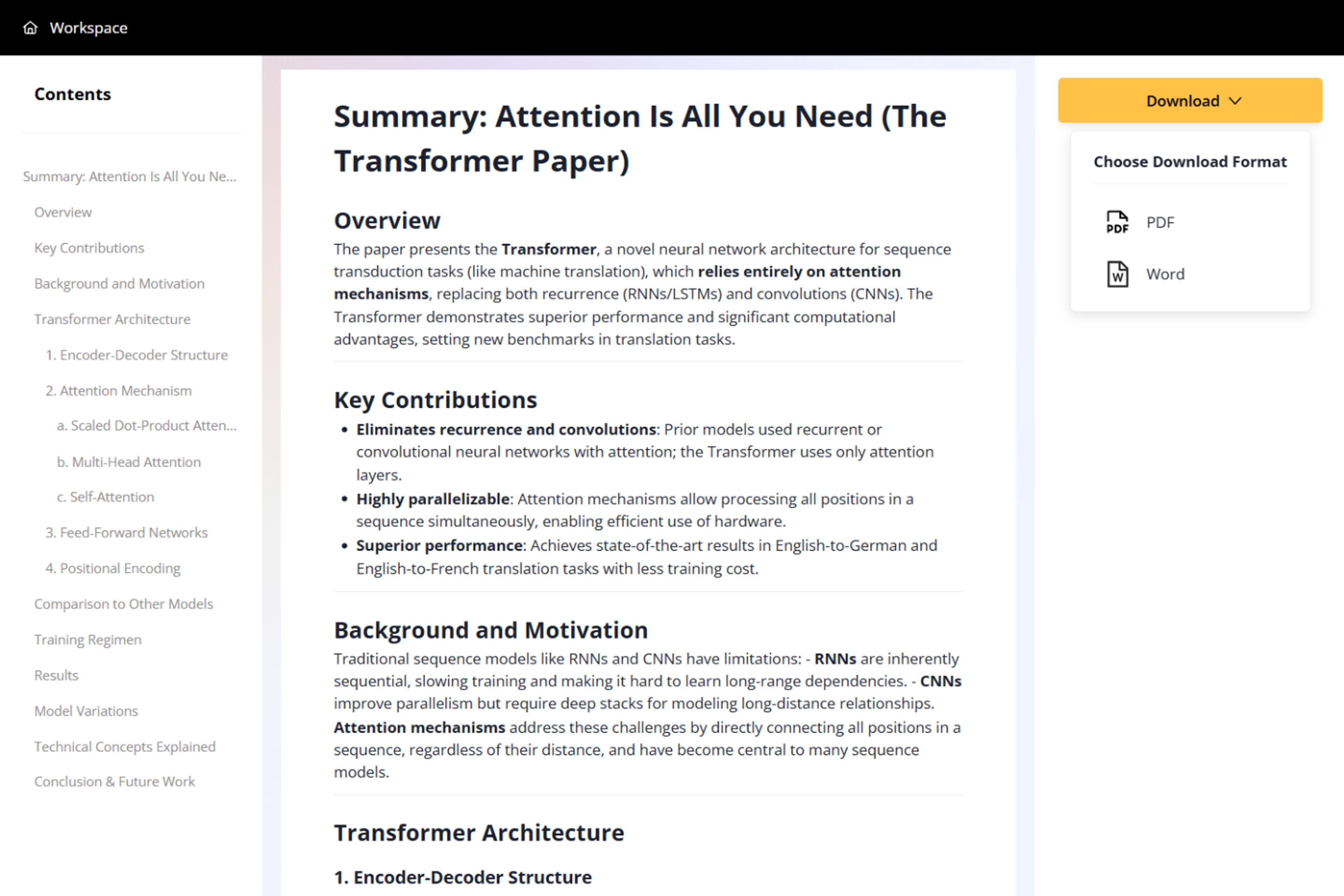
Save the full set of JPG images together and use them across websites, email, social content, thumbnails, and previews.

Create a compact image version of every slide for flexible digital sharing and reuse.
Upload standard PowerPoint presentation formats directly.
Convert all slides in one online workflow.
Receive one JPG file for each slide in presentation order.
Create practical slide images for fast sharing and broad compatibility.
Save the complete image set together for convenient organization.
Use JPG slides in email, websites, social posts, thumbnails, previews, and image libraries.
Upload the PPT or PPTX, start the conversion, and download all slide images together in one ZIP file.
Yes. SlidesPilot creates one JPG image for every slide and keeps the files in presentation order.
Yes. You can convert PowerPoint slides to JPG online for free after signing up, with no credit card required.
Yes. The full deck is processed in one workflow, so you do not need to save slides individually.
Use them in email, websites, social posts, thumbnails, previews, image libraries, and other digital content.
Yes. The converter supports both PPT and PPTX files.
Export slides as JPG or PNG images, create one shareable PDF, extract presentation text, or convert the content to Word.
Turn a PowerPoint presentation into one shareable PDF with every slide kept in order.
Turn a PowerPoint presentation into an editable Word document for handouts, reports, notes, and reuse.
Turn every PowerPoint slide into a separate PNG image and download the complete set in one ZIP file.
Extract visible text from every PowerPoint slide and download it as a plain text file.
Turn reports, papers, and documents into clear, structured, editable PowerPoint presentations with AI.
Turn Word documents into clear, structured, editable PowerPoint presentations with AI.
Upload a PPT or PPTX and download every slide as a JPG image.