

Start with the complete document
Upload a DOC or DOCX file instead of copying paragraphs into slides one at a time. SlidesPilot works from the full source, including its headings and section order.
Turn Word documents into clear, structured, editable PowerPoint presentations with AI.
Drag & drop your file here or
Explore how proposals, lesson plans, research briefs, executive memos, and webinar scripts become visually distinct, editable PowerPoint slides.

A Word research brief becomes an annotated ecology figure that connects pollinators, plants, habitat, and the central finding.
Word documents are written to be read; presentations are designed to be delivered. SlidesPilot uses the document's hierarchy and content to build a shorter, clearer PowerPoint narrative.
Upload a DOC or DOCX file instead of copying paragraphs into slides one at a time. SlidesPilot works from the full source, including its headings and section order.
The AI identifies the purpose of each section, condenses long passages, and organizes the document into a sequence an audience can follow.
Specify the audience, objective, tone, length, and content to emphasize. The resulting deck is built for presenting, not simply copied from Word page by page.
Start with the DOC or DOCX that contains the complete source material. Clear headings, finished sections, and labeled tables or images make it easier to turn the document into a coherent deck.
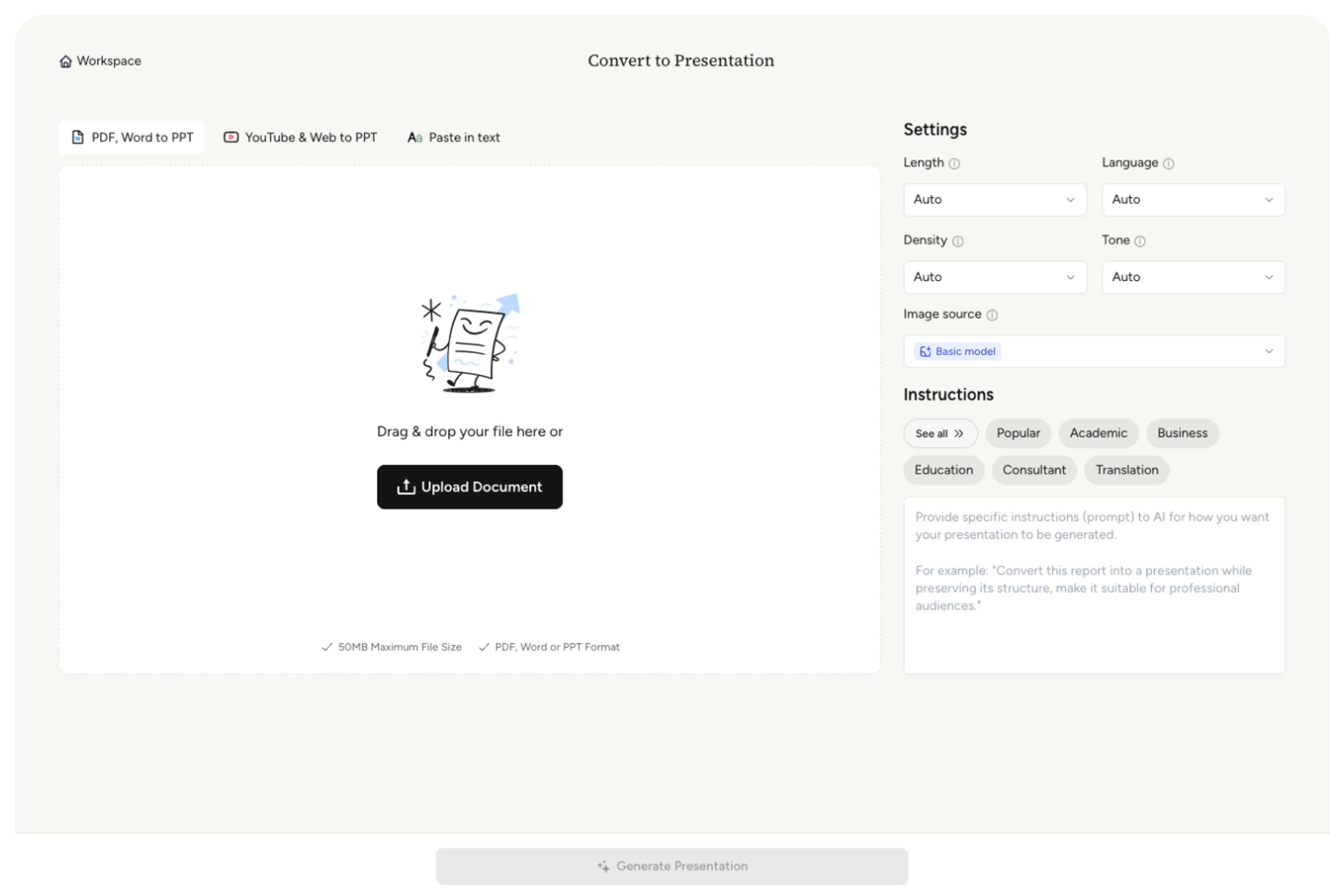
Tell the AI who will see the presentation, what they should understand or decide, and which sections, findings, or recommendations must remain prominent.
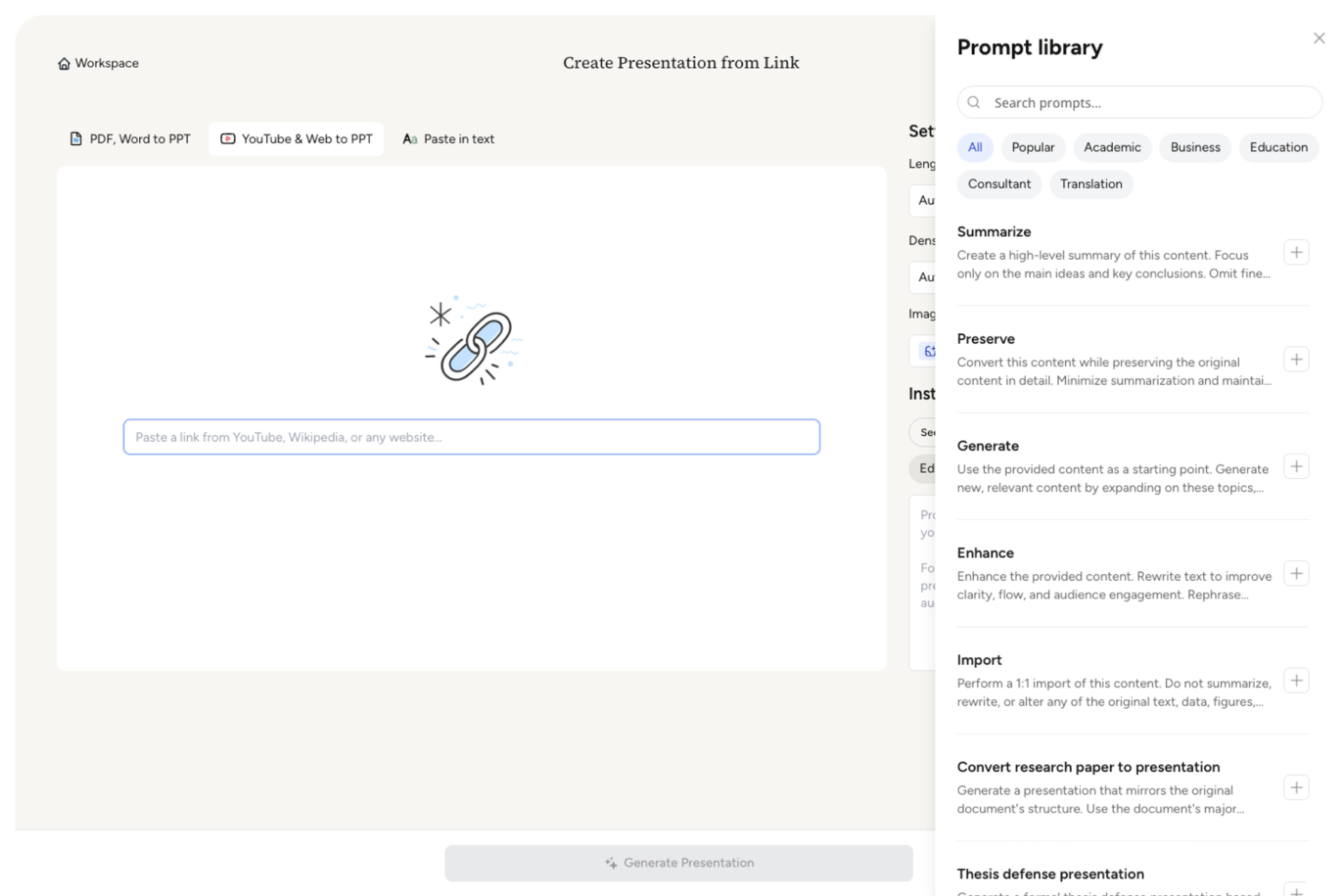
Set the slide count and content density. For a long report, identify the chapters to prioritize and decide whether background detail belongs in the main deck or should be left for an appendix.
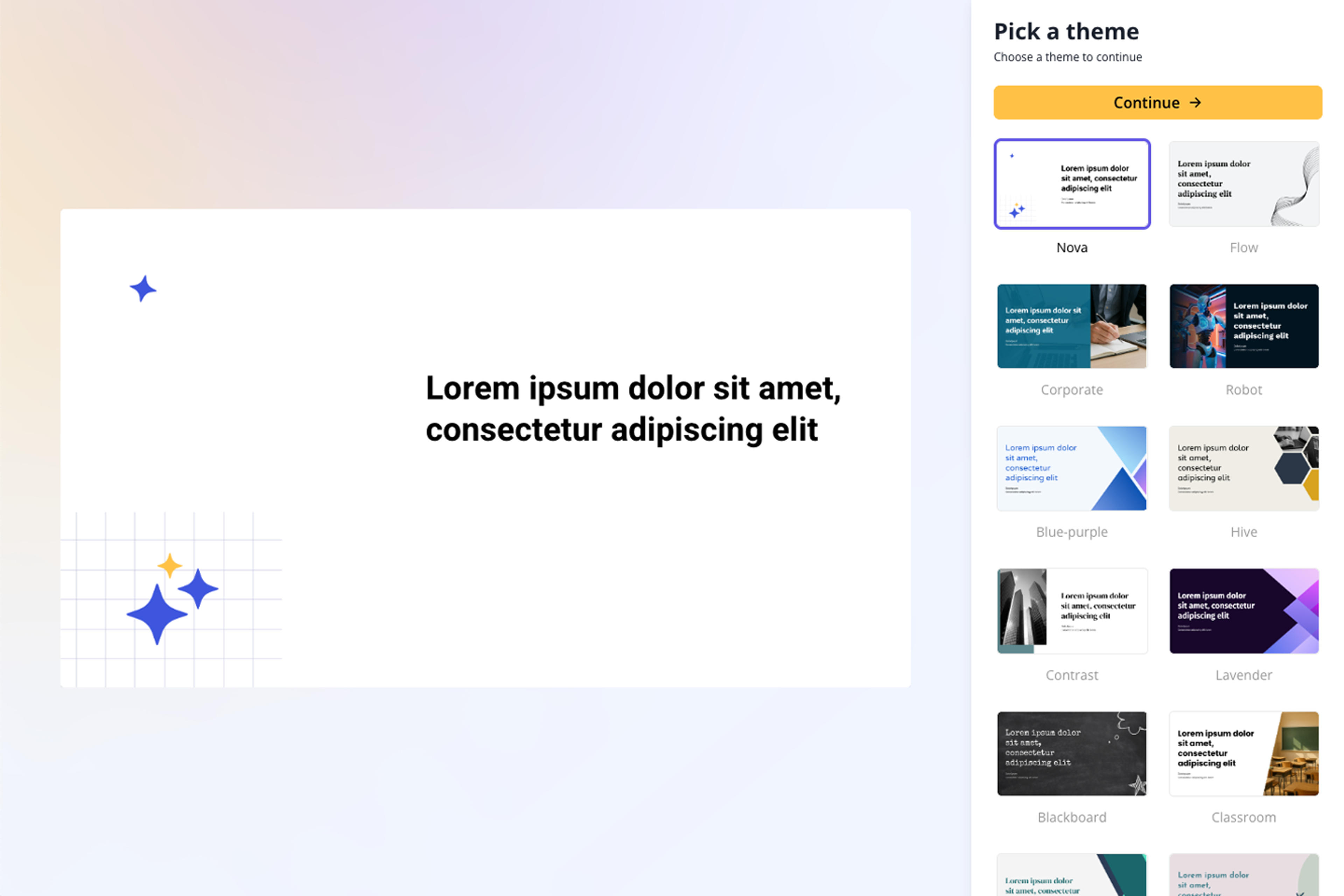
SlidesPilot uses headings to shape sections, condenses paragraphs into slide-level messages, and reorganizes supporting details into a sequence designed for presenting rather than reading.
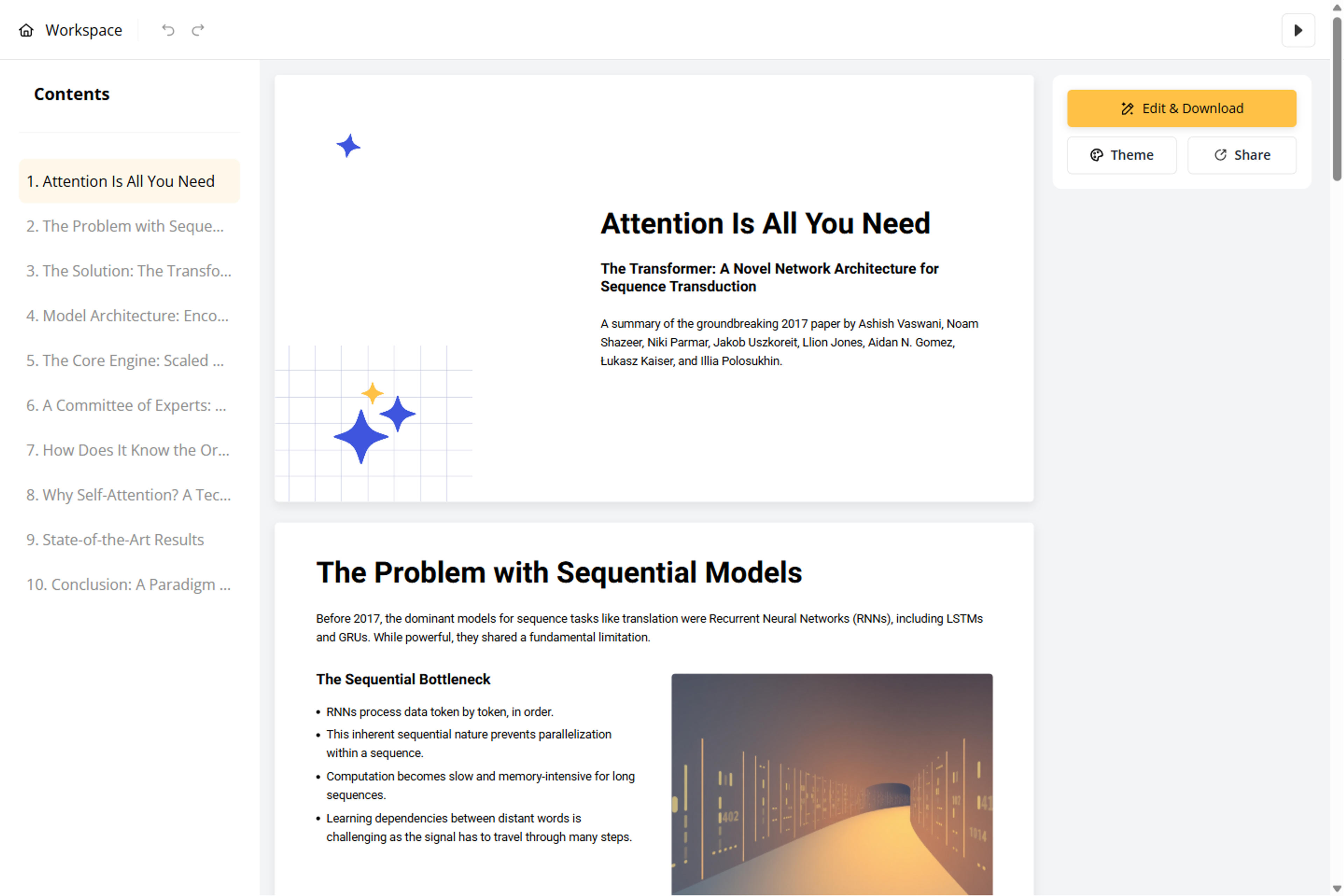
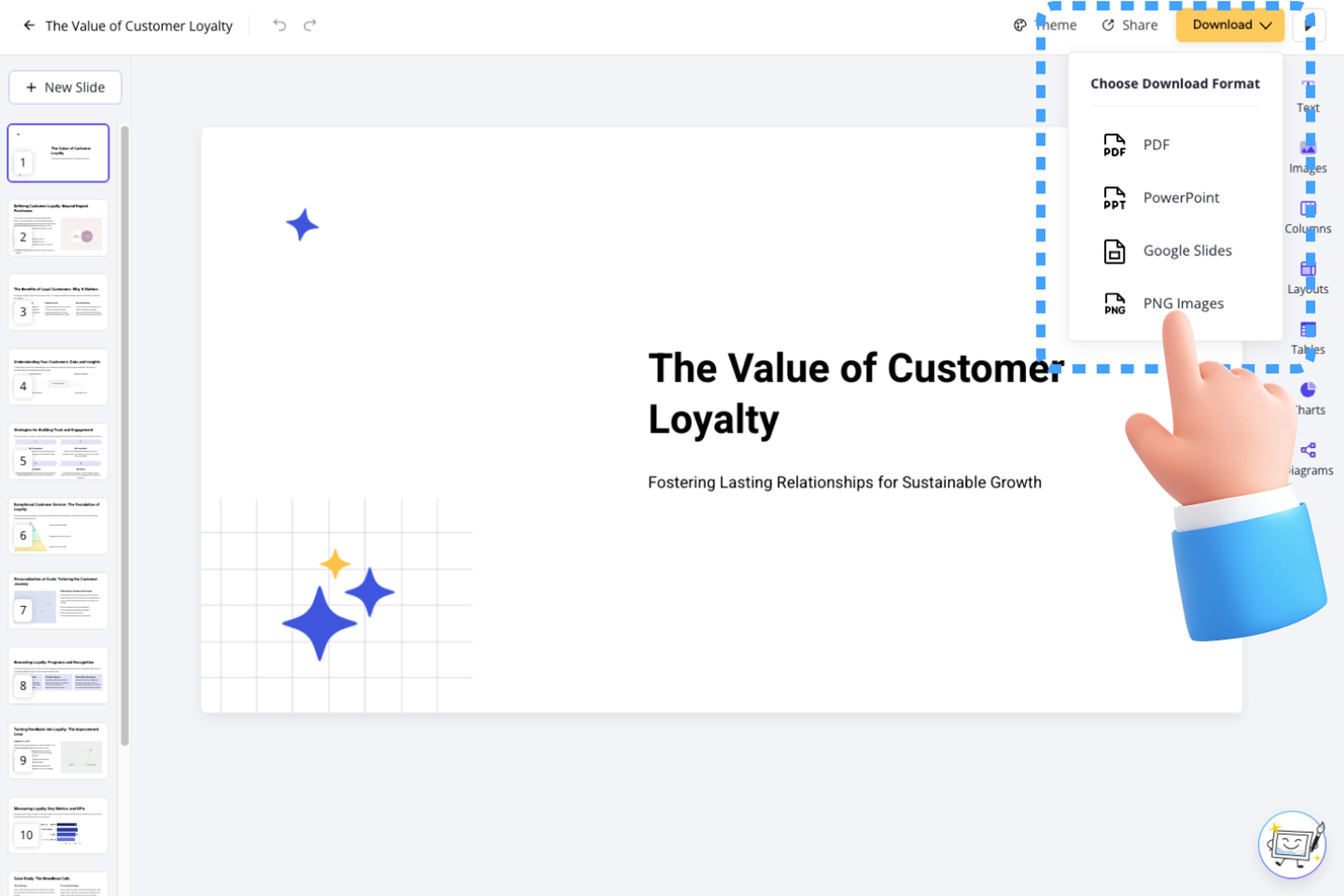
Polish names, numbers, quotations, tables, charts, and images in the editable deck, then export to PowerPoint, Google Slides, PDF, or PNG.
A Word document and a slide deck serve different reading habits. SlidesPilot keeps the document as the source while reshaping it for an audience, a speaking flow, and editable slides.

Document titles, headings, and subheadings form a clear presentation hierarchy that makes the story easy to follow.

Dense prose is reduced to the claim, evidence, and takeaway an audience needs on screen, while the full document remains available for reference.

Related points are grouped together and detailed sections become focused slides with a clear role in the overall story.

SlidesPilot brings images, tables, and charts into the presentation and adapts complex document visuals into clear, slide-ready content.

Use instructions to prioritize an executive conclusion, classroom explanation, project recommendation, client proposal, or another presentation goal.

Revise wording, layout, and visuals in SlidesPilot, then download a PPTX that remains editable in PowerPoint.

Transform business reports into executive PowerPoint presentations
Transform source docs into PowerPoint presentations using the latest Google Gemini image model
Transform complex business reports into professional PowerPoint presentations
Transform your Curriculum Vitae into a professional PowerPoint presentation
Transform detailed reports into executive PowerPoint presentations

Transform academic literature reviews into PowerPoint presentations
Transform exams and quizzes into PowerPoint presentations
Transform course syllabi into PowerPoint presentations
Transform written lesson plans into engaging PowerPoint presentations
Turn quiz questions, answers, and explanations into engaging presentation slides
Turn a thesis or dissertation into a focused, editable defense presentation built around your research contribution.

Transform complex marketing data into professional PowerPoint presentations
Transform detailed reports into professional PowerPoint presentations
Transform detailed business plans into professional PowerPoint presentations
Transform detailed case studies into professional PowerPoint presentations
Turn article content into a focused, editable presentation
Yes. SlidesPilot's Word to PPT converter is free to use after signup, with no credit card required.
Copying usually carries document-length paragraphs into slides. SlidesPilot reads the document structure, selects the presentation-worthy material, and creates a new slide narrative for an audience.
You can use DOC and DOCX files, including reports, proposals, assignments, lesson plans, briefs, and other content-rich documents.
SlidesPilot intelligently adapts the document's headings, text, images, tables, and charts into presentation layouts that are clear, visual, and ready for an audience.
Identify the audience, the decision or takeaway, and the chapters that matter most. A focused brief helps AI elevate key findings and apply the right level of detail across the document.
SlidesPilot uses tables, charts, images, captions, and embedded visuals to create richer slides while keeping the document narrative clear and easy to present.
Yes. Set the presentation length and density, then specify the audience, required sections, tone, and details the AI should emphasize throughout the deck.
Yes. Edit the generated deck in SlidesPilot and export an editable PPTX for PowerPoint. Google Slides, PDF, and PNG exports are also available. Uploaded documents and generated decks are private by default.
Turn reports, papers, and documents into clear, structured, editable PowerPoint presentations with AI.
Turn notes, paragraphs, and ideas into a clear, editable PowerPoint presentation.
Transform YouTube videos into editable PowerPoint presentations
Paste a content-rich link and turn the online source into a clear, editable PowerPoint presentation.
Paste text, add a YouTube or webpage link, or upload a document to create a beautiful, structured summary connected to the source.
Transform plain PowerPoint presentations into professional designs using AI
Upload your DOC or DOCX file, guide the AI, and create a clear presentation grounded in the document.