

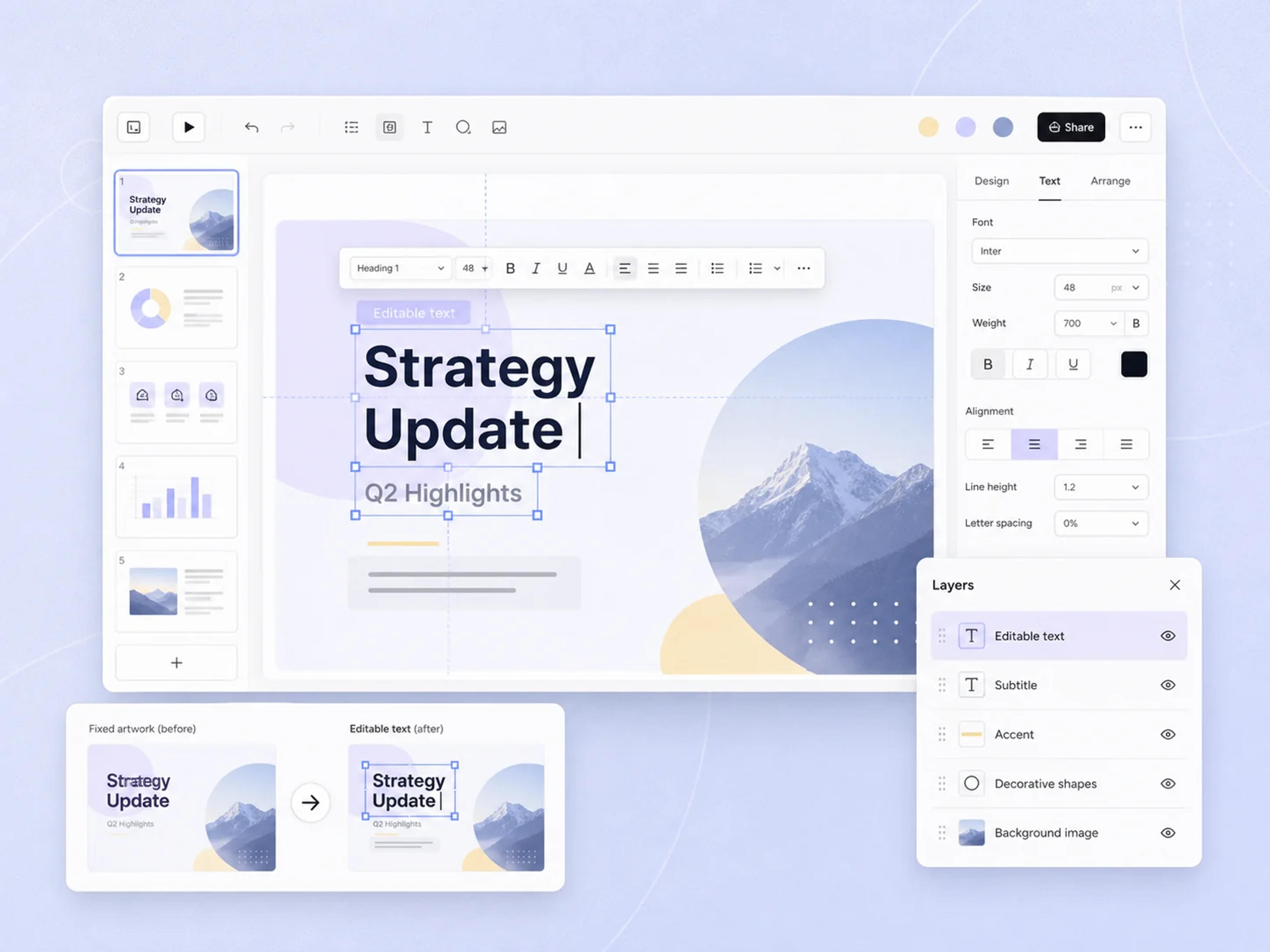
Editable text
Extract Editable Slide Text
SlidesPilot recognizes the original words inside fixed slide artwork and converts them into editable text boxes while keeping the wording and placement aligned with the source.
Upload a NotebookLM PDF or image-based PPTX. Our proprietary AI extracts the original text and slide elements while preserving the content, layout, and visual design in an editable PowerPoint.
Drag and drop your NotebookLM or Gemini Notebook slide deck, or choose a file to upload.
Editable PowerPoint
SlidesPilot uses proprietary AI recognition to extract text and slide elements from image-based exports while preserving the original content, layout, and visual design.
Editable text
SlidesPilot recognizes the original words inside fixed slide artwork and converts them into editable text boxes while keeping the wording and placement aligned with the source.
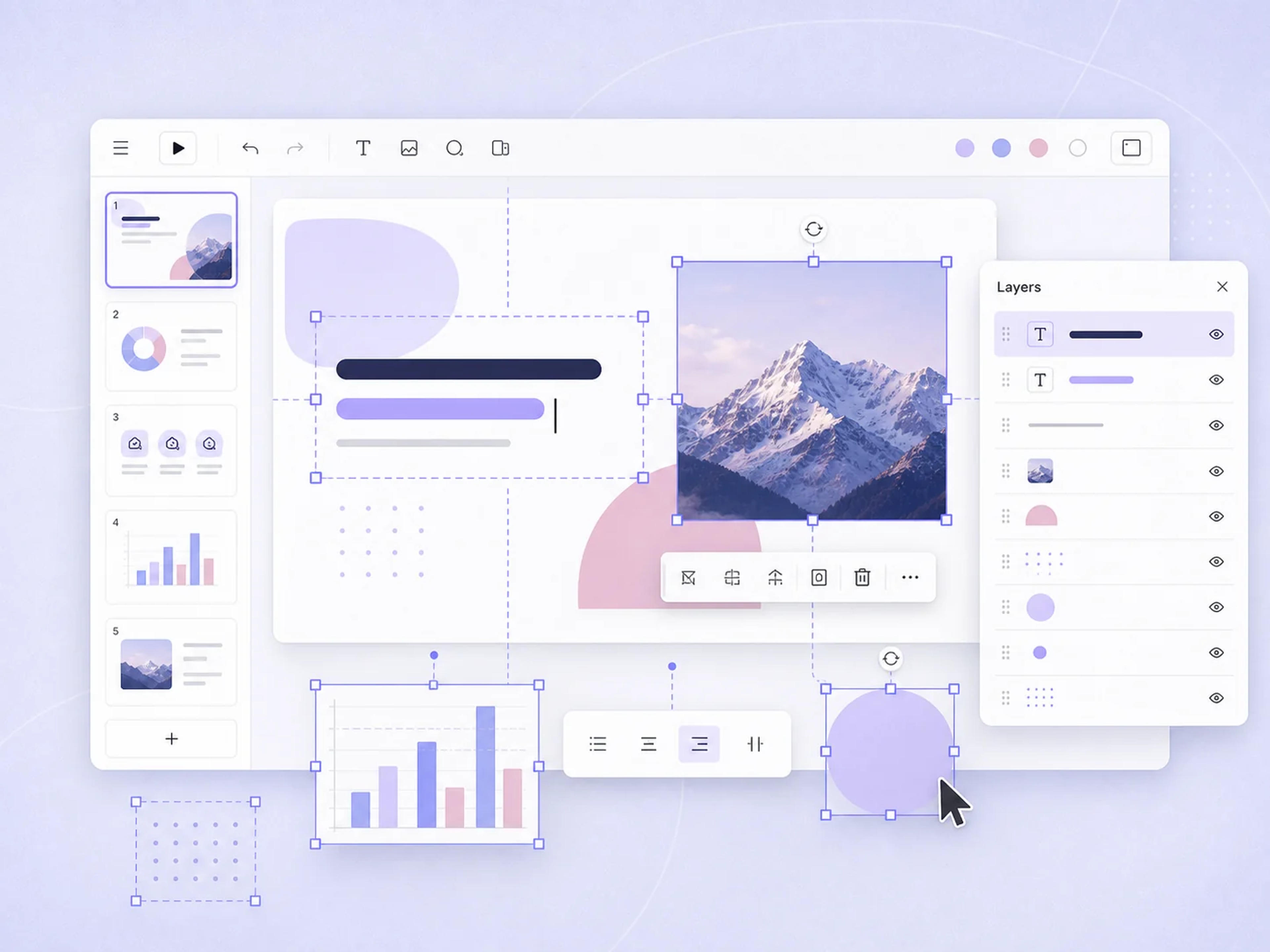
Editable elements
AI identifies images, shapes, and visual elements and separates them into editable PowerPoint objects while preserving their original arrangement.

PowerPoint output
Export an editable PPTX and continue working in Microsoft PowerPoint with the flexibility to customize the deck for any audience.
SlidesPilot supports the two common ways NotebookLM and Gemini Notebook deliver slide decks.
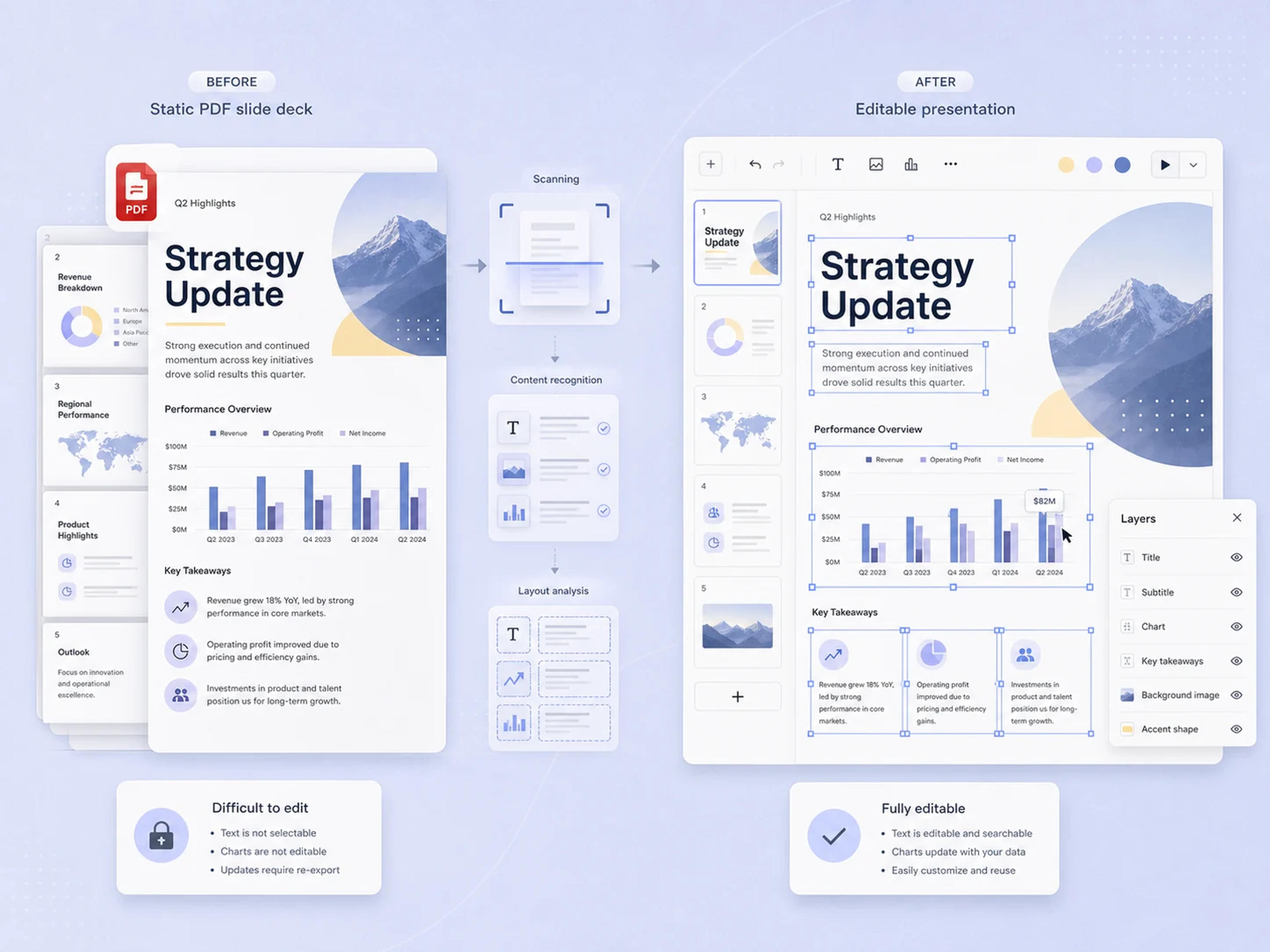
PDF export
Upload the PDF slide deck from NotebookLM and extract its original text and elements into an editable PowerPoint while preserving the content, layout, and design.
Upload the PDF: Use the slide deck exported from NotebookLM or Gemini Notebook.
Extract editable content: Recover text, images, and slide elements from the fixed pages.
Preserve the design: Keep the original layout as the starting point for editing.
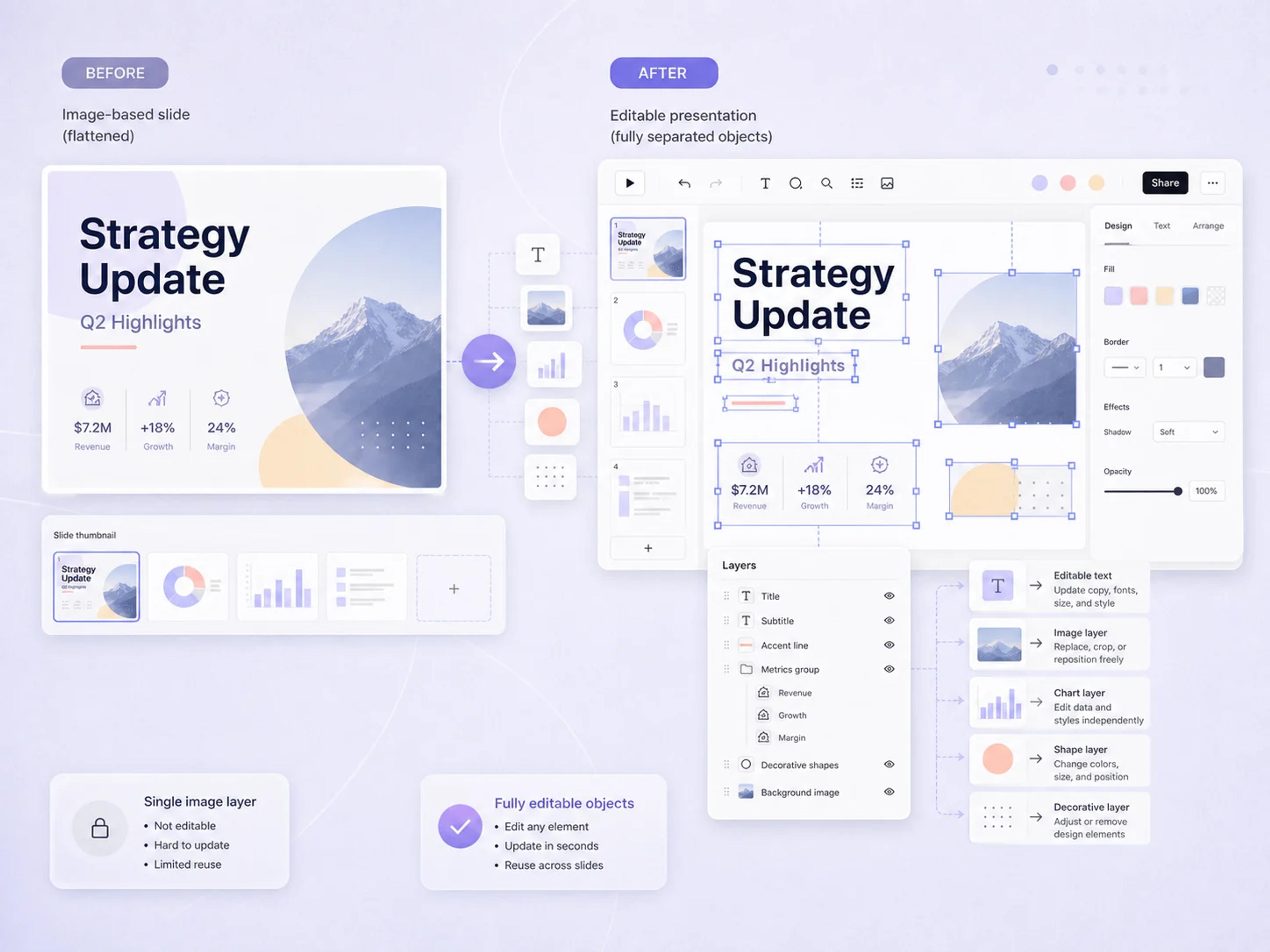
PPTX export
Upload a NotebookLM PPTX whose slides behave like images and convert its original content into editable PowerPoint objects without replacing the existing slide design.
Open image-based slides: Upload a PPTX whose slides behave like flat images.
Separate slide elements: Turn the original content into editable PowerPoint objects.
Continue in PowerPoint: Adjust the deck without rebuilding the existing design.
Edit the original presentation content and design while keeping its visual structure as the foundation.
Edit titles, paragraphs, labels, and supporting copy directly in the PowerPoint deck.
Move, resize, replace, and reuse visual content throughout the presentation.
Adjust extracted shapes and design elements while retaining the original visual structure of each slide.
Rearrange content, refine spacing, and adapt each slide for a clearer presentation flow.
Update colors, typography, and visual styling to align the deck with your preferred look.
Download the extracted presentation as an editable PPTX ready for Microsoft PowerPoint.
Go from a fixed Gemini Notebook slide deck to an editable PPTX in a simple upload workflow.
Download the presentation from NotebookLM or Gemini Notebook as a PDF, PPT, or PPTX file.
Add the exported file to SlidesPilot. Both PDF slides and image-based PowerPoint decks are supported.
SlidesPilot recognizes the original text, images, shapes, and slide structure, then converts them into editable objects while preserving the existing design.
Customize the content and design, then download an editable PowerPoint file for your next class, meeting, or presentation.
Use the editable presentation wherever your research, teaching, and business ideas need to go next.
Update findings, add citations, refine explanations, and prepare source-based slides for a talk or review.
Adapt AI-generated slides to your curriculum, add discussion prompts, and personalize the deck for your students.
Turn a source-grounded NotebookLM deck into a client-ready presentation with editable messaging, visuals, and branding.
Customize modules, exercises, examples, and takeaways for different teams while keeping the original deck structure.
Refresh data points, refine the narrative, and adapt an AI-generated deck for stakeholders, leadership, or customers.
From research reviews to client meetings, editable output makes a source-grounded NotebookLM deck easier to adapt and present.
Everything you need to turn NotebookLM and Gemini Notebook slides into an editable presentation.
Export the slide deck from NotebookLM and upload the PDF or PPTX to SlidesPilot. AI recognizes and extracts the original text and slide elements while preserving the content and design in an editable PowerPoint.
Yes. SlidesPilot identifies and extracts the original slide content into an editable PPTX with text boxes and visual elements you can update, move, resize, and restyle.
Yes. Upload your Gemini Notebook presentation and SlidesPilot extracts the original slide text and elements while keeping the existing content and design ready for continued editing in PowerPoint.
Yes. You can upload a NotebookLM PDF, PPT, or PPTX file and turn the presentation into an editable PowerPoint deck.
Yes. SlidesPilot recognizes and extracts the content inside image-based slides, converting the original text, images, shapes, and slide elements into editable PowerPoint objects while preserving the design.
Yes. Download the extracted deck as a PPTX and open it in Microsoft PowerPoint to revise the content, adjust the design, and prepare the final presentation.
Yes. You can update colors, typography, spacing, visuals, and layouts to make the deck fit your brand, audience, and presentation goal.
Yes. SlidesPilot is free to use after signup, so you can upload your NotebookLM slides and start creating an editable PowerPoint without a credit card.
Continue from a PDF, improve an existing deck, or turn source material into a new presentation with SlidesPilot.
Turn reports, papers, and documents into clear, structured, editable PowerPoint presentations with AI.
Transform plain PowerPoint presentations into professional designs using AI
Turn a research paper into a clear, editable PowerPoint covering the question, methods, results, limitations, and citations.
Transform complex business reports into professional PowerPoint presentations
Compare the best NotebookLM replacements for research, collaboration, privacy, and editable PowerPoint presentations.
Upload a NotebookLM or Gemini Notebook PDF or PPTX. SlidesPilot extracts the original text and elements, preserves the slide design, and delivers a PowerPoint you can truly edit and reuse.