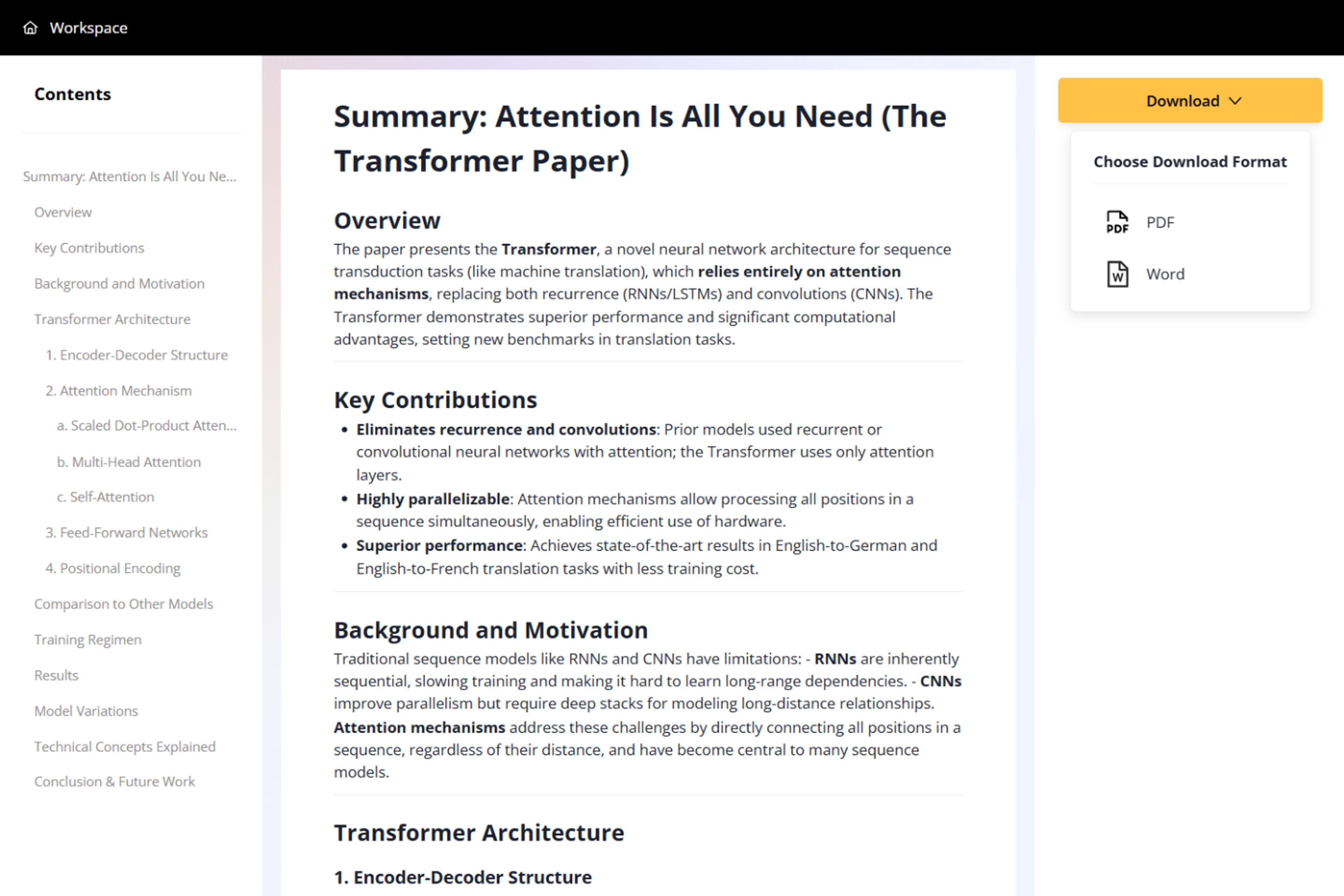
AI Document Summarizer

Summarize any document instantly with AI

Drag & drop your file here or

50MB Maximum File Size
PDF, Word or PPT Formats

Examples of documents summaries you can generate

Preview how documents can become concise, presentation-ready takeaways before you export or share the result.

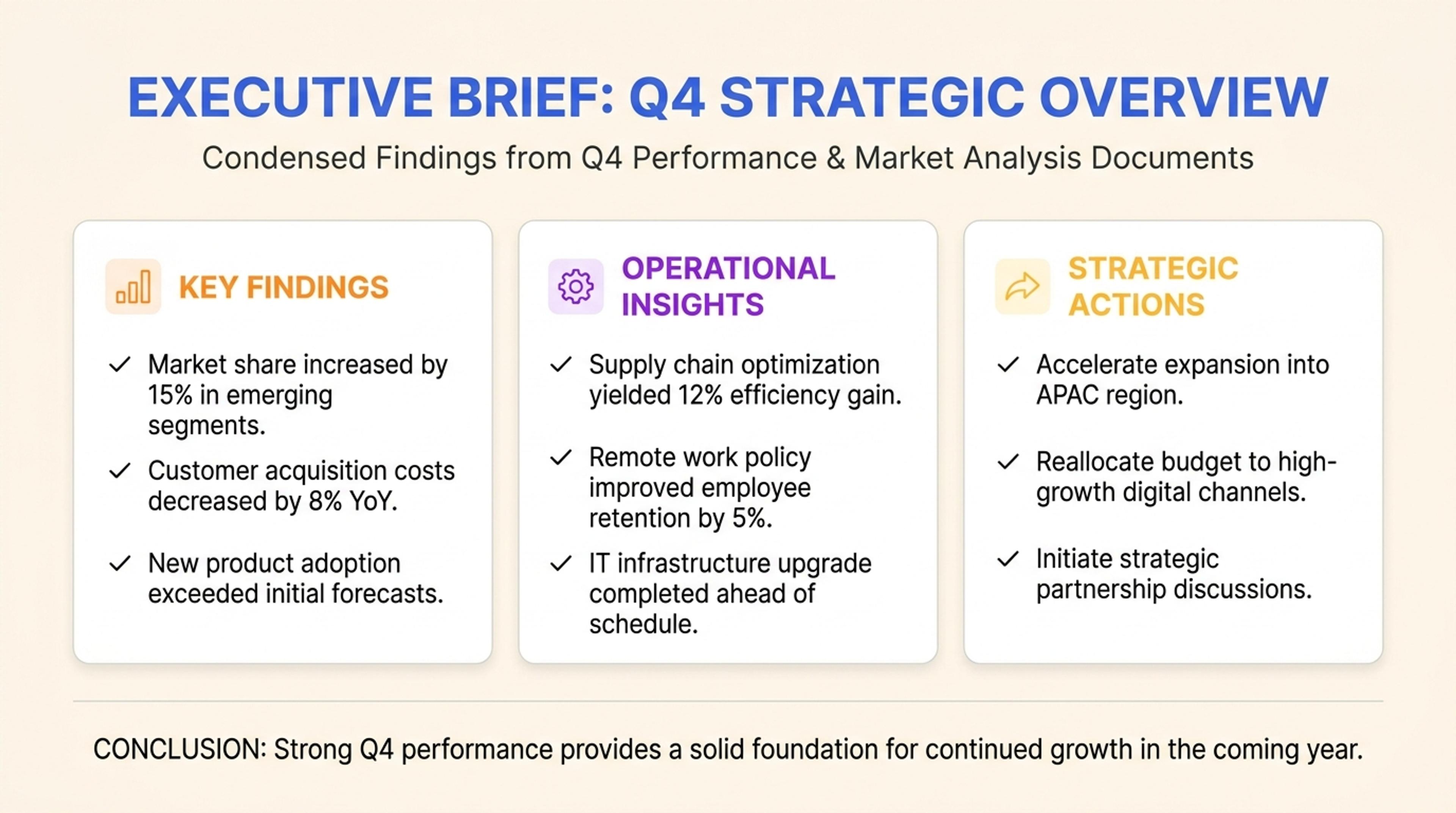
Example executive brief summary created from documents with SlidesPilot

Executive Brief

Uploaded documents condensed into a leadership-ready brief with the most important findings first.

Summarize Any Document Around the Outcome You Need

Summarize documents around the task you need to finish: faster reading, meeting prep, research, stakeholder updates, writing, or presentation planning.

Recognize the Document Type

SlidesPilot adapts the summary to reports, policies, manuals, proposals, research papers, presentations, and general business files. The output follows the source structure instead of forcing every document into the same summary format.
Surface the Details That Matter

Findings, decisions, dates, responsibilities, recommendations, evidence, definitions, and action items can be prioritized. This helps the summary serve the actual use case, whether it is study, analysis, or stakeholder communication.

Create a Reusable Brief

The finished summary is organized for fast reading and reuse. It can support meetings, class notes, executive updates, writing tasks, comparison work, or the first outline of a presentation.

How to Summarize a Document with AI

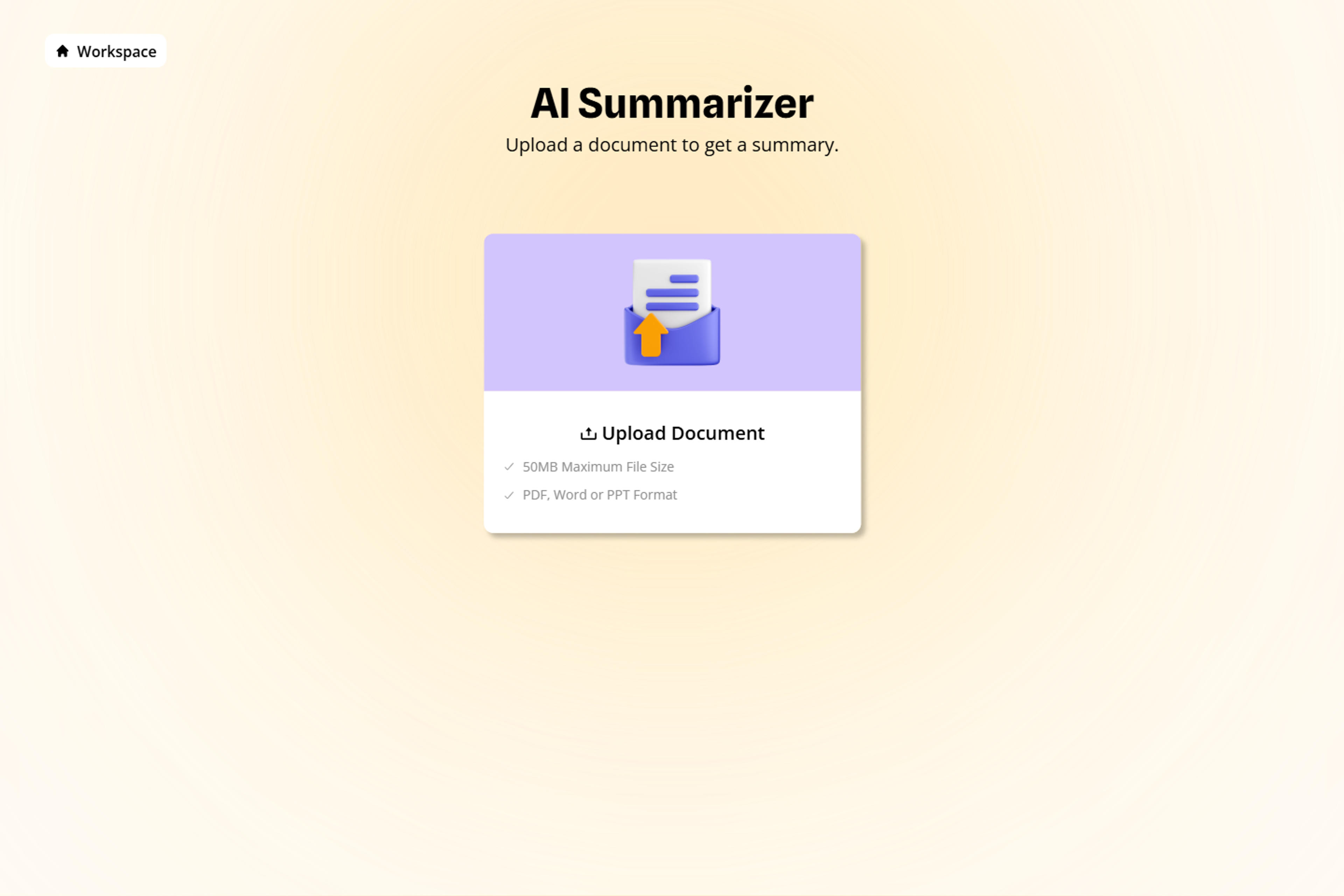
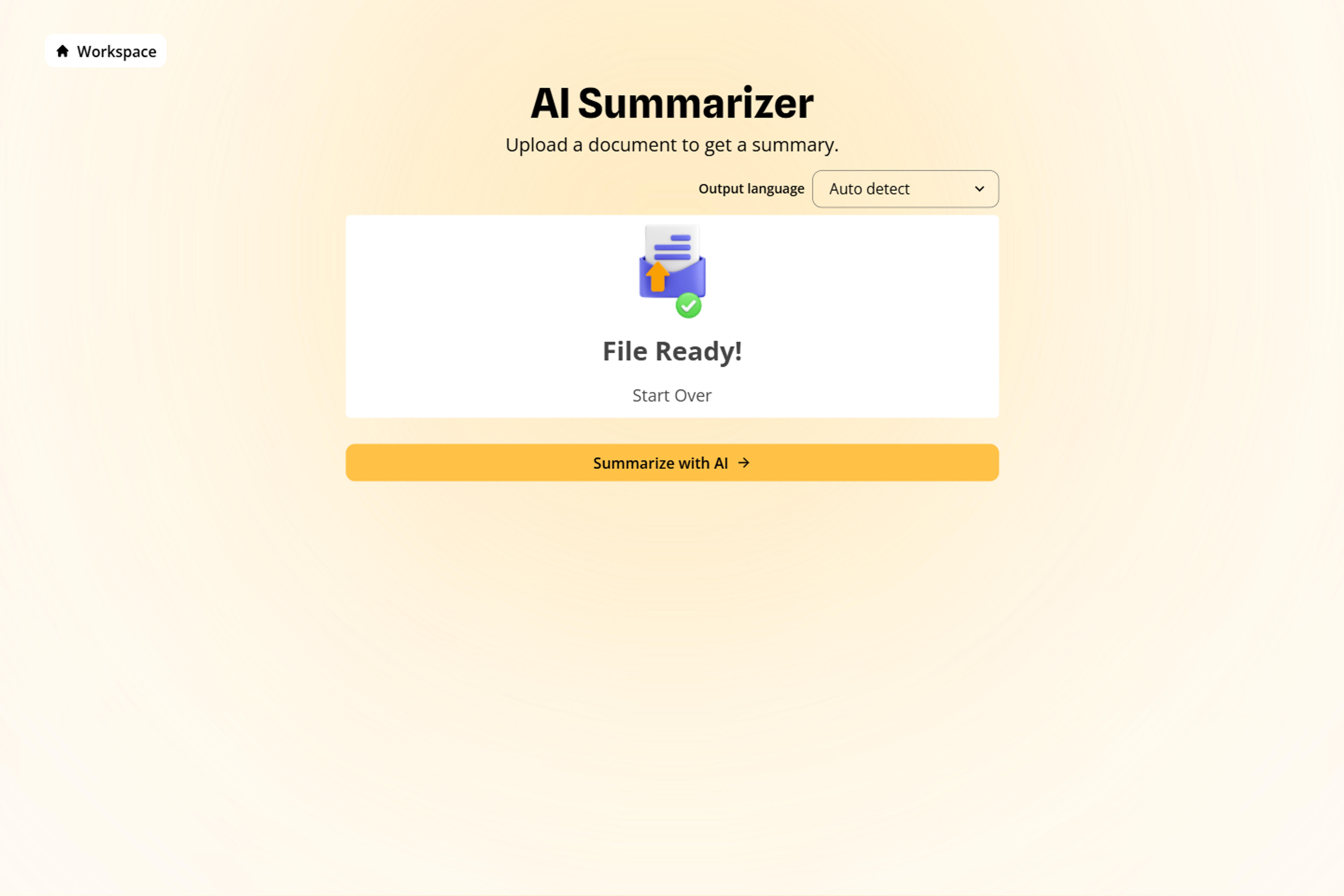
Upload the document

Upload the document you want to understand, such as a PDF, Word file, PowerPoint, policy, proposal, report, manual, or academic file. Add a short instruction about the audience and purpose so the summary is shaped around the intended outcome.

Upload the document

Identify the document purpose

SlidesPilot identifies whether the document is designed to inform, decide, teach, document, recommend, or explain. That purpose influences how it organizes sections, extracts details, and names the main takeaways.

Identify the document purpose

Choose the summary lens

Choose the summary lens: findings, dates, owners, risks, recommendations, definitions, action items, evidence, or decisions. For example, a policy can become a responsibilities brief, while a business report can become a findings-and-next-steps brief.

Choose the summary lens

Generate the structured brief

Generate a structured document summary with the most useful information in a clear reading order. The brief can include section summaries, key details, recommended actions, decision points, and reusable notes.

Generate the structured brief

Download and reuse

Download and reuse the summary for meeting prep, studying, writing, stakeholder updates, comparison, or presentation creation. You can edit the wording, expand a section, or turn the brief into a deck workflow.

Download and reuse

Document-Aware AI Summarization

A useful AI document summarizer should understand document purpose and output context. SlidesPilot creates summaries that are structured for reading, decisions, and reuse.

Document-Type Recognition

Reports, policies, manuals, decks, research, and business documents receive structures that match how their information is organized. This keeps the summary aligned with the source instead of flattening it.

Purpose-Led Prioritization

The summary emphasizes the information most useful to the selected audience, task, and decision. A student, manager, analyst, and founder can each get a more relevant reading brief.

Key Detail Extraction

Names, dates, evidence, responsibilities, recommendations, definitions, and action items can be brought into dedicated sections. This makes important details easier to find and reuse.

Reusable Summary Output

The finished brief can move directly into meetings, study, analysis, writing, comparison, or presentation workflows. It becomes a practical working document, not only a shorter version of the original.

Trusted by Professionals

I have to review dozens of market analysis reports every week. It used to take me the entire weekend just to read through them. This AI summarizer extracts the key trends and data points instantly. It has completely changed my workflow and saved me countless hours of reading.

Marcus

Senior Market Analyst

As a law student, the amount of reading material is overwhelming. I use this tool to summarize case studies and legal journals. It helps me understand the main arguments and rulings quickly before I dive into the deep reading. It's an essential study companion.

Priya

Law Student

I often receive 50-page strategy documents right before board meetings. I simply don't have time to read every word. SlidesPilot summarizes the document into a clear, digestible format so I can walk into the meeting fully prepared and informed.

Robert

Chief Operations Officer

The accuracy of the summarization is impressive. I uploaded a technical whitepaper, expecting a generic overview, but the AI actually captured the specific technical nuances and methodologies. It's perfect for quickly vetting research before deciding to read the full paper.

Dr. Aris

Research Scientist

We use this tool to summarize client briefs and lengthy RFPs. It helps our team quickly align on the client's core needs without getting bogged down in the administrative text. It makes our proposal process much faster and more efficient.

Jessica

Agency Director

I use the summarizer for my investment research. It takes annual reports and earnings call transcripts and boils them down to the essential financial highlights. It cuts through the corporate jargon and gives me the facts I need to make decisions.

Thomas

Investment Banker

AI Document Summarizer FAQs

SlidesPilot works with PDFs, Word documents, PowerPoint presentations, reports, policies, manuals, proposals, academic files, and other structured documents. The summary adapts to the source type and the task you want to complete.

SlidesPilot recognizes the source purpose and structure. Reports can be organized around findings, policies around rules and responsibilities, manuals around procedures, and proposals around recommendations, scope, value, and decisions.

Yes. Prioritize dates, names, evidence, decisions, risks, recommendations, responsibilities, definitions, action items, or any other information important to your goal. The summary then emphasizes the details that support that use case.

Yes. You can focus on selected chapters, departments, topics, time periods, or decision areas while preserving the relationship between sections. This is useful for reports, policies, manuals, and academic documents.

Use the structured brief for faster reading, meeting preparation, study, stakeholder communication, writing, comparison, or presentation creation. It gives you organized material that can move into the next workflow.

Yes. Download the completed document summary as a PDF or Word file and reuse the organized content in your next workflow. You can also use the summary as the starting point for a slide deck.

Create Slides 10× Faster

Transform your work into a presentation, instantly. ⭐ #1 AI PowerPoint Generator | Trusted by 3 million users worldwide

GET STARTED FREE