

Start with the complete PDF
Upload a report, paper, manual, case study, or other PDF. The AI works from the source document, so you do not have to extract and paste each section manually.
Turn reports, papers, and documents into clear, structured, editable PowerPoint presentations with AI.
Drag & drop your file here or
Explore how reports, research papers, classroom PDFs, visual brand documents, and operational manuals become distinct, editable PowerPoint slides.
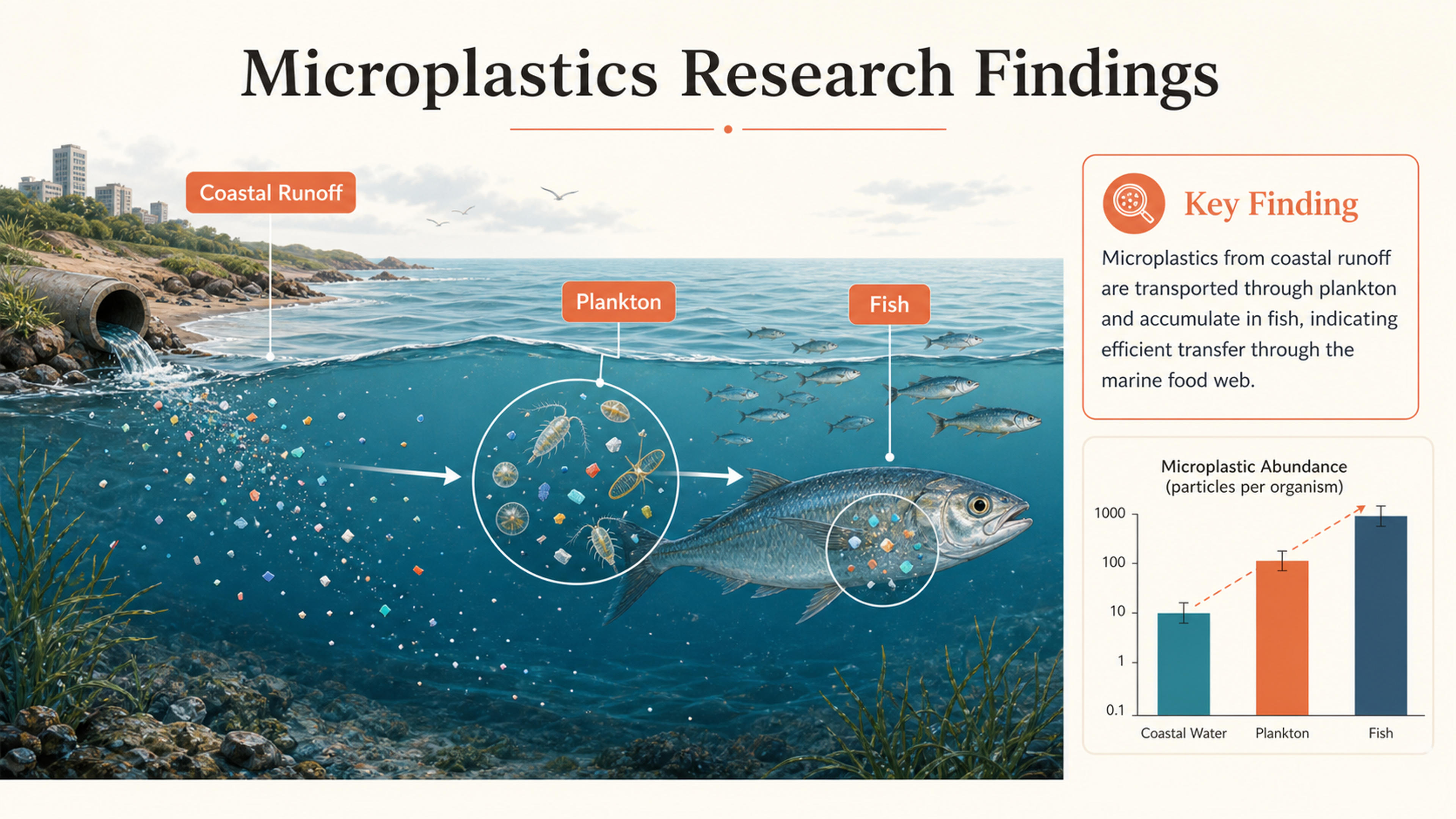
A research-paper PDF becomes an annotated marine-science figure with the evidence and key finding visible at a glance.
A standard PDF converter mainly moves pages into a PowerPoint file. SlidesPilot reads the material, identifies the ideas worth presenting, and builds a new slide narrative grounded in the source.
Upload a report, paper, manual, case study, or other PDF. The AI works from the source document, so you do not have to extract and paste each section manually.
SlidesPilot identifies headings, findings, evidence, examples, and recommendations, then organizes the material around what an audience needs to understand.
Add instructions for the audience, purpose, tone, and points to emphasize. The result is a coherent presentation rather than a page-by-page copy of the PDF.
Upload a report, research paper, manual, case study, or other PDF and let SlidesPilot understand the content, surface the strongest ideas, and build a polished new presentation.
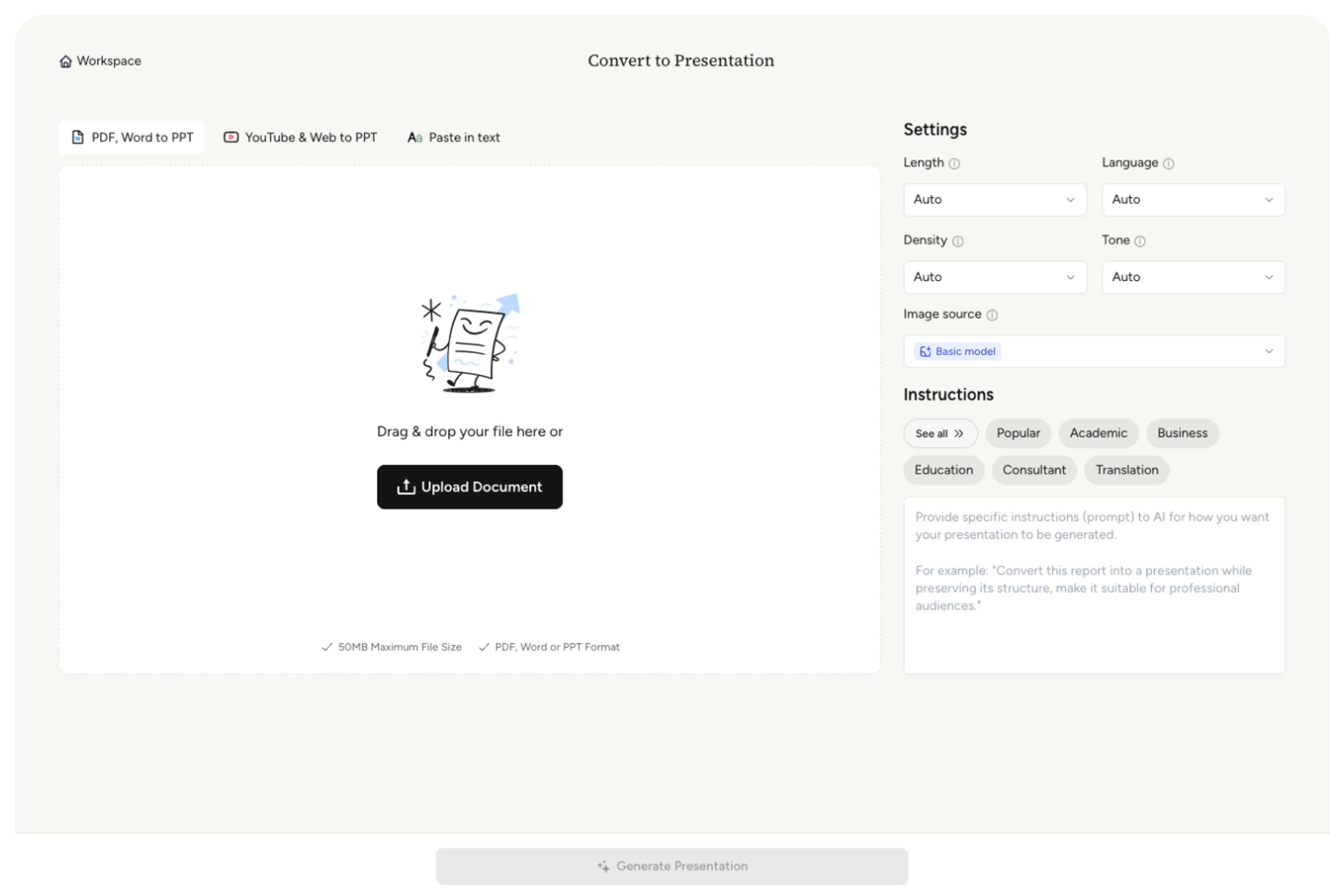
SlidesPilot works with reports, papers, manuals, scans, and image-rich PDFs. For a long source, highlight the chapters, findings, evidence, or recommendations that should drive the deck.
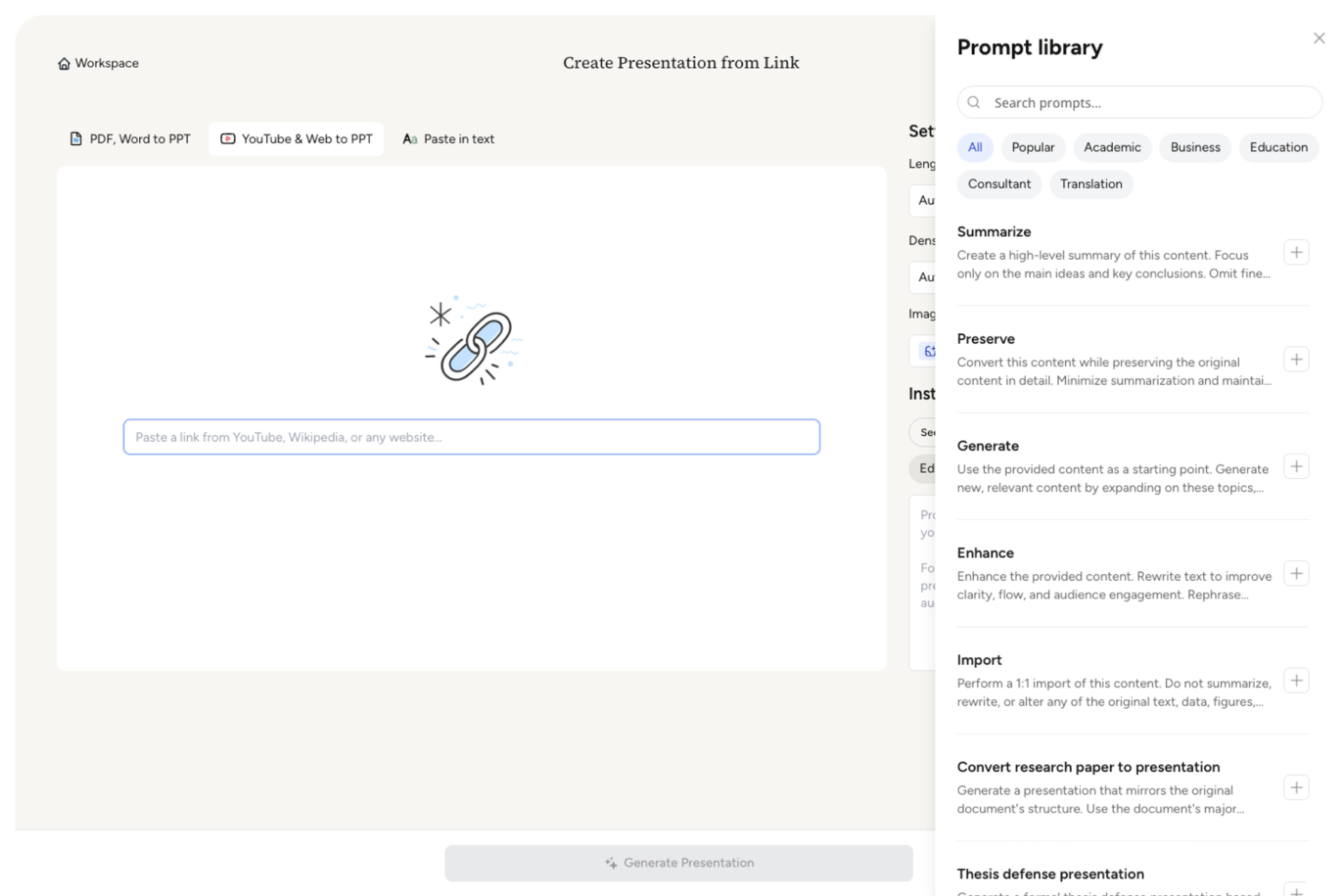
Choose the audience, objective, slide count, content density, and tone so AI can balance explanation, condensation, and supporting context across the deck.
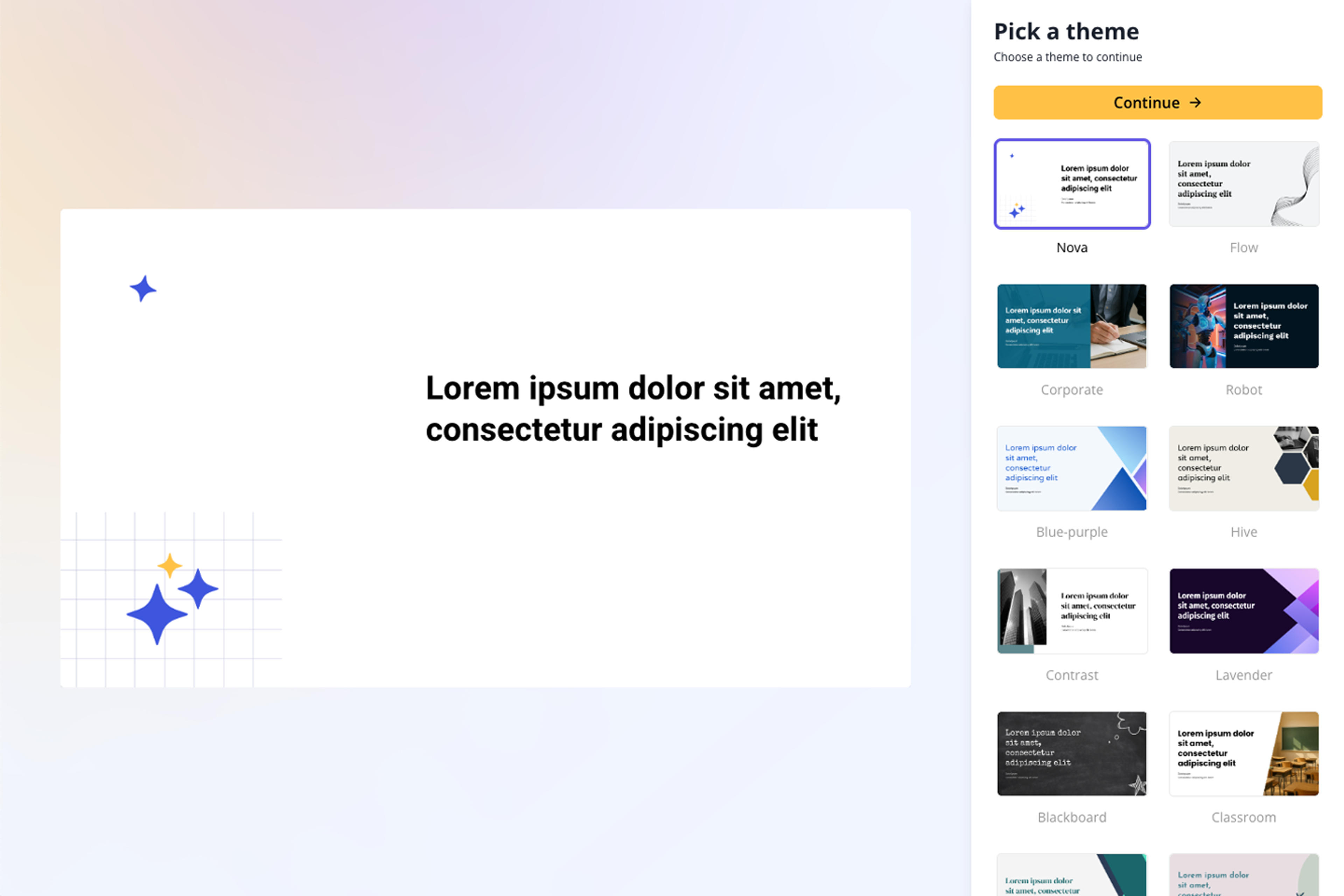
SlidesPilot extracts the useful content and rebuilds it as an opening, focused sections, supporting evidence, and a conclusion designed for presentation delivery.
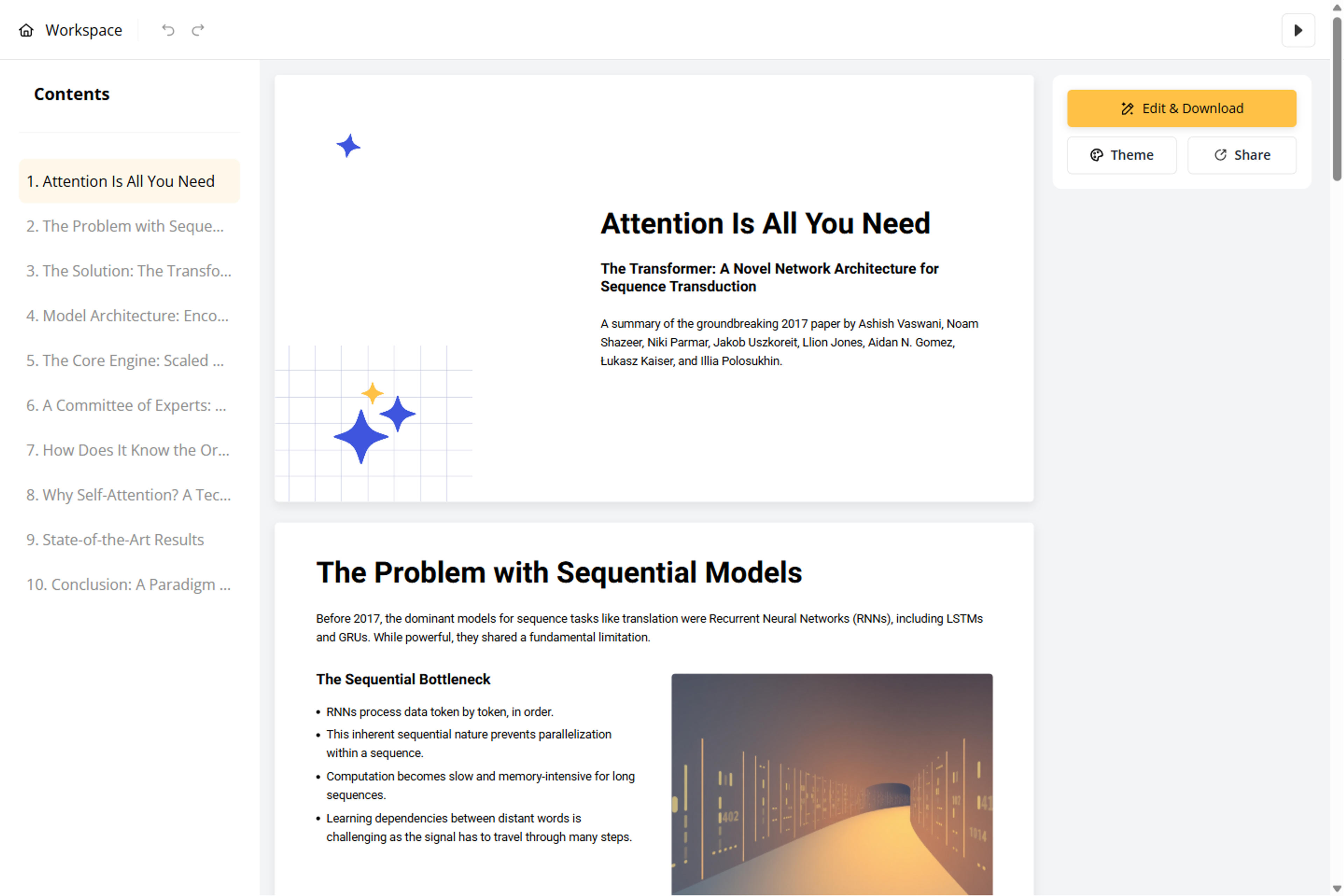
Refine scanned text, footnotes, quotations, tables, charts, and figures in the editable deck, then export to PowerPoint, Google Slides, PDF, or PNG.
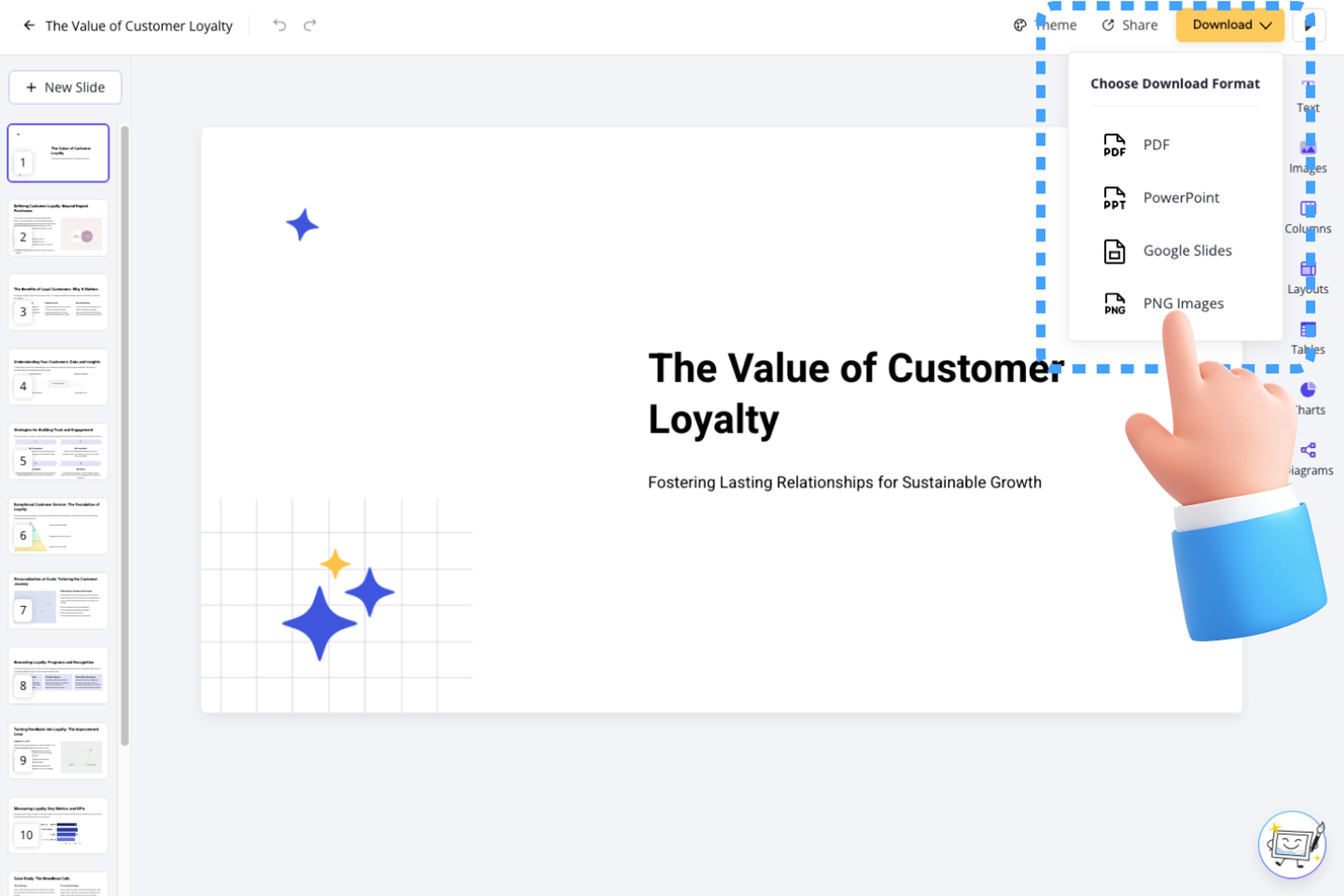
SlidesPilot turns the meaning of a PDF into an audience-ready deck by selecting the strongest content, condensing dense sections, and building a clear presentation narrative.

The AI uses the PDF's headings, text, and section relationships to understand its argument, evidence, and conclusions.

Important findings, examples, and recommendations are prioritized while background detail is condensed for presentation use.

The deck follows a natural speaking flow built around ideas and decisions, giving every slide a clear purpose in the story.

AI text and visual understanding help SlidesPilot work with searchable PDFs, scanned pages, multi-column documents, handwriting, and image-rich layouts.

SlidesPilot keeps claims, numbers, citations, tables, charts, and figure labels connected to the source material as it builds the presentation.

Refine the generated story and design, then download an editable PowerPoint file rather than a stack of fixed page images.

Turn your resume or CV into an editable career presentation for interviews, portfolios, professional introductions, and personal branding.
Transform lengthy manuals into clear PowerPoint presentations
Transform Complex Case Files into Clear Presentations
Transform manuals and guides into PowerPoint presentations
Create stunning PPT presentations from source docs using the newest OpenAI model

Transform textbooks into PowerPoint presentations
Transform complex scientific research into PowerPoint presentations instantly
Turn a research paper into a clear, editable PowerPoint covering the question, methods, results, limitations, and citations.
Transform exam papers into PowerPoint presentations instantly
Transform complex journal articles into PowerPoint presentations
Transform homework assignments into PowerPoint presentations

Transform clinical documents into professional PowerPoint presentations
Transform dense financial data into clear PowerPoint presentations
Transform entire books into summaries and PowerPoint presentations
Yes. SlidesPilot's AI PDF to PPT converter is free to use after signup, with no credit card required.
SlidesPilot understands the PDF as a complete source, then intelligently combines, condenses, and organizes its strongest ideas into a presentation people can follow.
SlidesPilot goes beyond basic format conversion. AI understands the PDF, identifies the most important content, and creates a fresh presentation structure designed for communication and impact.
SlidesPilot intelligently adapts text, images, tables, and charts into polished slide layouts that make the PDF content easier to understand and present.
Yes. SlidesPilot uses AI text and visual understanding to turn scanned pages, image-based PDFs, handwriting, and complex document layouts into a structured presentation.
Specify the audience, purpose, chapters, findings, and recommendations to prioritize. AI uses that direction to shape a focused main deck with concise supporting context.
SlidesPilot identifies tables, charts, citations, and figures and turns them into clear, presentation-ready content that strengthens the story of the deck.
Yes. Edit the slides in SlidesPilot and export an editable PPTX for PowerPoint or continue in Google Slides. PDF and PNG exports are also available, and your uploaded PDF and generated deck are private by default.
Turn Word documents into clear, structured, editable PowerPoint presentations with AI.
Turn notes, paragraphs, and ideas into a clear, editable PowerPoint presentation.
Transform YouTube videos into editable PowerPoint presentations
Paste a content-rich link and turn the online source into a clear, editable PowerPoint presentation.
Paste text, add a YouTube or webpage link, or upload a document to create a beautiful, structured summary connected to the source.
Transform plain PowerPoint presentations into professional designs using AI
Upload your PDF, guide the AI, and create a clear presentation grounded in the source material.