


Group raw notes into themes
Paste brainstorm notes, research findings, lesson topics, or planning fragments and let AI suggest the first set of branches.
Organize scattered notes, research themes, brainstorms, and lesson topics into a clear editable mind map.
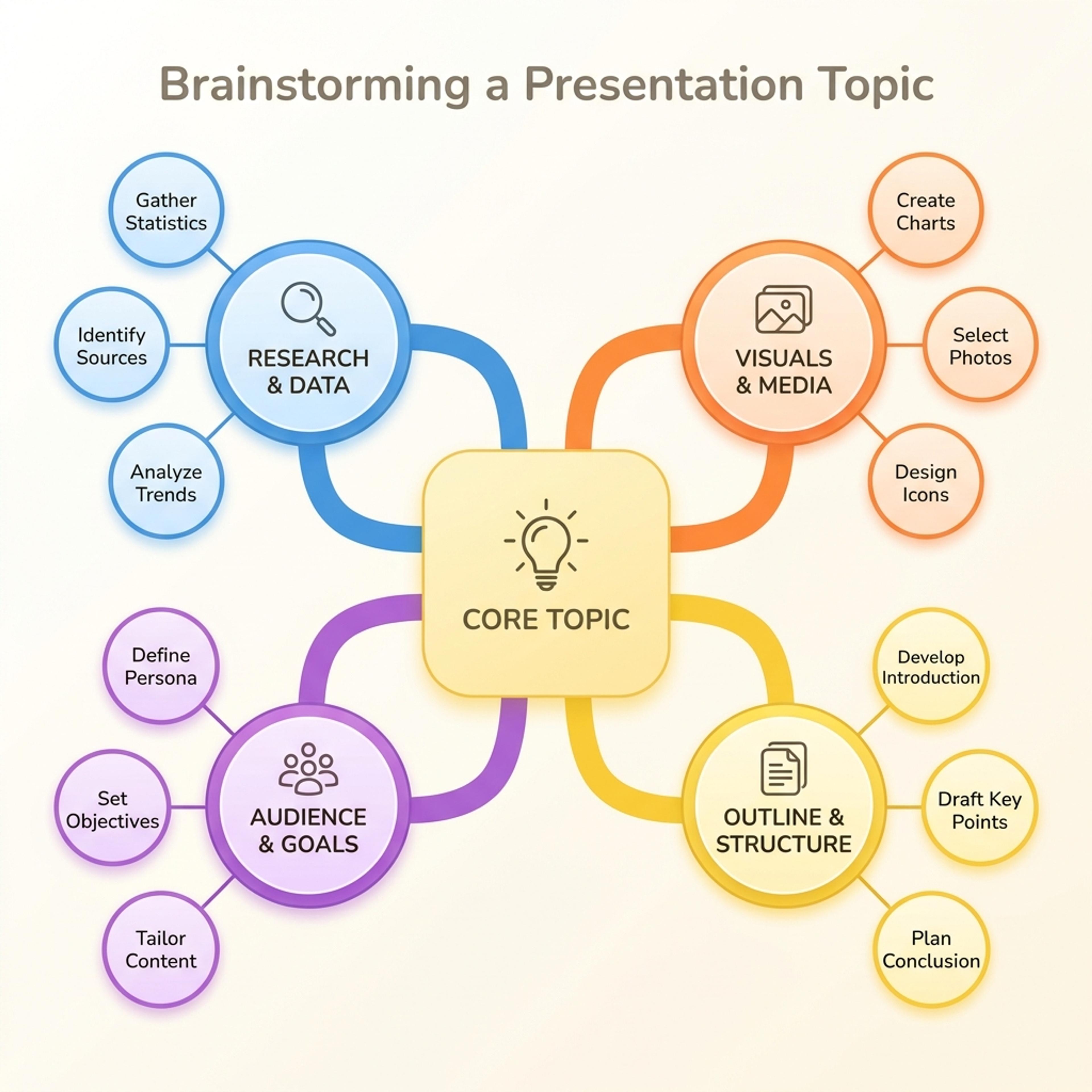
Drag & drop your file here or
A mind map groups related ideas around a central topic, making it useful when the material is connected but not ready for a linear slide.
Use this format when you need to see clusters, themes, branches, and relationships before turning them into a final story.
Paste brainstorm notes, research findings, lesson topics, or planning fragments and let AI suggest the first set of branches.
Use the map to understand what belongs together before deciding what becomes a slide, section, or next step.
Use the mind map in workshops, research readouts, class introductions, product discovery, or content planning decks.
Start with the central topic and supporting notes, then edit branches until the map reflects your thinking.
Enter the central topic and paste the rough notes, themes, questions, or examples you want grouped around it.
Tell AI whether the map is for research, teaching, planning, strategy, or brainstorming so the branch names fit the use case.
Review the branches, merge overlaps, rename vague labels, and keep the map simple enough to discuss on one slide.
Use mind maps to organize messy ideas, research notes, lesson topics, and planning inputs into connected branches.
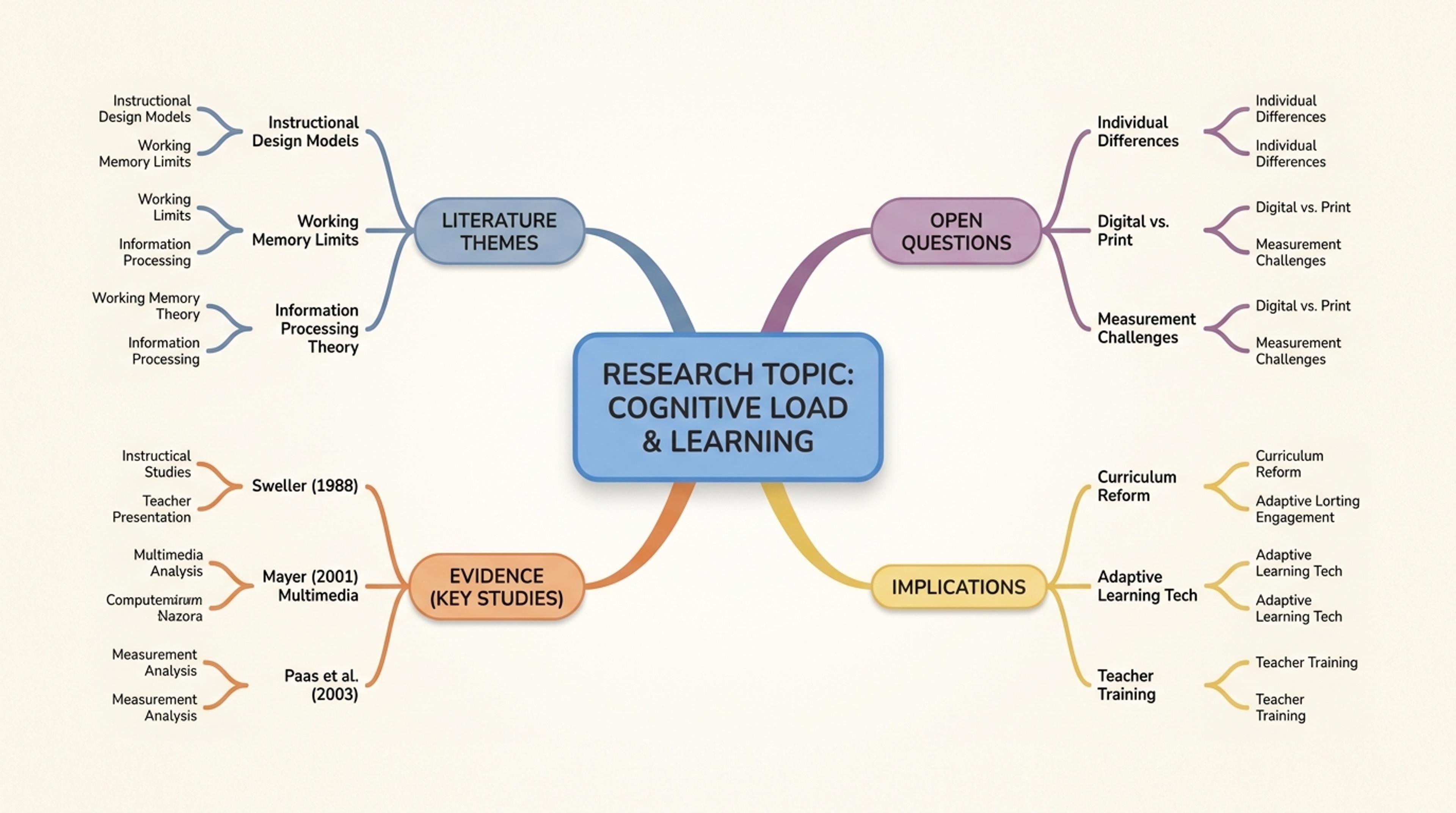
A mind map that organizes literature themes, open questions, evidence, and implications for a presentation.
You can paste notes, themes, ideas, research findings, lesson topics, or brainstorm output. The clearer the central topic, the better the map.
Yes. It can group related findings into branches, but you should review the grouping and adjust it based on your own interpretation.
For a presentation slide, four to seven main branches is usually easier to read than a dense map with every detail included.
Yes. Use it as a planning, teaching, or synthesis slide, then edit labels and branch structure before presenting.
Use a mind map when relationships and themes matter more than time order. Use a timeline when sequence is the main point.
Use these formats when a mind map needs to become a timeline, comparison, hierarchy, or strategic framework.
Turn topics, notes, documents, and links into editable visuals for slide decks, lessons, reports, and planning conversations.
Turn events, milestones, roadmap phases, project plans, and historical sequences into a slide-ready timeline.
Compare overlap, differences, shared traits, and strategic fit with an editable Venn diagram for slides.
Organize strengths, weaknesses, opportunities, and threats into a clear strategic planning slide.
Visualize conversion stages, selection processes, sales pipelines, recruiting steps, and drop-off points in a funnel chart.
Paste notes, research themes, or brainstorm ideas and turn them into an editable mind map for your deck.