

Capture the deck's main message
AI reads the full presentation as one narrative and identifies its central argument, findings, and conclusions.
Upload a PPT or PPTX and get a clear summary of the key ideas, decisions, and action items—without reviewing every slide.
Drag & drop your file here or
Review examples of the information SlidesPilot can extract from a long PPT or PPTX before you create your own summary.
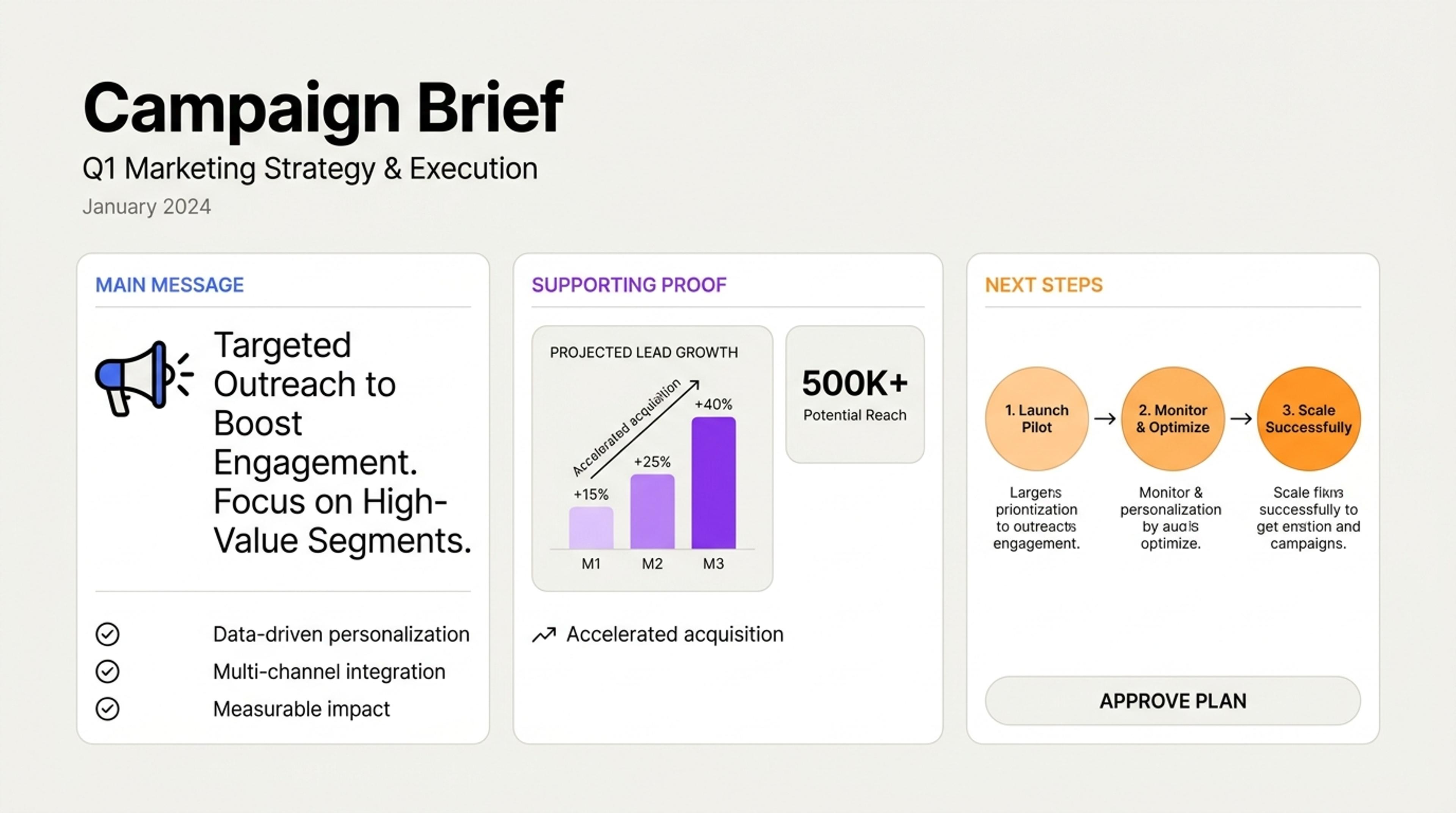
Condense a long PowerPoint into its purpose, central message, strongest evidence, and immediate next steps.
Turn a long PPT or PPTX into a concise, connected summary of the ideas, evidence, decisions, and next steps that matter most.
AI reads the full presentation as one narrative and identifies its central argument, findings, and conclusions.
Bring owners, deadlines, risks, recommendations, and next steps into a focused summary for follow-up.
Generate an executive brief, study guide, meeting recap, project update, or stakeholder pre-read from the same deck.
Add the full presentation so SlidesPilot can follow the sequence, sections, recurring themes, and relationships between slides.
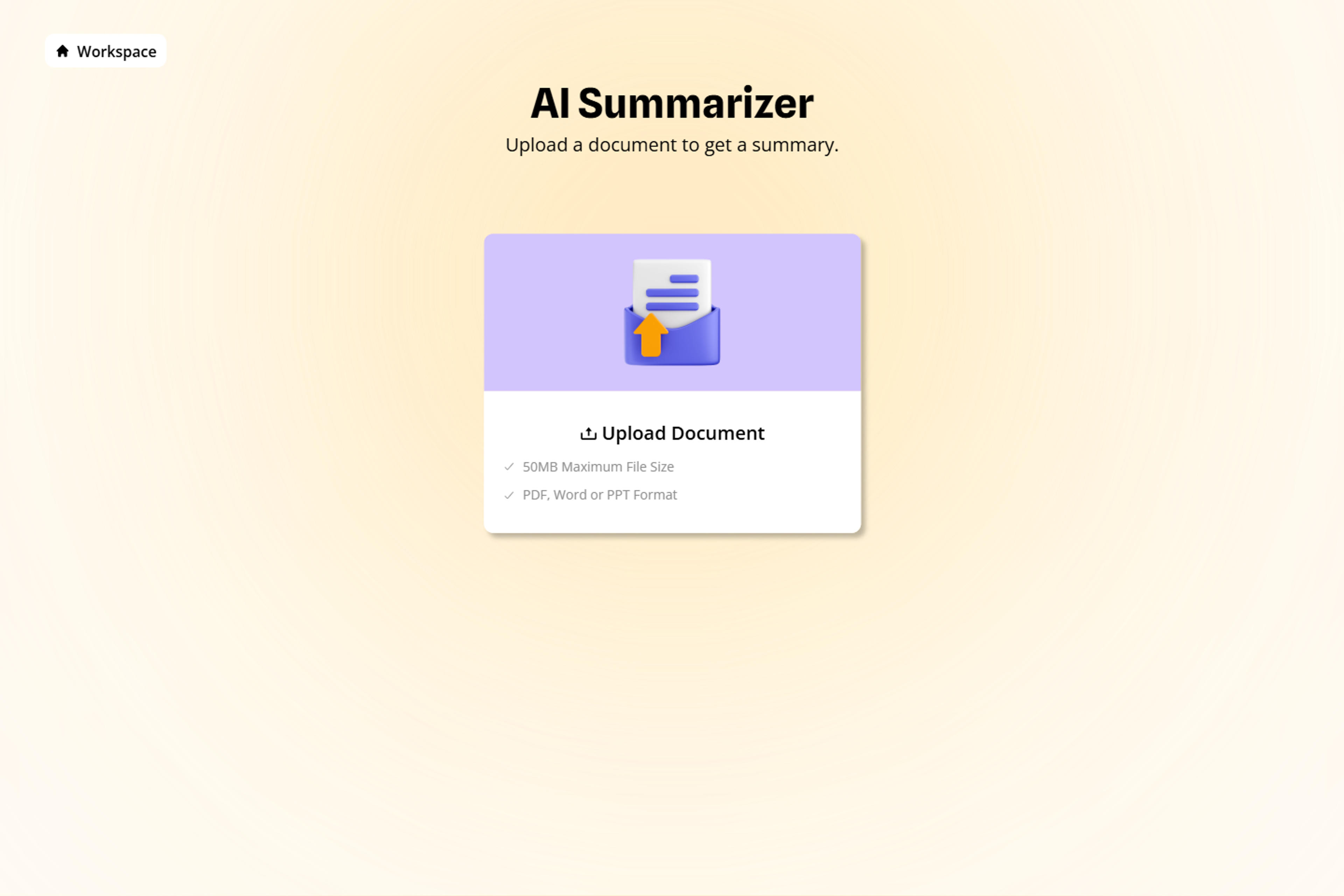
Select an executive brief, meeting recap, study guide, project update, decision summary, or another audience-specific output.
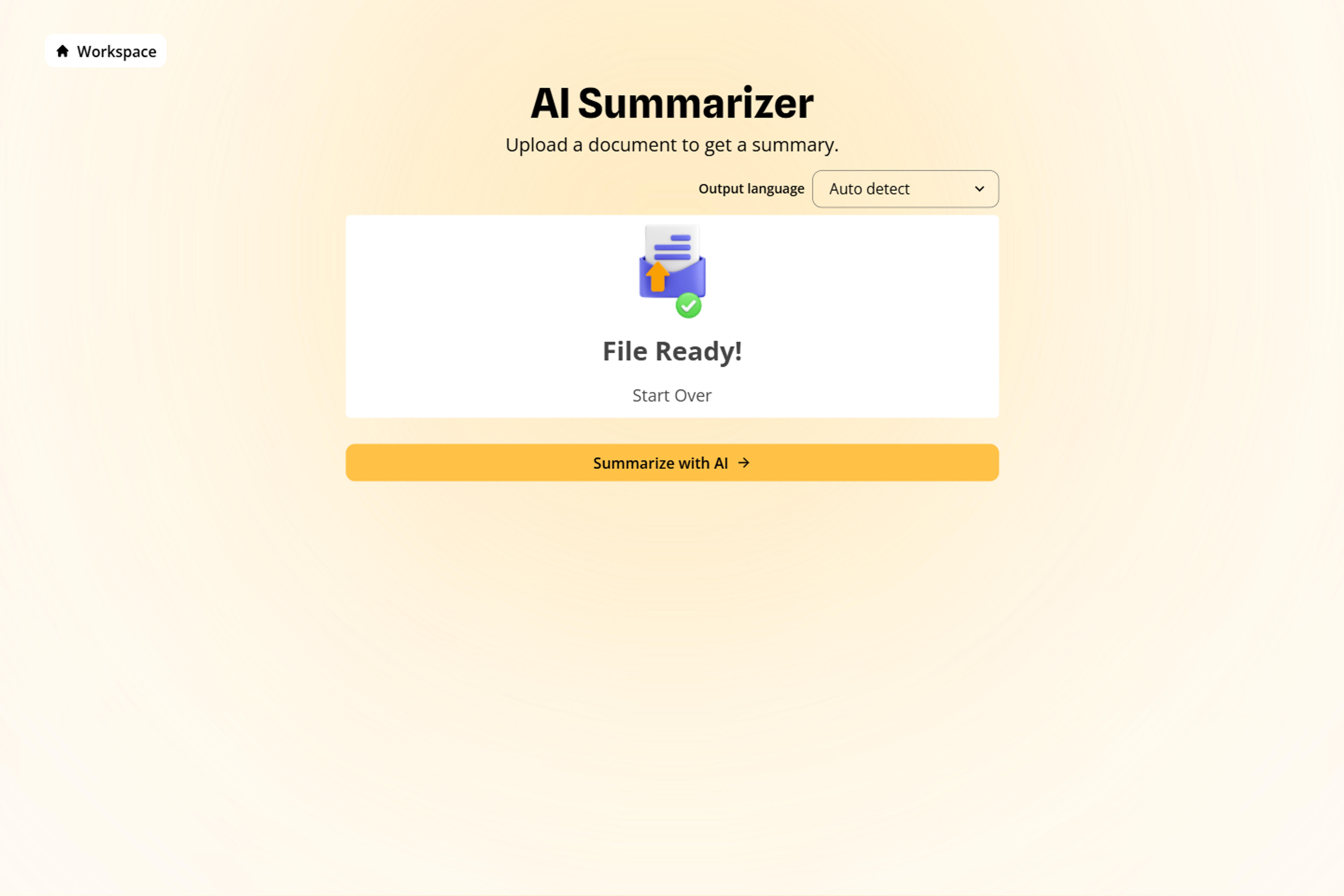
Direct AI toward key metrics, findings, decisions, risks, action items, concepts, or recommendations.
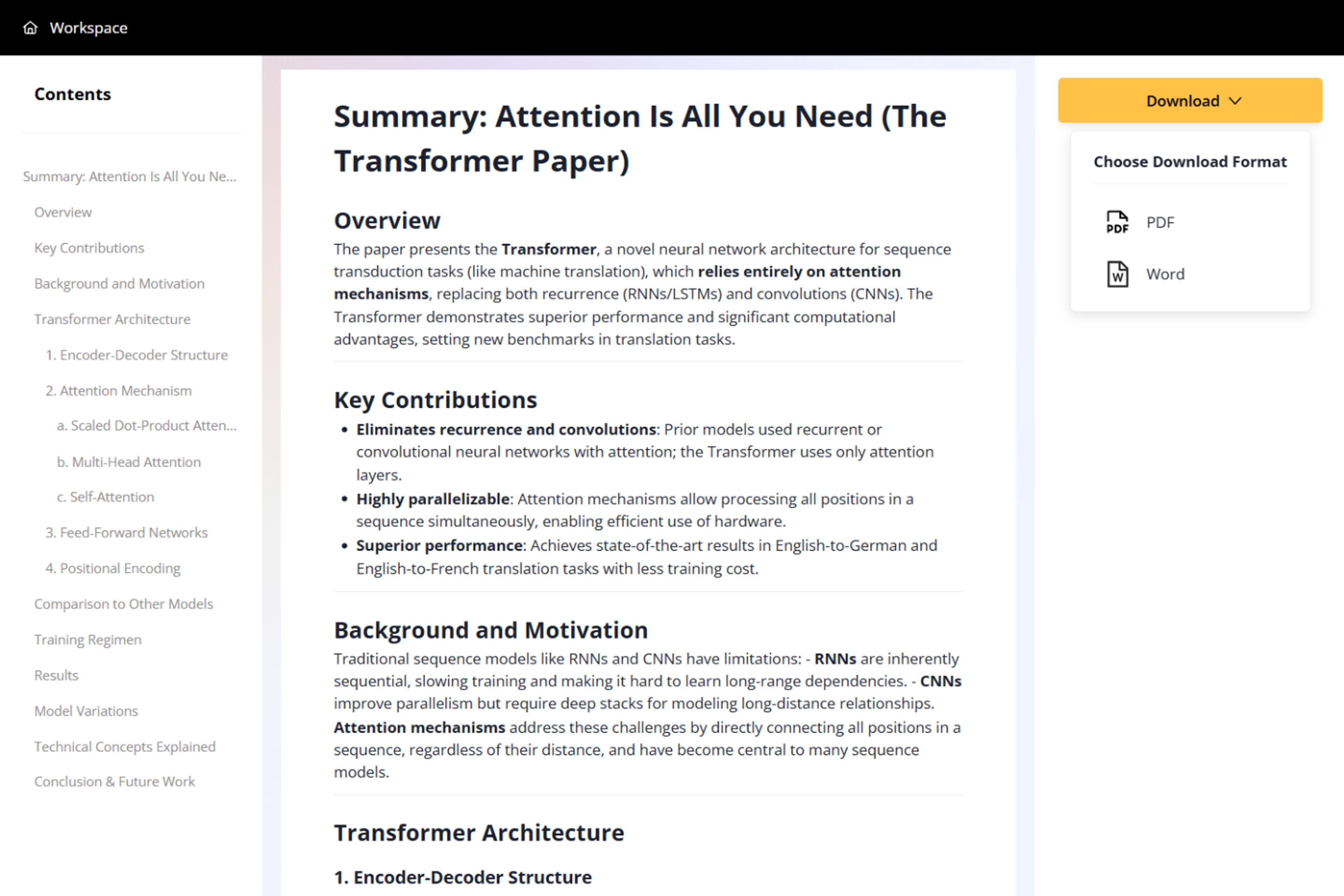
SlidesPilot creates a coherent deck-level overview that you can edit, condense, expand, and prepare for sharing.

Move from dozens of slides to a useful summary while keeping the deck's structure, context, and next actions connected.
Summarize PowerPoint files directly without copying slide text into another tool.
AI follows the presentation as a connected narrative rather than a collection of isolated slides.
Surface major ideas, evidence, conclusions, and takeaways from the complete deck.
Highlight recommendations, risks, owners, deadlines, and next steps for faster follow-up.
Create an executive brief, study guide, meeting recap, project update, or stakeholder pre-read.
Download the finished summary in a practical format for review, study, meetings, and distribution.
It reads a PPT or PPTX and creates a concise overview of the presentation's main ideas, evidence, decisions, and next steps.
Yes. SlidesPilot follows the complete deck and its section flow to produce one coherent summary.
Yes. Prioritize metrics, risks, research findings, decisions, action items, exam concepts, or any other topics important to the reader.
Yes. Use it for reports, pitch decks, lectures, research presentations, project updates, training material, and other content-rich slides.
Use it as an executive brief, pre-read, study guide, meeting recap, review note, or starting point for follow-up work.
Your uploaded presentation and generated summary remain private to your account unless you choose to share the result.
Summarize a complete PowerPoint, extract its text, convert it to Word, or turn related documents and online sources into new presentations.
Paste text, add a YouTube or webpage link, or upload a document to create a beautiful, structured summary connected to the source.
Convert PDF slides to editable PowerPoint online. Keep the original design and make text and slide elements editable. Free to use.
Turn Word documents into clear, structured, editable PowerPoint presentations with AI.
Turn notes, paragraphs, and ideas into a clear, editable PowerPoint presentation.
Transform YouTube videos into editable PowerPoint presentations
Paste a content-rich link and turn the online source into a clear, editable PowerPoint presentation.
Upload a PPT or PPTX and turn a long deck into a clear, shareable summary.