

Explain unfamiliar terms
Turn technical language and long clinical passages into clearer wording without losing the surrounding context that gives each term meaning.
Turn dense medical reports into clear summaries of key findings, terms, and follow-up questions.
Drag & drop your medical report here or
One synthetic report becomes key findings, plain-language terms, and questions to discuss.
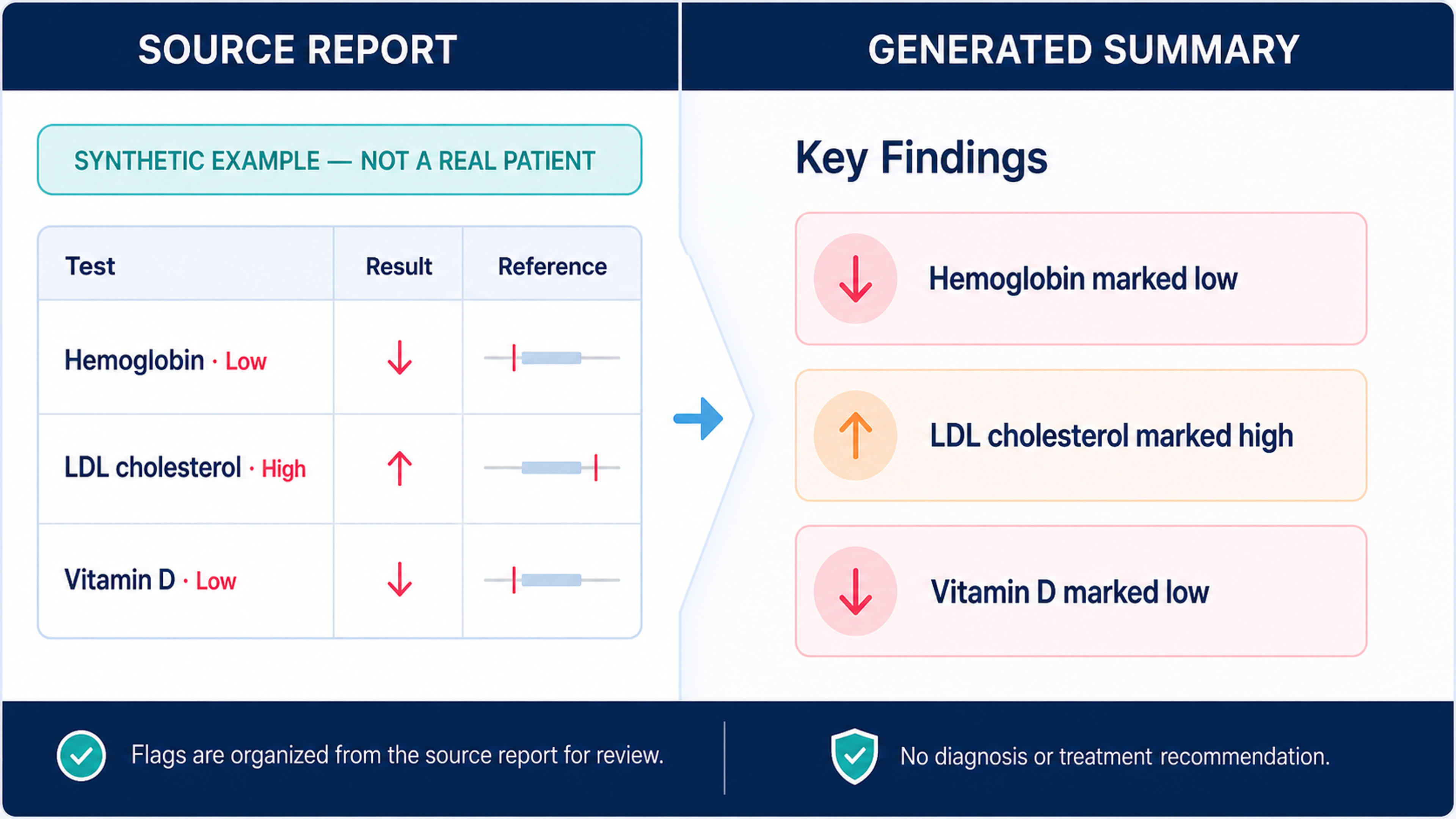
A synthetic report example paired with a summary that carries over its Low and High flags without adding a diagnosis.
Use AI to organize complex medical information into a clear, structured summary that makes key findings, measurements, terminology, dates, and follow-up points easier to understand.
Turn technical language and long clinical passages into clearer wording without losing the surrounding context that gives each term meaning.
Bring important observations, measurements, dates, and follow-up items into a structured summary that is faster to review.
Use the summary to identify points you want clarified and prepare questions for a qualified healthcare professional.
Add a PDF, Word document, PowerPoint file, scan, or image-rich medical report and let SlidesPilot organize its content into a clear review structure.
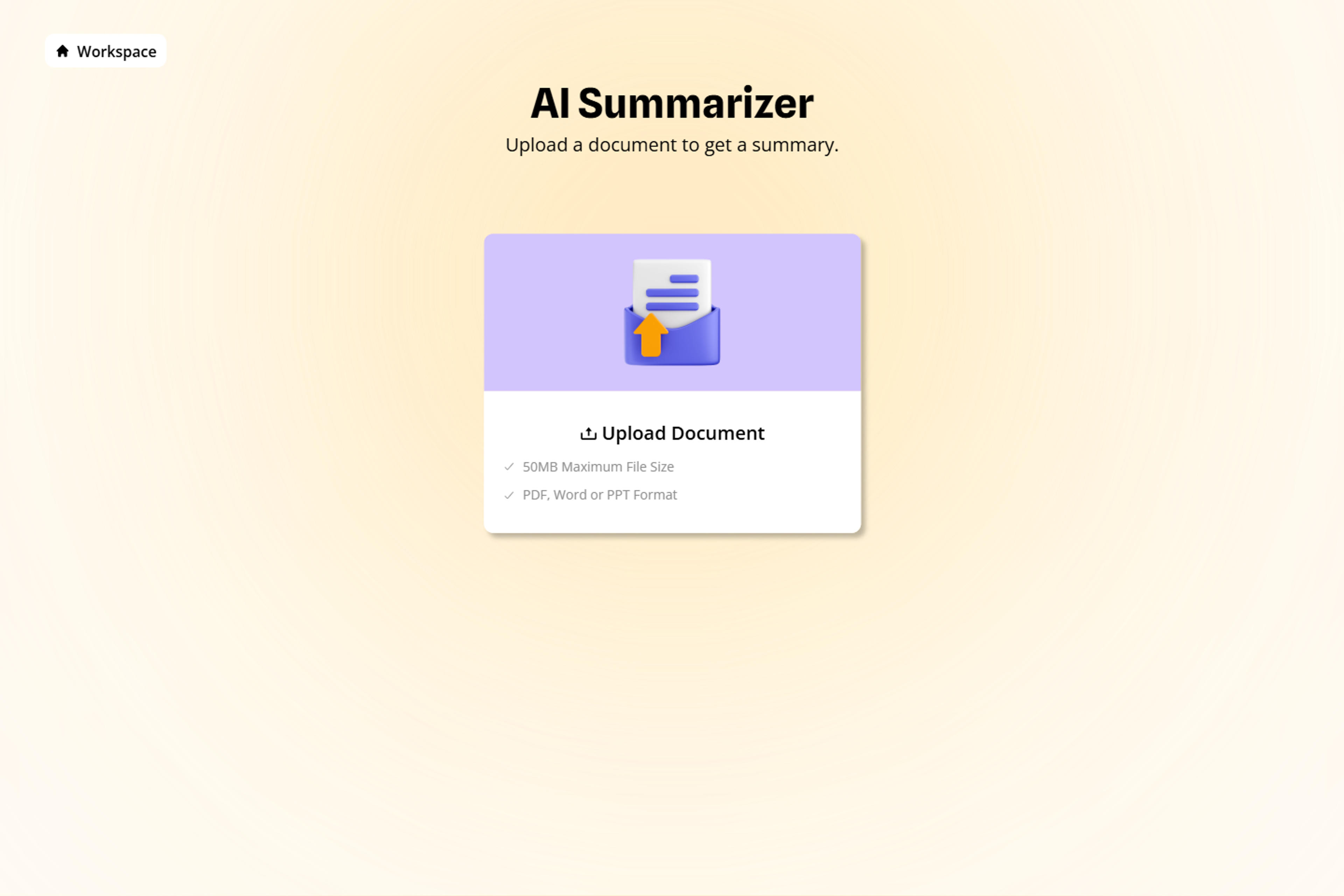
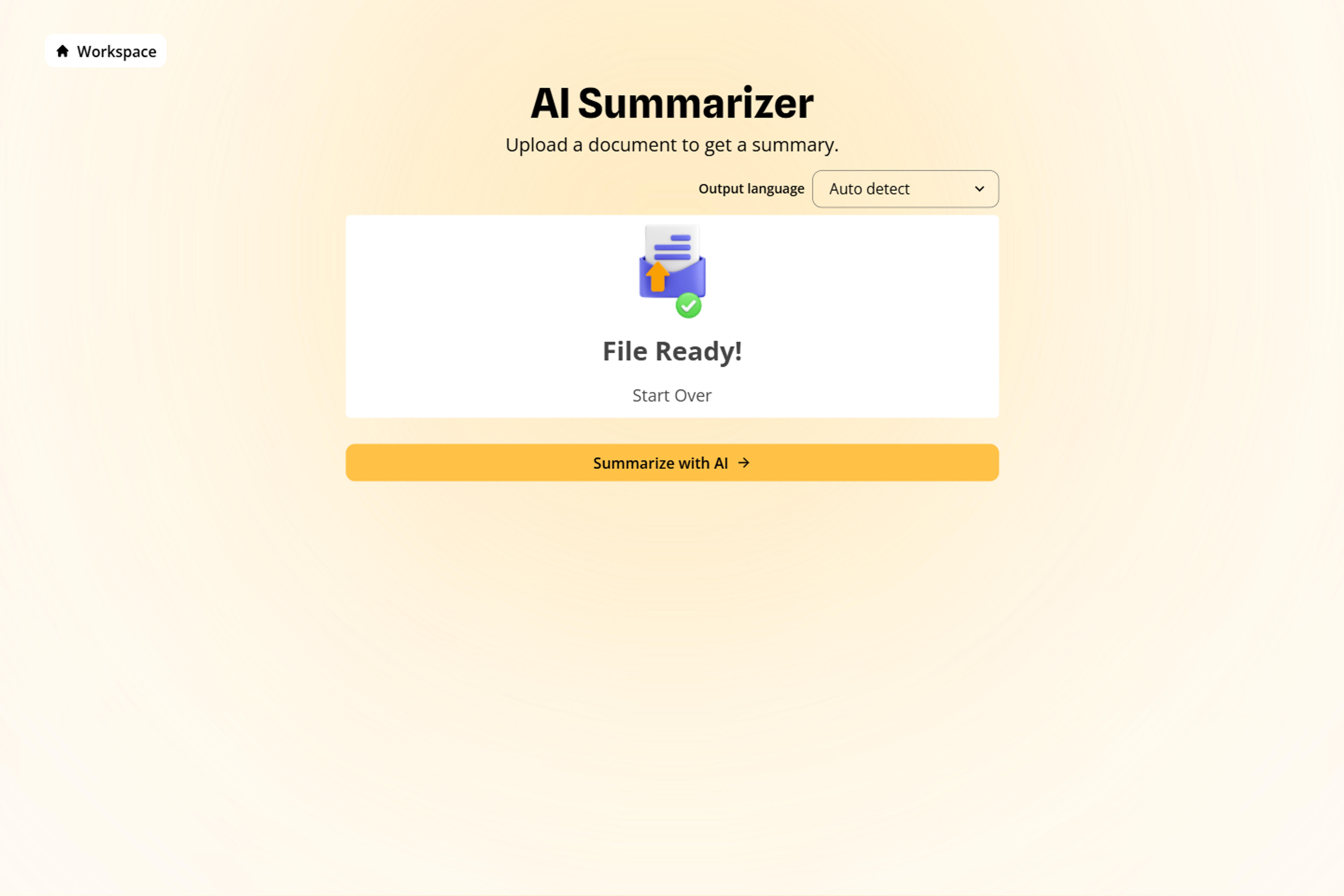
Ask for the sections that matter to your review, such as key findings, measurements, unfamiliar terms, dates, stated follow-up, or questions to discuss with a healthcare professional.
Bring names, dates, measurements, medications, findings, and stated recommendations into one organized summary designed for faster understanding and productive discussion.
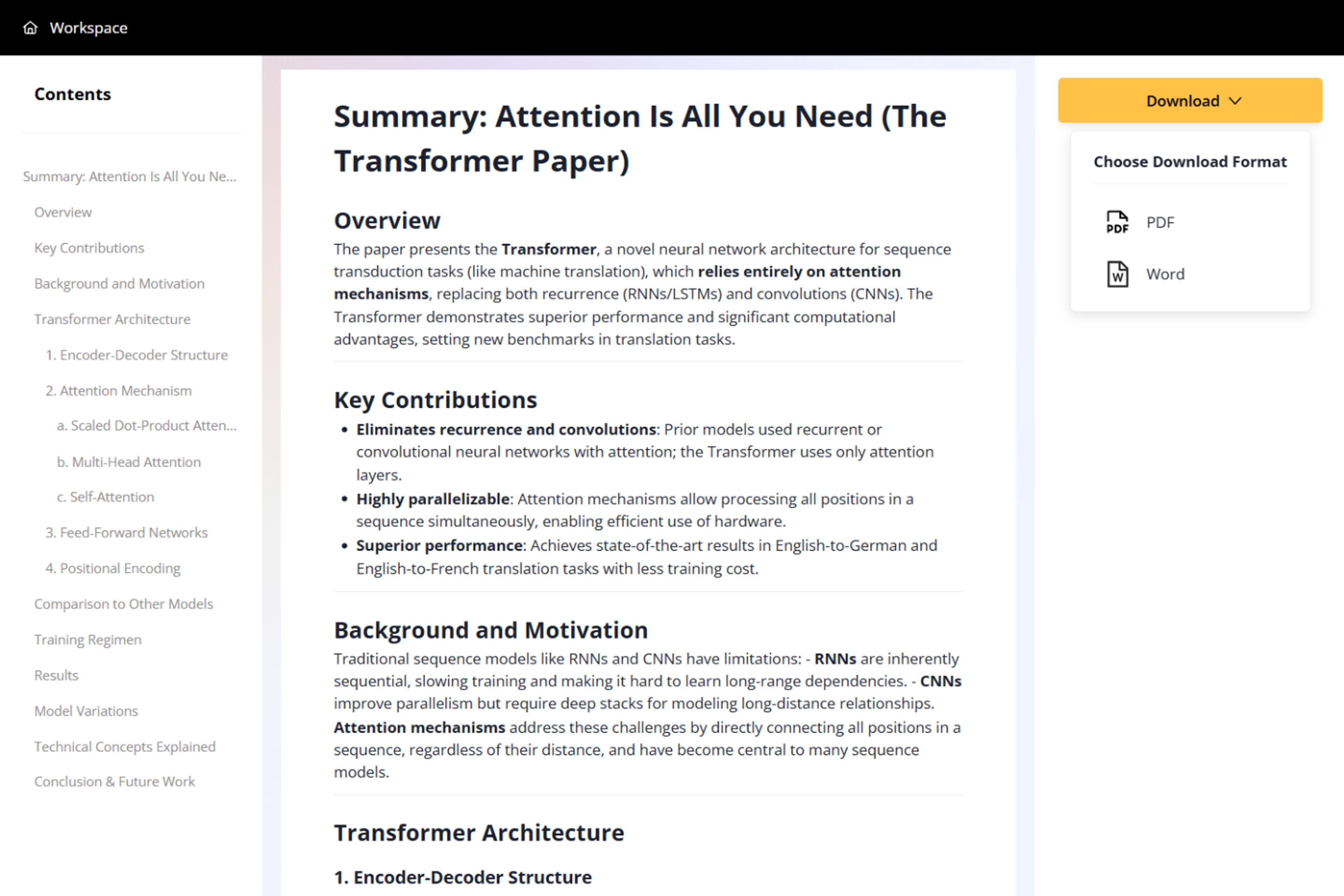
Export the summary as a PDF or Word document and use it to prepare focused notes, clearer questions, and more productive healthcare conversations.

Built to make complex medical documents easier to explore, understand, and discuss.

Organize a long report into sections for findings, measurements, terminology, dates, and stated follow-up.

Explain complex terms using the surrounding report text so definitions remain clear, relevant, and easy to understand.

Work with PDFs, Word documents, PowerPoint files, scanned reports, and image-rich medical documents in one AI summarization workflow.

AI text and visual understanding helps organize scanned pages, handwriting, complex tables, and image-based report content into a structured summary.

Surface dosages, measurements, dates, findings, and stated recommendations in a dedicated, easy-to-scan summary.

Turn dense report language into organized information and focused questions that support clearer conversations with qualified healthcare professionals.
It understands the medical report and reorganizes key findings, terminology, measurements, dates, and follow-up points into a clear, structured summary.
Yes. AI uses the surrounding report context to explain technical terms in clearer language and help you prepare focused questions for healthcare conversations.
Yes. SlidesPilot combines AI text and visual understanding to work with PDFs, Word documents, scans, handwriting, complex tables, and image-rich medical reports.
It organizes written values, findings, explanations, imaging notes, pathology text, and laboratory information into a clearer summary for understanding and discussion.
SlidesPilot keeps important findings, measurements, medications, dates, terminology, and stated recommendations organized in dedicated sections for fast, focused review.
Yes. The AI medical report summarizer is free to use after signing up, with no credit card required.
You can download the generated summary as a PDF or Word document.
The summary makes complex report content easier to understand and helps you prepare clearer questions for productive conversations with qualified healthcare professionals.
Paste text, add a YouTube or webpage link, or upload a document to create a beautiful, structured summary connected to the source.
Convert PDF slides to editable PowerPoint online. Keep the original design and make text and slide elements editable. Free to use.
Turn Word documents into clear, structured, editable PowerPoint presentations with AI.
Turn notes, paragraphs, and ideas into a clear, editable PowerPoint presentation.
Transform YouTube videos into editable PowerPoint presentations
Paste a content-rich link and turn the online source into a clear, editable PowerPoint presentation.
Upload a report and turn it into a clearer summary you can review alongside the original.