

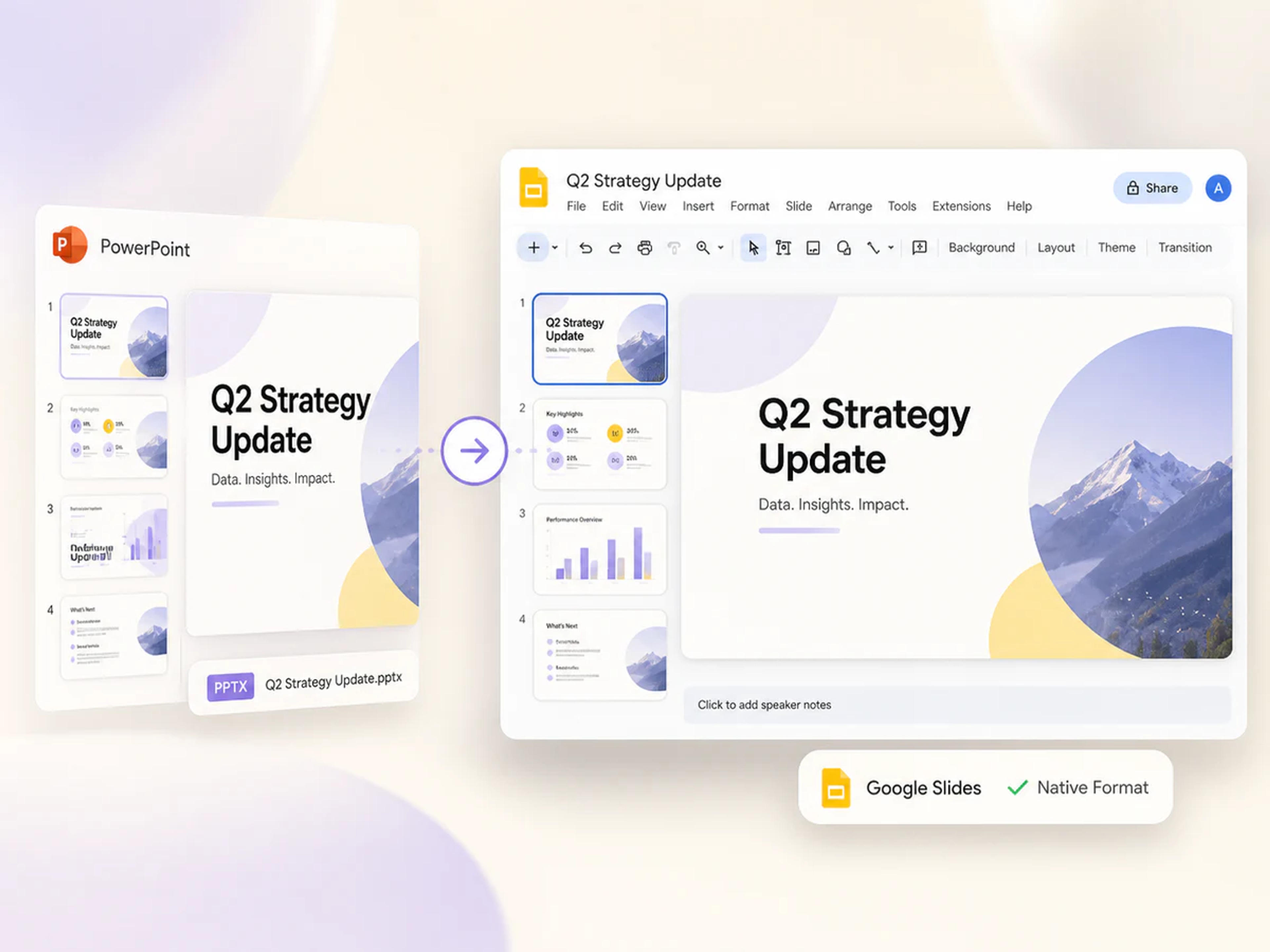
Native output
Get a Native Google Slides Presentation
Convert the complete PowerPoint deck into a real Google Slides presentation that opens in the familiar editor and is ready for your next presentation.
Upload a PPT or PPTX and get a native, fully editable Google Slides link—ready to open, share, present, and copy to your own Google Drive.
Drag & drop your PowerPoint file here or
PowerPoint to Google Slides
Keep the presentation you already created and move it into a flexible Google Slides workflow for editing, sharing, presenting, and collaboration.
Native output
Convert the complete PowerPoint deck into a real Google Slides presentation that opens in the familiar editor and is ready for your next presentation.
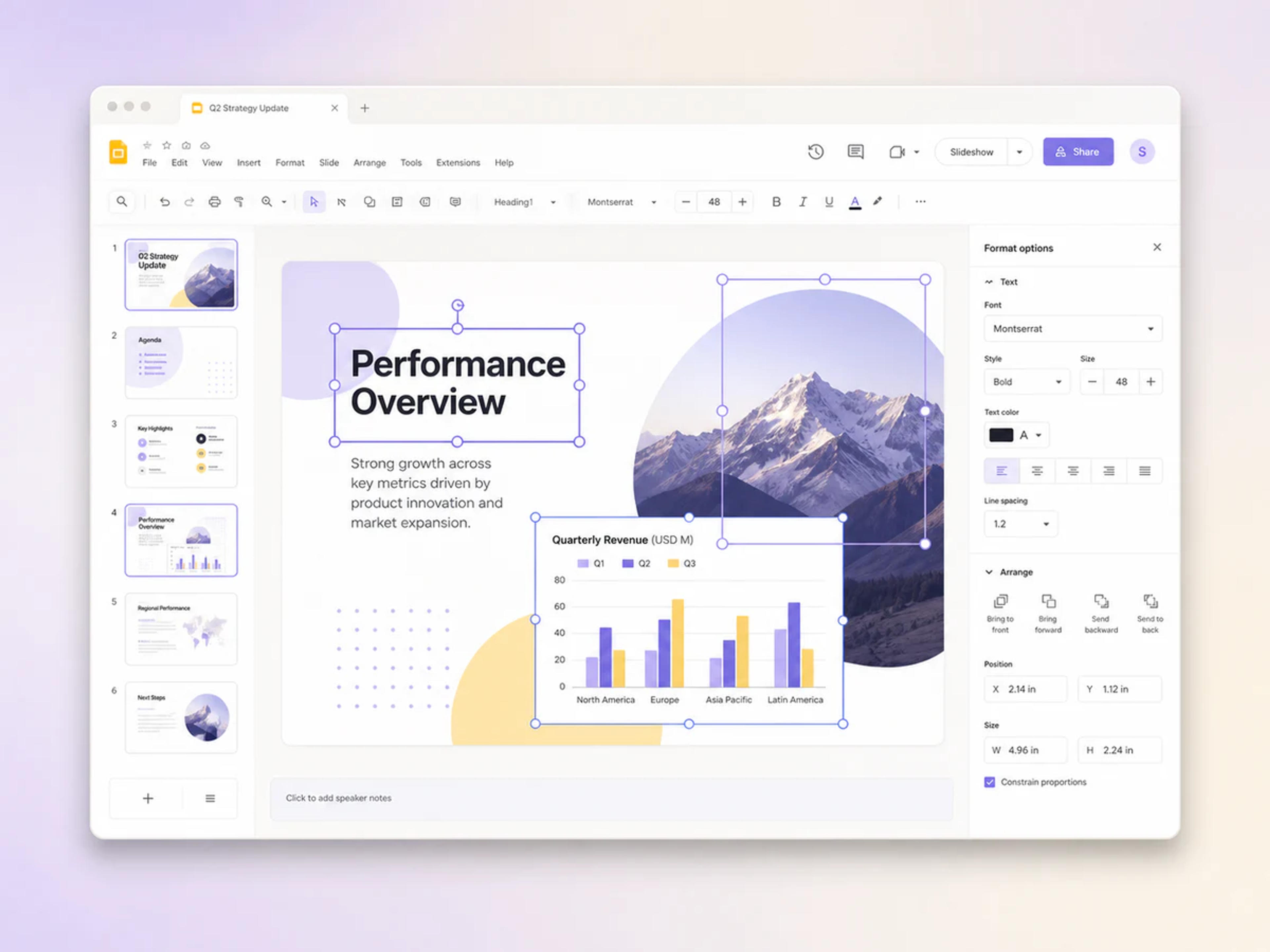
Fully editable
Edit text, layouts, visuals, charts, speaker notes, and presentation details directly in Google Slides after conversion.
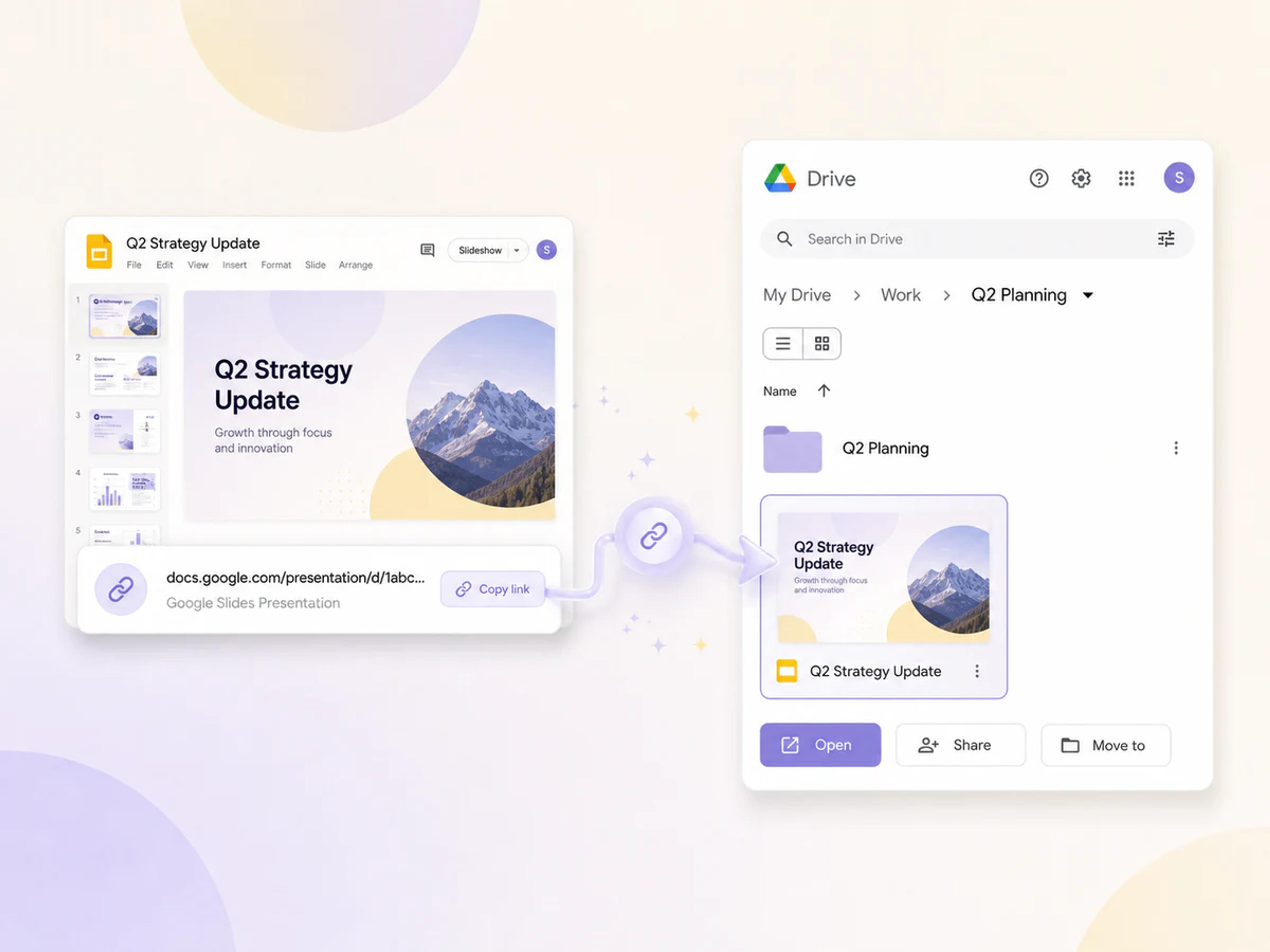
Drive ready
Receive a Google Slides link you can open immediately, share with collaborators, or copy into your own Google Drive for ongoing work.
Change a PPT or PPTX into a native Google Slides presentation in three quick steps.
Choose the PPT or PPTX presentation you want to import into Google Slides.
SlidesPilot turns the complete PowerPoint deck into a native, fully editable Google Slides presentation.
Open the generated Google Slides link, start editing or sharing, and make a copy in your own Google Drive whenever you are ready.
Bring your complete presentation into Google Slides and keep working with the content, design, and collaboration tools you use every day.
Upload Microsoft PowerPoint presentations in either PPT or PPTX format.
Receive a presentation created for the Google Slides editor, collaboration tools, sharing controls, and presentation mode.
Continue working on every slide, from text and layouts to visuals, charts, and presentation details.
Fonts, charts, animations, SmartArt, images, and slide design move into the Google Slides version through native conversion.
Open the generated link and copy the converted presentation into your own Google Drive for easy organization and access.
Convert PowerPoint files through a secure, private workflow built to protect your presentation content.
A practical converter for work, school, client projects, training, and any deck that needs to continue in Google Slides.
Everything you need to know about converting, importing, opening, and editing PowerPoint presentations in Google Slides.
Upload your PowerPoint file to SlidesPilot, start the free conversion, and open the Google Slides link when it is ready. You can edit the presentation immediately or copy it into your own Google Drive.
Yes. SlidesPilot's PowerPoint to Google Slides converter is completely free to use. Upload your presentation and create an editable Google Slides version online.
Yes. SlidesPilot supports both PPT and PPTX files, so you can convert presentations created in older and newer PowerPoint formats to Google Slides.
Yes. The output is a native Google Slides presentation that opens in Google Slides and works with its editing, presenting, sharing, and collaboration tools.
Yes. The converted deck is fully editable in Google Slides, giving you control over text, layouts, visuals, charts, speaker notes, and other presentation details.
Open the Google Slides link from SlidesPilot and use Google Slides to make a copy in your own Drive. You can then organize, rename, share, and edit the presentation from your Drive.
SlidesPilot converts the deck into native Google Slides so the PowerPoint presentation's fonts, charts, animations, SmartArt, images, and slide design carry into the Google Slides version.
Yes. Open the generated Google Slides link, use the familiar Google sharing controls, and invite teammates, classmates, clients, or collaborators to work on the presentation.
Yes. This online converter turns a PowerPoint presentation into Google Slides from your browser and gives you a direct link to the native, editable result.
Yes. SlidesPilot provides a secure and private conversion workflow for your PowerPoint presentation.
Choose the output that fits your next presentation workflow.
Convert PowerPoint slides into one shareable PDF for review, printing, and distribution.
Turn PowerPoint presentation content into an editable Word document.
Export PowerPoint slides as convenient JPG images for sharing and reuse.
Create crisp PNG images from every slide in a PowerPoint presentation.
Extract presentation text for notes, documents, summaries, and content reuse.
Give an existing PowerPoint a polished new visual design with AI.
Upload a PPT or PPTX and get a native, fully editable Google Slides link ready to open, share, and copy to your Drive.