
Find the lecture throughline
Connect the central question, core concepts, examples, and conclusion in one teachable narrative.
Transform class notes into structured PowerPoint presentations
Preview how SlidesPilot can turn your source material into a clearer deck before you export or share the result.
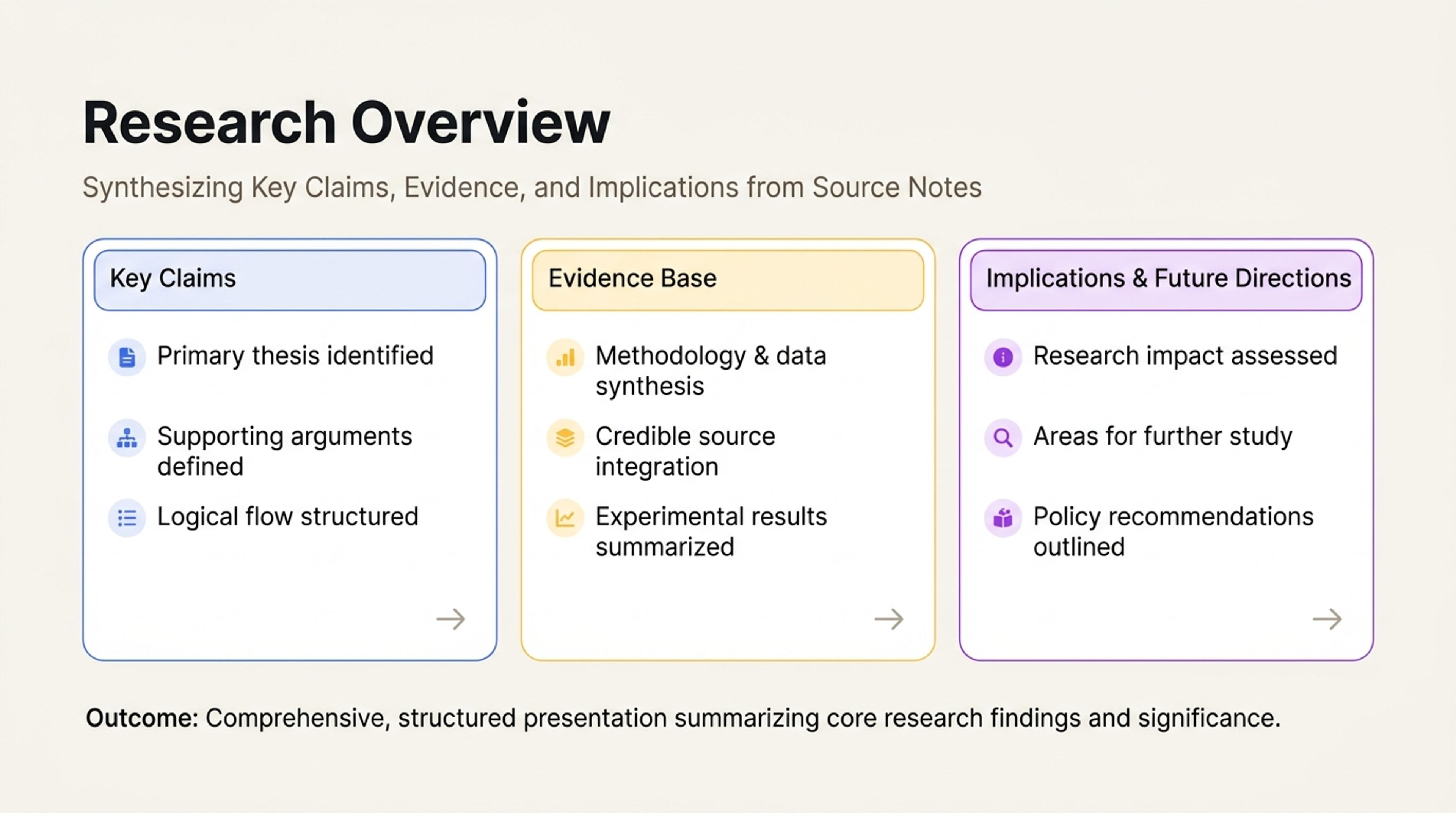
Turn pasted notes or prompts into a research overview with the key claims, evidence, and implications first.
Organize concepts, explanations, examples, references, and teaching cues into slides paced for a complete lecture.
Connect the central question, core concepts, examples, and conclusion in one teachable narrative.
Give difficult ideas more space and use section breaks, examples, and recaps to support attention.
Turn personal notes into polished slides that can be adapted across classes and cohorts.
Add headings, explanations, examples, references, questions, and teaching cues from the complete session.
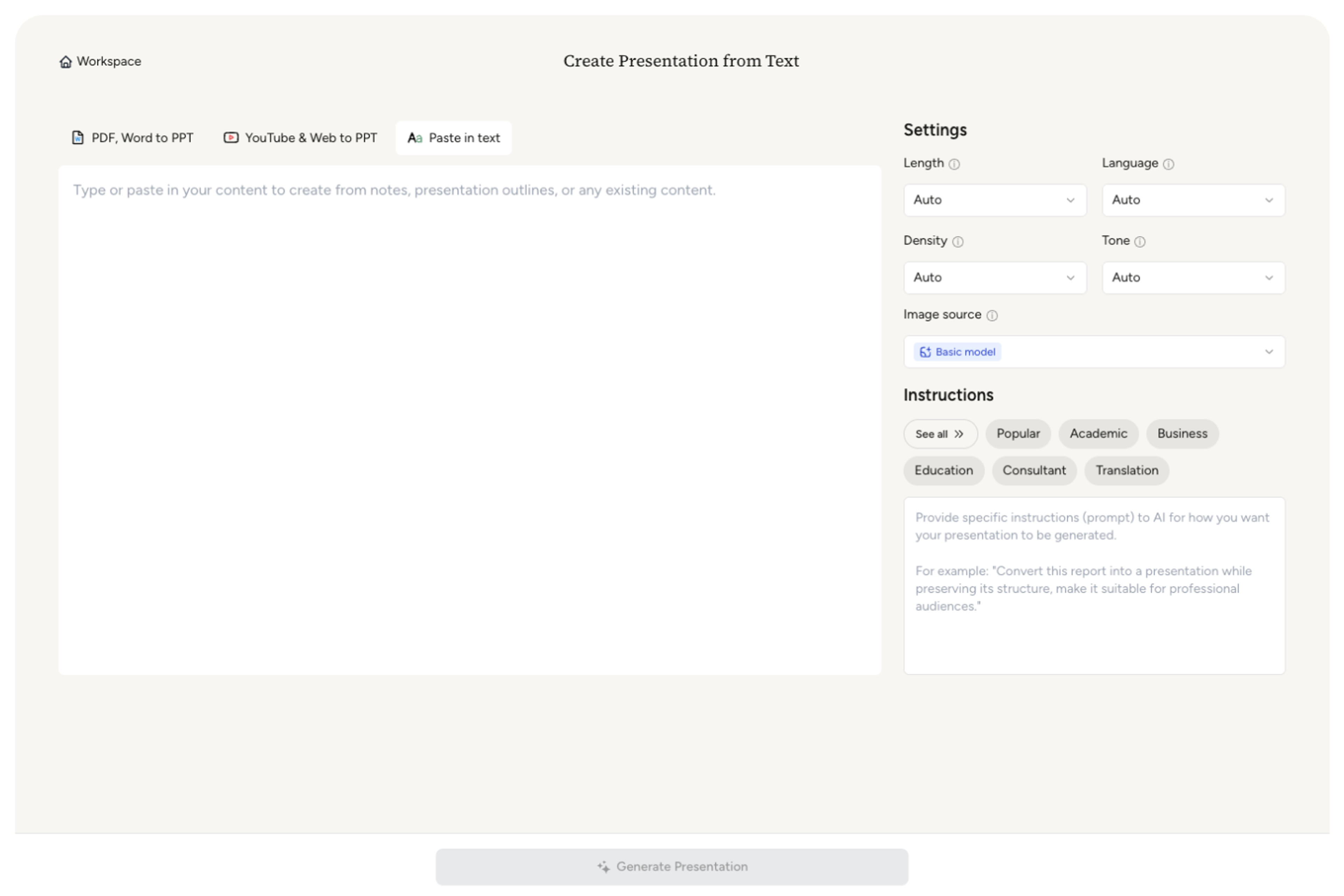
Choose the learner level, topic, session duration, prior knowledge, and learning outcome.

Identify the definitions, arguments, processes, cases, and demonstrations that should drive understanding.

SlidesPilot creates a paced sequence with concept slides, examples, transitions, questions, and recap moments.

Refine terminology, depth, visuals, prompts, and timing, then export to PowerPoint or Google Slides.

SlidesPilot turns instructor notes into a visual sequence designed for explanation, attention, and retention.

Major ideas, supporting concepts, and examples receive a clear teaching order.

The slide sequence reflects the available lecture time and intended depth.

Abstract ideas lead naturally into cases, demonstrations, and application.

Clear shifts between topics help learners follow the lecture narrative.

Discussion prompts and summary moments reinforce the central learning outcomes.

Adapt the material for future sessions, learner groups, and delivery formats.
Use typed notes, teaching outlines, speaker notes, course material, topic summaries, references, and example collections.
Yes. Specify the learners, prior knowledge, session length, and learning outcome to guide depth and pacing.
Yes. Build cases, demonstrations, questions, and recap moments into the lecture flow.
Lecture Notes to PPT develops the teaching content and explanation flow. Lesson Plan to PPT maps a broader classroom sequence of objectives, activities, and assessment.
Yes. Use the same notes to generate a concise review, revision, or post-lecture summary presentation.
Yes. Customize the complete deck and export an editable PPTX or continue in Google Slides.
Build connected teaching content from lesson plans, textbooks, reading notes, quizzes, and research sources.
Transform written lesson plans into engaging PowerPoint presentations
Transform textbooks into PowerPoint presentations
Transform your study notes into PowerPoint presentations
Turn quiz questions, answers, and explanations into engaging presentation slides
Turn a research paper into a clear, editable PowerPoint covering the question, methods, results, limitations, and citations.
Turn notes, paragraphs, and ideas into a clear, editable PowerPoint presentation.
Transform your work into a presentation, instantly. ⭐ #1 AI PowerPoint Generator | Trusted by 3 million users worldwide