
Group notes by idea
Bring scattered annotations together around themes, arguments, characters, concepts, or discussion questions.
Transform your study notes into PowerPoint presentations
Preview how SlidesPilot can turn your source material into a clearer deck before you export or share the result.
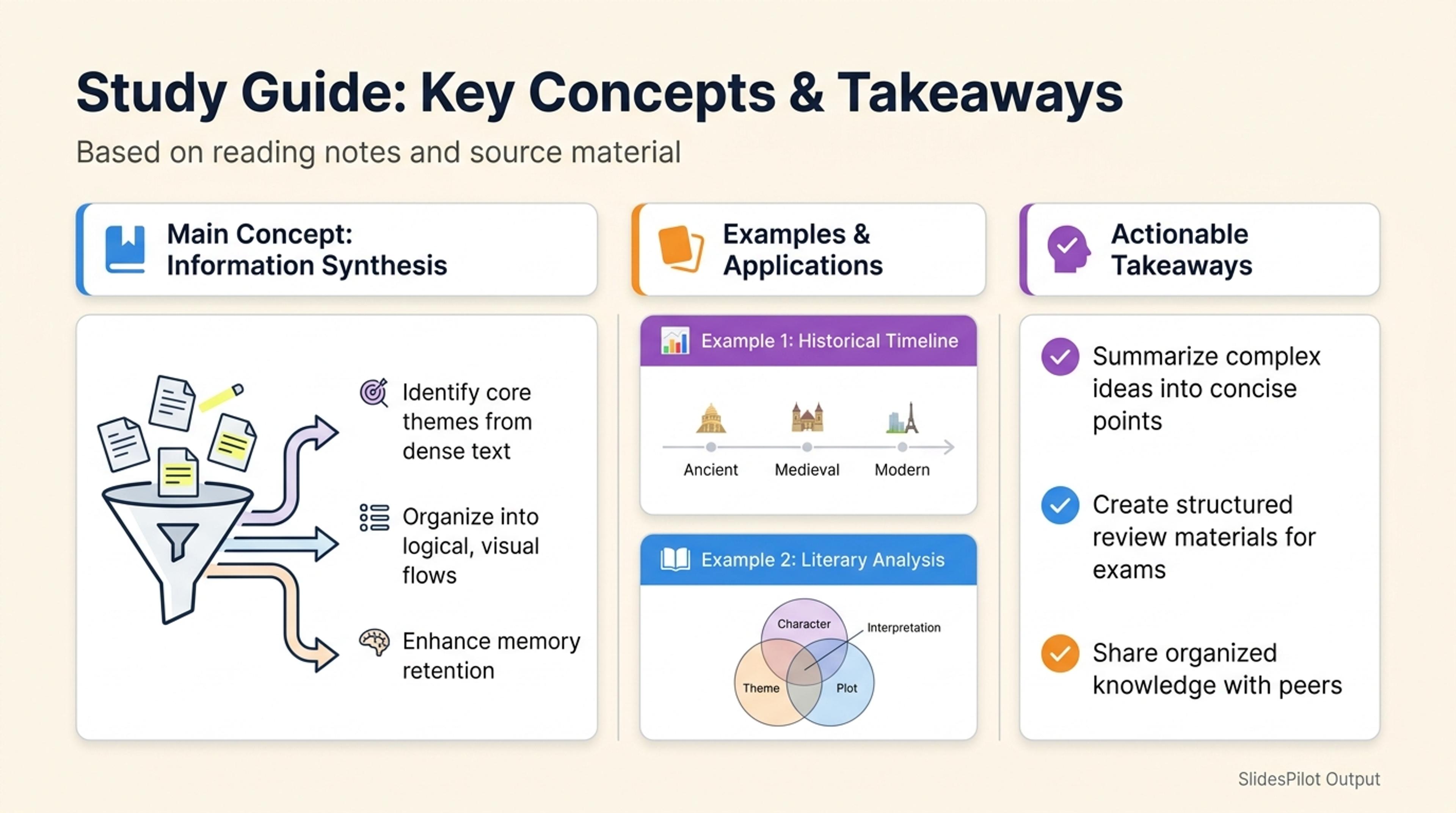
Turn pasted notes or prompts into a study guide deck with the main concepts, examples, and takeaways first.
Organize highlights, annotations, quotations, questions, and reflections into a coherent deck for class, discussion, or review.
Bring scattered annotations together around themes, arguments, characters, concepts, or discussion questions.
Keep chapter context, quotations, page references, and your own interpretation close to each takeaway.
Move from reading context to insights, evidence, reflections, and questions for the audience.
Add highlights, annotations, quotations, chapter notes, reflections, questions, and page references.
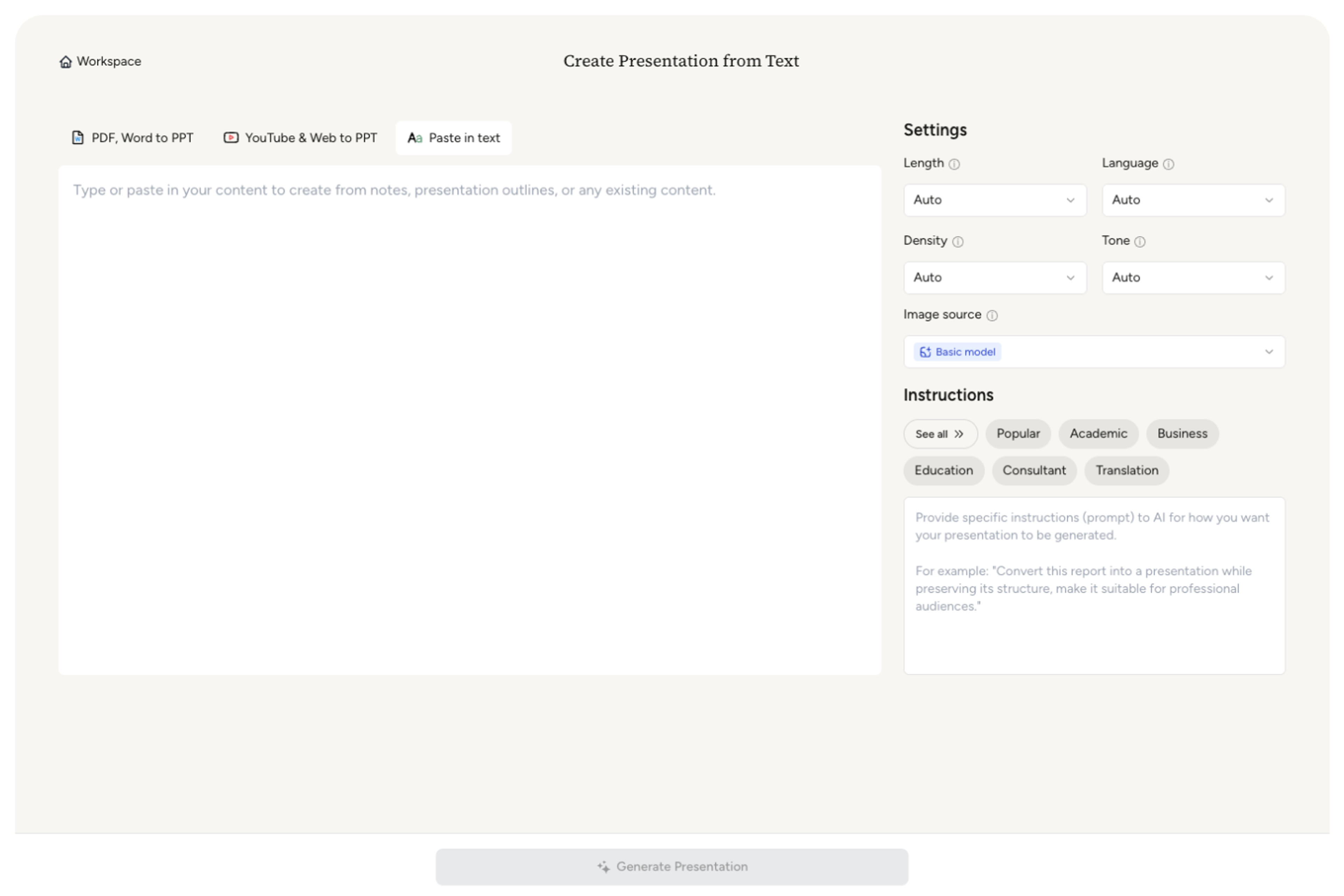
Set a class discussion, reading response, book club, literature review, study recap, or thematic analysis.

Tell AI which ideas, passages, questions, and interpretations should define the main sections.

SlidesPilot groups related notes, connects evidence to insights, and creates a clear discussion or review flow.

Adjust quotations, references, prompts, visuals, and conclusions, then export to PowerPoint or Google Slides.

SlidesPilot finds the structure inside your notes and turns personal reading work into presentation-ready ideas.

Related highlights, comments, and questions come together in focused sections.

Key passages can stay connected to chapters, page references, and your interpretation.

Short annotations become clear slide messages supported by the source.

Prompts and open questions create natural moments for audience participation.

The deck moves from source context through analysis to takeaways and reflection.

Refine the deck for class, a reading group, revision, or personal review.
Use highlights, annotations, chapter summaries, quotations, page references, reflections, study notes, and discussion questions.
SlidesPilot can group related notes by theme, chapter, argument, character, concept, or question.
Yes. Include important passages and their source context directly in the presentation.
Yes. Build slides around your interpretation, supporting passages, reflections, and concluding perspective.
Yes. Turn your questions and unresolved ideas into clear prompts for class or group discussion.
Yes. Customize every slide and export an editable PPTX or continue in Google Slides.
Turn books, textbooks, lecture notes, outlines, and raw study material into connected presentation workflows.
Transform entire books into summaries and PowerPoint presentations
Turn an entire book into a clear summary of its most important ideas
Transform textbooks into PowerPoint presentations
Transform class notes into structured PowerPoint presentations
Turn a structured outline into a clear, editable PowerPoint presentation with sections and slide flow already organized.
Turn notes, paragraphs, and ideas into a clear, editable PowerPoint presentation.
Transform your work into a presentation, instantly. ⭐ #1 AI PowerPoint Generator | Trusted by 3 million users worldwide