

Start with a YouTube link
Paste a public YouTube video URL and turn the source into a presentation without transcribing the video by hand.
Transform YouTube videos into editable PowerPoint presentations
Turn video content into organized slides for summaries, lessons, briefings, and reviews.
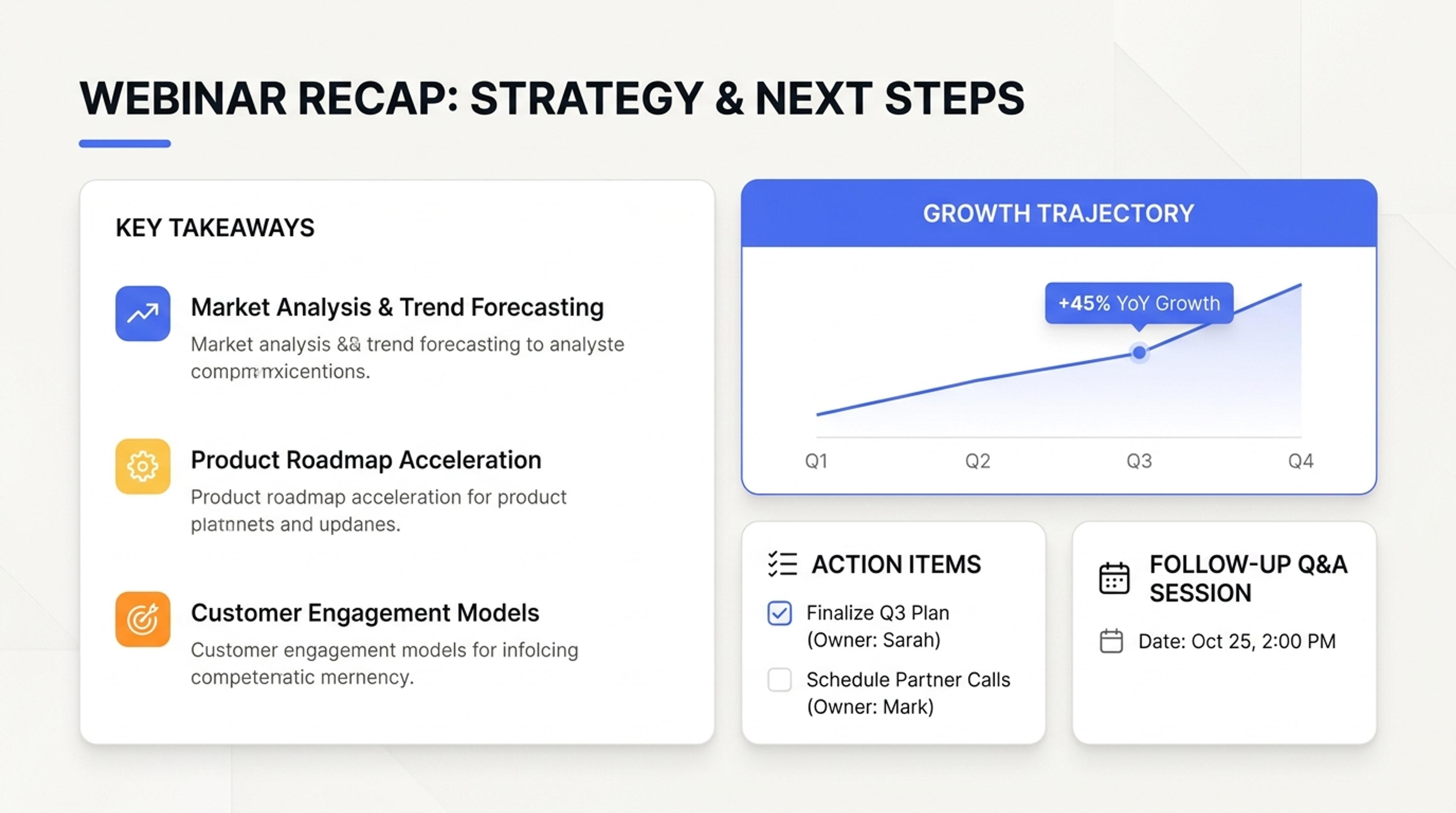
A webinar converted into key topics, takeaways, and follow-up action slides.
Create a new presentation grounded in the video's content, with the main ideas organized for faster review and reuse.
Paste a public YouTube video URL and turn the source into a presentation without transcribing the video by hand.
SlidesPilot identifies the main topics, explanations, and takeaways, then arranges them into a coherent slide sequence.
Refine the generated slides in the editor and download an editable PowerPoint presentation for teaching, training, research, or content repurposing.
Paste a public YouTube URL and let SlidesPilot turn the available video content into a presentation-ready source.
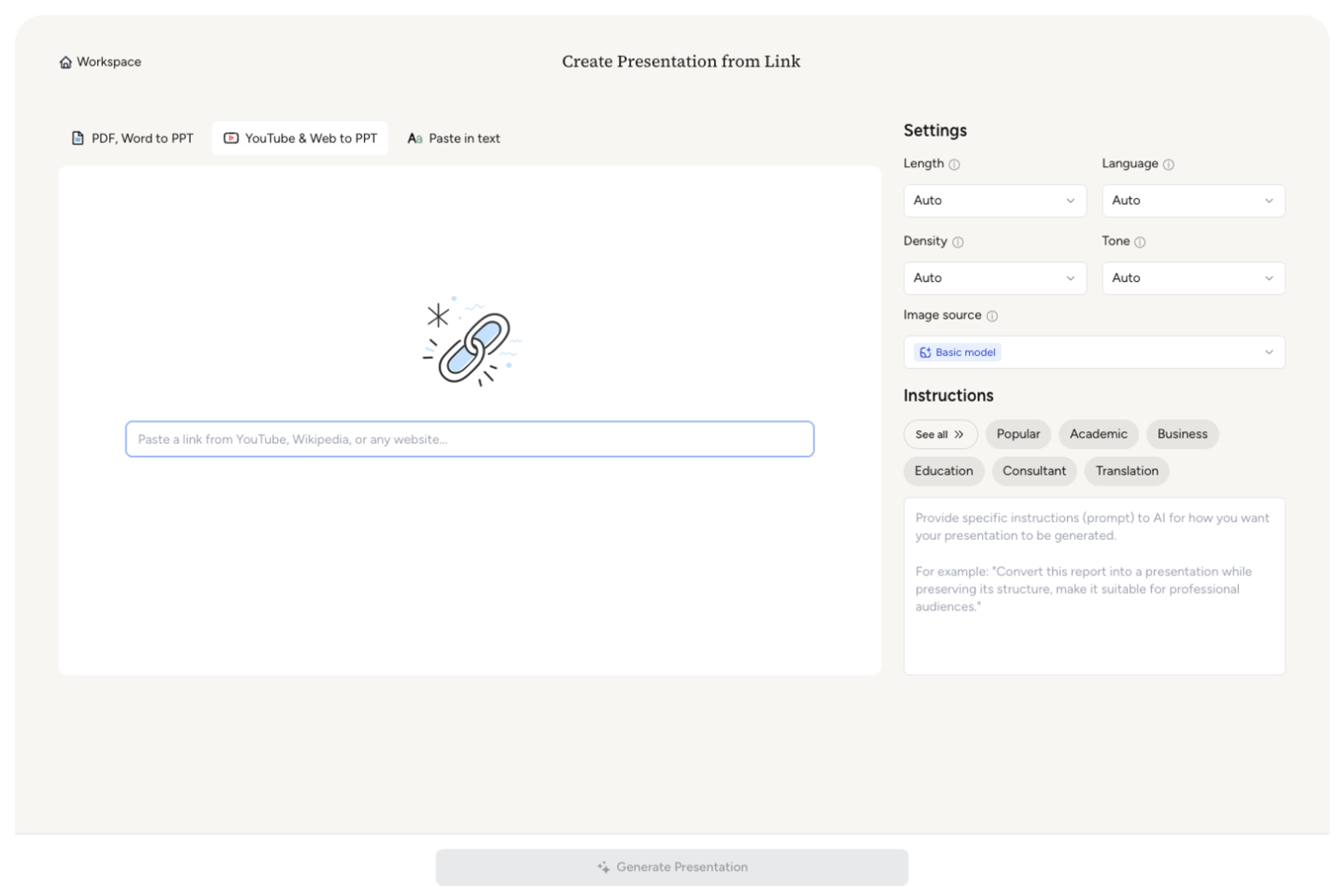
Tell the AI whether the deck is a lesson, tutorial recap, training brief, research review, or content summary, and name the topics or takeaways it should prioritize.
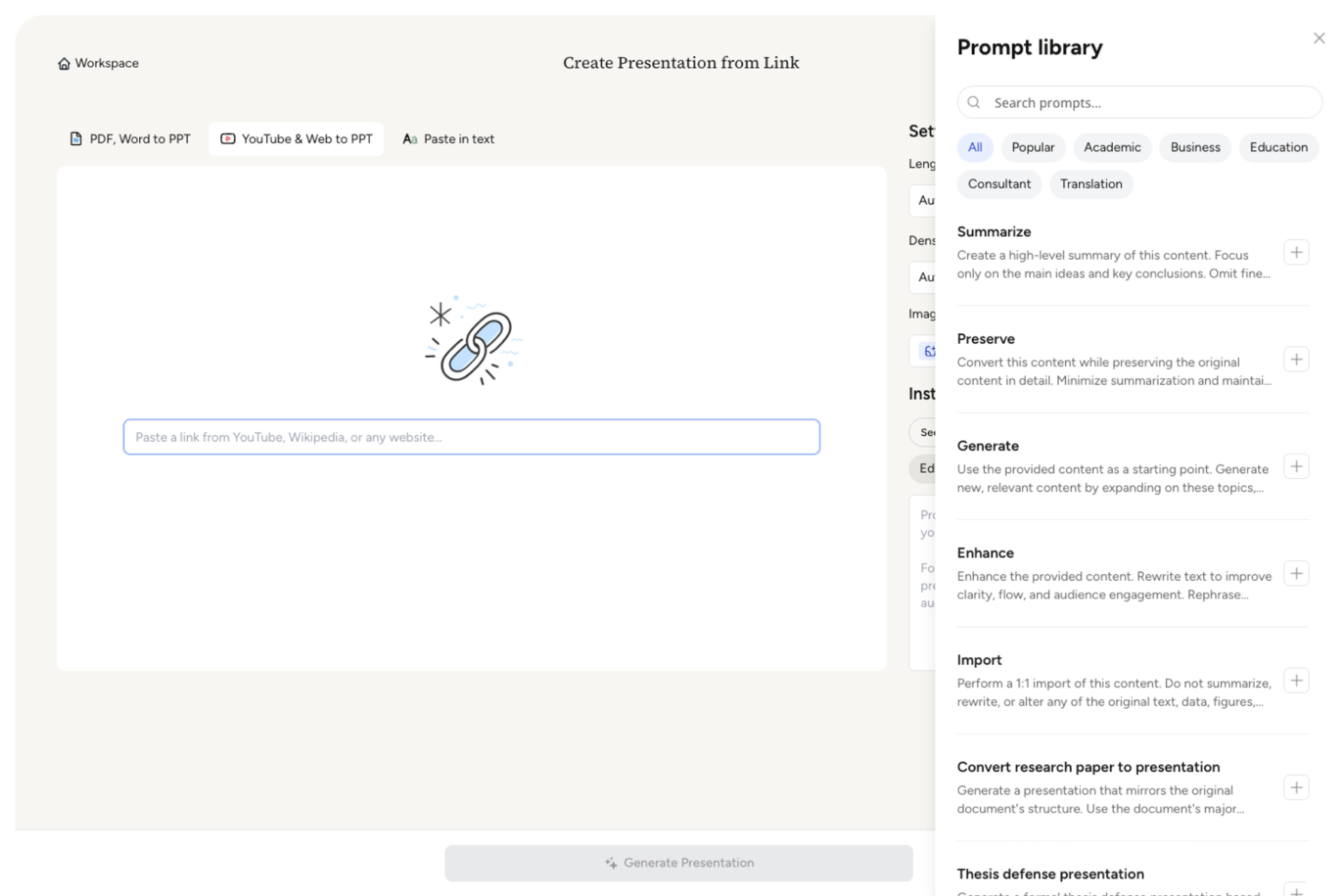
Set the target length, density, and tone so a long video becomes a focused deck rather than a slide-by-slide transcript. Select a theme that fits the audience.
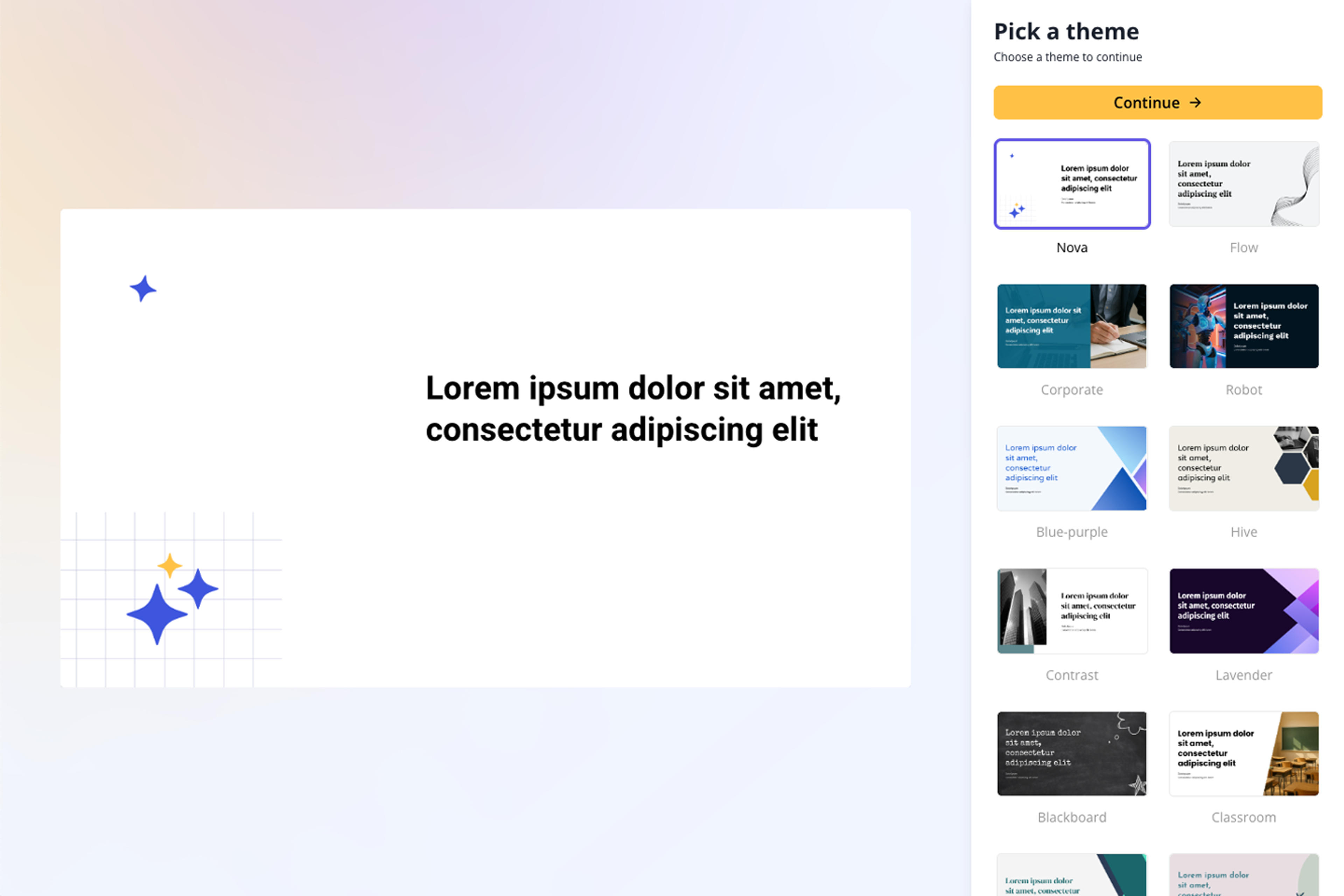
Fine-tune the main topics, examples, names, numbers, quotations, and technical details so the finished deck communicates the video with confidence.
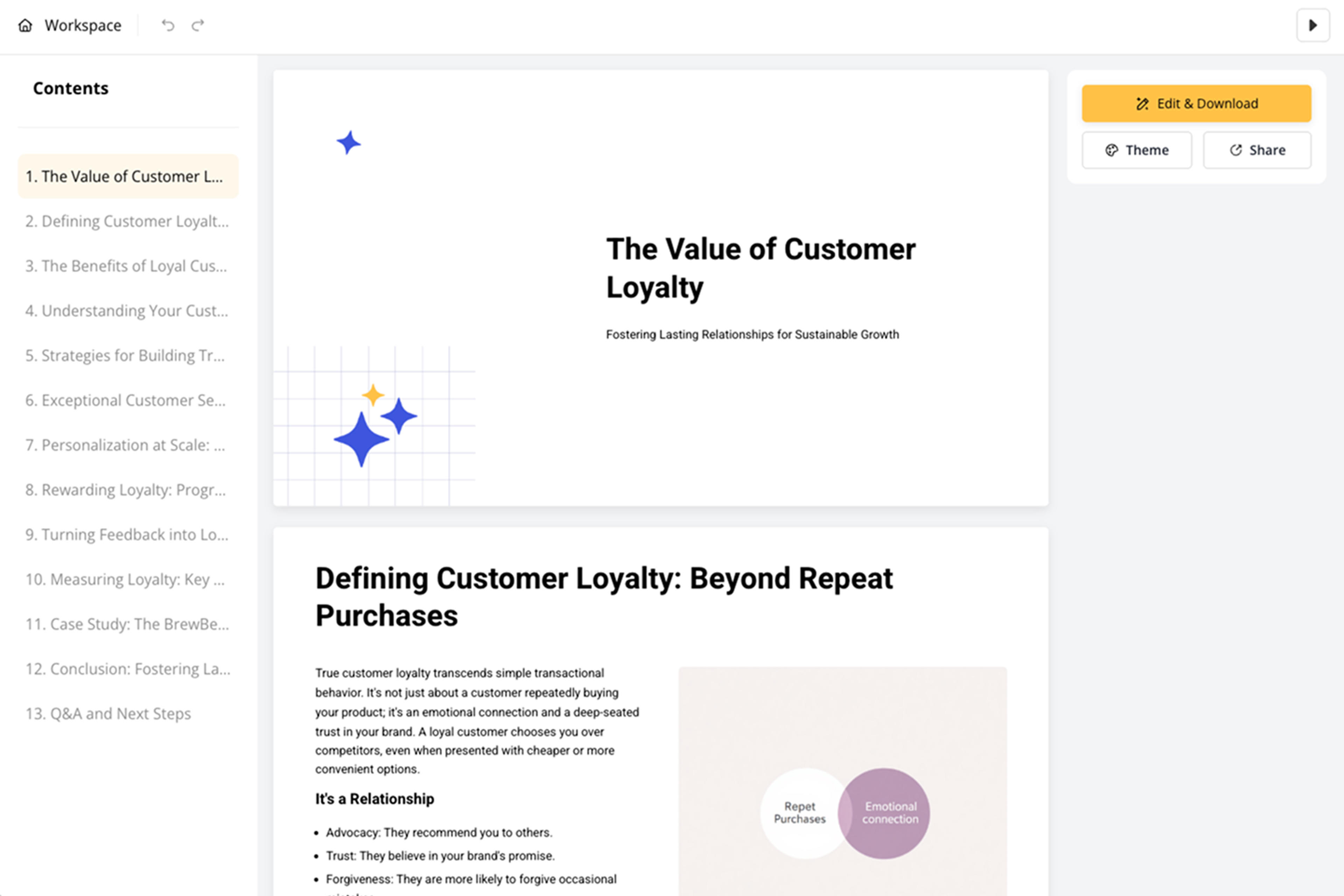
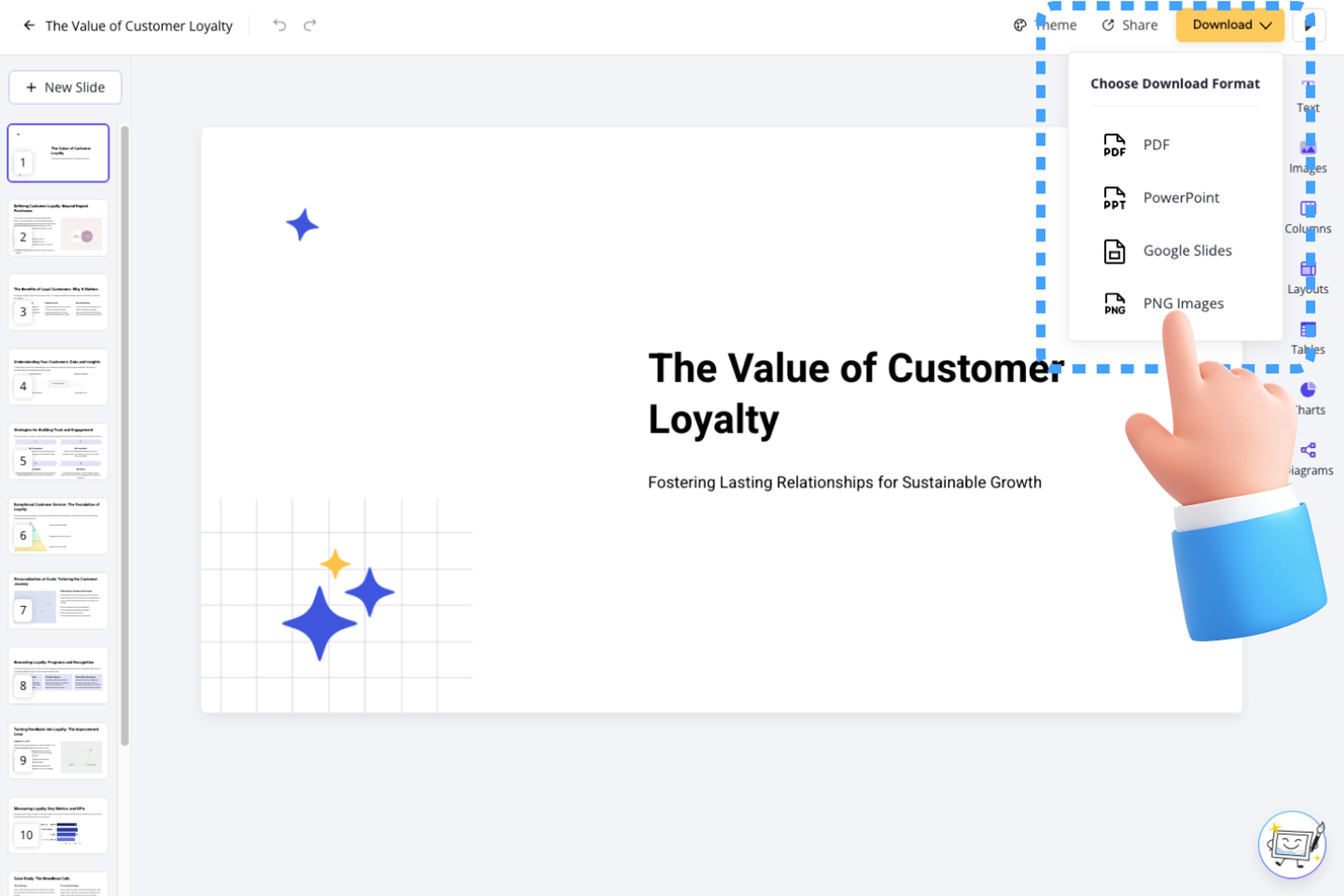
Refine the wording, visuals, layout, and slide order, then export an editable PowerPoint, Google Slides, PDF, or PNG, or share the presentation online.
Move from a long video to a structured, editable presentation while keeping control over the focus and final output.

Start with a YouTube URL and create a new presentation from the video's available content.

Organize the main topics and takeaways into slides that follow the source instead of starting from a blank deck.

Adjust length, density, tone, and instructions to shape the presentation around your intended audience.

Review the generated deck and change text, layout, visuals, and slide order in the editor.

Download the result as a PPTX file and continue working in PowerPoint when needed.

Export to PowerPoint, Google Slides, PDF, or PNG, or share the presentation online.

Transform video lectures into structured PowerPoint presentations
Transform webinar recordings into PowerPoint presentations

Transform video tutorials and guides into PowerPoint presentations
Turn lectures, webinars, training videos, and recordings into clear, editable PowerPoint presentations.

Instantly transform documentary content into editable PowerPoint slides
Transform customer feedback into actionable PowerPoint presentations
Yes. The YouTube to PPT converter is free to use after signing up, with no credit card required.
Paste a public YouTube video URL, choose the audience, length, tone, and focus, then generate a structured, editable deck in minutes.
SlidesPilot understands the video content and creates a fresh, fully editable presentation with a clear narrative, focused takeaways, and presentation-ready slides.
The AI identifies key topics, explanations, and takeaways from the available video content, then organizes them into a new slide sequence that you can review and edit.
Yes. You can set the desired length, density, tone, and focus, and add instructions about the points you want the presentation to emphasize.
Yes. The generated presentation is editable, so you can revise the wording, layout, visuals, and slide order before sharing or exporting it.
You can export the presentation as an editable PowerPoint file, Google Slides, PDF, or PNG, or share it online.
Presentations are private by default. You decide when and how to share the finished deck.
Use YouTube to PPT for a YouTube URL, or choose the broader Video to PPT workflow for lectures, webinars, training videos, and other video content.
Turn lectures, webinars, training videos, and recordings into clear, editable PowerPoint presentations.
Paste a content-rich link and turn the online source into a clear, editable PowerPoint presentation.
Turn reports, papers, and documents into clear, structured, editable PowerPoint presentations with AI.
Turn Word documents into clear, structured, editable PowerPoint presentations with AI.
Turn notes, paragraphs, and ideas into a clear, editable PowerPoint presentation.
Paste text, add a YouTube or webpage link, or upload a document to create a beautiful, structured summary connected to the source.
Transform your work into a presentation, instantly. ⭐ #1 AI PowerPoint Generator | Trusted by 3 million users worldwide