

Capture the Big Idea
SlidesPilot follows the speaker's central thesis, opening hook, story progression, examples, and emotional beats. The deck helps audiences remember the message rather than only the transcript.
Transform video lectures into structured PowerPoint presentations
Turn a talk into slides that capture the speaker's central idea, supporting stories, evidence, and conclusion.
Introduce the talk's core claim and why it matters before breaking down the supporting narrative.
Convert a TED Talk into a presentation summary with central idea, story arc, memorable quotes, examples, lessons, and discussion prompts.
SlidesPilot follows the speaker's central thesis, opening hook, story progression, examples, and emotional beats. The deck helps audiences remember the message rather than only the transcript.
Memorable anecdotes, research examples, quotes, and practical lessons can become slide anchors. This makes TED-style content useful for class discussion, workshops, and personal learning.
The output can include summary slides, quote slides, lesson recaps, and audience prompts. Users can refine examples and questions for teaching, facilitation, or study.
Add the TED Talk video, transcript, speaker notes, summary, quote list, or timestamped moments. Tell SlidesPilot whether the deck is for class, workshop, study, facilitation, or content repurposing.
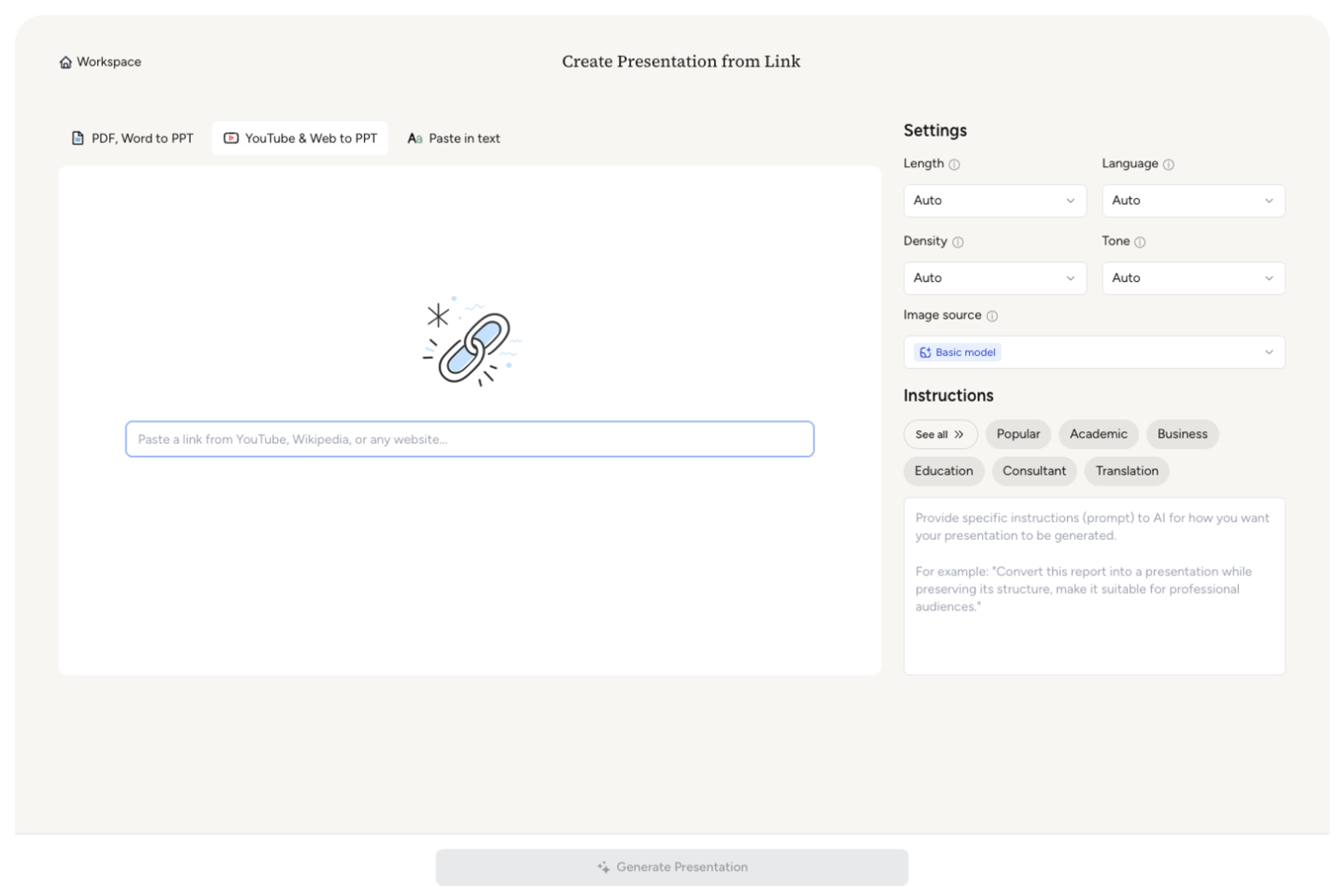
SlidesPilot identifies the central idea, speaker story, argument sequence, examples, emotional moments, memorable quotes, and audience lessons. This creates a presentation around the talk's message.

Choose the teaching or discussion angle. A talk about creativity can become slides for opening story, core thesis, research examples, practical lessons, discussion questions, and final takeaway.

Generate a TED Talk deck with big idea, story arc, key examples, quote slides, lesson recap, and discussion prompts. The deck is built for learning and conversation.
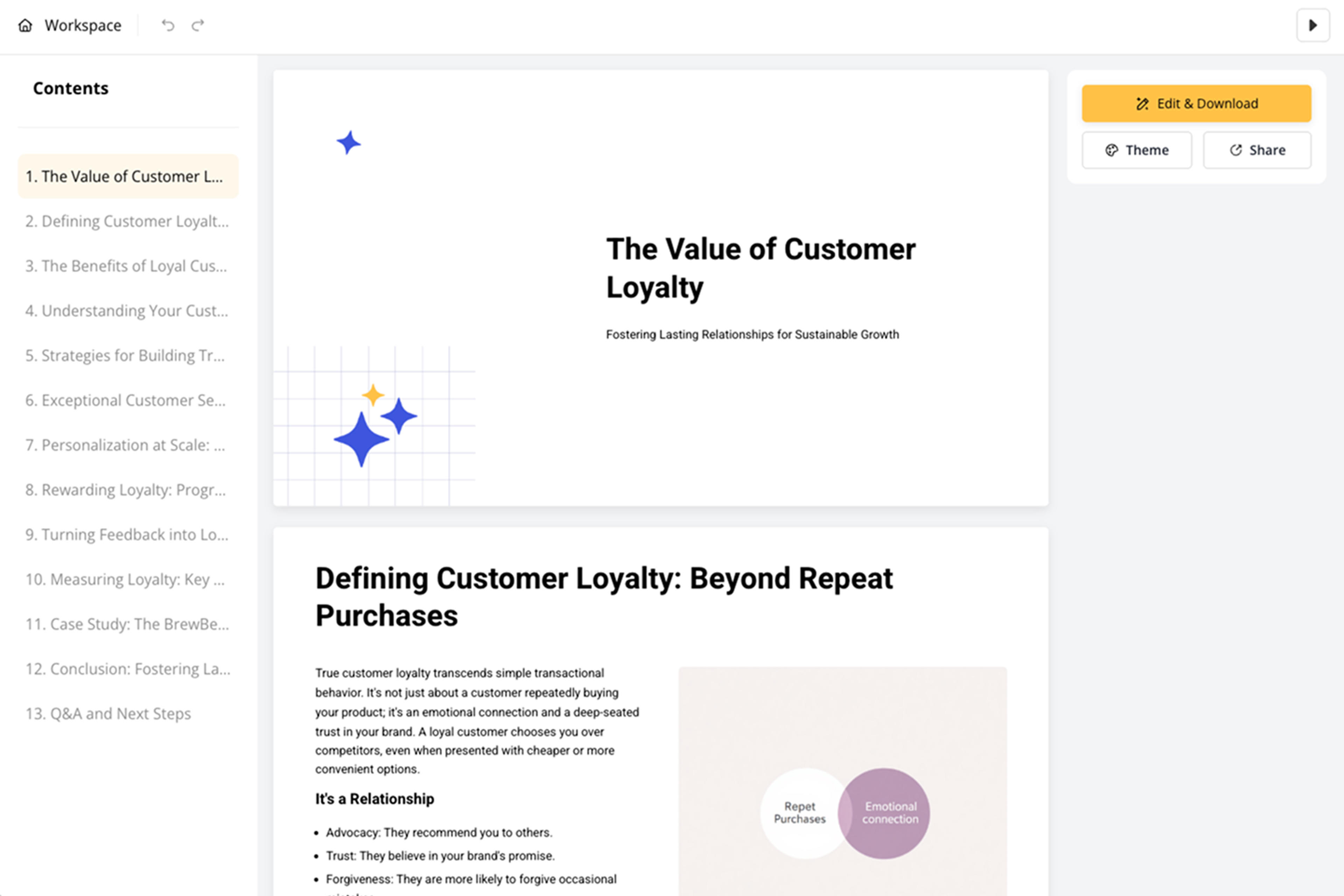
Refine quotes, prompts, examples, slide order, and visual tone before export. The presentation can support classroom lessons, training, book-club style discussion, or personal study.

TED Talk to PPT turns idea-driven storytelling into discussion-ready slides. SlidesPilot focuses on big idea, story arc, examples, quotes, and lessons.

The talk's central idea and speaker narrative become the deck's backbone. This helps audiences follow the argument and remember the message.

Stories, examples, research references, and emotional beats can become slide moments. The presentation captures why the talk works.

Memorable quotes and practical lessons can be highlighted for teaching or discussion. This makes TED-style content easier to reuse.

The editable output supports classroom lessons, workshops, facilitation, and study notes. Users can tune prompts and examples for their audience.
Yes. Add the TED Talk video, transcript, notes, or summary and SlidesPilot can create a deck with central idea, story arc, examples, quotes, lessons, and discussion prompts.
Use the transcript, speaker notes, timestamped moments, quote list, topic summary, or discussion goals. Add the audience so the deck fits class, workshop, or study use.
Yes. Opening story, emotional beats, examples, argument sequence, and conclusion can become slide sections. This keeps the presentation connected to the talk's narrative.
Yes. The deck can include prompts, reflection questions, lesson recaps, and key quotes for classroom discussion, workshops, or learning groups.
TED Talk to PPT focuses on idea-driven storytelling and discussion. Video Transcript to PPT is broader and works for many transcript-based recordings.
Yes. You can revise quotes, examples, prompts, visuals, slide order, and takeaways before exporting the editable PowerPoint.
Use TED Talk to PPT for idea-driven talks and learning discussions. Choose video-transcript, podcast, webinar, or lecture workflows when the recording has a different format or instructional goal.
Transform YouTube videos into editable PowerPoint presentations
Turn lectures, webinars, training videos, and recordings into clear, editable PowerPoint presentations.
Turn your speech script into visual slides that strengthen every key moment
Transform video tutorials and guides into PowerPoint presentations
Transform podcast episodes into PowerPoint presentations
Use AI Presentation Generator when that workflow better matches your source or output.
Transform your work into a presentation, instantly. ⭐ #1 AI PowerPoint Generator | Trusted by 3 million users worldwide