

Start with the video source
Add the video content you want to convert instead of manually transcribing every explanation, example, and takeaway.
Turn lectures, webinars, training videos, and recordings into clear, editable PowerPoint presentations.
See how lectures, webinars, training videos, and recorded explanations can become structured, editable presentation decks.
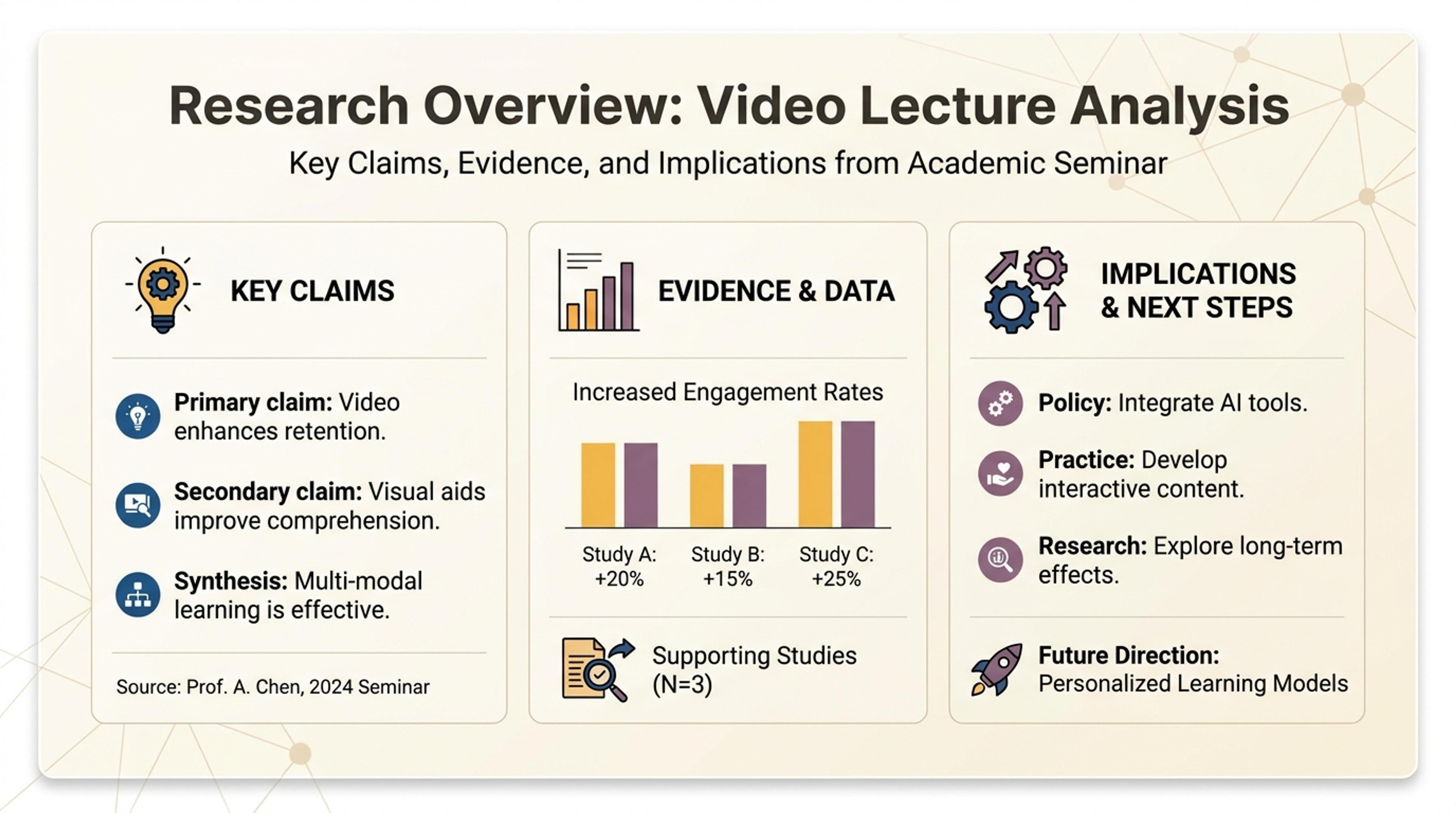
Turn shared video content into a research overview with the key claims, evidence, and implications first.
Convert lectures, webinars, training videos, recorded explanations, and other long-form video content into a presentation you can review, edit, and reuse.
Add the video content you want to convert instead of manually transcribing every explanation, example, and takeaway.
SlidesPilot identifies the important topics, supporting points, and transitions, then turns the source into a coherent slide sequence.
Refine the generated presentation for teaching, study, training, briefings, or content repurposing, then export an editable PPTX.
Start with an accessible lecture, webinar, tutorial, training session, or recorded explanation that contains enough spoken material to support a presentation.
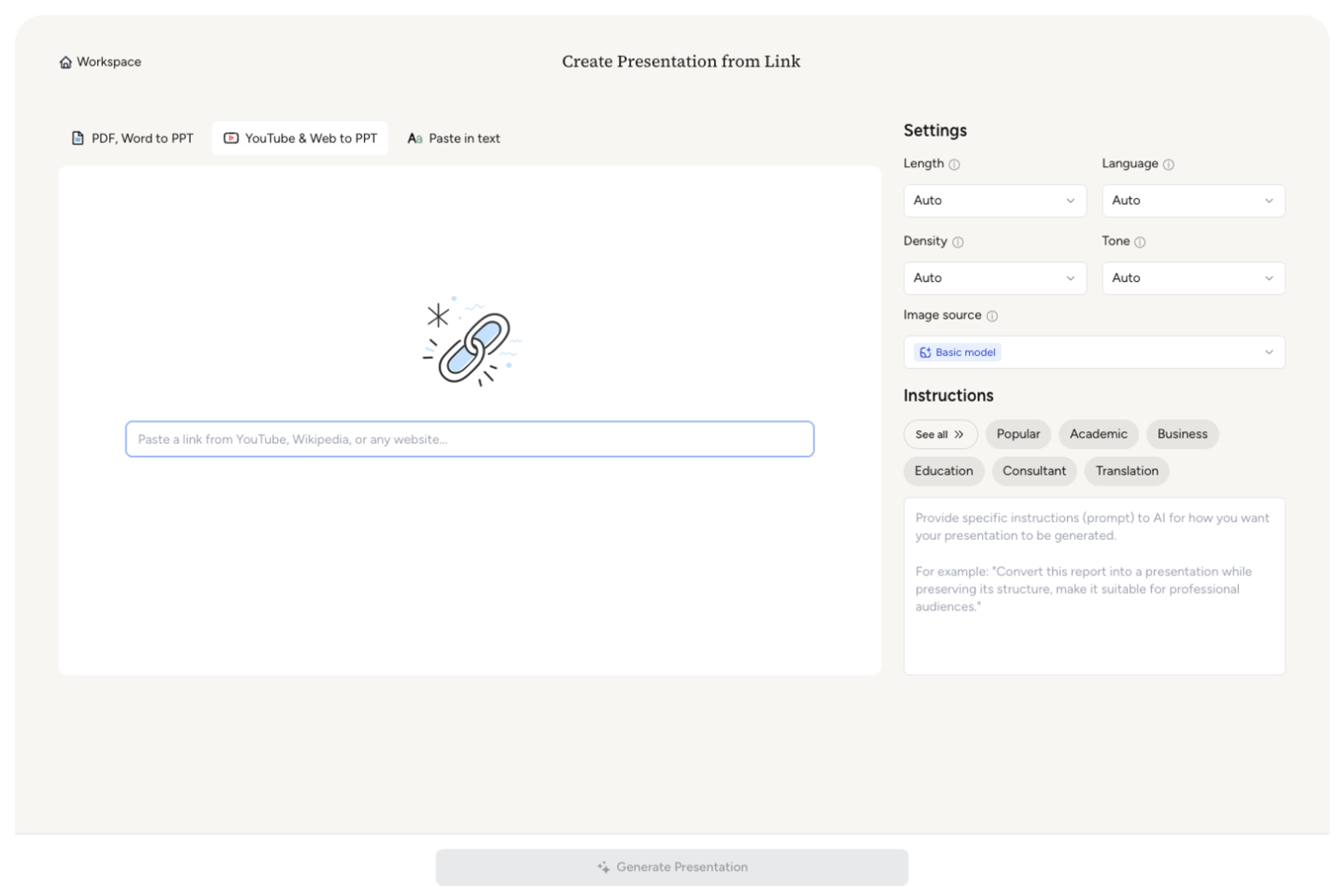
Tell SlidesPilot who the deck is for and what they should learn. Identify the concepts, examples, demonstrations, or conclusions that deserve the most attention.

Set the slide count, density, tone, and theme for a class recap, study guide, training deck, webinar follow-up, or executive briefing.

SlidesPilot organizes topics, supporting explanations, and examples into a concise visual teaching flow with clear slide-level messages.
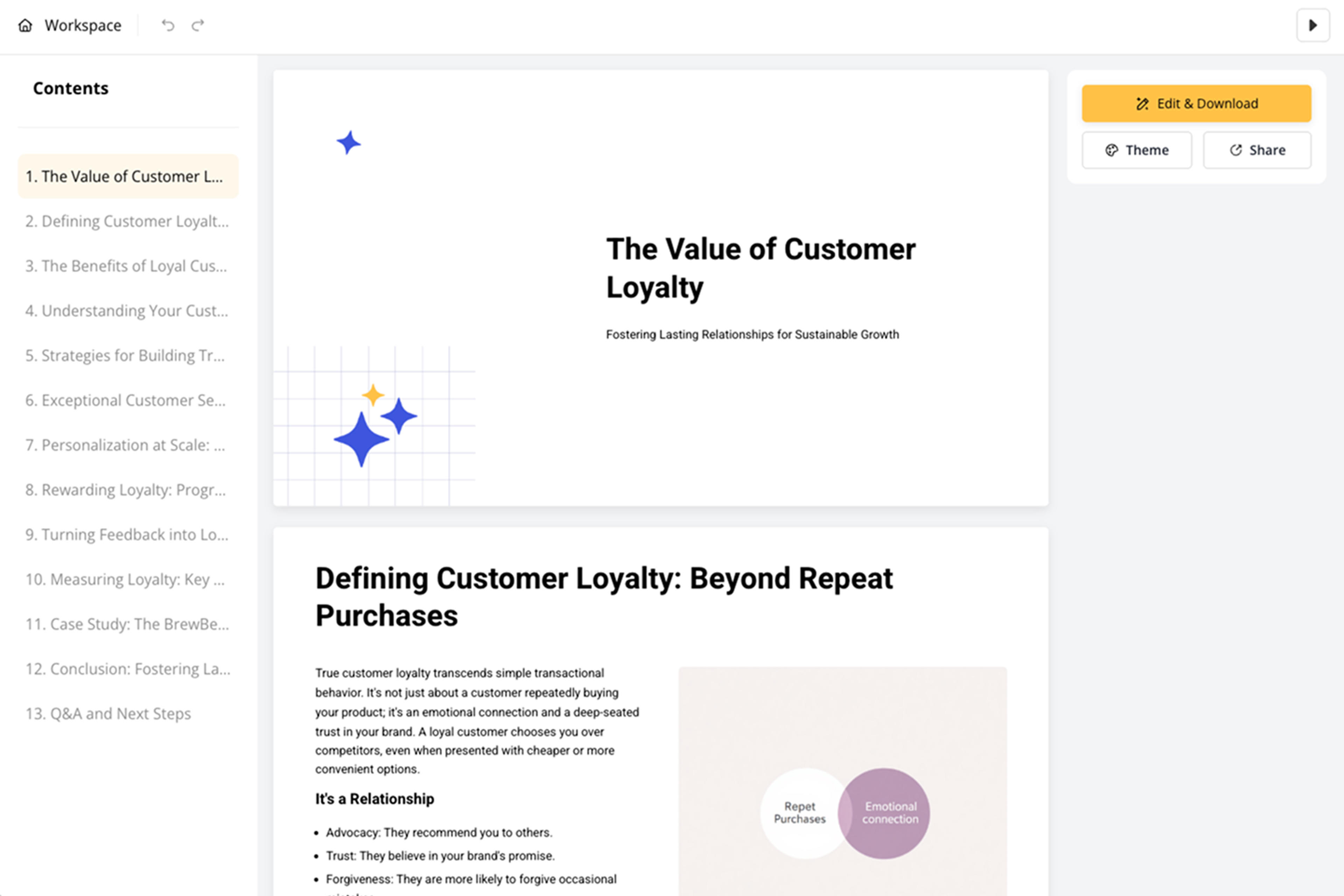
Refine names, technical terms, quotations, numbers, and examples in the editable deck, then export the presentation.

Video Lecture to PPT is built for learning and training content. It identifies the instructional structure, condenses spoken material, and creates an editable deck rather than a transcript dump.

Identify the main concepts, subtopics, explanations, and conclusions that shape the instructional narrative.

Use the audience and learning goal to prioritize the material students, trainees, or stakeholders need to retain.

Transform repeated speech and long explanations into focused slide messages that are easy to teach and remember.

Keep examples and demonstrations connected to the concept they support so the deck remains useful for teaching and review.

SlidesPilot carries technical terms, names, quotations, numbers, and nuanced explanations into a clear learning narrative.

Adapt the generated presentation for a course, workshop, training session, study guide, or briefing, then export an editable PPTX.
Lectures, webinars, tutorials, training sessions, recorded explanations, interviews, and other content-rich videos with a clear spoken narrative work well.
It creates a presentation by identifying the key topics and supporting explanations, then organizing them into a concise, visual slide flow.
Use YouTube to PPT when the source is specifically a YouTube URL. Video Lecture to PPT is the focused use case for turning teaching, webinar, and training content into a learning-oriented deck.
Yes. Define the audience, learning objective, slide count, and key concepts, examples, or conclusions that the generated deck should prioritize.
AI distills repeated speech and long explanations into focused slide messages while your brief guides which concepts, examples, and conclusions receive the most emphasis.
SlidesPilot carries technical terminology, names, quotations, numbers, definitions, and examples into a structured deck designed for specialized teaching and training.
Yes. You can sign up and use the converter for free, with no credit card required.
Yes. Edit the generated deck in SlidesPilot, then export an editable PPTX for PowerPoint or continue in Google Slides. PDF and PNG exports are also available.
Use the dedicated YouTube converter for YouTube URLs, or choose another source format for documents, links, and text.
Transform YouTube videos into editable PowerPoint presentations
Paste a content-rich link and turn the online source into a clear, editable PowerPoint presentation.
Convert PDF slides to editable PowerPoint online. Keep the original design and make text and slide elements editable. Free to use.
Turn Word documents into clear, structured, editable PowerPoint presentations with AI.
Turn notes, paragraphs, and ideas into a clear, editable PowerPoint presentation.
Paste text, add a YouTube or webpage link, or upload a document to create a beautiful, structured summary connected to the source.
Transform your work into a presentation, instantly. ⭐ #1 AI PowerPoint Generator | Trusted by 3 million users worldwide