

Organize the chapter for learning
Turn headings and concepts into a progression that introduces, explains, demonstrates, and reinforces the material.
Transform textbooks into PowerPoint presentations
Drag & drop your file here or
Turn textbook material into slides that organize concepts, examples, and review points.
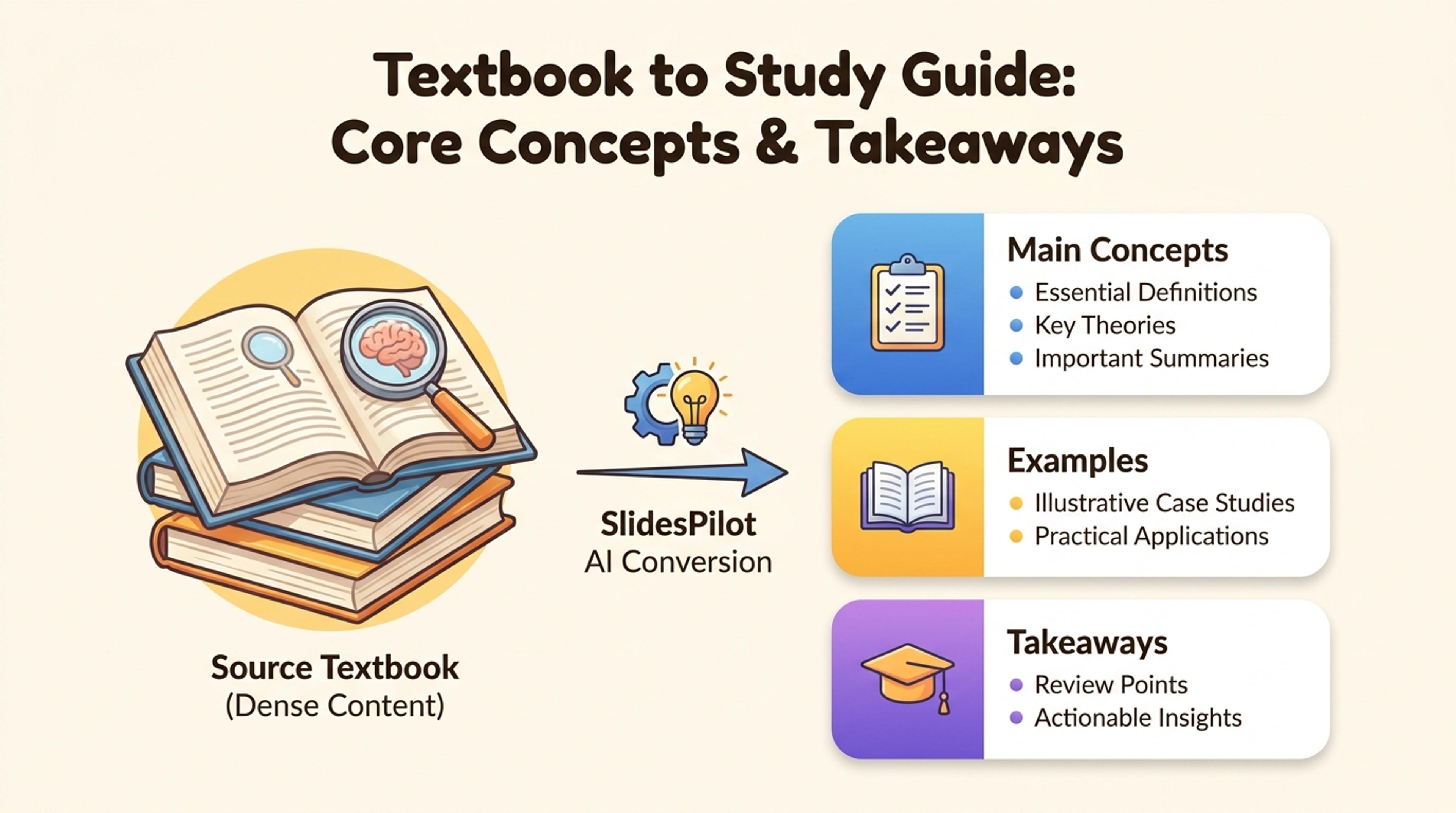
Summarize the chapter structure and main ideas before diving into details.
Build a clear learning sequence from chapter objectives, core concepts, worked examples, definitions, and review material.
Turn headings and concepts into a progression that introduces, explains, demonstrates, and reinforces the material.
Use diagrams, comparisons, timelines, and examples to make textbook concepts easier to teach and remember.
Shape the same chapter into instructor slides, student review material, or a focused exam-preparation deck.
Add the chapter or selected pages containing the objectives, explanations, examples, figures, and review material you want to teach.

Choose the grade level, course, prior knowledge, teaching time, and concepts students should master.

Select the definitions, processes, formulas, cases, diagrams, and practice material that should anchor the deck.

SlidesPilot creates slides that move from chapter context and core concepts to worked examples, application, and recap.

Refine explanations, visuals, questions, pacing, and terminology, then export to PowerPoint or Google Slides.

SlidesPilot converts dense textbook material into a paced presentation centered on understanding and retention.

Headings, objectives, concept groups, examples, and summaries become a logical slide sequence.

Essential ideas receive the strongest emphasis and clearest explanations.

Processes, formulas, and cases can unfold step by step across the presentation.

Diagrams, comparisons, and structured layouts make relationships easier to understand.

Recap slides, key terms, and questions reinforce the chapter outcomes.

Adapt the deck to your curriculum, students, teaching style, and presentation format.
Yes. Use a single chapter, selected pages, or a complete unit to create a presentation with the right teaching scope.
Yes. Specify the learner level, subject, prior knowledge, and lesson objective so explanations match the class.
Yes. Include worked examples, key terms, practice prompts, chapter summaries, and checks for understanding.
Textbook to PPT focuses on teaching concepts and learning outcomes. Book to PPT focuses on arguments, themes, narrative, and broader takeaways.
Yes. Generate an instructor-led lesson deck, a concise student recap, or a study presentation from the same chapter.
Yes. Refine every slide and export an editable PPTX or continue in Google Slides.
Summarize textbooks, build lesson plans, convert lecture notes, and create quiz and review presentations.
Turn textbook chapters into clear, structured study summaries
Transform written lesson plans into engaging PowerPoint presentations
Transform class notes into structured PowerPoint presentations
Turn quiz questions, answers, and explanations into engaging presentation slides
Transform entire books into summaries and PowerPoint presentations
Transform your study notes into PowerPoint presentations
Transform your work into a presentation, instantly. ⭐ #1 AI PowerPoint Generator | Trusted by 3 million users worldwide