
AI PowerPoint Generatorfor PDFs

Turn documents, links, YouTube videos, and notes into clear PowerPoint presentations.

Drag & drop your file here or

50MB Maximum File Size
PDF, Word or PPT Formats

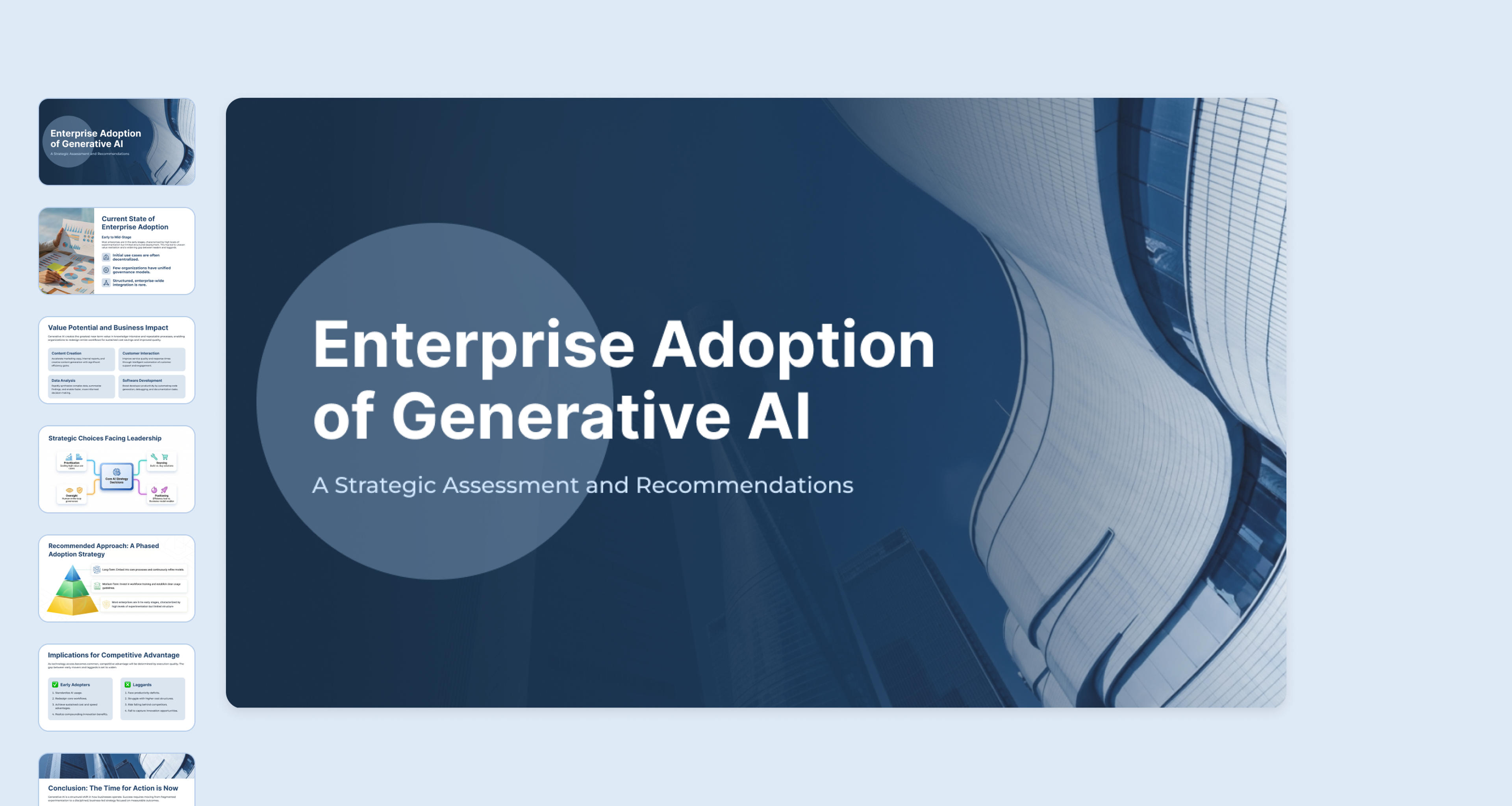
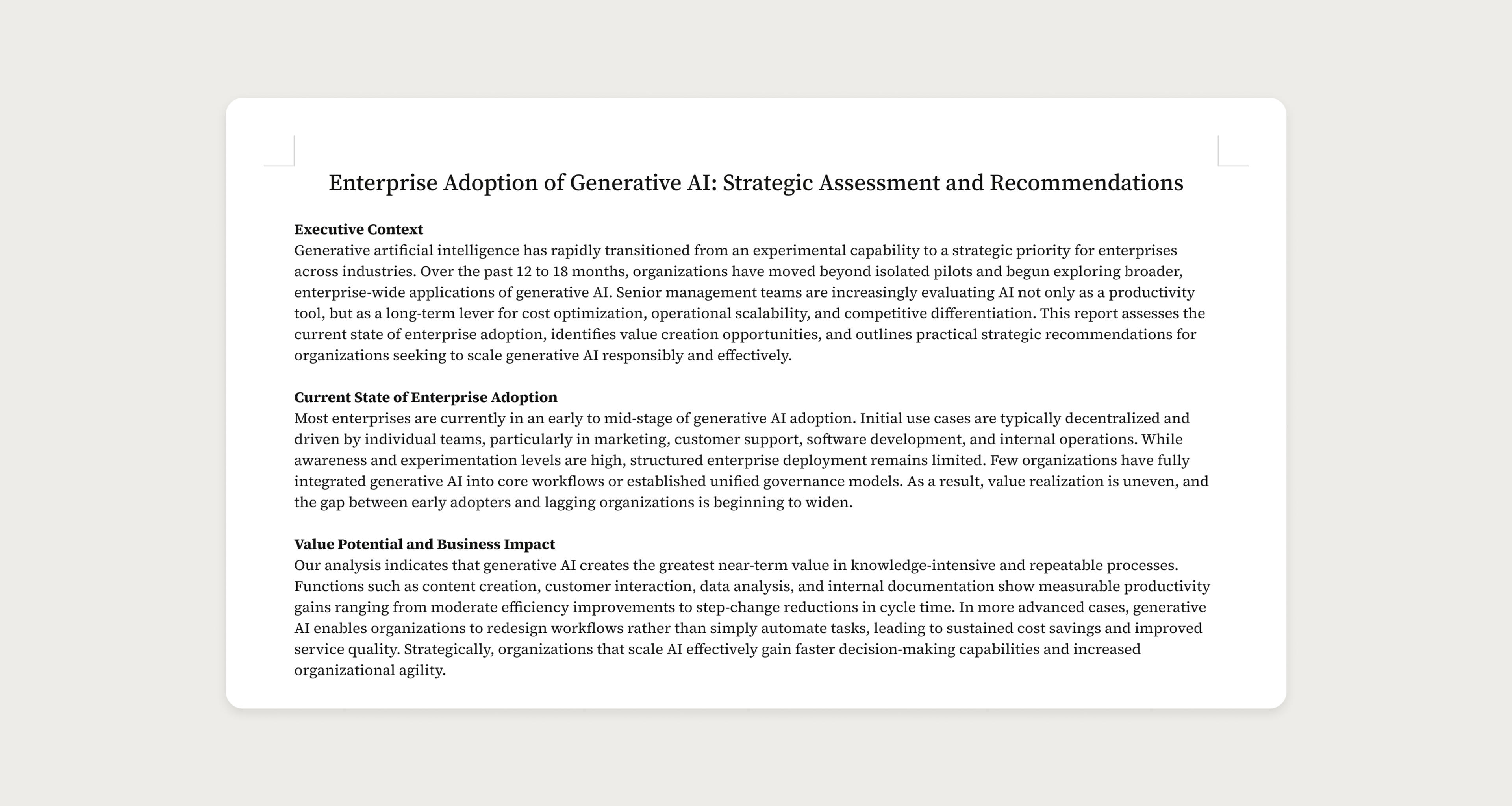
See the AI PowerPoint Generator in Action

Compare your source material with the PowerPoint deck SlidesPilot creates.

How SlidesPilot Creates PowerPoint Presentations from Your Sources

From complex source material to a clear, presentation-ready deck

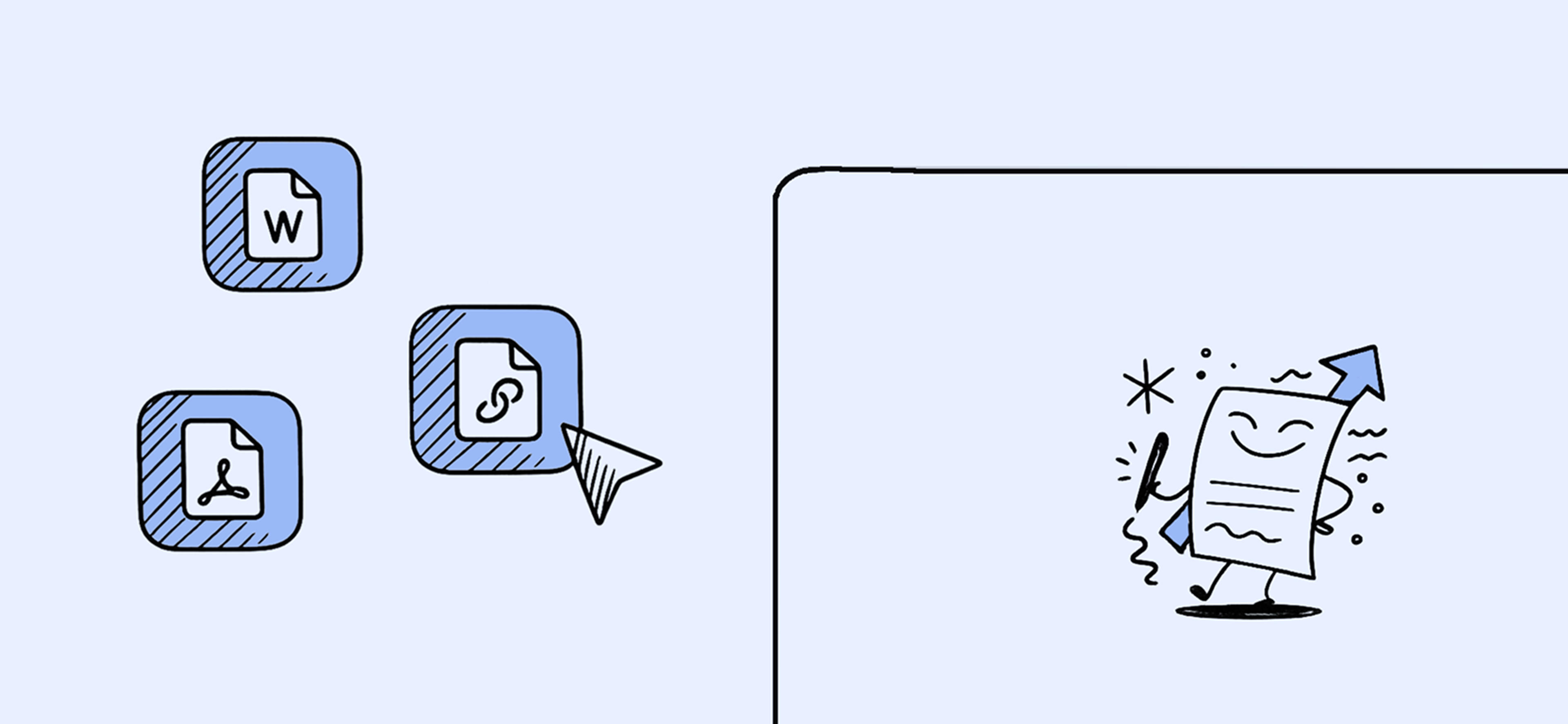
Analyze the Source Material

SlidesPilot reads the structure and context of your PDFs, documents, links, videos, or pasted text to identify the main ideas, supporting evidence, and relationships that matter. It works from the meaning of the material instead of simply turning every page or paragraph into a separate PowerPoint slide.

Analyze the Source Material

Build the PowerPoint Storyline

Reports, research, and notes rarely arrive in presentation order. SlidesPilot selects the points worth presenting, groups related ideas, and arranges them into a coherent opening, supporting sections, and conclusion. The result is a PowerPoint narrative designed for an audience, not a shortened copy of the original document.

Build the PowerPoint Storyline

Design Slides That Explain the Message

Once the story is clear, SlidesPilot turns it into concise slide copy and purposeful layouts. It can use tables, charts, diagrams, and supporting visuals where they make the source easier to understand, giving you a structured PowerPoint presentation that is ready to review, refine, and export.

Design Slides That Explain the Message

Trusted by 3 Million People Creating PowerPoint Presentations

Quarterly reviews start with a dense report, and the hardest part is deciding what leadership actually needs to see. I uploaded the PDF and used the generated deck as my first draft. The storyline was easy to follow, and I could move into PowerPoint to refine the final details.

Idris

Business Analyst

My lecture material usually lives across reading notes, articles, and old documents. I gave the AI PowerPoint generator the source files and asked for a class-ready structure. It pulled the ideas together into a logical sequence, which left me more time to prepare examples and discussion questions.

Mirela

University Lecturer

I needed to turn a product page and a technical brief into a sales presentation without losing the important details. The app organized the material into a solid narrative and gave each section a clear purpose. Exporting the draft to PPTX made it straightforward to finish with our usual team workflow.

Anouk

Product Marketing Manager

Policy briefs are difficult to present because the evidence is spread across long sections and appendices. I uploaded the source, reviewed the proposed outline, and adjusted the emphasis for my client. The final slides kept the nuance of the report while making the recommendations much easier to discuss.

Devika

Policy Consultant

My pitch started as scattered notes, market research, and a rough business plan. I put everything into SlidesPilot and got a deck with a beginning, a logical argument, and a clear close. It didn't replace my judgment, but it gave me a much stronger starting point for the investor meeting.

Soren

Startup Founder

Building training slides from internal documentation normally means hours of rewriting and formatting. I used the tool to create the first PowerPoint draft, then added our examples and exercises. The content was already broken into teachable sections, so I could focus on the learning experience instead of slide production.

Hyejin

Learning Designer

Our sales team needed a presentation based on product documentation that was accurate enough for technical buyers but still easy to explain. I uploaded the source files and reviewed the suggested flow with our product lead. The diagrams and concise slide copy gave us a practical deck to build on.

Tobias

Sales Enablement Manager

A conference presentation has to simplify the paper without flattening the findings. I imported my manuscript, checked the generated structure against the original sections, and refined a few explanations. The app gave me a clear visual outline and helped me walk into the session feeling properly prepared.

Amara

Research Associate

Everything You Need in an AI PowerPoint Generator

Start with real source material, let SlidesPilot organize the content, then review and export a PowerPoint deck built for your audience.

Documents, Links, Videos, and Text

Generate PowerPoint presentations from PDFs, Word documents, existing PPTX files, web pages, YouTube videos, pasted text, or a topic prompt.

Source-Aware Slide Structure

Identify the central ideas in long-form material and organize them into a focused outline and logical slide sequence.

AI-Assisted Content and Design

Refine slide content, structure, layout, and design with an AI presentation agent as your deck develops.

Charts, Tables, and Diagrams

Turn suitable data and relationships into visuals that help an audience understand the source more quickly.

Themes and Brand Controls

Apply built-in or custom themes for consistent fonts, colors, backgrounds, and logos throughout the presentation.

PowerPoint Export and Sharing

Download an editable PPTX, continue in PowerPoint or Google Slides, export to PDF or PNG, or present online.

Frequently Asked Questions

An AI PowerPoint generator creates a presentation from source material or a prompt. SlidesPilot analyzes the information you provide, identifies the main ideas, organizes them into a slide narrative, and designs a PowerPoint presentation that you can review, refine, and export.

SlidesPilot reads the source, identifies its structure and key points, and decides how the information should flow for an audience. It then turns that narrative into slides with concise copy, layouts, and relevant visuals such as tables, charts, or diagrams where they help explain the content.

You can start with PDFs, Word documents, PowerPoint files, web pages, YouTube videos, pasted text, notes, research, reports, or an outline. If you do not have source material, you can also describe a topic, audience, and presentation goal in a prompt.

Yes. A standard converter mainly changes a file from one format to another. SlidesPilot interprets the source for presentation: it can condense long-form content, reorganize the ideas into a slide sequence, and use layouts and visuals to make the material easier to communicate.

Yes. Choose the Generate PPT workflow and describe your subject, audience, desired tone, or presentation objective. SlidesPilot can create a first draft from the prompt, which you can then review, edit, restyle, and export like a presentation generated from source material.

Yes. You can refine the content and design in SlidesPilot, then download the presentation as an editable PowerPoint file. You can also continue in Google Slides, present online, or export the finished deck to PDF or PNG.

SlidesPilot provides free credits after sign-up, with no credit card required to create an account. You can use those credits to try the PowerPoint generation workflows before deciding whether a paid plan fits your presentation needs.

Presentations are private by default. For details about how uploaded source files are processed, stored, and retained, review the SlidesPilot Privacy Policy before uploading confidential or sensitive material.

Create a PowerPoint Presentation with AI

Upload a document, paste a link, add text, or start with a topic. SlidesPilot will turn it into a structured deck you can review and export to PowerPoint.

CREATE A POWERPOINT