

Lead with the report outcome
Frame the main conclusion, business implication, or decision before developing the supporting detail.
Transform detailed reports into executive PowerPoint presentations
Drag & drop your file here or
Turn a report into slides that separate what happened, why it happened, and what to do next.
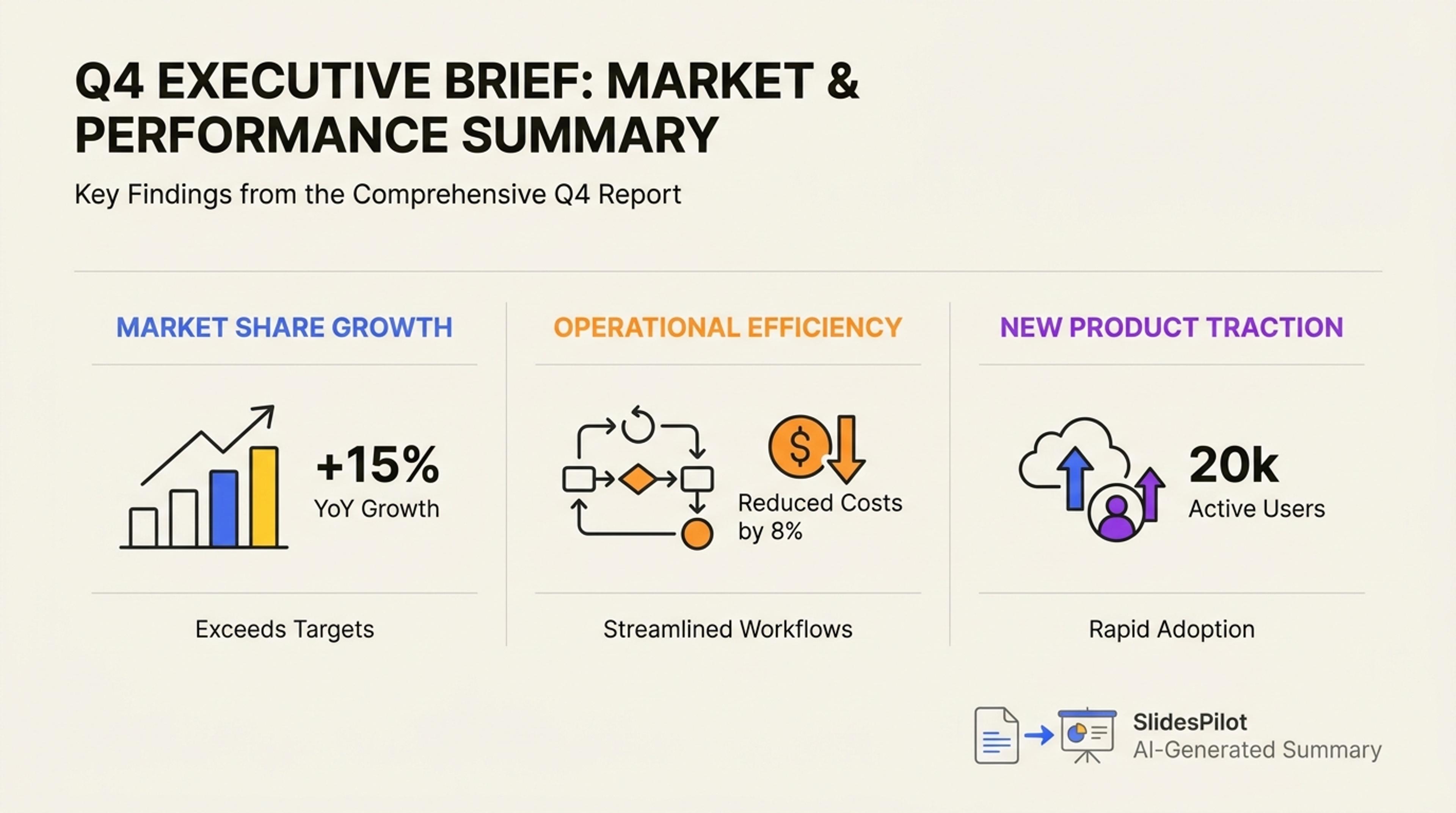
Condense the report into a presentation that starts with the takeaway instead of background detail.
Convert a complete report into a focused deck that brings the findings, evidence, and recommended actions to the front.
Frame the main conclusion, business implication, or decision before developing the supporting detail.
Place metrics, findings, examples, and recommendations beside the slide claims they support.
Move from context and findings to implications, priorities, and next steps in a presentation built for action.
Add the report as a PDF or Word document so SlidesPilot can understand its sections, findings, evidence, and recommendations together.

Set the presentation goal for executives, clients, project teams, investors, or other stakeholders.

Tell AI which outcomes, trends, metrics, risks, and recommendations should receive the most attention.

SlidesPilot organizes the source into an opening context, key findings, supporting evidence, implications, and action slides.

Refine charts, numbers, messages, branding, and next steps, then export an editable PowerPoint or continue in Google Slides.

SlidesPilot gives every important finding a clear message, supporting evidence, and place in the decision story.

AI understands executive summaries, findings, analysis, conclusions, appendices, and recommendations as connected parts of one report.

The most important outcomes and changes become the backbone of the presentation.

Metrics, quotations, examples, and supporting details appear alongside the messages they strengthen.

The deck moves quickly from what happened to why it matters and what comes next.

Recommendations, owners, timelines, and next steps receive clear presentation space.

Every chart, message, layout, and theme can be refined before the final presentation is shared.
Convert business reports, project updates, market studies, annual reports, research reports, client reports, and other structured documents into presentations.
SlidesPilot follows your audience and objective to prioritize the strongest findings, evidence, implications, recommendations, and next steps.
Yes. Metrics, tables, charts, and visual evidence can be placed around the messages they support in the generated presentation.
Yes. Set an executive audience and concise slide count to create a briefing centered on outcomes, decisions, and actions.
Yes. Direct AI toward specific chapters, findings, KPIs, risks, recommendations, or appendices before generating the deck.
Yes. Refine the content and design, then export an editable PPTX, continue in Google Slides, or download PDF and PNG versions.
Choose a dedicated workflow for financial reports, web reports, research papers, PDFs, Word documents, or AI summaries.
Transform dense financial data into clear PowerPoint presentations
Turn complex financial reporting into a clear executive summary
Turn a research paper into a clear, editable PowerPoint covering the question, methods, results, limitations, and citations.
Turn reports, papers, and documents into clear, structured, editable PowerPoint presentations with AI.
Turn Word documents into clear, structured, editable PowerPoint presentations with AI.
Paste text, add a YouTube or webpage link, or upload a document to create a beautiful, structured summary connected to the source.
Transform your work into a presentation, instantly. ⭐ #1 AI PowerPoint Generator | Trusted by 3 million users worldwide