
Use the hierarchy already in Markdown
Headings and nested lists give AI a clear starting point for sections, slide messages, and supporting detail.
Turn structured Markdown notes and documents into a polished, editable PowerPoint presentation.
Keep your outline structure and turn Markdown into clean, editable PowerPoint content.
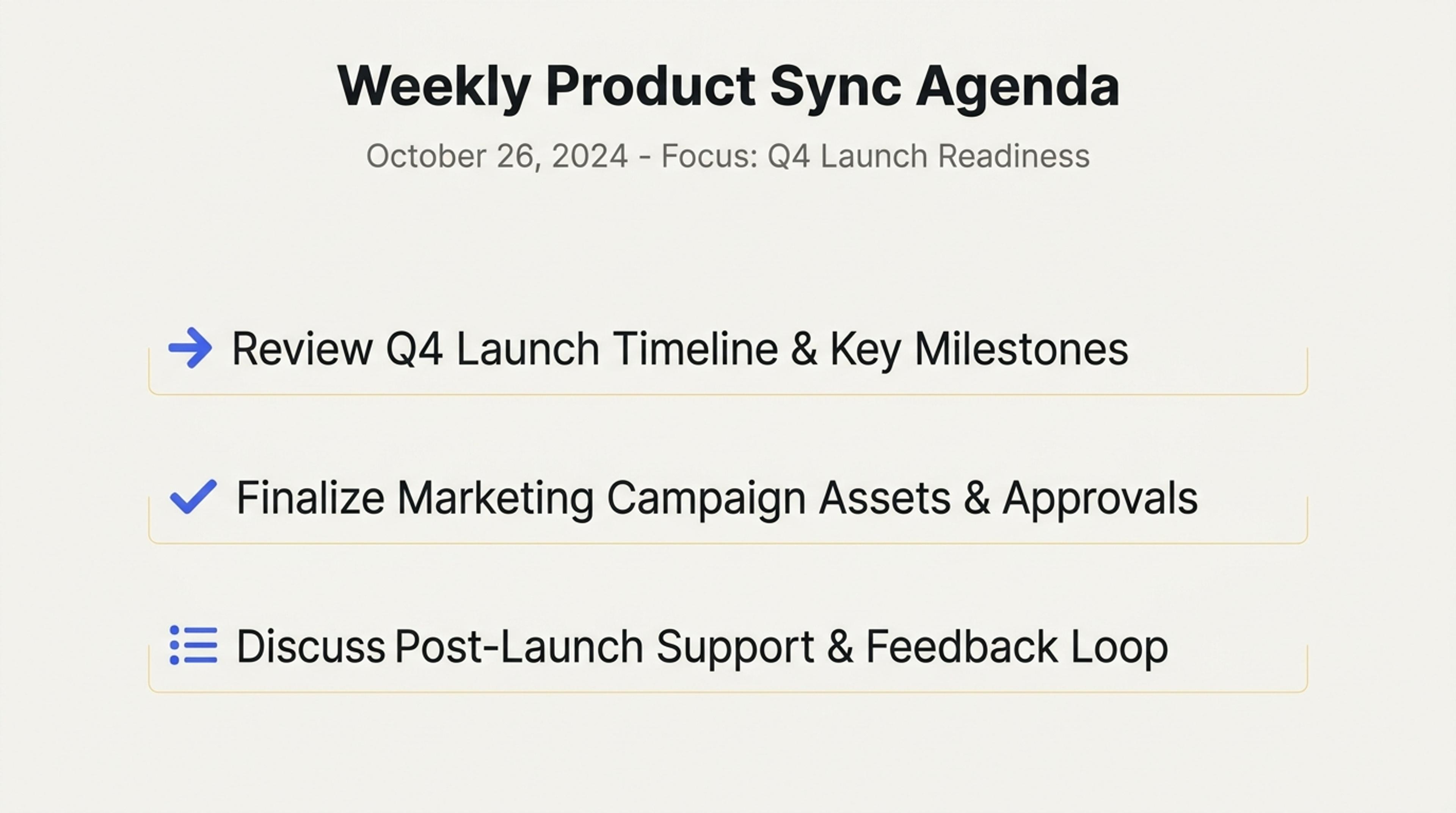
A Markdown meeting outline converted into agenda, decision, and action-item slides.
Use headings, lists, notes, tables, and code-oriented content as the foundation for an editable, visually organized slide deck.
Headings and nested lists give AI a clear starting point for sections, slide messages, and supporting detail.
Turn notes, documentation, tables, examples, and code-related explanations into audience-ready slides.
Apply a theme, refine the narrative and visuals, and export a PowerPoint that remains easy to edit.
Turn Markdown hierarchy into an editable deck while keeping control of slide boundaries, detail, and visuals.
Start with headings, nested lists, notes, tables, examples, documentation, or other structured Markdown text.
Define the purpose, reader, desired takeaway, slide count, density, and level of technical detail.
SlidesPilot uses heading levels and list relationships to form sections, focused slides, and a logical sequence.
AI turns dense structured content into clear messages, examples, transitions, and audience-ready layouts.
Edit wording, code explanations, tables, visuals, layouts, and theme, then export the finished PPTX.
Transform the hierarchy and clarity of Markdown into a visual presentation without rebuilding the content slide by slide.
Use Markdown headings as the foundation for presentation sections and slide-level messages.
Turn bullet relationships into focused supporting points and balanced slide groups.
Give structured data, examples, and technical explanations a clear place in the deck.
Present documentation, workflows, concepts, and code-related material in an audience-friendly sequence.
Develop transitions, visual direction, and presentation pacing around the source structure.
Refine every slide and download a PowerPoint ready for further editing and sharing.
Use headings, lists, notes, tables, documentation, examples, technical explanations, and other structured Markdown text.
SlidesPilot uses heading levels to create presentation sections, slide boundaries, and a clear narrative hierarchy.
Yes. Nested lists help AI understand which points are primary ideas and which are supporting details.
Yes. Convert documentation, workflows, product notes, research material, and code-oriented explanations into audience-ready slides.
Yes. Set the length, density, audience, tone, visual direction, and theme before generating the presentation.
Yes. Edit the content, layouts, visuals, and theme, then export an editable PPTX or continue in Google Slides.
Convert Markdown, outlines, raw text, Word documents, PDFs, and online sources into editable presentations with the workflow that matches your starting material.
Turn notes, paragraphs, and ideas into a clear, editable PowerPoint presentation.
Turn Word documents into clear, structured, editable PowerPoint presentations with AI.
Convert PDF slides to editable PowerPoint online. Keep the original design and make text and slide elements editable. Free to use.
Paste a content-rich link and turn the online source into a clear, editable PowerPoint presentation.
Paste text, add a YouTube or webpage link, or upload a document to create a beautiful, structured summary connected to the source.
Paste your structured notes and create an editable presentation draft with AI.