
Start with text in any stage
Paste polished writing, rough notes, copied research, meeting material, or early ideas without formatting them as slides first.
Turn notes, paragraphs, and ideas into a clear, editable PowerPoint presentation.
Paste paragraphs, notes, ideas, or other unstructured text and turn it into a clear, editable PowerPoint presentation.
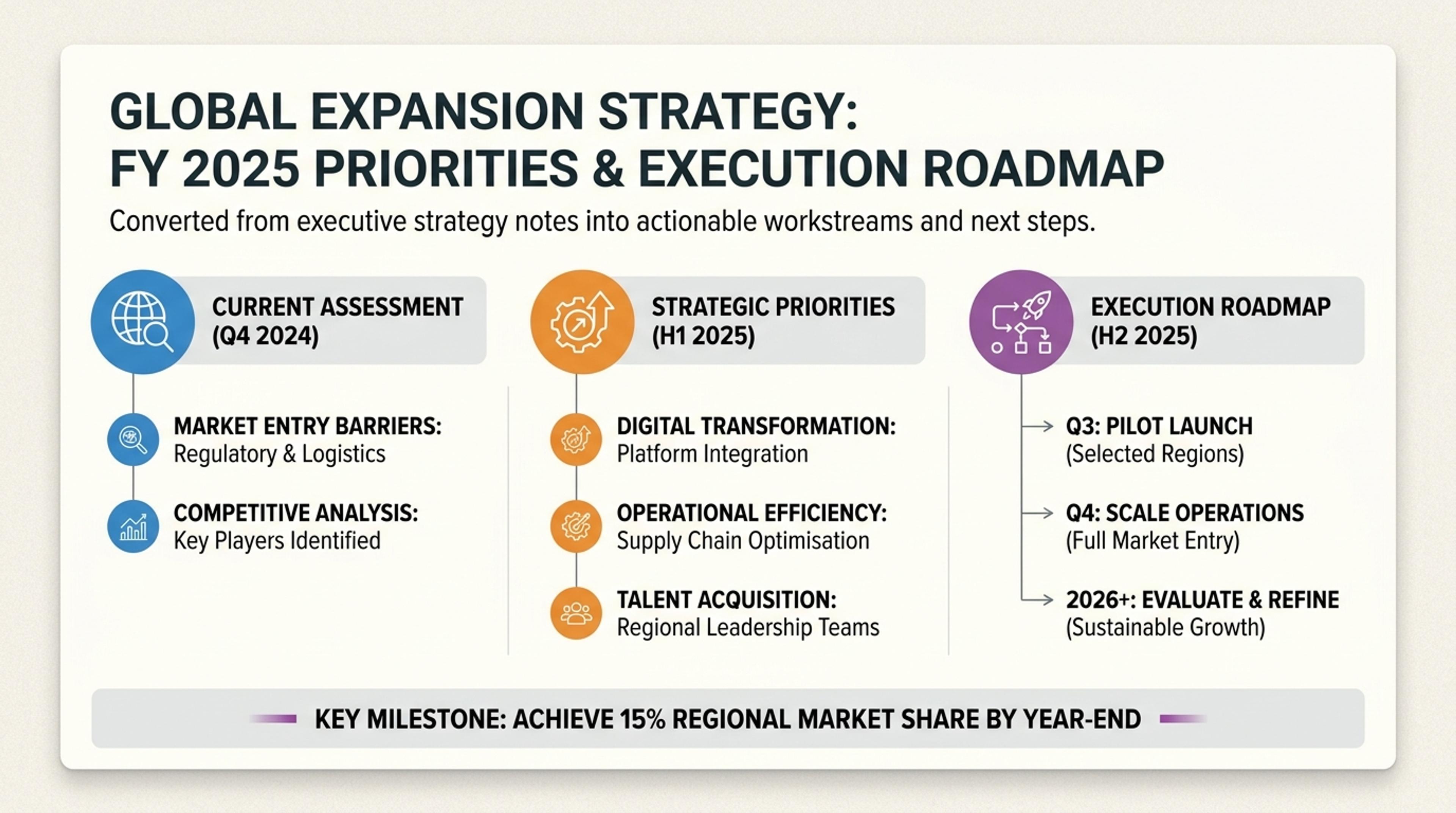
Raw strategy notes converted into executive-ready sections, priorities, and next steps.
Start with paragraphs, notes, ideas, draft copy, or requirements and let SlidesPilot create the hierarchy, narrative, and visual slide flow.
Paste polished writing, rough notes, copied research, meeting material, or early ideas without formatting them as slides first.
AI identifies themes, groups related ideas, and creates an opening, logical sections, and a purposeful conclusion.
Control the tone, density, length, emphasis, and level of explanation for the people who will see it.
Add paragraphs, notes, draft copy, research, meeting content, requirements, or any other written material you want to present.
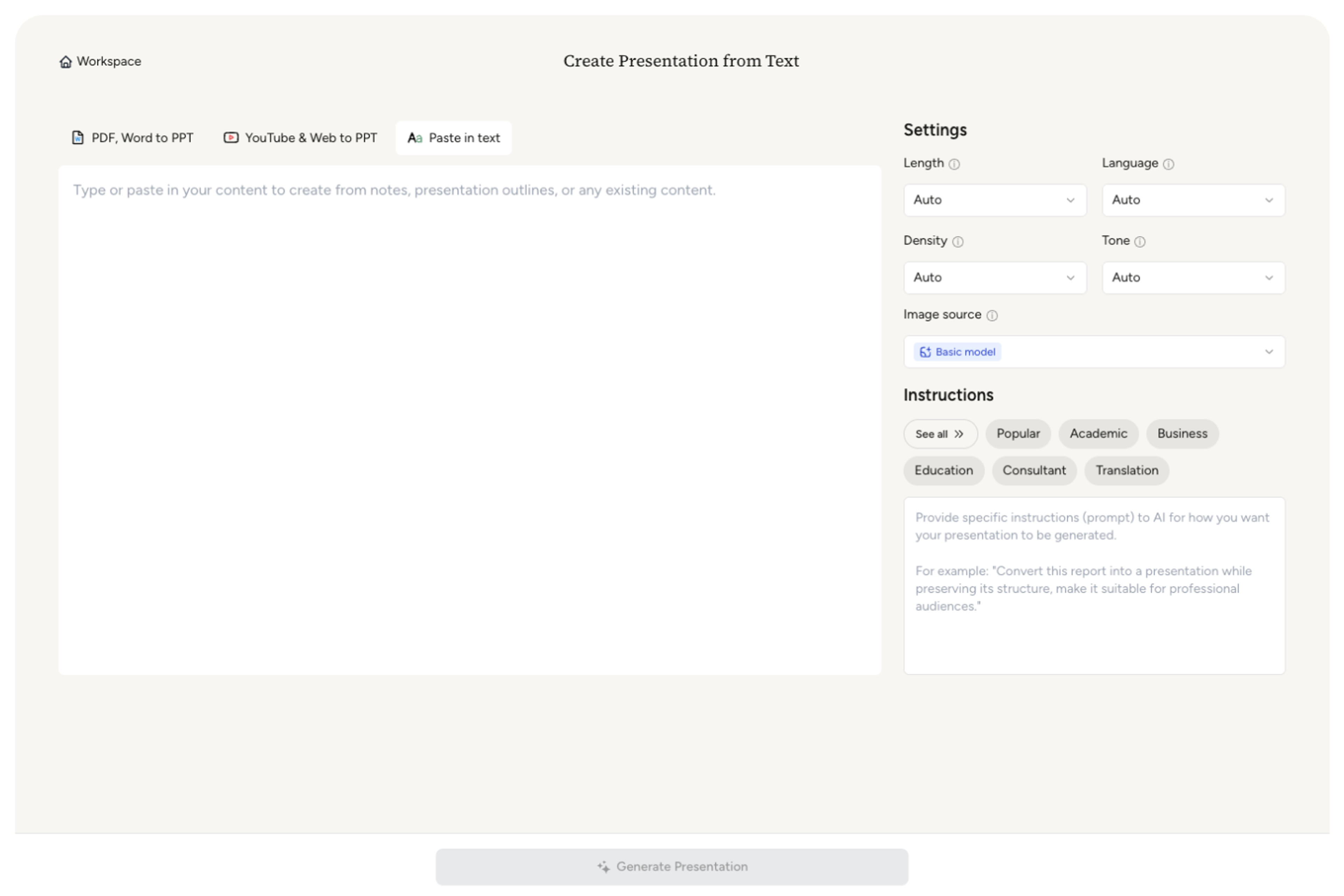
Tell SlidesPilot what the audience should understand, remember, approve, or do after seeing the deck.
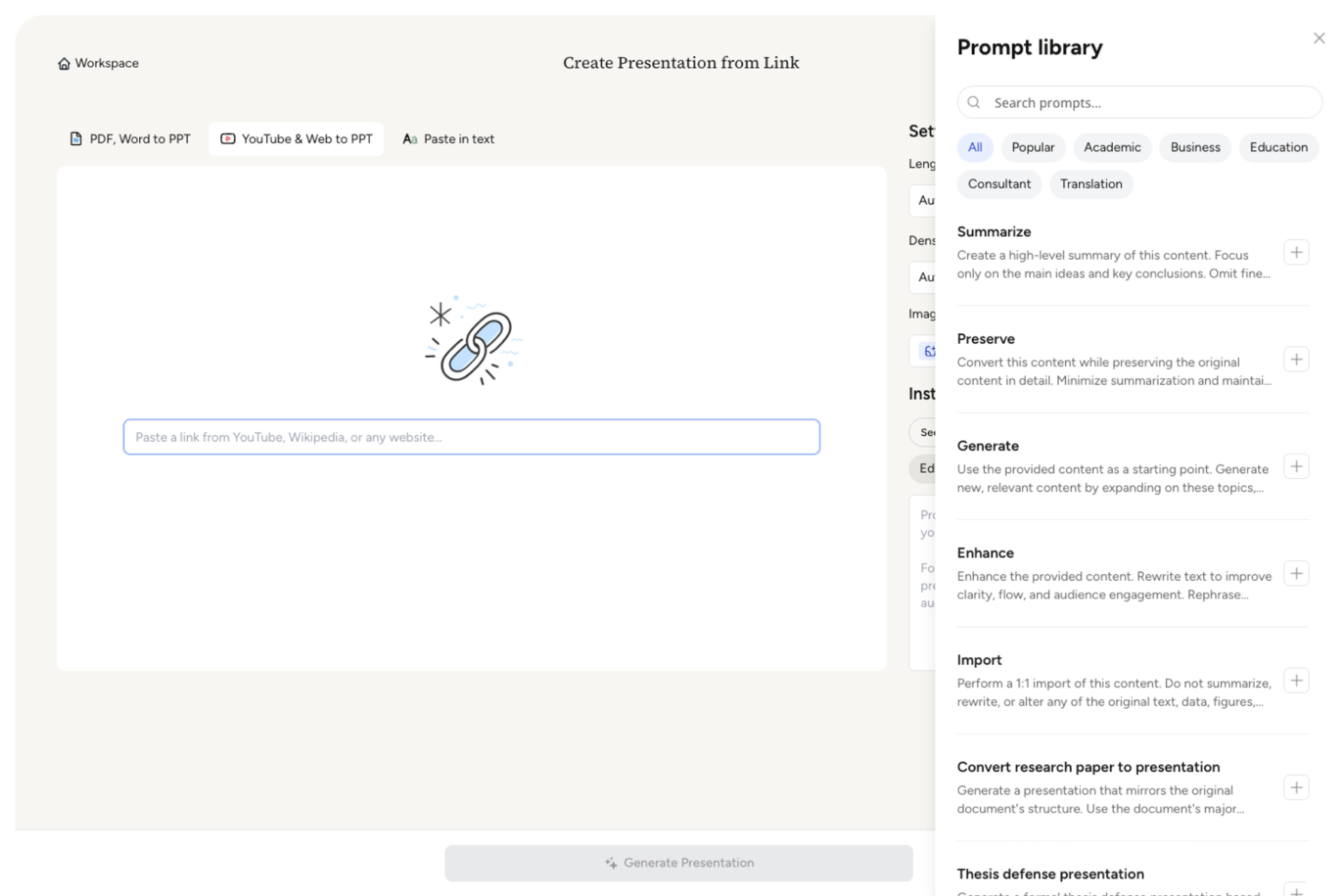
Set how concise or detailed the presentation should be and which ideas deserve the strongest emphasis.
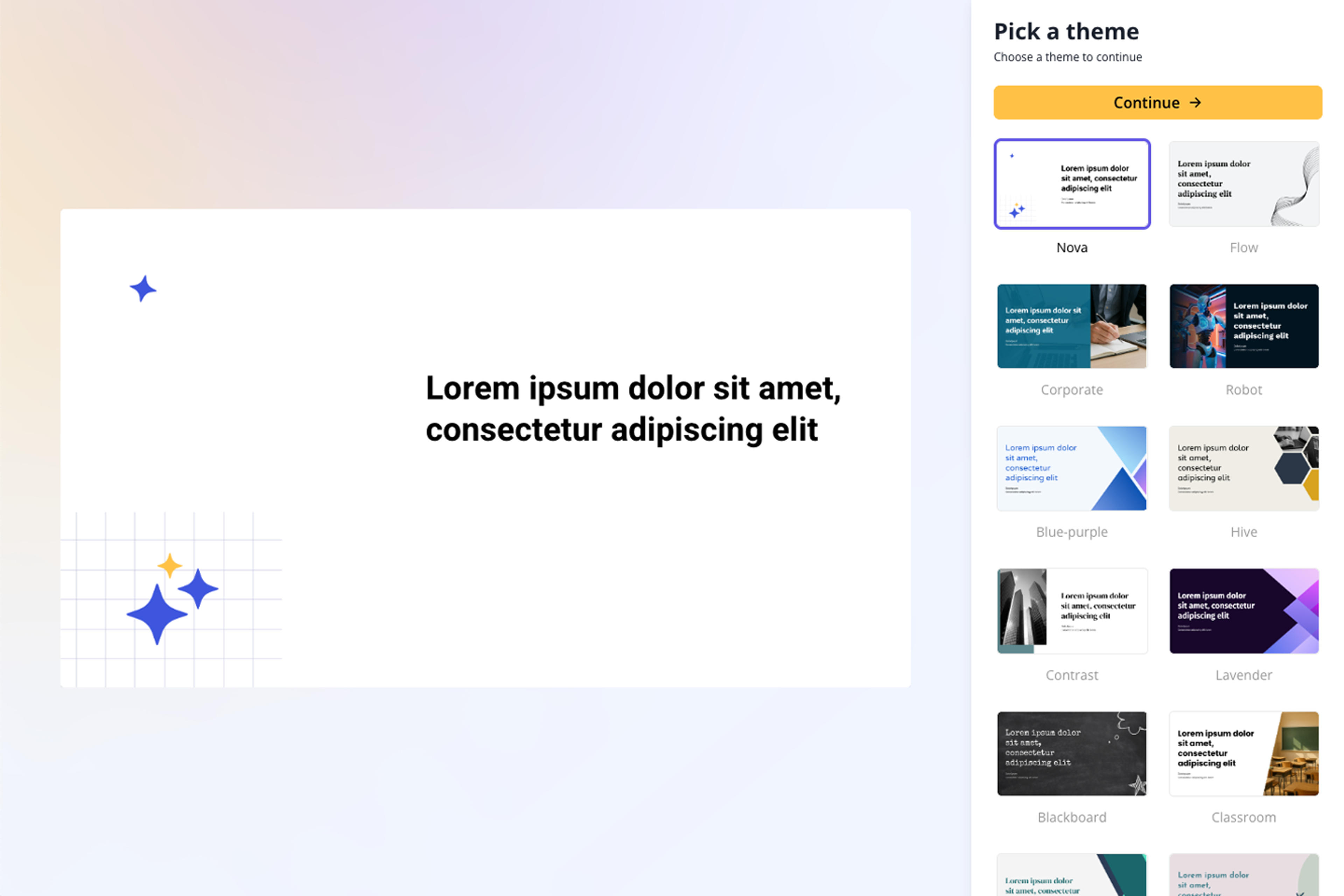
AI finds the themes, creates sections, develops slide-level messages, and builds a coherent visual story from the text.
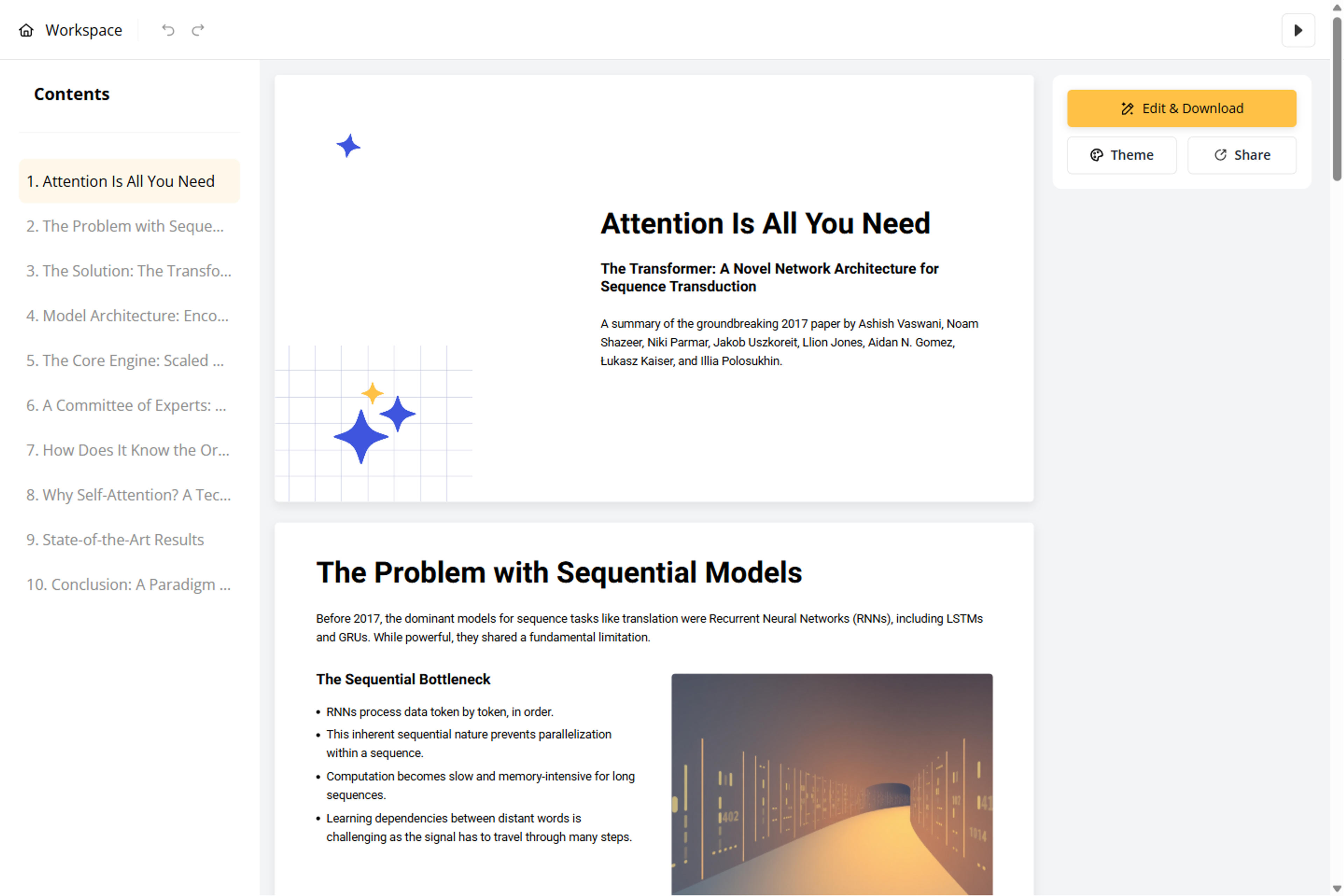
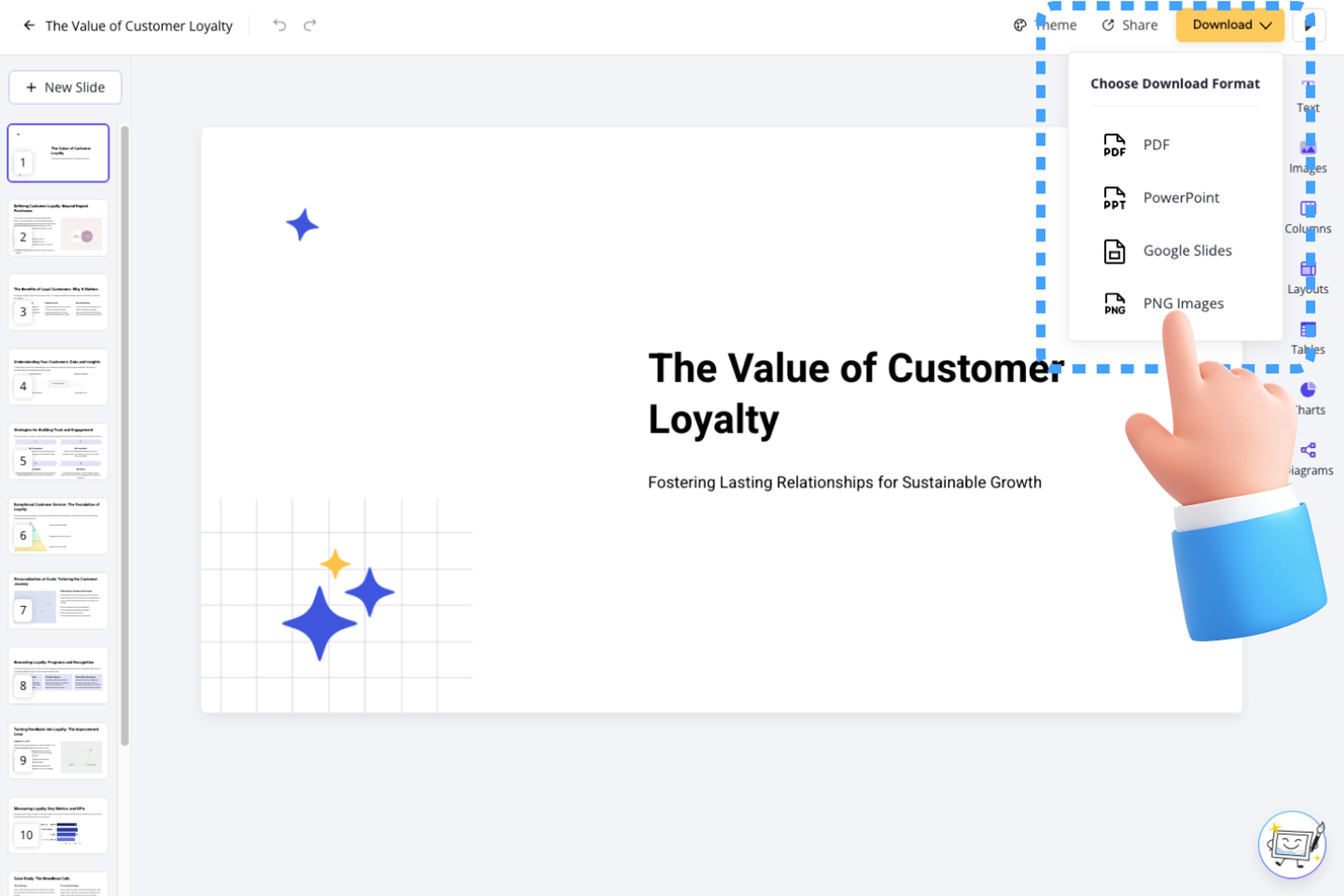
Fine-tune wording, grouping, examples, visuals, and layouts, then export to PowerPoint, Google Slides, PDF, or PNG.
SlidesPilot gives raw text the structure, emphasis, and visual storytelling it needs to work as a presentation.

Use paragraphs, notes, research, requirements, scripts, copied content, or early-stage ideas as the source.

AI finds recurring topics and relationships so related ideas stay together in focused sections.

An opening, section flow, supporting points, transitions, and conclusion emerge directly from the source text.

Choose whether to preserve concise wording, shorten dense passages, or develop rough points with more context.

Guide which findings, decisions, examples, and recommendations receive the most attention.

Refine every message, layout, image, and theme before exporting the completed presentation.

Transform structured text outlines into professional PowerPoint presentations
Transform meeting notes into professional PowerPoint presentations
Transform lengthy video transcripts into editable PowerPoint presentations
Turn your speech script into visual slides that strengthen every key moment

Transform audio text into visual PowerPoint presentations
Transform ideas into stunning PPT slides with Google Gemini's latest AI image model
Transform text outlines into professional PowerPoint presentations
Transform class notes into structured PowerPoint presentations
Transform your study notes into PowerPoint presentations

Build stunning PPTs with perfect text rendering powered by OpenAI
Transform detailed project proposals into winning PowerPoint presentations
Transform deep research reports from ChatGPT and Gemini into professional PowerPoint presentations
Turn a structured outline into a clear, editable PowerPoint presentation with sections and slide flow already organized.
Turn detailed product requirements into an alignment-ready deck for product reviews, engineering kickoffs, and stakeholder decisions
Use paragraphs, notes, research, draft copy, requirements, meeting content, study material, scripts, or other written sources.
No preparation is required. SlidesPilot identifies themes, groups related ideas, and creates the presentation hierarchy for you.
Yes. Set the preferred density and tell AI whether to condense closely, preserve key wording, or develop selected points with added explanation.
Text to PPT creates structure from raw writing. Outline to PPT follows headings, section order, and bullet relationships you have already planned.
Yes. Choose the length, density, audience, purpose, tone, image source, and theme before generating the deck.
Yes. Edit the slides in SlidesPilot, export an editable PPTX, continue in Google Slides, or download PDF and PNG versions.
Use Text to PPT for raw writing, Outline to PPT for an existing hierarchy, or a dedicated source tool for complete documents, web pages, and videos.
Turn a structured outline into a clear, editable PowerPoint presentation with sections and slide flow already organized.
Turn reports, papers, and documents into clear, structured, editable PowerPoint presentations with AI.
Turn Word documents into clear, structured, editable PowerPoint presentations with AI.
Paste a content-rich link and turn the online source into a clear, editable PowerPoint presentation.
Transform YouTube videos into editable PowerPoint presentations
Paste text, add a YouTube or webpage link, or upload a document to create a beautiful, structured summary connected to the source.
Transform your work into a presentation, instantly. ⭐ #1 AI PowerPoint Generator | Trusted by 3 million users worldwide