logo
Sign inGet started
logo
Convert Video Transcripts to PPT with AI
Transform lengthy video transcripts into editable PowerPoint presentations

Turn Spoken Words into Professional Slides

Turn Spoken Words into Professional Slides
Summarize Content with AI Precision
Video transcripts can be dense and overwhelming. SlidesPilot's AI acts as an intelligent summarizer, analyzing your text to extract key takeaways and structuring them into concise, readable bullet points on every slide.
Repurpose Video Content Instantly
Don't let valuable insights stay hidden in long text content. Convert your transcripts into presentation slides to share on LinkedIn, use in stakeholder meetings, or distribute as training materials without retyping a single word.
Secure and Private Processing
Your content is protected by enterprise-grade encryption and is strictly confidential. We never train our AI on your data, and you own everything you create.

How to convert Video Transcripts to PPT with AI?

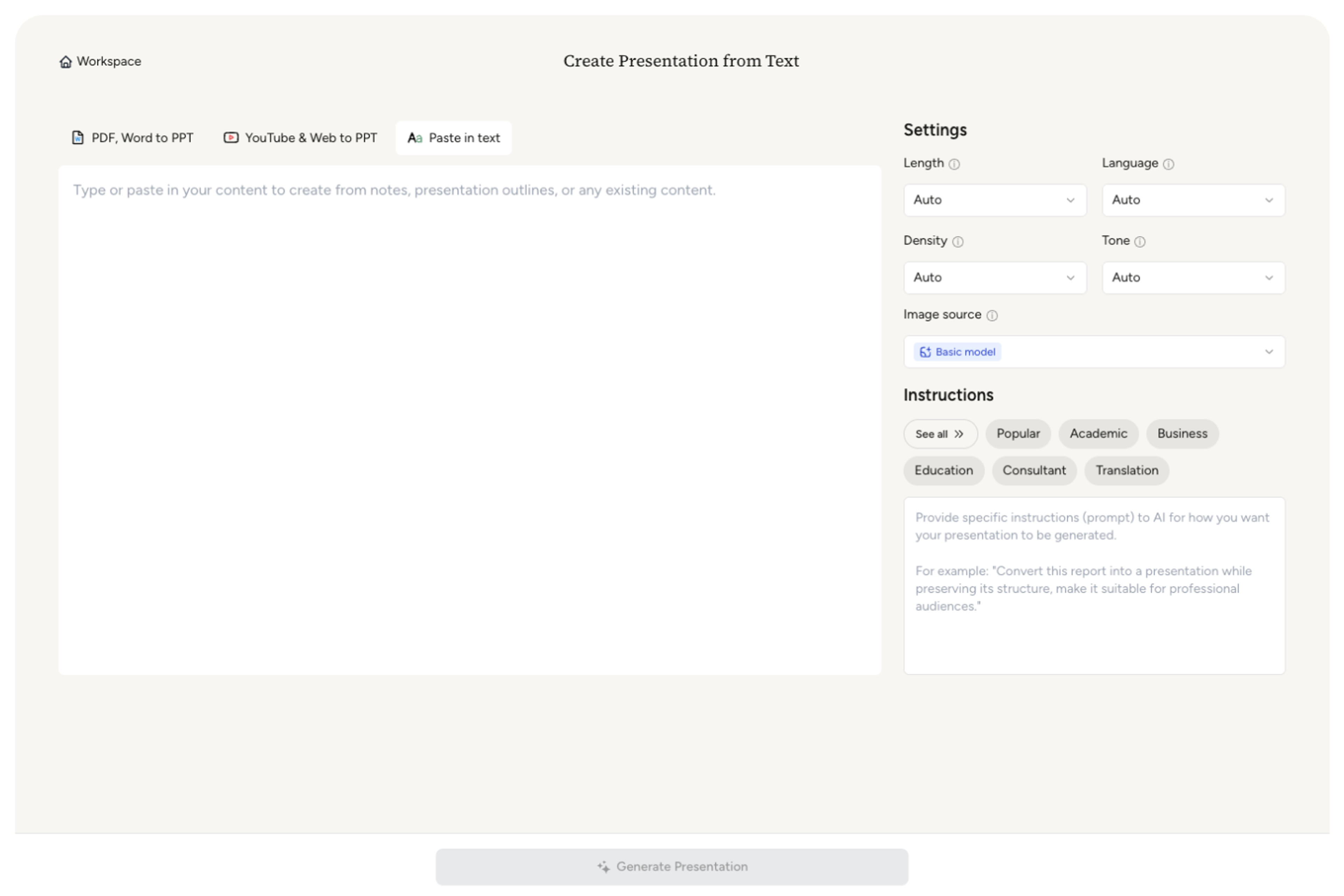
Step 1
Simply copy text from any source and paste it into our AI converter—no formatting needed.
Step 1
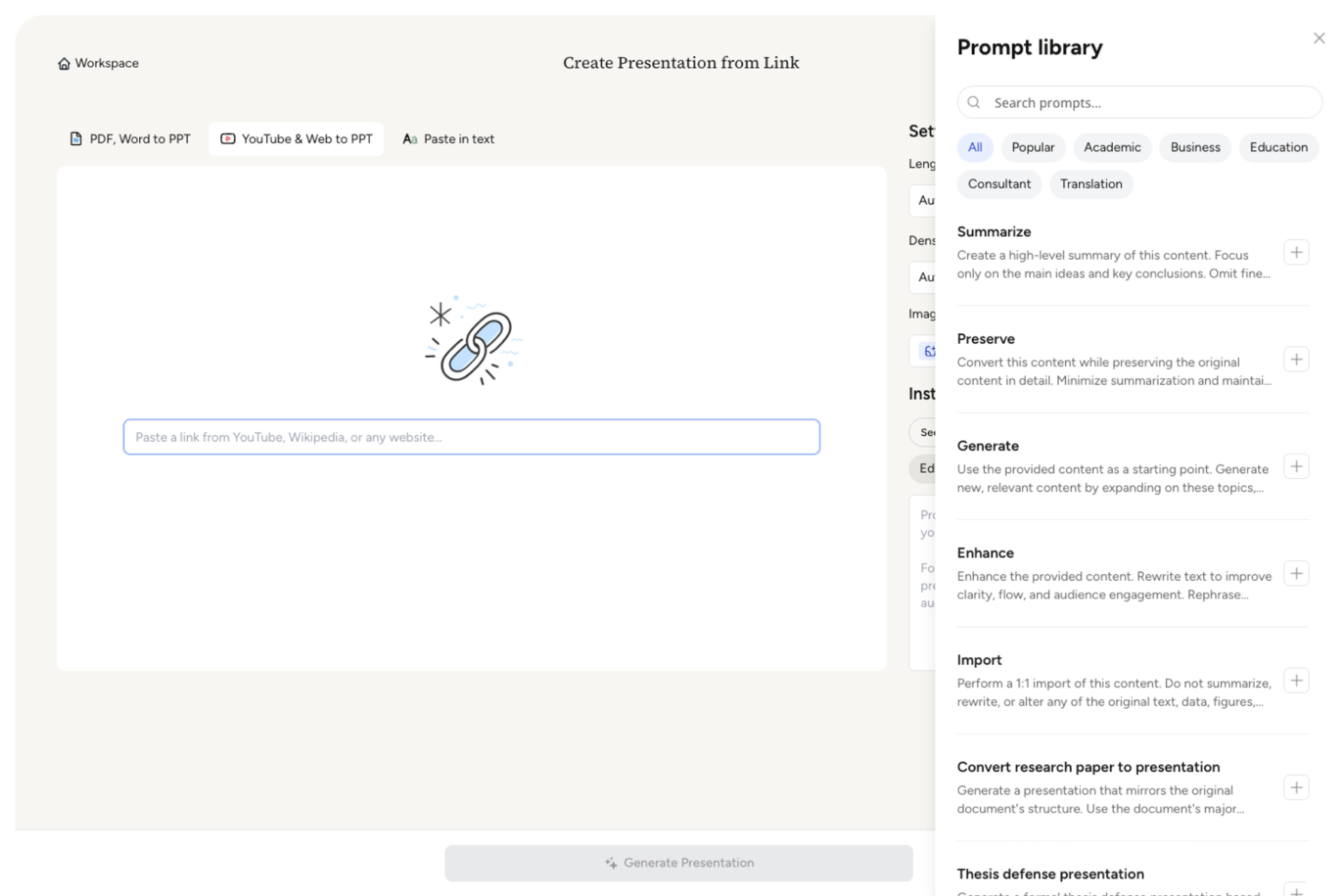
Step 2
Customize the length, density, and tone, then select a prompt from our pre-built Prompt Library or provide your own instructions to guide the AI.
Step 2
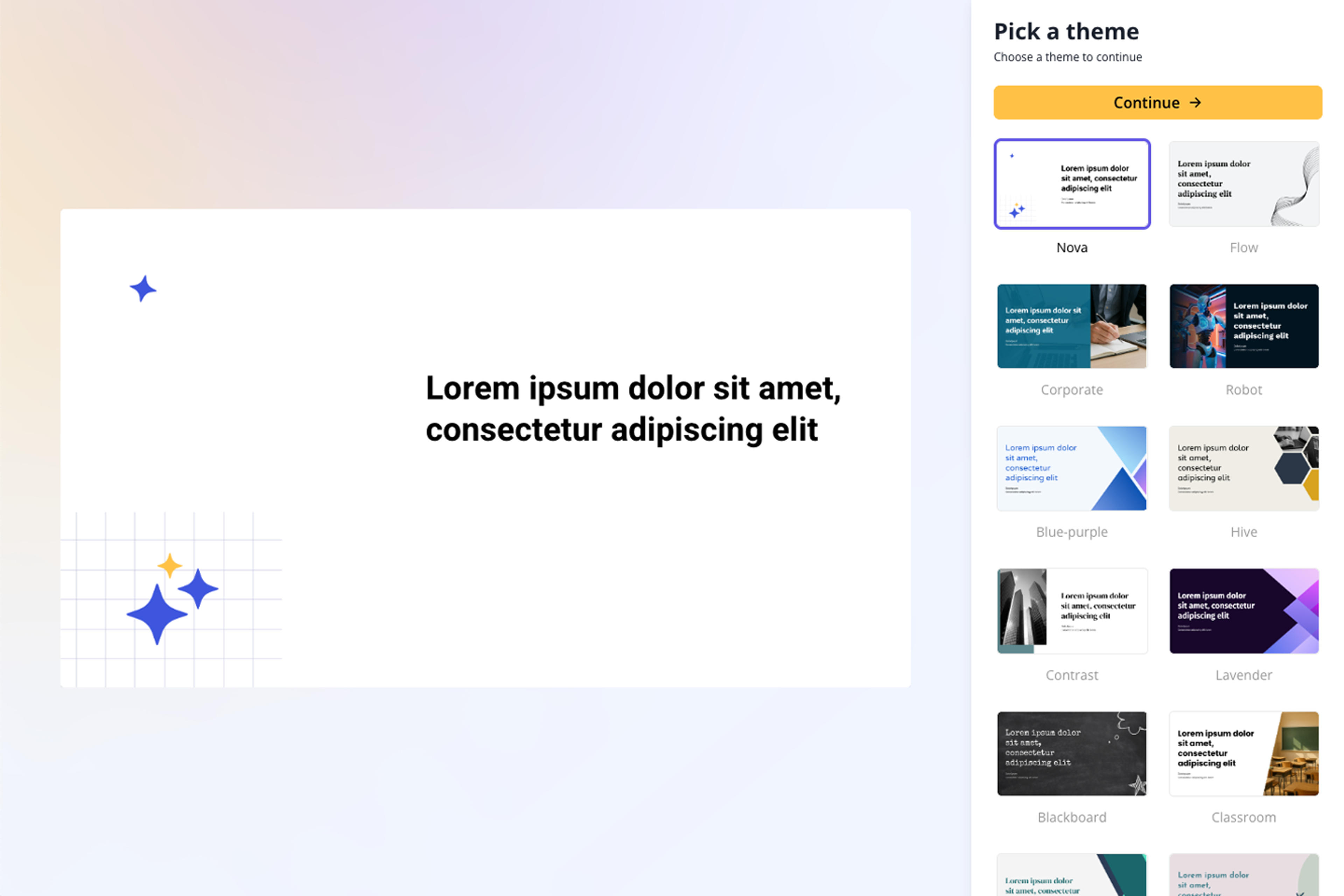
Step 3
Choose from a wide selection of professionally designed themes that perfectly match your presentation style.
Step 3
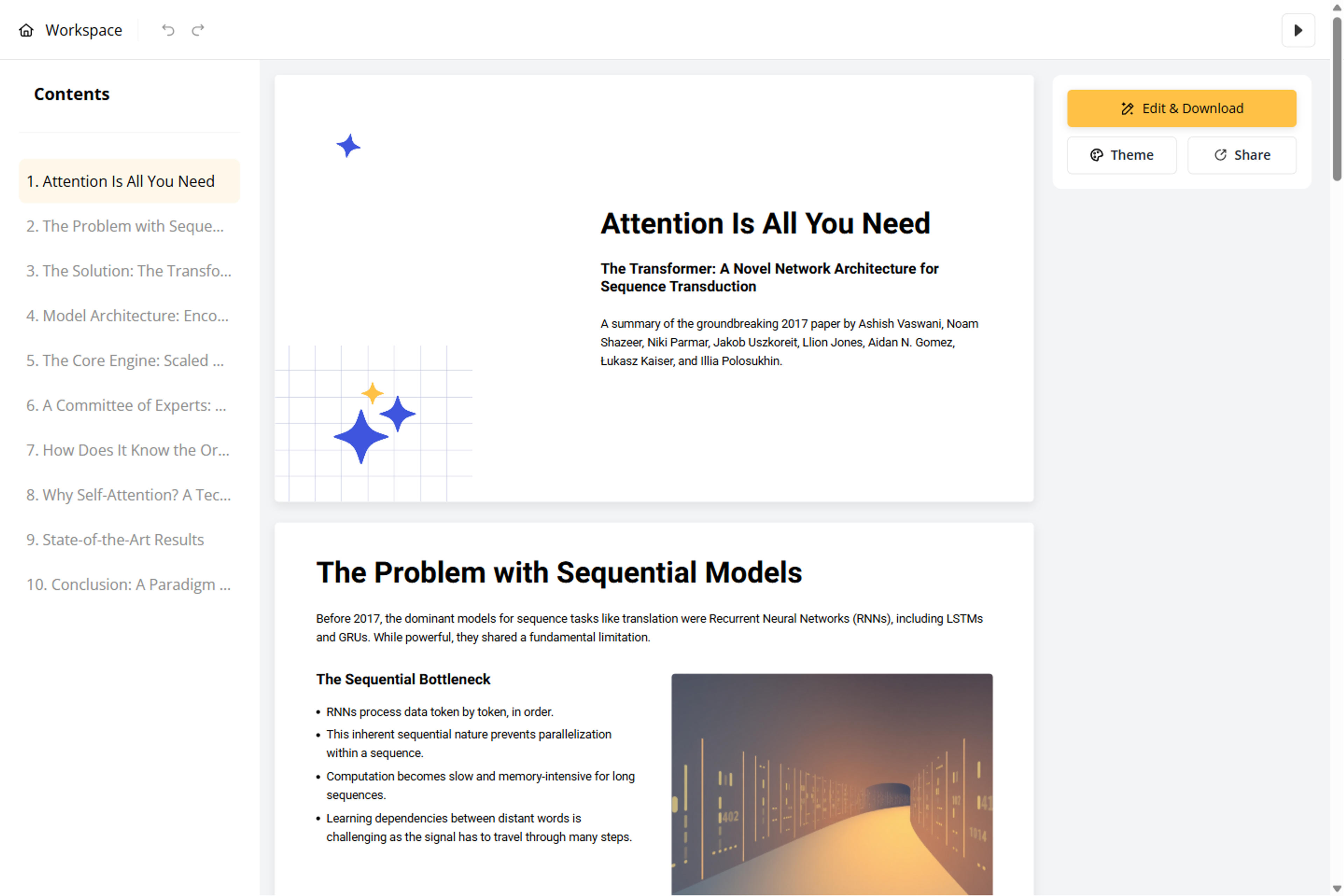
Step 4
Relax as AI crafts your content into a polished, professional presentation with clear organization, engaging messaging, and beautiful design.
Step 4
Step 5
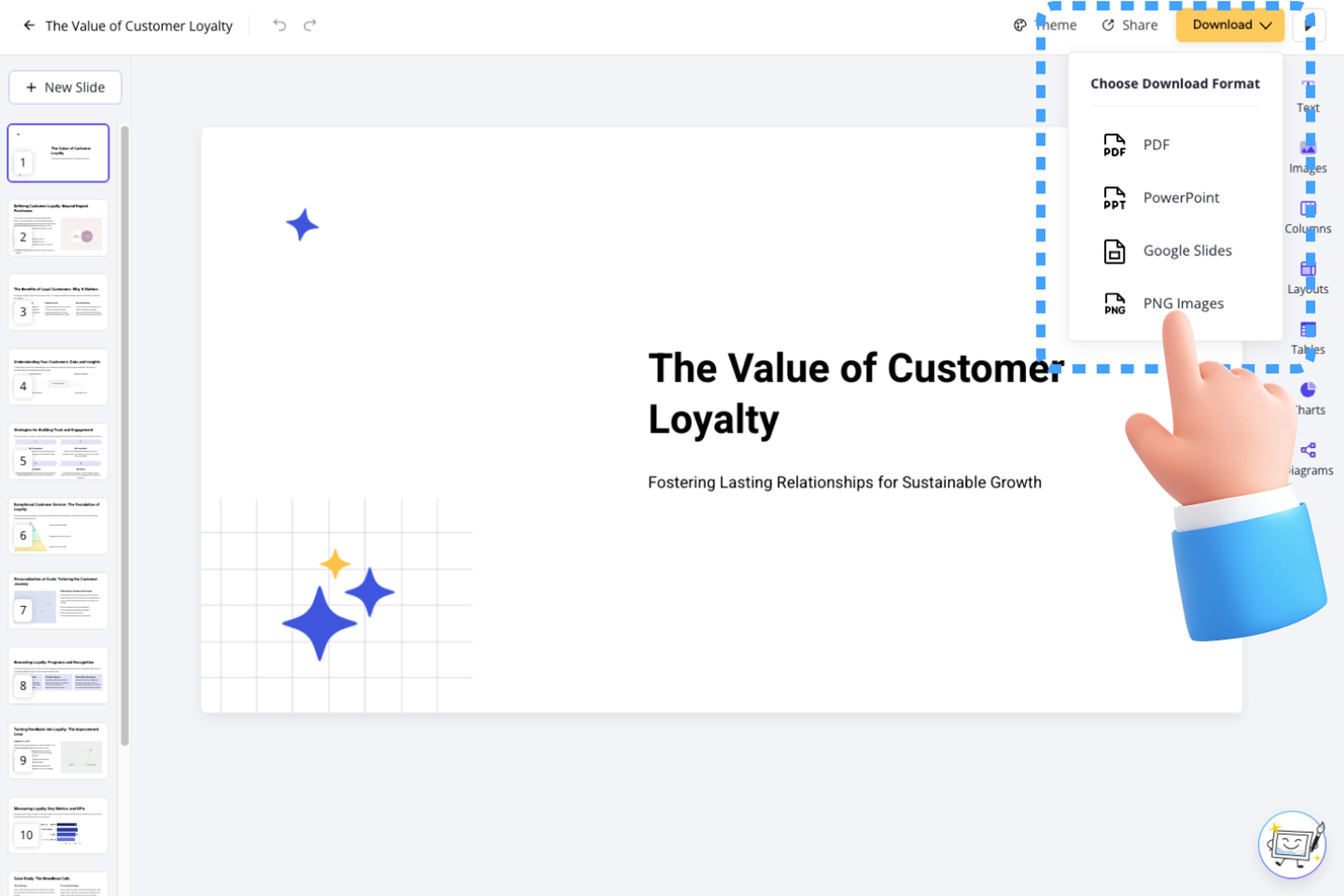
Customize your presentation using our Block-Based Editor, or export it as PPT, Google Slides, PDF, or PNG.
Step 5

Trusted by Creators and Professionals

I repurpose our company webinar recordings into slide decks for social media distribution. Pasting the transcript into SlidesPilot saves me hours of manual formatting. The AI summarizes the main points perfectly and creates a great starting point.
Marcus
Content Marketing Manager
I use this tool to study for my finals. I take the auto-generated captions from my professor's lecture videos and turn them into slides. It helps me summarize the key concepts and revise much faster than reading raw text.
Priya
Medical Student
We record all our stakeholder meetings, but nobody reads the transcripts. I use SlidesPilot to convert the text into summary presentations for the executive team. It turns a 20-page text wall into a 10-slide executive summary effortlessly.
David
Operations Lead
As a YouTuber, I script everything before I shoot. This tool lets me turn my video scripts into downloadable PDF guides for my community. It understands the flow of my content really well and structures it logically.
Sophie
Digital Creator
Training videos are great, but employees need quick reference guides. I convert the video transcripts into PPTs so the team has a searchable deck to refer back to. It is a huge productivity booster for our L&D department.
Carlos
L&D Specialist
I conduct dozens of user interviews for my research. Instead of sharing raw text with clients, I convert the interview transcripts into slides to present insights. It makes the qualitative data much more digestible for my clients.
Jennifer
UX Researcher

Frequently Asked Questions

More AI Tools to Speed Up Your Workflow

PDF to PPT
PDF to PPT
Transform PDFs into editable PowerPoint slides
Word to PPT
Word to PPT
Convert Word documents into polished presentations
Beautify PPT
Beautify PPT
Enhance your presentations with professional designs
Youtube to PPT
Youtube to PPT
Create presentations from YouTube video content
Text to PPT
Text to PPT
Generate slides from plain text in seconds
AI Summarizer
AI Summarizer
Summarize documents and content with AI
Create Slides 10× Faster

Transform your work into a presentation, instantly. ⭐ #1 AI PowerPoint Generator | Trusted by 3 million users worldwide

GET STARTED FREE
logo

SlidesPilot

About

ProductPricing

Copyright ©2026 SlidesPilot All rights reserved