
Preserve Host and Guest Context
SlidesPilot reads host remarks, guest answers, speaker turns, and topic changes so the deck keeps conversational meaning. This is useful for interviews, panels, and expert discussions.
Transform audio text into visual PowerPoint presentations
Preview how SlidesPilot can turn your source material into a clearer deck before you export or share the result.
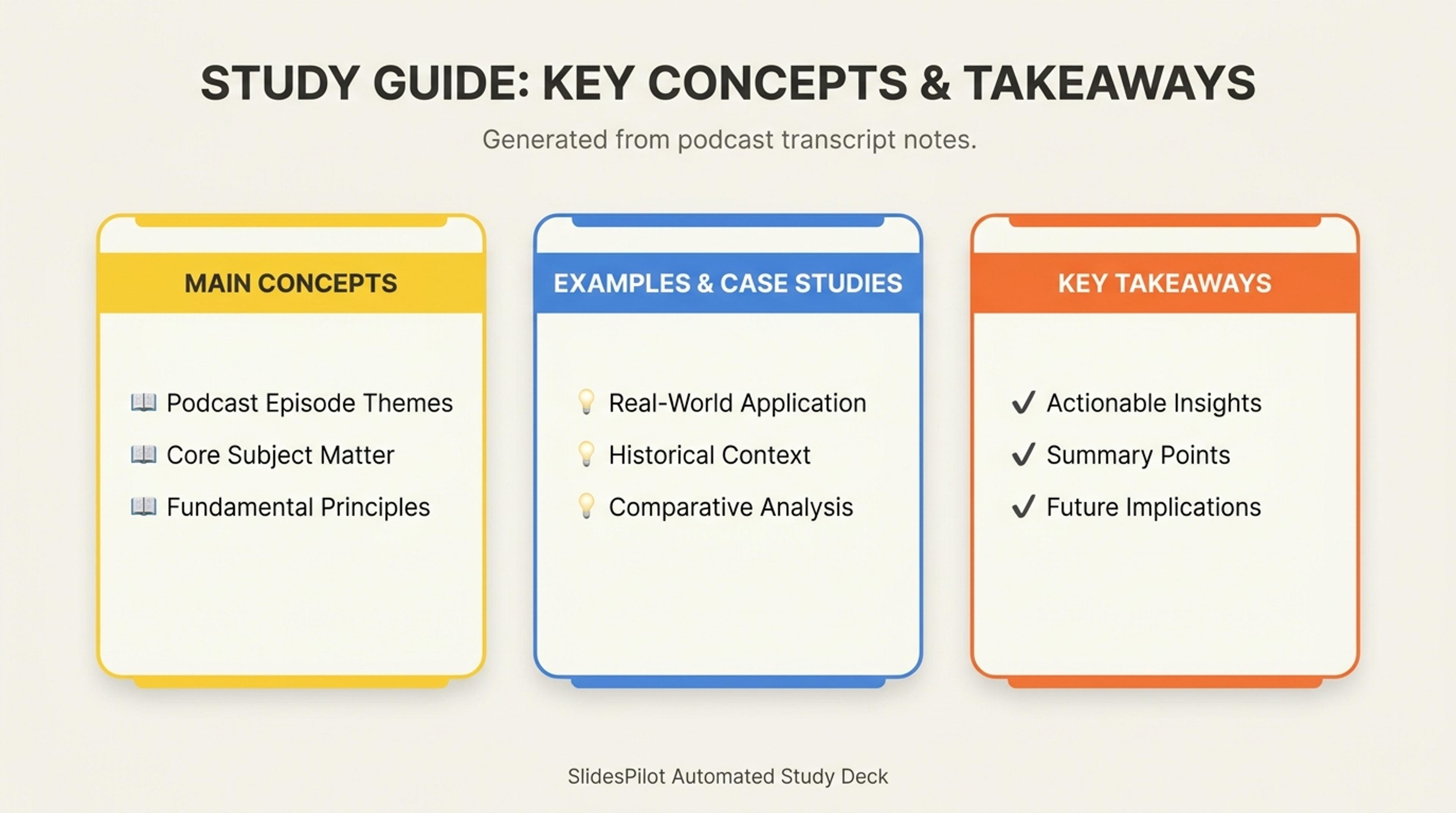
Turn pasted notes or prompts into a study guide deck with the main concepts, examples, and takeaways first.
Convert podcast transcripts into structured episode decks with speaker turns, topic chapters, quotes, stories, examples, and recap takeaways.
SlidesPilot reads host remarks, guest answers, speaker turns, and topic changes so the deck keeps conversational meaning. This is useful for interviews, panels, and expert discussions.
Memorable lines, stories, advice, examples, and timestamped moments can become slides. The presentation helps audiences get the value of the episode without reading the full transcript.
The generated deck can support newsletters, webinars, social content, internal training, and community recaps. Teams can refine speaker labels, quote choice, and topic order.
Paste the podcast transcript with host and guest labels, timestamps, topic breaks, quote notes, stories, and examples. Add the output goal, such as recap deck, webinar, lesson, or content repurposing.
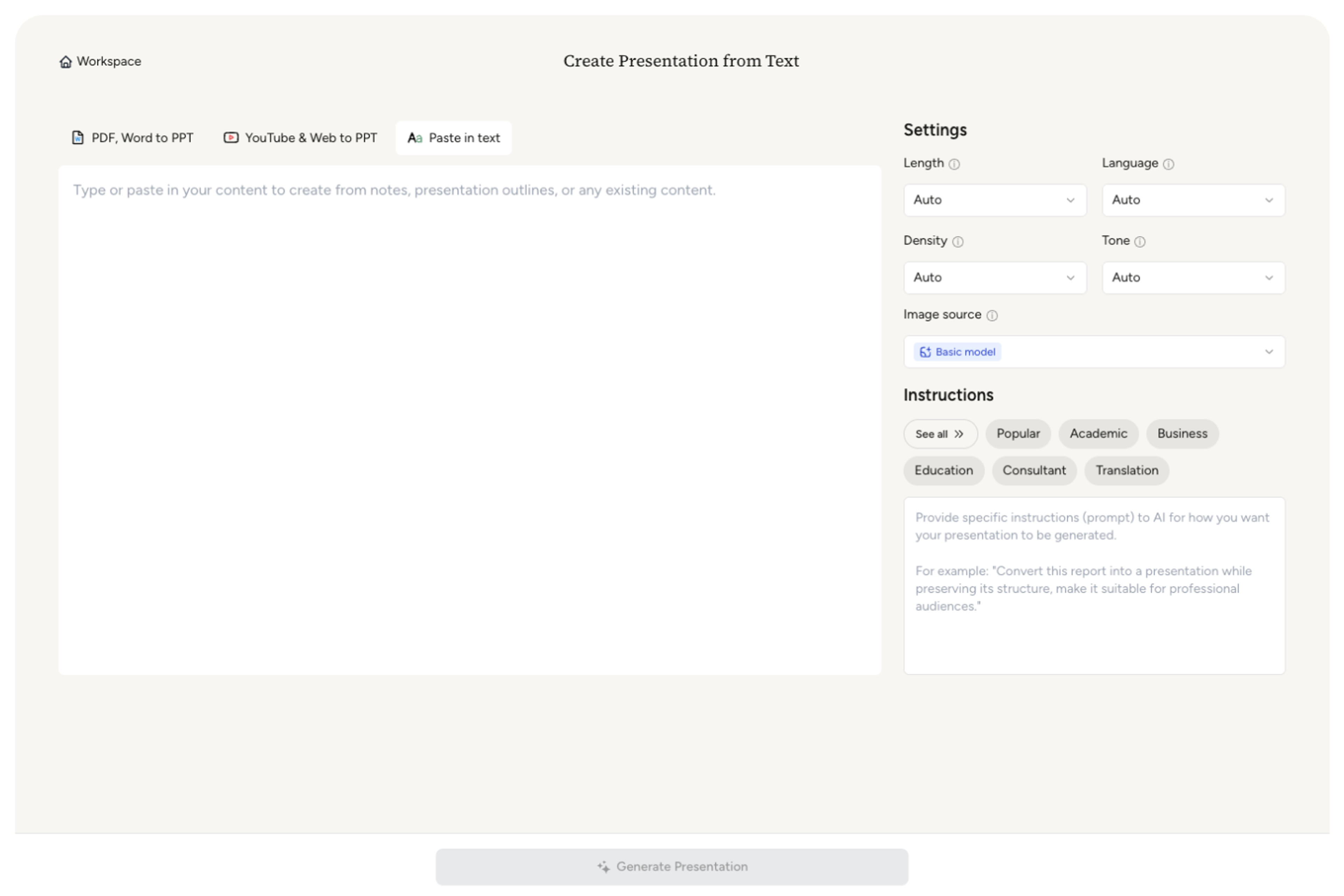
SlidesPilot identifies speaker roles, topic transitions, quote moments, examples, stories, advice, and audience takeaways. This turns transcript text into a presentation structure.

Choose the slide anchors. A marketing podcast transcript can become slides for guest background, campaign lessons, channel advice, standout quotes, tactical checklist, and closing takeaways.

Generate a transcript-aware podcast deck with topic chapters, attributed quotes, insight sections, story moments, and recap slides. The deck is designed for reuse across audience formats.

Refine speaker attribution, timestamps, quote selection, examples, and CTA before export. The presentation can become a newsletter companion, training deck, webinar outline, or internal knowledge asset.

Podcast Transcript to PPT starts from transcript text and turns conversation into structured slides. SlidesPilot focuses on speaker turns, quotes, topics, and reuse.

Host and guest turns are preserved so insights remain attributed. This helps the deck keep the conversational value of the episode.

Topic transitions, timestamps, stories, and examples can become slide sections. The presentation follows the episode's useful structure.

Quotes and advice can become memorable slide anchors. This makes transcript content stronger for repurposing and teaching.

The editable deck supports newsletters, webinars, community recaps, training, and social content. Teams can tune the output for each channel.
Yes. Paste the transcript and SlidesPilot can create a presentation with speaker-attributed sections, topic chapters, quotes, stories, examples, and audience takeaways.
Include host and guest labels, timestamps, topic breaks, quote notes, stories, examples, and the intended output. This helps the deck preserve the useful structure of the conversation.
Yes. Host remarks, guest answers, interviews, and panel-style turns can remain connected to the speaker. This is helpful for quote slides and discussion recaps.
Yes. The deck can become a webinar outline, newsletter companion, social content source, community recap, or training resource built from the transcript.
Podcast Transcript to PPT starts from transcript text and focuses on speaker turns and topic structure. Podcast to PPT is broader and can use episode context, show notes, or audio-focused repurposing.
Yes. You can change topic order, edit quotes, refine speaker labels, add examples, adjust visuals, and export the editable PowerPoint.
Use Podcast Transcript to PPT when transcript text and speaker attribution are the source. Choose podcast, video-transcript, webinar, or TED-talk workflows when the episode, recording, or storytelling format drives the task.
Transform podcast episodes into PowerPoint presentations
Transform lengthy video transcripts into editable PowerPoint presentations
Turn your speech script into visual slides that strengthen every key moment
Turn notes, paragraphs, and ideas into a clear, editable PowerPoint presentation.
Transform YouTube videos into editable PowerPoint presentations
Use AI Presentation Generator when that workflow better matches your source or output.
Transform your work into a presentation, instantly. ⭐ #1 AI PowerPoint Generator | Trusted by 3 million users worldwide