
Maya
Sales Manager
“Our proposals include plenty of product photos. A smaller PPTX makes the client handoff smoother, and we can keep editing the deck for the next conversation.”
Make your PowerPoint smaller and easier to share. Your files stay on your device, and your slides stay editable. Completely free. 100% Private. No signup required.
Drag & drop your PowerPoint here or
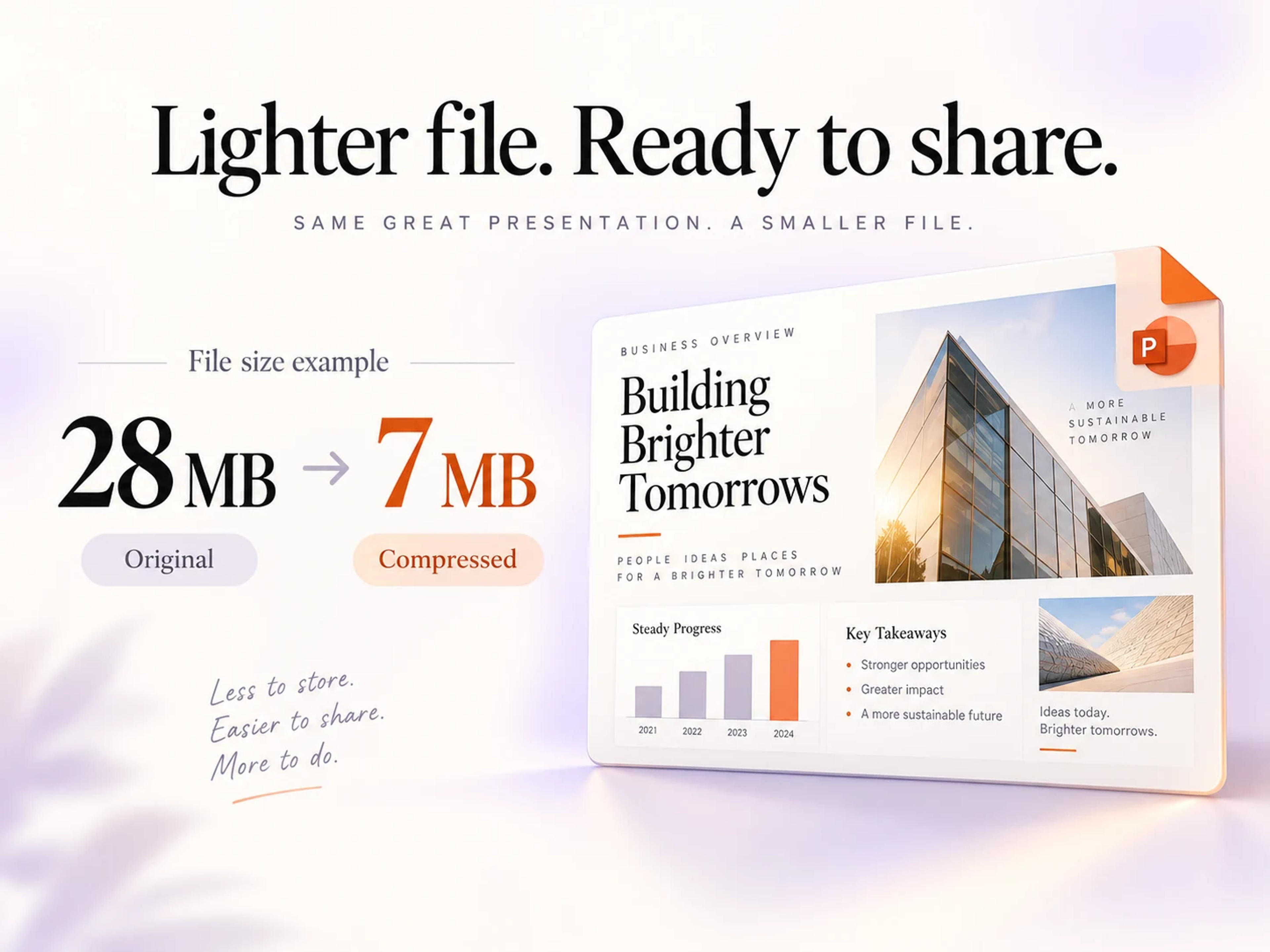
SlidesPilot optimizes images inside your PPTX while preserving slide dimensions, layouts, and editable text and objects. Share a lighter deck by email, team chat, or course submission—and keep editing in PowerPoint.
Local PowerPoint compression, with no login or server uploads.
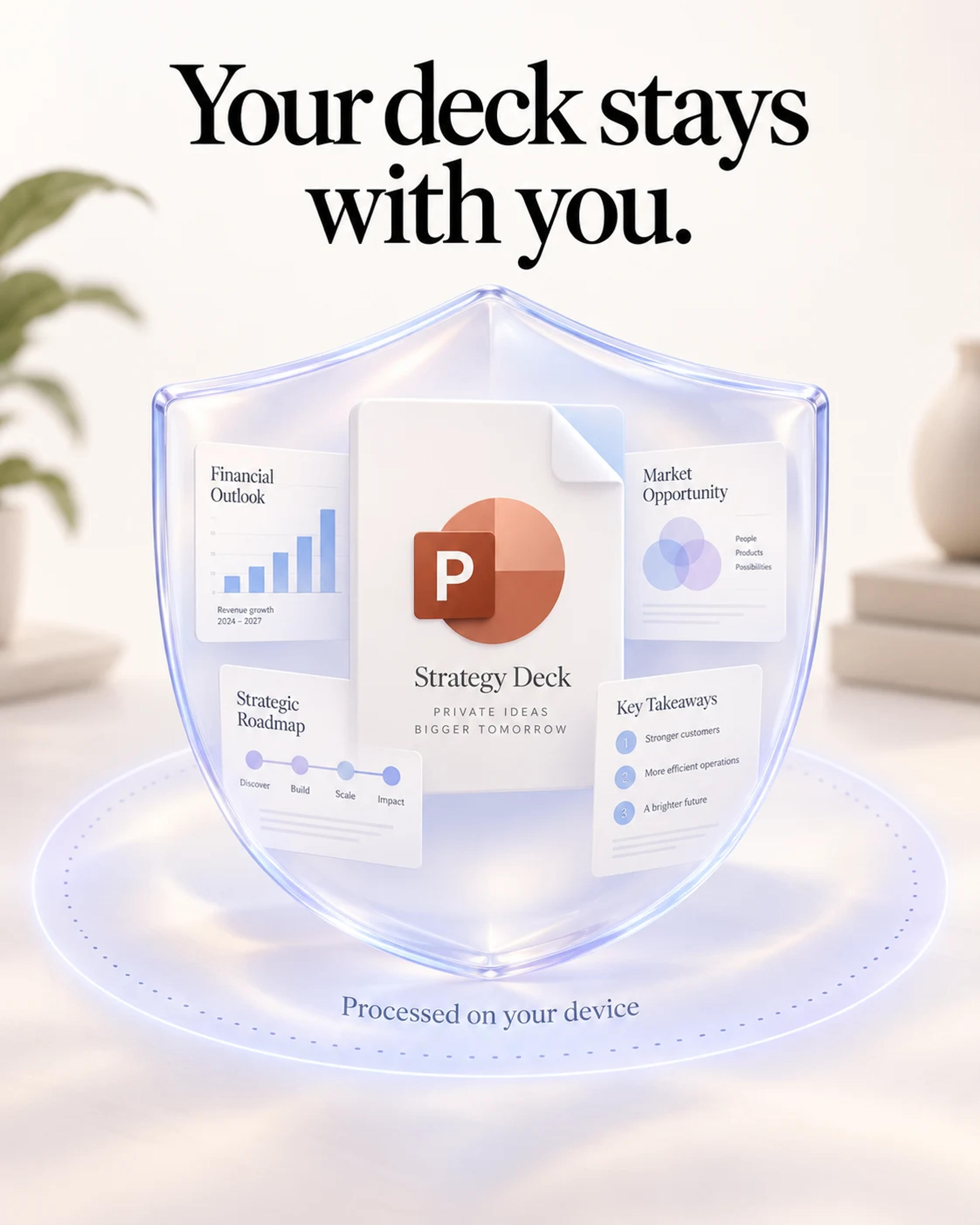
Your PPTX is processed right in your browser and stays on your device. Compress client proposals, internal reports, and private presentations without uploading the file to a server.
Reduce your PowerPoint file size and download the editable result completely free. No payment or subscription required.
Choose your presentation and continue straight to compression. No signup or login stands between you and a smaller deck.
Choose your PPTX, compress it locally, and download your smaller deck.
Click Choose PowerPoint File above, or drag your PPTX onto the page. Your file stays on your device.
Click Compress PowerPoint Free. Your presentation is compressed right here in your browser, and the download starts automatically. No login, server upload, or payment is required.
Your compressed PPTX stays editable and ready to share. Use Download compressed PPTX to download it again, or choose Compress another file to start a new presentation.
Create, combine, and polish your slides with more SlidesPilot tools.
Bring separate slide decks together for your next presentation.
Give existing slides a fresh, presentation-ready design.
Build an editable presentation from your PDF content.
Turn document content into slides with a clear storyline.
Shape notes, ideas, and written content into a deck.
Create a presentation from the content behind a URL.
Bring video insights into a presentation you can edit.
Move structured Markdown into polished slide content.
Choose your PPTX in SlidesPilot and click Compress PowerPoint Free. The presentation is compressed locally and your download starts automatically. The completion panel shows your file sizes and keeps a download button ready for you.
Yes. Choosing your file, compressing your PowerPoint, and downloading the result are all completely free. No payment or subscription is required.
Yes. You can go straight from selecting your PPTX to compression and download. SlidesPilot’s free PPT compressor requires no account, signup, or login.
Yes. SlidesPilot processes your PowerPoint locally in your browser. Selecting a file gives the tool access to it on your device; the presentation is not uploaded to a server for compression.
Your presentation stays on your device throughout compression. SlidesPilot processes the PPTX in your browser, giving client proposals, financial reports, and internal strategy decks a private path to a smaller file.
SlidesPilot optimizes images inside your PPTX while preserving slide dimensions, layouts, and editable slide content. Download the smaller PowerPoint and continue editing your text and slide objects.
Yes. SlidesPilot reduces image storage size inside the PPTX while keeping slide dimensions, picture placement, and presentation layouts intact.
Yes. Compress your PowerPoint before emailing a sales pitch, project update, or report. A lighter PPTX is also easier to share in team chat and submit to learning platforms.
Choose a PPTX file up to 100 MB. For presentations created in Google Slides or Canva, export your deck as PPTX and select that file in SlidesPilot.
Open SlidesPilot in your browser, choose your PPTX, and click Compress PowerPoint Free. Compression runs on your device and the smaller file downloads automatically. You can download it again from the completion panel and keep editing in PowerPoint.
Get a smaller, editable PPTX with local browser processing. No signup. No server uploads. No payment.