

Source-Linked Key Points
Each important idea is paired with a source marker that connects the summary to the corresponding part of the video content.
Paste a YouTube link and turn the video into a clear, beautifully structured summary with key points connected to the source.
SlidesPilot combines video understanding, clear organization, and source correspondence in one focused YouTube summarizer.
Each important idea is paired with a source marker that connects the summary to the corresponding part of the video content.
Headings, concise explanations, and organized takeaways turn long-form video content into notes that are easy to scan and remember.
SlidesPilot connects ideas across the video to produce a coherent summary of the main message, supporting points, and conclusions.
Move through the summary by topic and use source correspondence to return to the part of the video that matters to your task.
Guide the summary toward concepts, decisions, examples, lessons, or action items so the result matches your reading goal.
Use the finished summary for study notes, research briefs, meeting preparation, content planning, and knowledge sharing.
Use the YouTube video summarizer to understand the complete content, organize the strongest ideas, create useful notes, and explore every takeaway with its source context.
SlidesPilot analyzes the complete YouTube video and brings its central topic, strongest supporting ideas, meaningful explanations, examples, and conclusions into one coherent video summary.
Whole-video understanding: Connect ideas across the introduction, key sections, examples, and conclusion.
Key point extraction: Bring the topics and takeaways with the greatest value into focus.
Coherent video summary: Organize the complete message into a clear narrative that is easy to follow.
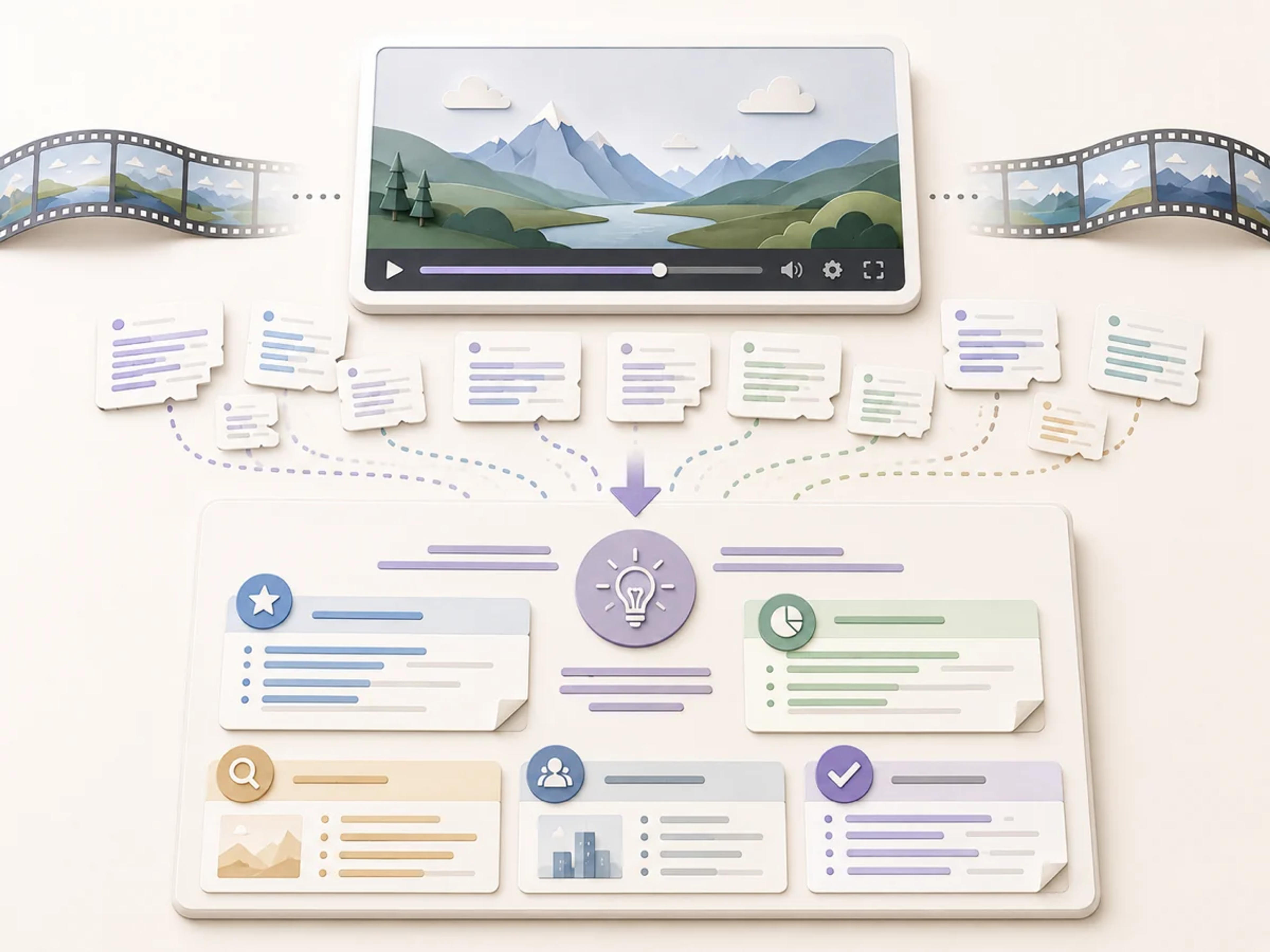
Turn long-form video content into organized YouTube notes you can use for revision, research, briefing, meeting preparation, content planning, or sharing knowledge with a team.
Study and revision: Create readable notes from lectures, tutorials, interviews, and explainers.
Research and briefing: Capture concepts, evidence, examples, and conclusions in a reusable brief.
Planning and collaboration: Turn video insights into practical material for projects, meetings, and teams.

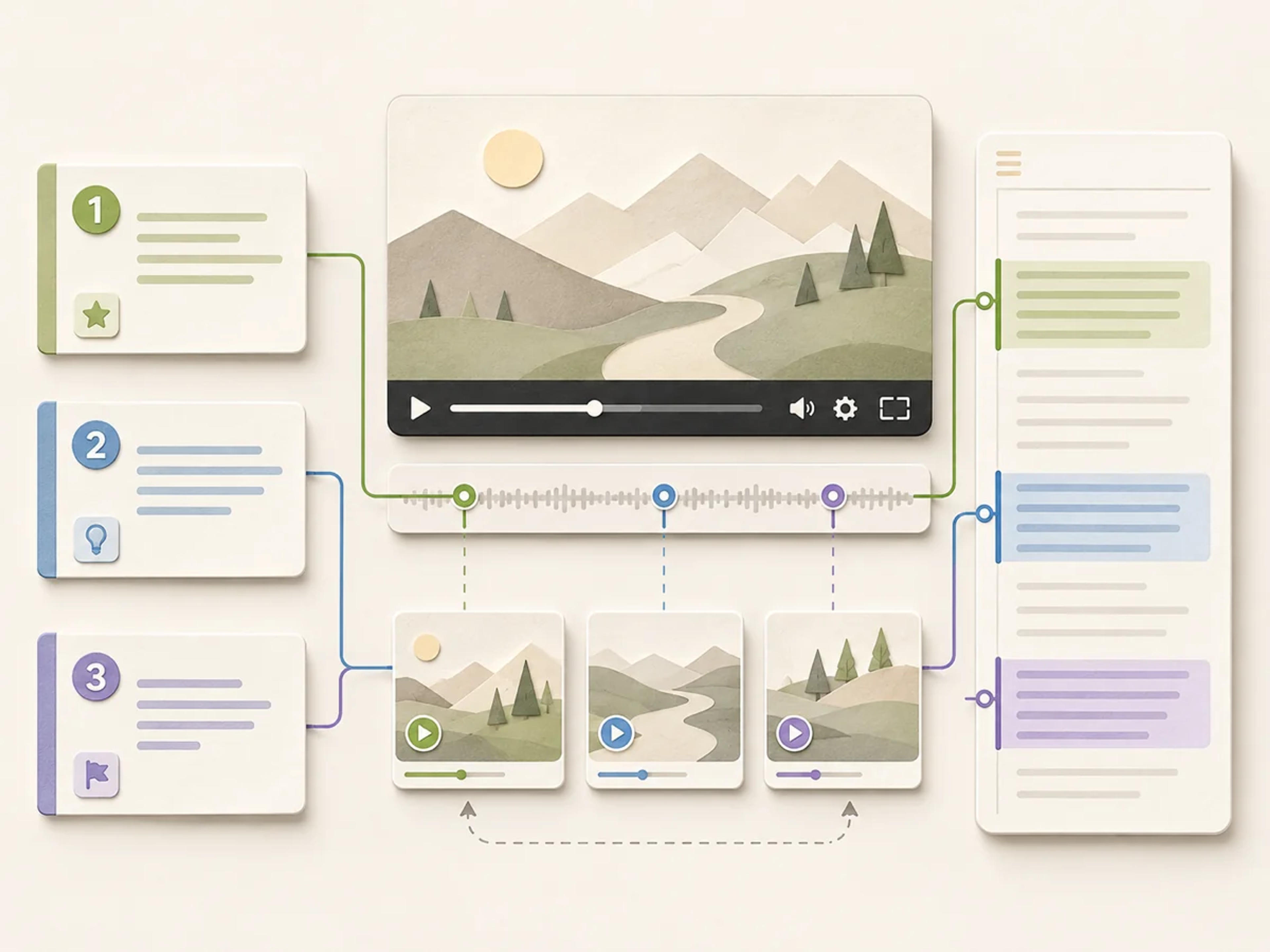
Source correspondence connects important summary points with the matching moments in the original video, creating a YouTube summary that is easy to explore by topic and source context.
Source-linked takeaways: See how each important summary point connects to the video content behind it.
Faster video navigation: Move from a key idea to the relevant part of the original video.
Richer understanding: Keep explanations, examples, and conclusions close to their source moments.
Create a clear YouTube summary in three simple steps.
Copy the URL of the YouTube video and paste it into the summarizer on this page.
SlidesPilot understands the video content and organizes the main ideas, supporting points, and takeaways into a polished summary.
Explore the structured result and use source correspondence to connect summary points with the original video content.
Every part of the experience helps you move from a video link to clear, useful knowledge.
SlidesPilot identifies the video's central ideas, explanations, examples, and conclusions as one connected narrative.
The summary brings the most meaningful topics and takeaways forward in a concise reading flow.
Numbered source markers make it easy to see where each summarized idea comes from in the source.
Clear headings, highlights, and grouped ideas make every YouTube summary easy to navigate.
Shape the result around learning, research, meeting preparation, content analysis, or practical next steps.
Use the finished summary as a fast reading companion for learning, research, preparation, and knowledge sharing.
Students, researchers, professionals, and creators turn long-form video into knowledge they can use.
Everything you need to start turning YouTube videos into clear AI summaries.
A YouTube video summarizer uses AI to understand a video's content and organize its main ideas, supporting points, examples, and takeaways into a concise written summary.
Paste the YouTube URL, select Summarize Video, and SlidesPilot creates a structured summary that is ready to read and reuse.
Yes. SlidesPilot includes source correspondence so you can connect summarized ideas with their corresponding places in the video source.
Yes. It is a powerful way to create lecture notes, tutorial steps, concept summaries, study guides, and practical takeaways from educational videos.
Yes. SlidesPilot can organize speakers' ideas, themes, examples, decisions, and conclusions into a focused reading brief.
Yes. Add instructions for the topics, examples, lessons, decisions, or action items you want the summary to emphasize.
Yes. You can start using the AI YouTube video summarizer for free after signing up, with no credit card required.
Yes. SlidesPilot organizes video content into clear YouTube notes with headings, key points, explanations, and practical takeaways.
Choose the summarizer that matches the source you want to understand, or create a presentation when slides are the result you need.
Paste text, add a YouTube or webpage link, or upload a document to create a beautiful, structured summary connected to the source.
Paste an article URL, add the text, or upload a PDF or Word document to create a clear summary with key arguments, evidence, and source-linked takeaways.
Summarize any document instantly with AI
Instantly extract key insights and create structured summaries from PDFs
Turn an entire book into a clear summary of its most important ideas
Transform YouTube videos into editable PowerPoint presentations
Paste the link and create beautifully structured notes with every important idea connected to the source.