

Convert the complete presentation
Process every slide and combine the full deck into one organized PDF.
Turn a PowerPoint presentation into one shareable PDF with every slide kept in order.
Drag & drop your PowerPoint file here or
Create a convenient fixed-layout version of your PPT or PPTX for review, printing, distribution, submission, and archiving.
Process every slide and combine the full deck into one organized PDF.
The PDF follows the same page order as the original PowerPoint for consistent reading and presentation flow.
Use the PDF for email, printing, review, submission, distribution, and long-term storage.
Turn a PowerPoint deck into one shareable PDF with every slide kept in sequence.
Choose the PowerPoint presentation you want to turn into a shareable PDF.

SlidesPilot processes the presentation and keeps every slide in order inside one PDF file.
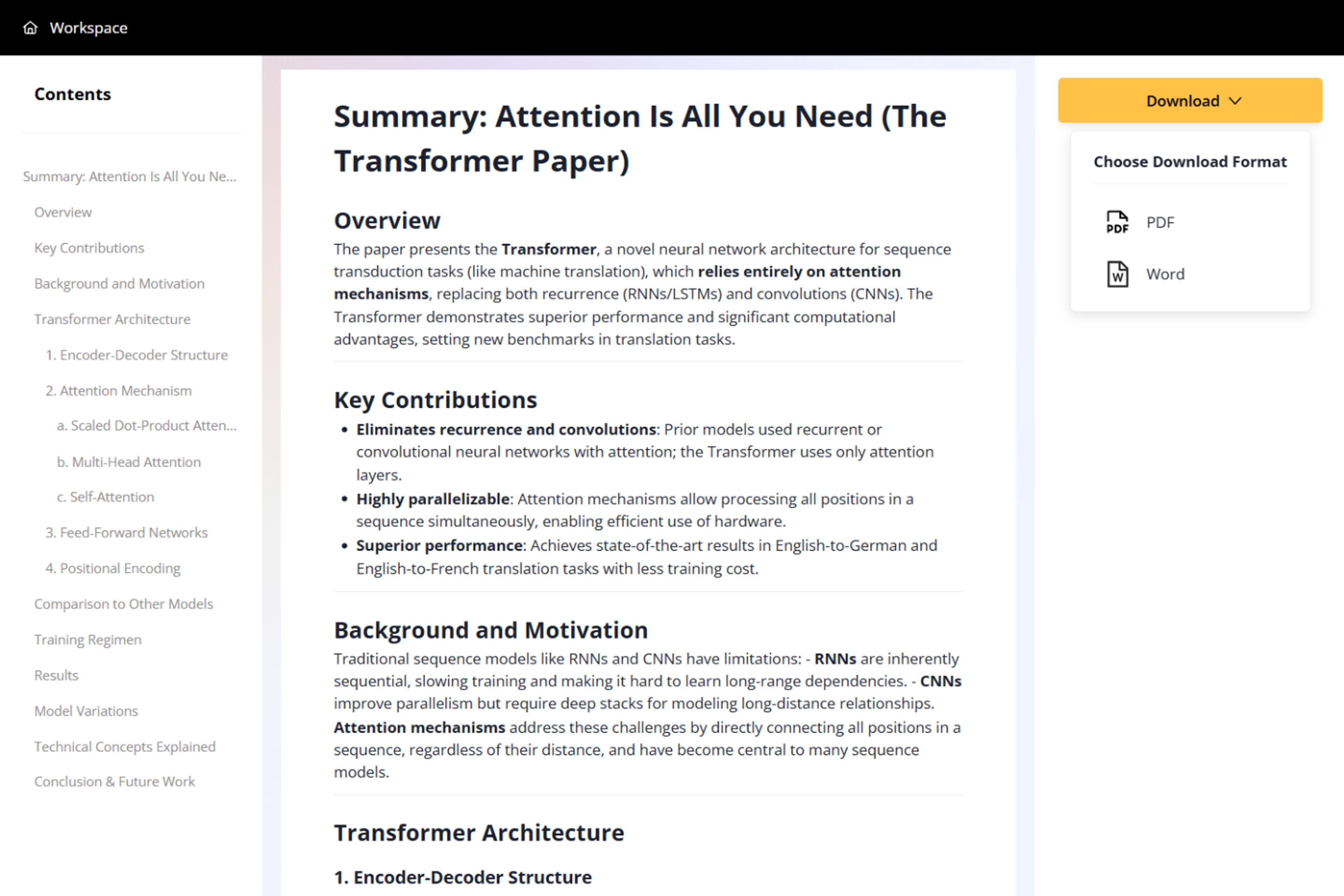
Save the finished document for email, review, printing, submission, distribution, or archiving.

Move from an editable slide deck to one practical document for reliable sharing and viewing.
Upload standard PowerPoint files directly through the online converter.
Turn the complete presentation into one PDF in a single workflow.
Keep every slide in the original presentation sequence.
Combine the entire deck into a convenient document for distribution.
Create a practical version for print workflows, submissions, records, and long-term storage.
Convert PowerPoint to PDF online without installing desktop software.
Upload your PPT or PPTX, start the conversion, and download the complete presentation as one PDF.
Yes. You can convert PowerPoint presentations to PDF online for free after signing up, with no credit card required.
Yes. The converter includes the complete deck and keeps the slides in presentation order.
Yes. SlidesPilot supports both PPT and PPTX presentation formats.
Use it for email, review, printing, submission, distribution, sharing, and archiving.
No. The conversion runs online in your browser.
Convert slides to PDF, PNG, JPG, text, or Word, or use AI to summarize and reuse presentation content.
Turn a PowerPoint presentation into an editable Word document for handouts, reports, notes, and reuse.
Turn every PowerPoint slide into a separate JPG image and download the complete set together in one ZIP file.
Turn every PowerPoint slide into a separate PNG image and download the complete set in one ZIP file.
Extract visible text from every PowerPoint slide and download it as a plain text file.
Convert PDF slides to editable PowerPoint online. Keep the original design and make text and slide elements editable. Free to use.
Turn Word documents into clear, structured, editable PowerPoint presentations with AI.
Upload a PPT or PPTX and download one PDF containing every slide.