

Clean up visual hierarchy
Improve spacing, slide structure, and emphasis so important points are easier to scan.
Transform plain PowerPoint presentations into professional designs using AI
Drag and drop the presentation you want to beautify, or
See how rough slides can become cleaner, more readable, and easier to present.
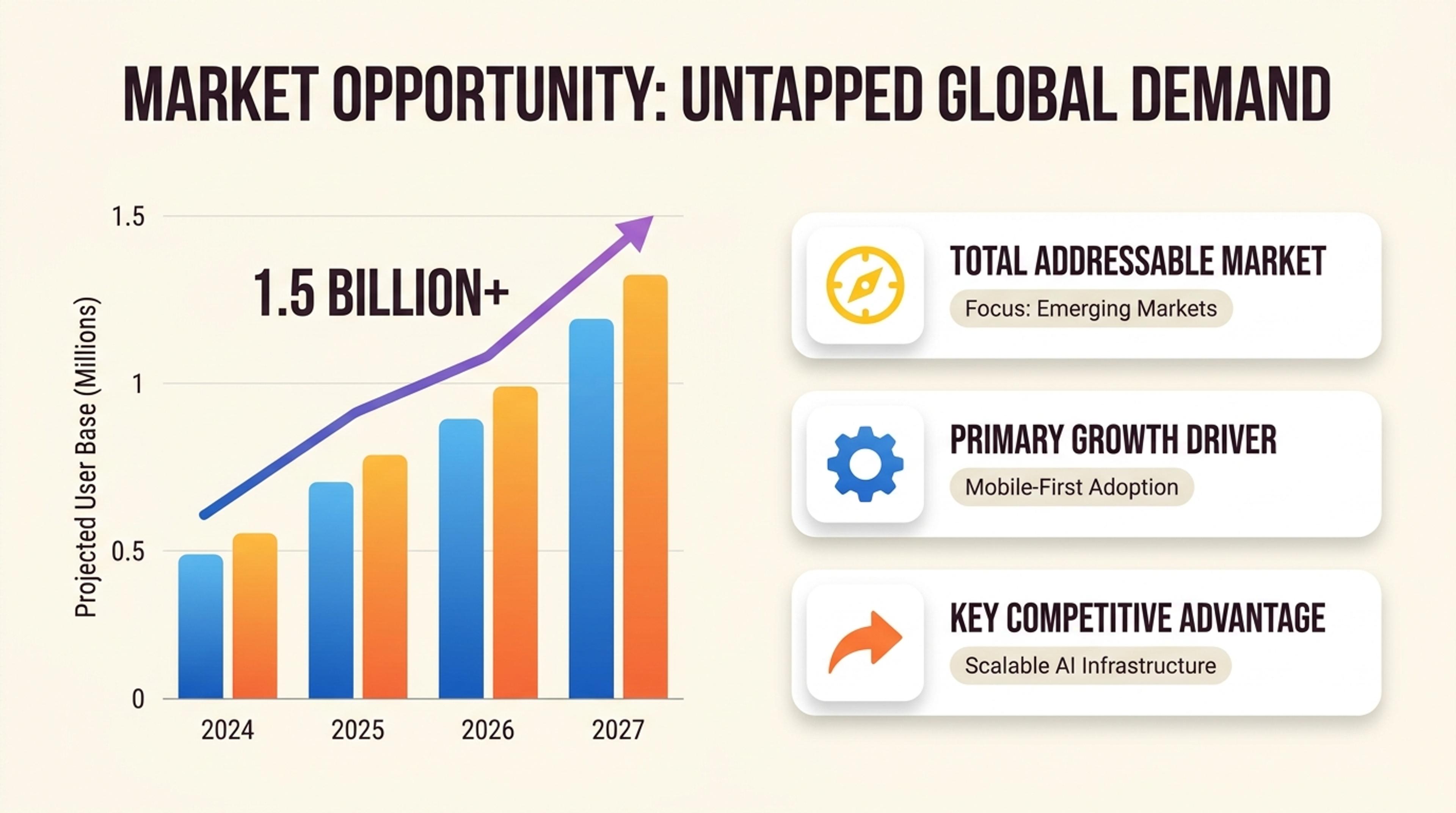
A sharpened pitch deck with stronger hierarchy, clearer section rhythm, and polished visuals.
Use SlidesPilot when the content is already there but the presentation needs cleaner structure and design.
Improve spacing, slide structure, and emphasis so important points are easier to scan.
Refine the presentation while preserving the original story, data, and intent behind the deck.
Move from rough internal material to a deck that feels ready for clients, leadership, or team review.
Open any existing PowerPoint in SlidesPilot and use Beautify PPT to elevate its layout, spacing, typography, hierarchy, and visual impact.
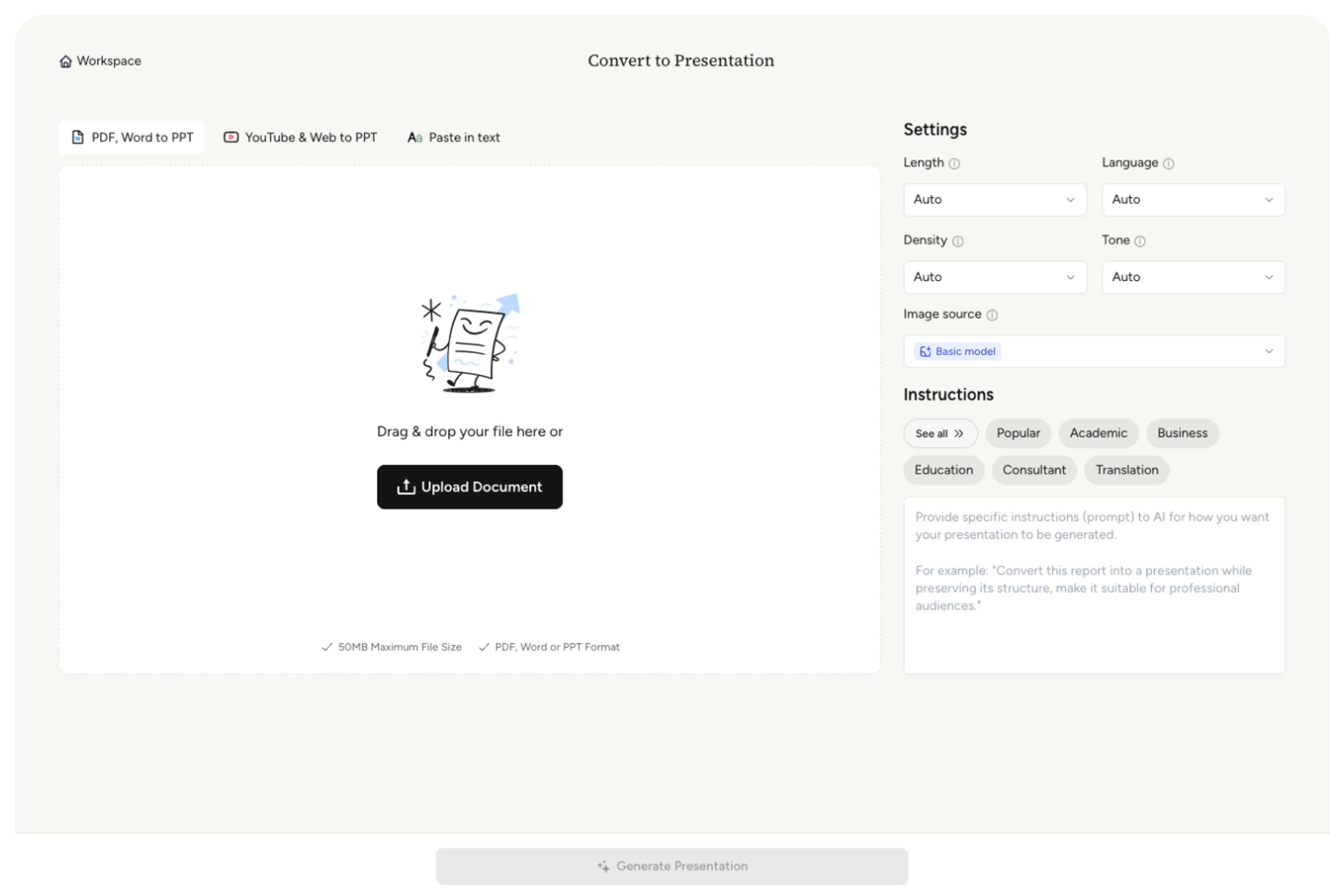
Choose any slide you want to elevate and select Beautify this slide. Work slide by slide to shape the presentation exactly where you want more visual impact.
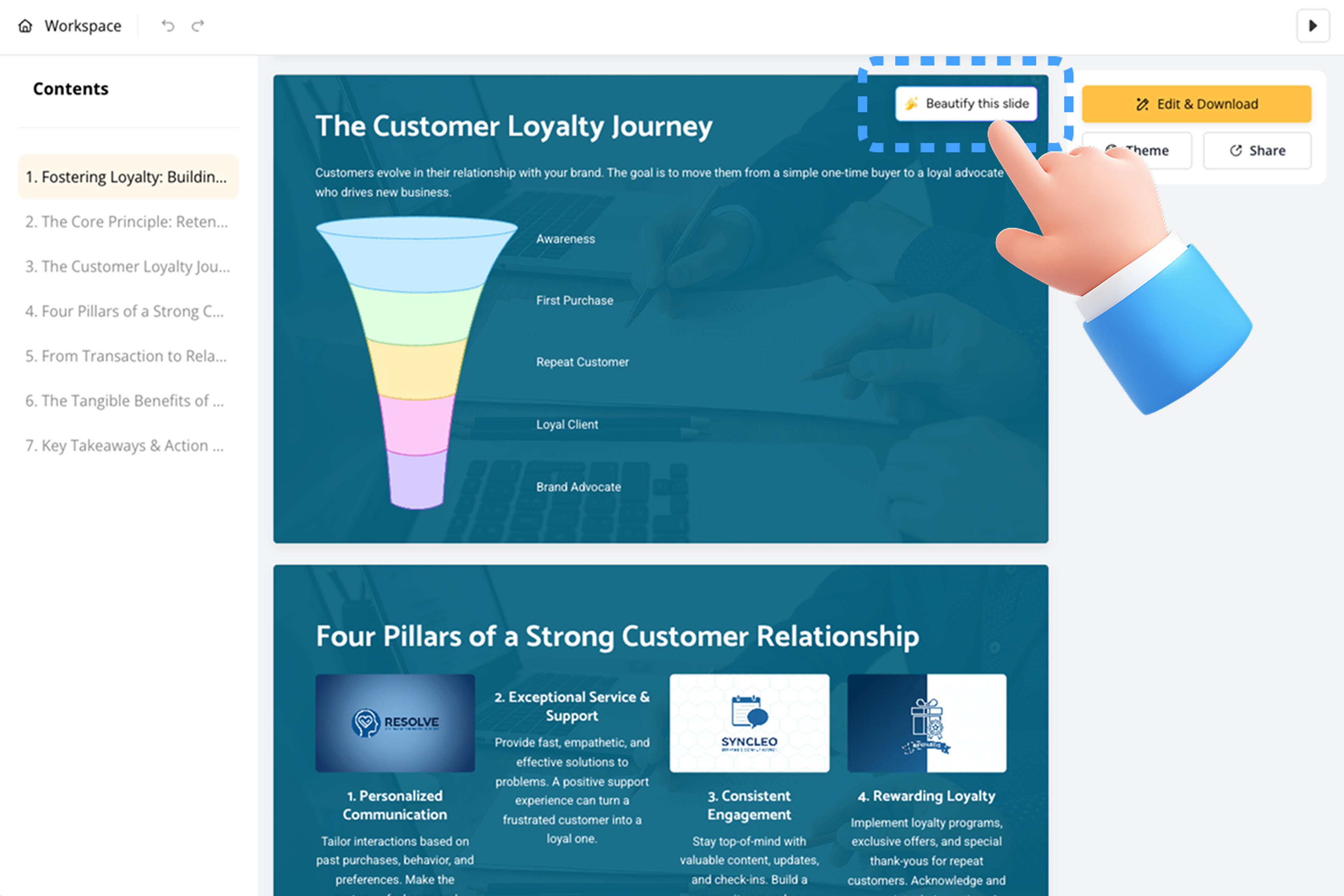
Explore the improved hierarchy, spacing, typography, legibility, image choices, and chart treatment beside the original slide.
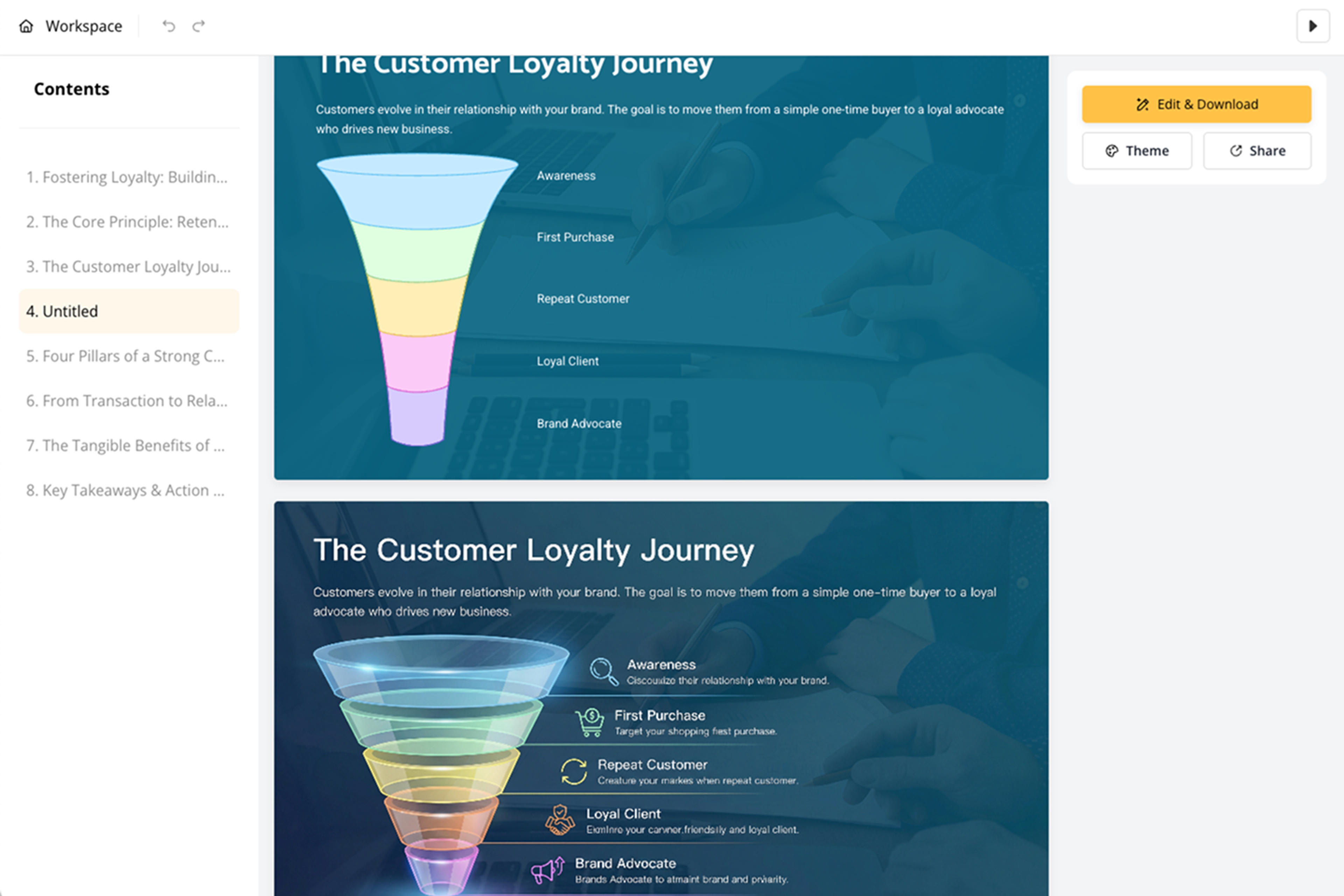
Accept the stronger version, edit any remaining content or design issue, or remove it and keep the original. Then export to PowerPoint, Google Slides, PDF, or PNG.
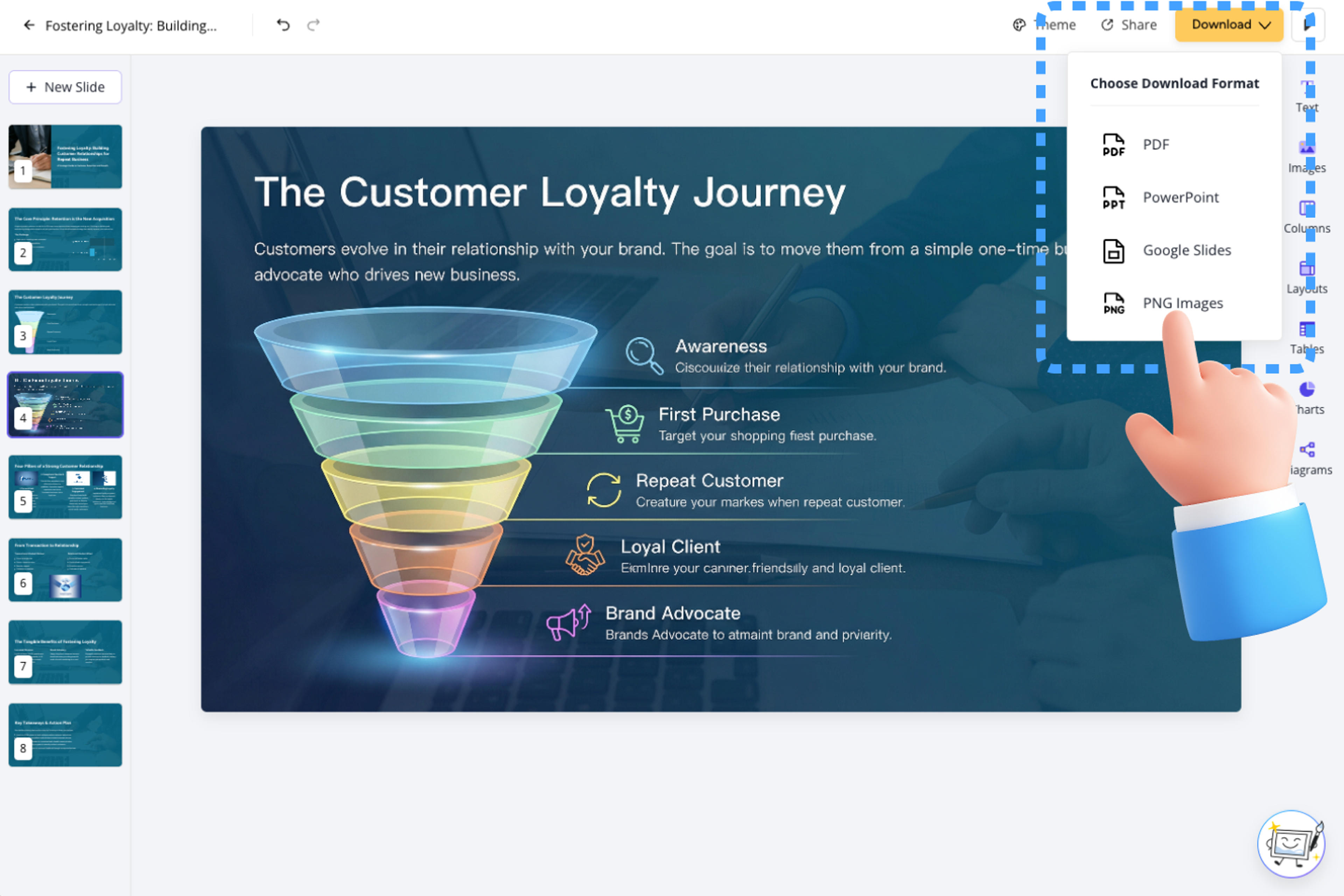
Beautify PPT works on an existing presentation, one selected slide at a time. You keep the original available, compare the alternative, and remain in control of the editable result.

Redesign any selected slide and build a polished visual experience across exactly the parts of the deck you choose.

View the redesigned slide beside the original and choose the version that communicates the content with the strongest visual impact.

Improve spacing, typography, alignment, emphasis, and composition so the audience can find the main message faster.

AI uses the slide's wording, numbers, charts, and image meaning to create a redesign that strengthens the intended message.

Fine-tune text, layout, and visuals after the AI pass and keep every redesigned element fully editable.

Export the finished deck as an editable PPTX and continue working in PowerPoint with the redesigned slides in place.
It redesigns an existing slide to improve layout, spacing, typography, visual hierarchy, and overall presentation quality while keeping the slide editable.
Use Beautify PPT when your deck already contains the core message and you want AI to upgrade its layout, typography, spacing, hierarchy, and visual quality.
Yes. Beautify PPT works slide by slide, giving you precise control to redesign any selected slides and create a more polished presentation.
Yes. The original remains available beside the new version so you can instantly compare the message, hierarchy, spacing, visuals, and data treatment.
Beautify PPT uses the existing text, numbers, chart labels, quotations, and slide structure to create a stronger visual composition that remains fully editable.
Yes. Keep and refine the redesigned slide, remove it, or continue with the original. The result remains editable in SlidesPilot.
Yes. You can sign up and use Beautify PPT for free, with no credit card required.
Yes. Export the finished deck as an editable PPTX for PowerPoint. Google Slides, PDF, and PNG exports are also available.
Convert PDF slides to editable PowerPoint online. Keep the original design and make text and slide elements editable. Free to use.
Turn Word documents into clear, structured, editable PowerPoint presentations with AI.
Turn notes, paragraphs, and ideas into a clear, editable PowerPoint presentation.
Transform YouTube videos into editable PowerPoint presentations
Paste a content-rich link and turn the online source into a clear, editable PowerPoint presentation.
Paste text, add a YouTube or webpage link, or upload a document to create a beautiful, structured summary connected to the source.
Transform your work into a presentation, instantly. ⭐ #1 AI PowerPoint Generator | Trusted by 3 million users worldwide