

Convert the complete presentation
Process a full PPT or PPTX and bring the slide content into one Word document.
Turn a PowerPoint presentation into an editable Word document for handouts, reports, notes, and reuse.
Drag & drop your PowerPoint file here or
Move presentation content into DOCX for reports, handouts, meeting notes, training material, archiving, and continued editing.
Process a full PPT or PPTX and bring the slide content into one Word document.
The Word output follows the presentation order so the original flow remains easy to understand.
Edit, expand, format, print, and share the converted content using a familiar document workflow.
Turn slide content into an editable DOCX for reports, handouts, notes, and follow-up documents.
Choose the PowerPoint presentation you want to convert into an editable Word document.

SlidesPilot processes the full deck and organizes the presentation content in slide order for Word.
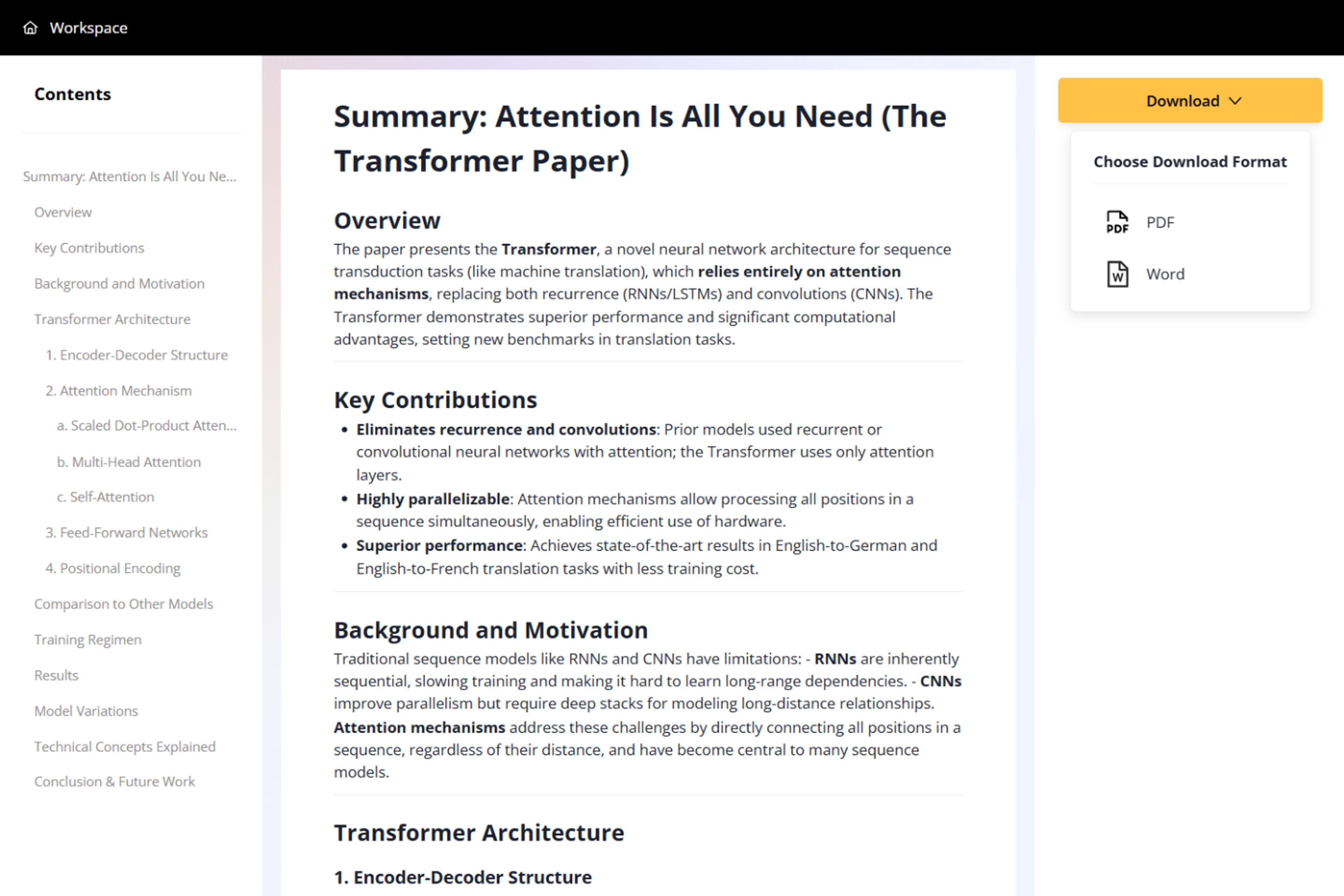
Open the DOCX in Microsoft Word or another compatible editor and continue shaping it as a report, handout, or notes document.

Create a practical document version of your presentation for editing, distribution, printing, and long-form reuse.
Upload standard PowerPoint files directly through the online converter.
Download a Word document you can revise, format, expand, and share.
Keep slide content organized in the same sequence as the original deck.
Move the complete presentation into one document instead of copying slides individually.
Create reports, handouts, training notes, meeting records, study material, and archives.
Convert PowerPoint to Word online without installing desktop conversion software.
Upload your PPT or PPTX, start the conversion, and download the finished editable DOCX file.
Yes. You can convert PowerPoint presentations to Word online for free after signing up, with no credit card required.
Yes. The DOCX output is editable in Microsoft Word and other compatible document editors.
Yes. The converted content follows the original presentation sequence for a clear reading flow.
Use it for reports, handouts, training material, meeting notes, study documents, printing, and content reuse.
Yes. SlidesPilot supports both PPT and PPTX presentations in the PowerPoint to Word workflow.
Convert slides to Word, text, PDF, PNG, or JPG, or use AI to summarize and reuse the ideas inside a presentation.
Turn a PowerPoint presentation into one shareable PDF with every slide kept in order.
Turn every PowerPoint slide into a separate JPG image and download the complete set together in one ZIP file.
Turn every PowerPoint slide into a separate PNG image and download the complete set in one ZIP file.
Extract visible text from every PowerPoint slide and download it as a plain text file.
Convert PDF slides to editable PowerPoint online. Keep the original design and make text and slide elements editable. Free to use.
Turn Word documents into clear, structured, editable PowerPoint presentations with AI.
Upload a PPT or PPTX and download an editable Word document.