

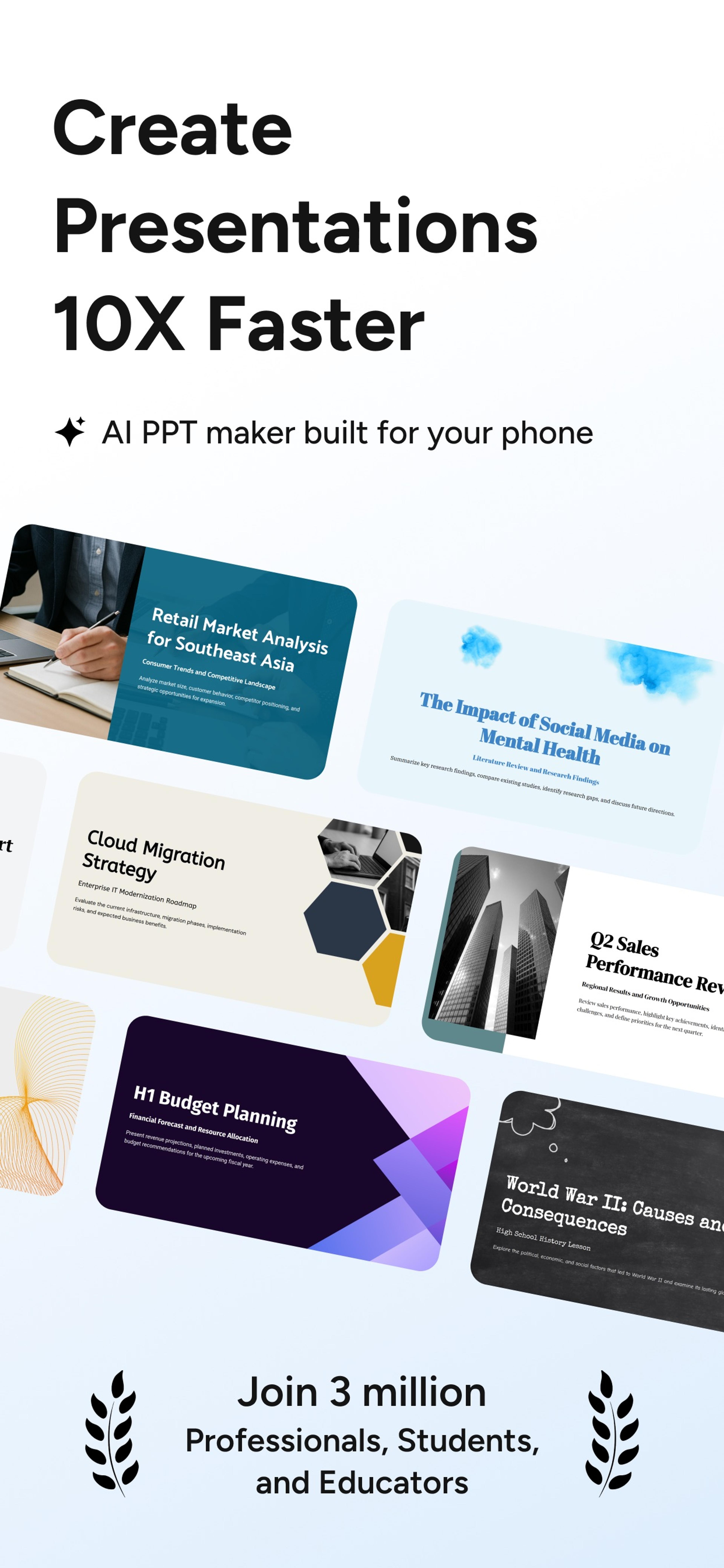
AI PowerPoint App for iPhone and Android
Create presentations 10X faster on your phone. Turn PDFs, Word files, links, text, or a prompt into editable slides with the SlidesPilot AI presentation app.
Join 3 million professionals, students, and educators • 200,000+ mobile downloads
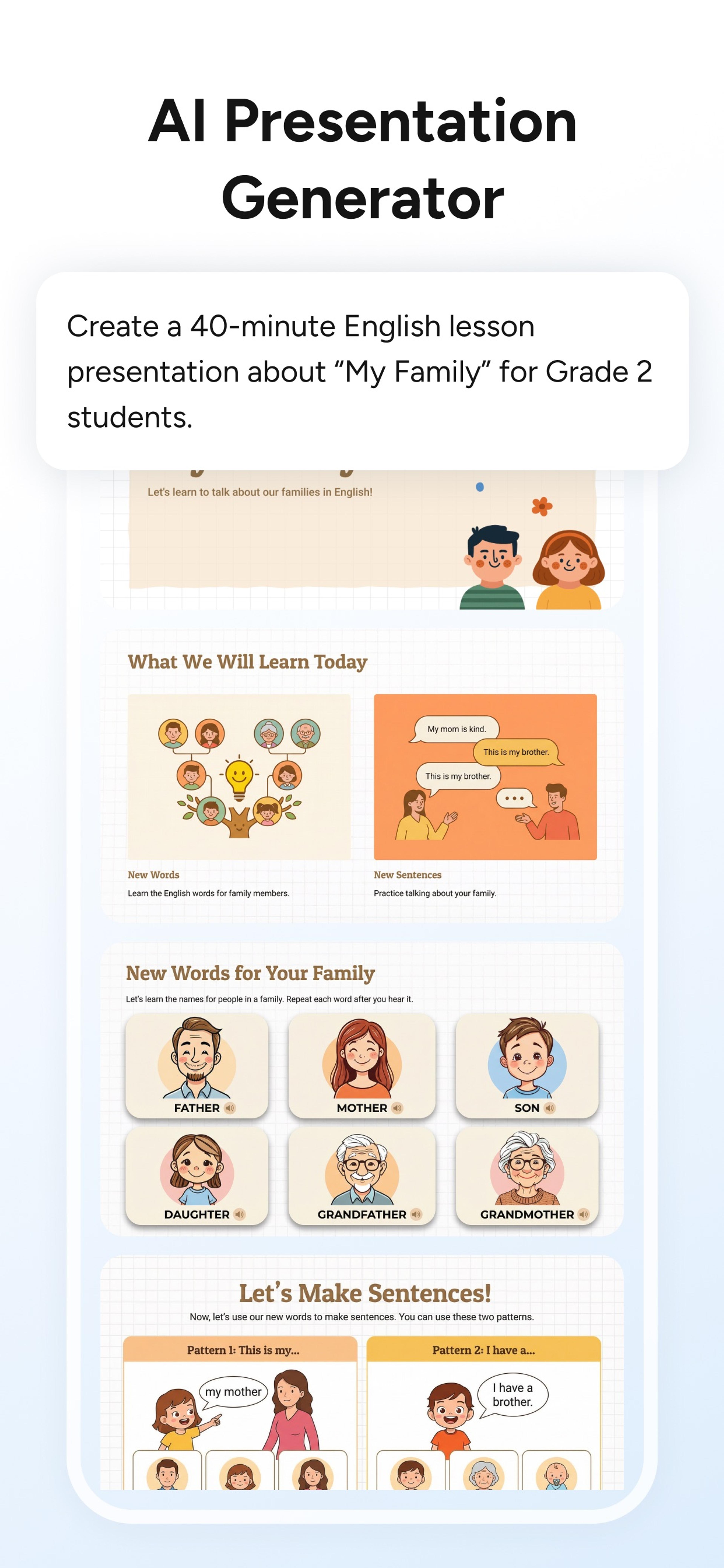
The AI presentation app built for every kind of work
Create PowerPoint presentations on iPhone or Android from files, links, text, or a prompt, choose the right look, and export or share without leaving your phone.
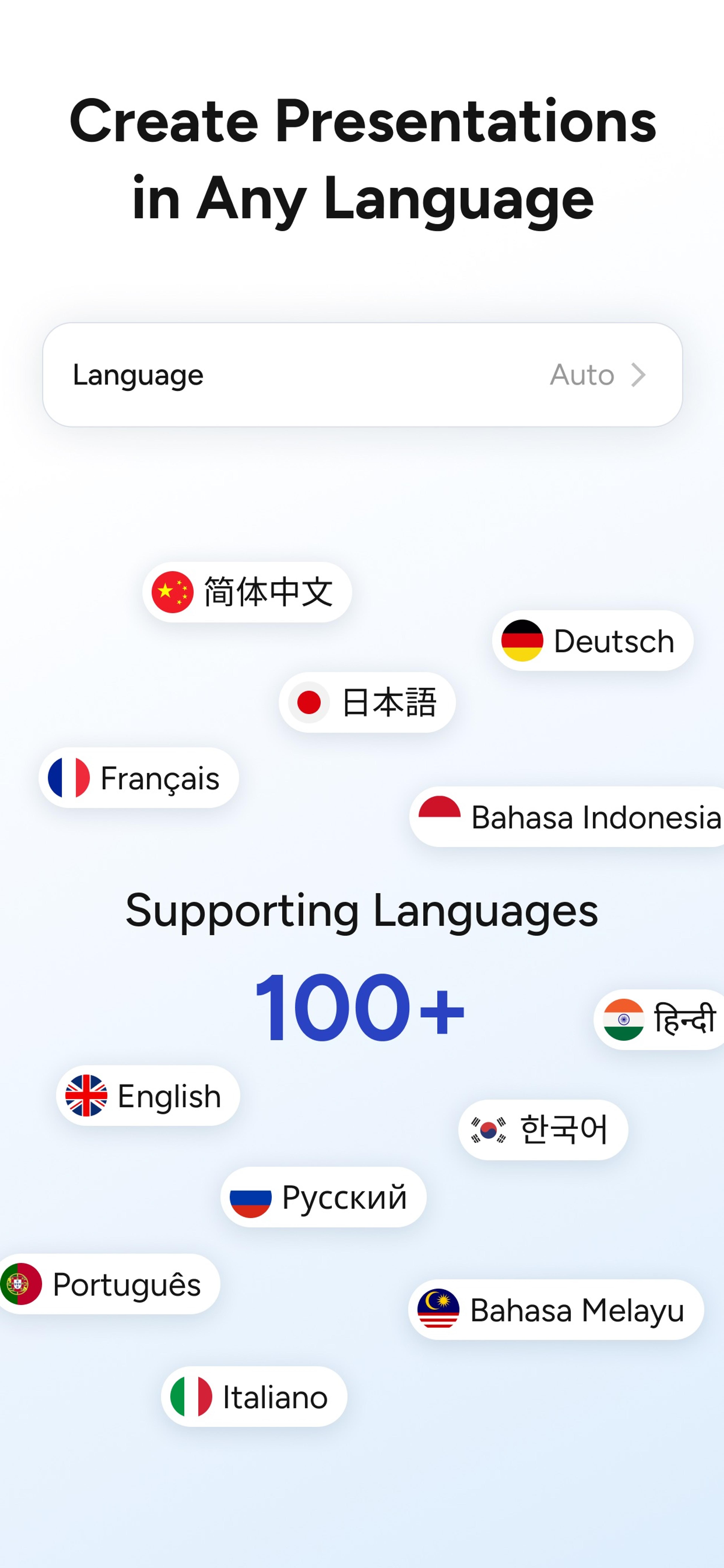
Create presentations in 100+ languages
Use automatic language detection or choose the language that fits your audience.
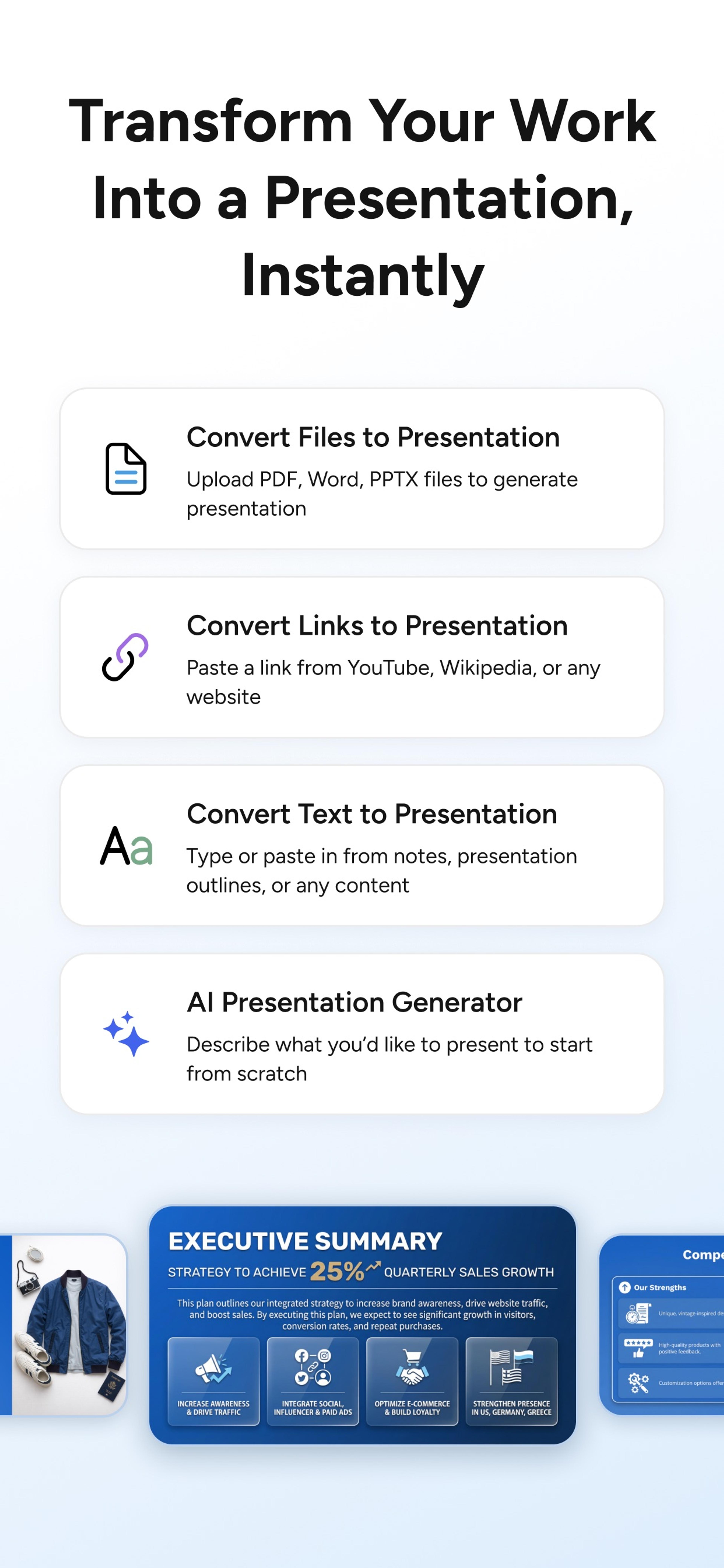
Start with files, links, text, or a prompt
Upload a PDF, Word, or PPTX file, paste a YouTube, Wikipedia, or website link, add text, or describe a presentation from scratch.
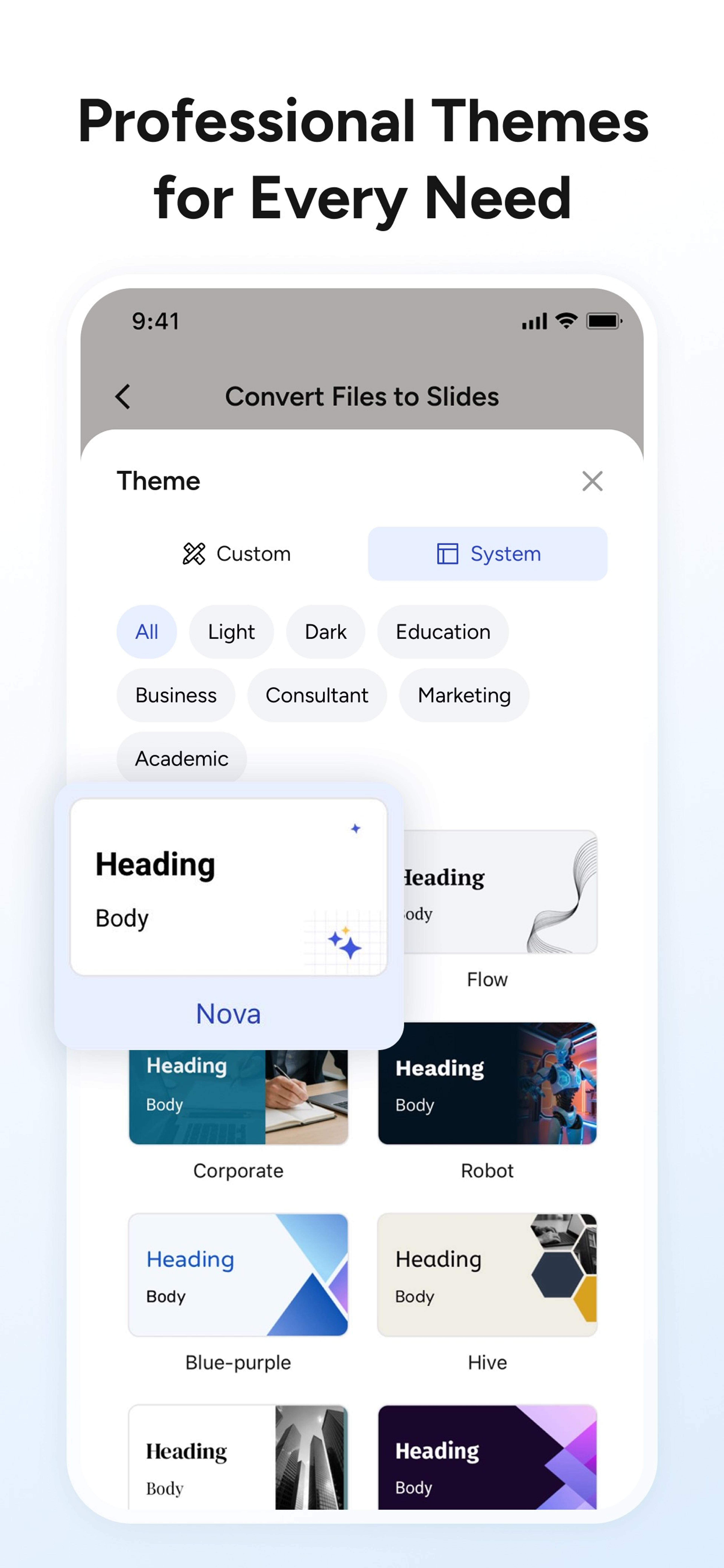
Choose a professional presentation theme
Match the deck to business, education, consulting, marketing, academic, light, or dark presentation needs.
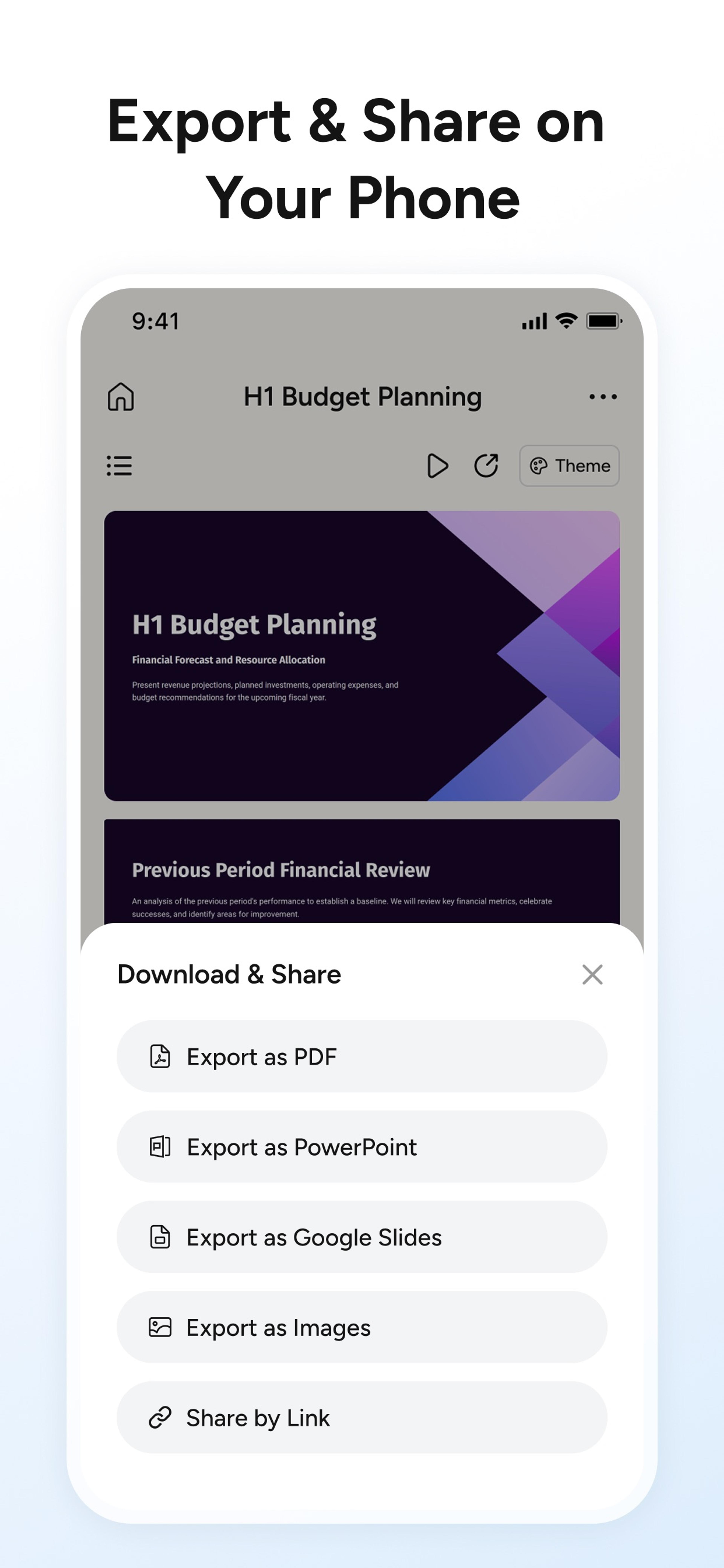
Export and share from the app
Export as PDF, PowerPoint, Google Slides, or images, or send a shareable link directly from your phone.
From source material to finished slides—on your phone
SlidesPilot gives you a complete mobile workflow for creating, styling, exporting, and sharing presentations.
Four ways to start
Upload PDF, Word, or PPTX files, paste a YouTube, Wikipedia, or website link, add text, or describe the presentation you want.
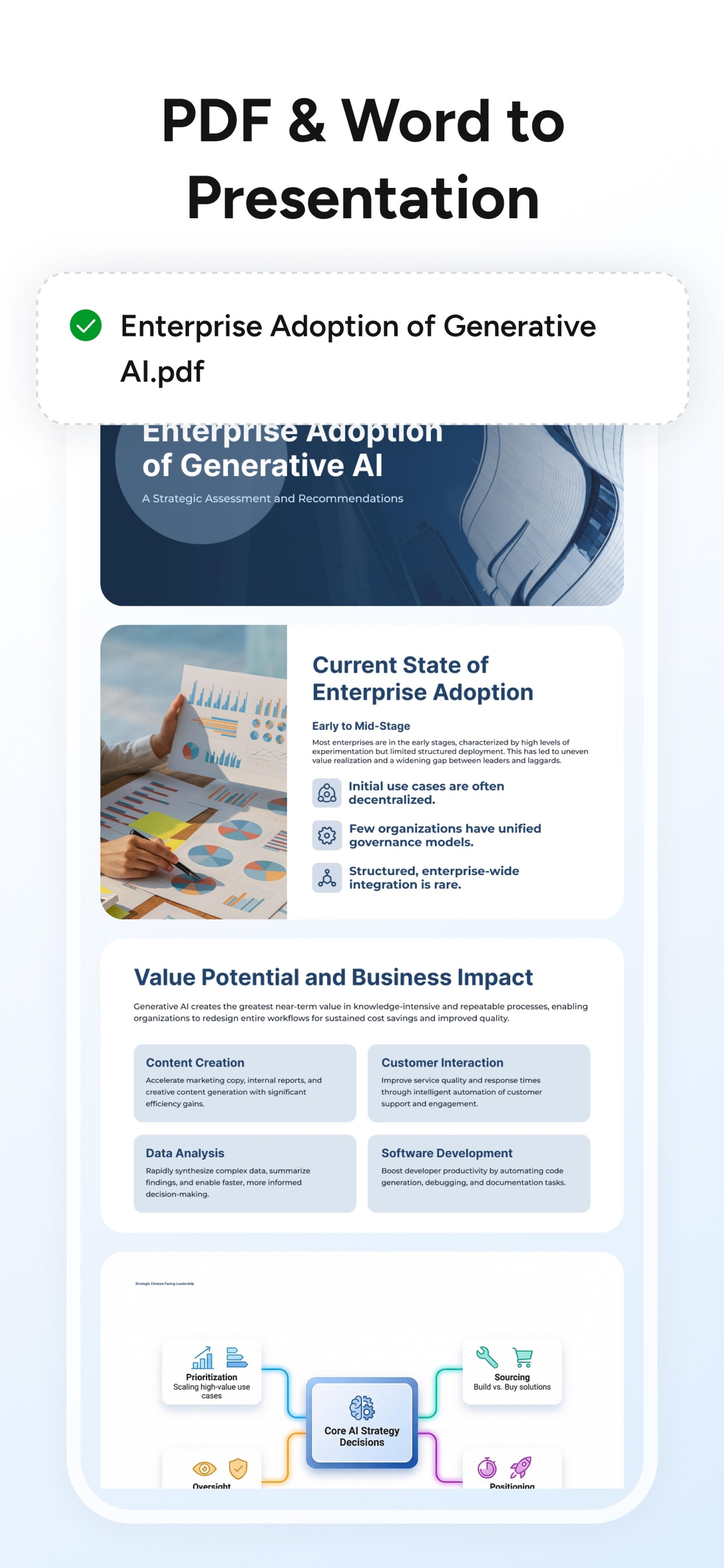
PDF and Word to presentation
SlidesPilot understands your source document and organizes its ideas, evidence, and structure into presentation-ready slides.
Export and share your way
Download as PDF, PowerPoint, Google Slides, or images, or share the presentation with a link directly from your phone.
A proven AI PowerPoint app across every screen
SlidesPilot combines mobile speed with editable PowerPoint output, 100+ languages, professional themes, and seamless access across web, iPhone, and Android.
200,000+ Downloads
More than 200,000 combined iOS and Android downloads make SlidesPilot a proven AI presentation app for mobile creation.
3 Million Creators
Join professionals, students, and educators already using SlidesPilot to create presentations faster.
100+ Languages
Create presentations for global audiences with automatic detection and broad language support.
Four Ways to Start
Begin with files, links, text, or an AI prompt—whatever source is already in front of you.
Professional Themes
Choose presentation styles designed for business, education, consulting, marketing, academic work, and more.
Web, iPhone, and Android
Use one SlidesPilot account and one membership across the web, iPhone app, and Android app.
One SlidesPilot membership, every screen
Your membership works across the SlidesPilot web experience and mobile apps, so the right device is always the one in front of you.
Create on mobile
Start a presentation the moment you receive a document, open a link, or capture an idea.
Continue on the web
Move to a larger screen when you want more room to review, refine, or present your work.
Use the same membership
Sign in with your SlidesPilot account and use your membership across web, iOS, and Android.
Frequently asked questions about the SlidesPilot AI PowerPoint app
SlidesPilot is an AI presentation app for iPhone and Android. It turns PDFs, Word files, links, text, notes, outlines, and ideas into editable PowerPoint presentations directly on your phone.
Yes. Download the SlidesPilot iPhone app, upload a document or enter a prompt, and let AI build a structured, editable PowerPoint presentation on your phone.
Yes. SlidesPilot is available as an AI PowerPoint app for Android, with the same file-to-presentation, prompt-to-presentation, editing, export, and sharing workflow.
Yes. Upload a PDF or Word document in the SlidesPilot app and let AI understand the source, organize the key information, and turn it into a clear, editable PowerPoint presentation.
You can start with a PDF, Word or PPTX file, webpage, YouTube or Wikipedia link, pasted text, notes, an outline, or a simple topic.
SlidesPilot works across web, iPhone, and Android. Sign in with the same account and use one membership across every screen.
Yes. SlidesPilot creates an editable presentation you can review, refine, export, present, and share.
Yes. The SlidesPilot app supports presentation creation in more than 100 languages, with automatic language detection available in the mobile workflow.
You can export your presentation as PowerPoint, Google Slides, PDF, or images, or share it directly with a link.
SlidesPilot has passed 200,000 combined downloads across its iPhone and Android apps.
Explore more ways to create presentations with SlidesPilot
Use the same AI workflows on the web when you want to start from a specific source.
Convert PDF to Editable PowerPoint
Convert PDF slides to editable PowerPoint online. Keep the original design and make text and slide elements editable. Free to use.
Convert Word to PPT with AI
Turn Word documents into clear, structured, editable PowerPoint presentations with AI.
Convert a URL to PPT with AI
Paste a content-rich link and turn the online source into a clear, editable PowerPoint presentation.
Convert Text to PPT with AI
Turn notes, paragraphs, and ideas into a clear, editable PowerPoint presentation.
AI Presentation Generator for Topics, Briefs, Notes, and Outlines
Turn an idea into a complete, structured presentation. Define the audience and goal, guide the tone and length, and let SlidesPilot build the storyline, slide plan, content, and visual direction.
AI Presentation Maker with a Block-Based Editor and AI Agent
Build a complete presentation, then shape every slide in a flexible block-based editor. Rearrange ideas, rewrite content, adjust layouts, and ask the AI presentation agent to refine one block, one slide, or the entire deck.
Download the SlidesPilot AI PowerPoint App
Turn PDFs, Word files, links, text, or a prompt into an editable presentation from your phone. Get SlidesPilot for iPhone or Android.
Trusted by 3 million creators • 200,000+ mobile downloads