

Teach toward a clear objective
Keep the learning goal visible across explanations, examples, activities, and assessment moments.
Transform written lesson plans into engaging PowerPoint presentations
Drag & drop your file here or
Convert a lesson outline into a classroom-ready deck with learning goals, activities, and recap moments.
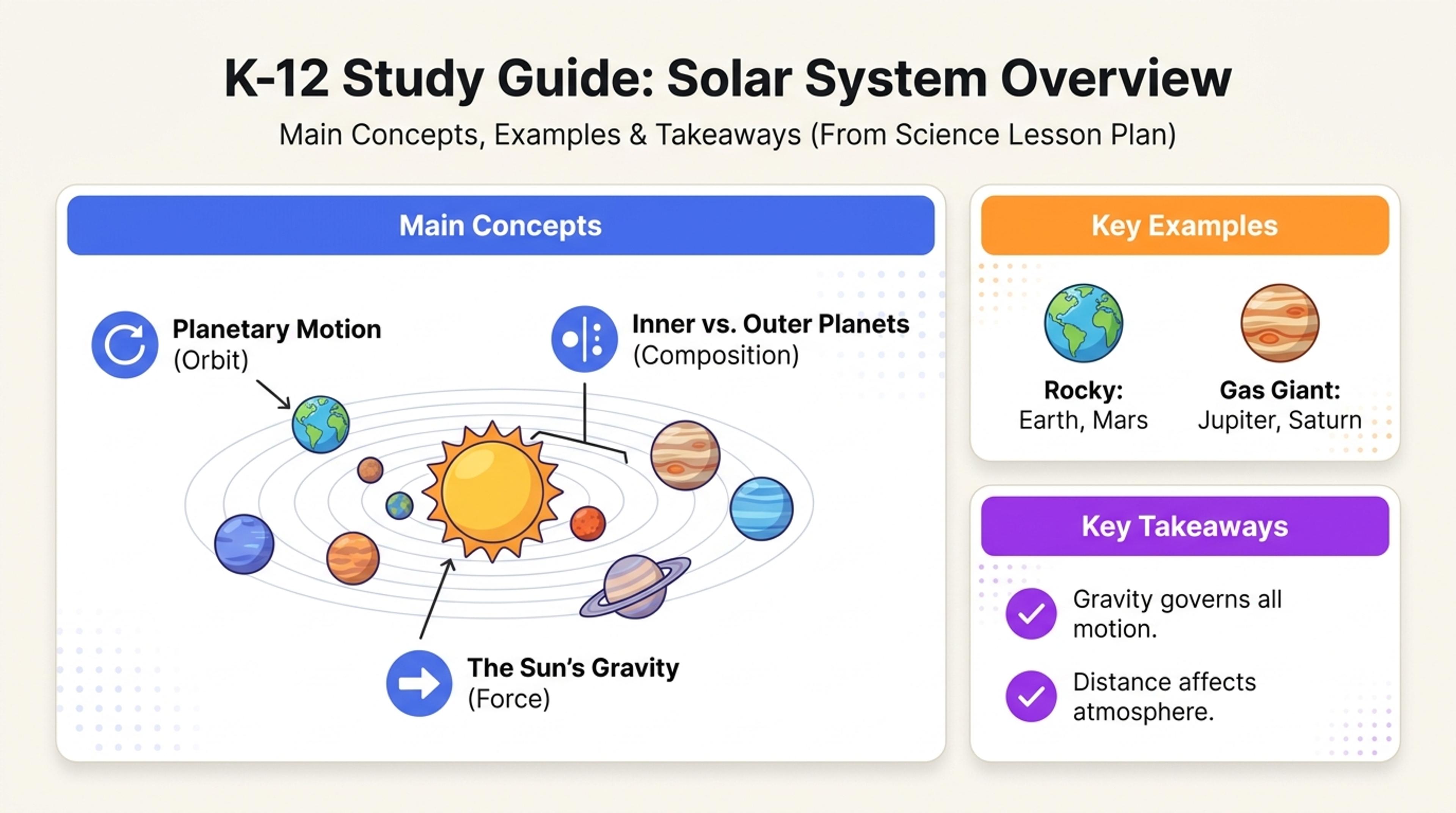
Turn the lesson flow into slides that move from objective to explanation to practice.
Build slides around the learning objective, classroom sequence, activities, checks for understanding, and lesson close.
Keep the learning goal visible across explanations, examples, activities, and assessment moments.
Turn the warm-up, instruction, guided practice, independent work, and recap into a natural slide flow.
Use diagrams, examples, prompts, and summaries that make each concept easier to teach and understand.
Start with your objectives, standards, key concepts, activities, timings, materials, and assessment notes.

Choose the grade level, subject, lesson duration, student background, and teaching style.

Prioritize the opening hook, direct instruction, worked examples, practice, checks for understanding, and recap.

SlidesPilot creates a paced classroom presentation with concept slides, prompts, activities, transitions, and review moments.

Adjust timing, examples, questions, visuals, and teacher cues, then export to PowerPoint or Google Slides.

Move from instructional plan to classroom-ready slides while keeping the learning objective and teaching sequence aligned.

Every major section supports the knowledge or skill students should gain by the end of the lesson.

Slide depth and activity breaks follow the available teaching time.

Explanations, examples, and practice build from foundational ideas to independent application.

Questions, discussion moments, and activities create clear opportunities for student participation.

Quick reviews and assessment prompts reinforce the key lesson outcomes.

Revise language, examples, visuals, timing, and sequencing for your own classroom.
Use a complete lesson plan, teaching outline, curriculum notes, unit plan, standards document, or a structured list of objectives and activities.
Yes. Specify the learners, subject, prior knowledge, lesson duration, and tone so the slides fit the class.
Yes. SlidesPilot can map your warm-up, instruction, examples, activities, assessment, and recap into the presentation order.
Yes. Build prompts, pair work, guided practice, reflection, and checks for understanding directly into the deck.
Yes. Create concise lecture slides, activity-led classroom slides, revision material, or a student-facing recap from the same plan.
Yes. Customize every slide and export an editable PPTX or continue editing in Google Slides.
Turn textbooks, lecture notes, quizzes, videos, and reading material into coordinated teaching presentations.
Transform textbooks into PowerPoint presentations
Transform class notes into structured PowerPoint presentations
Turn quiz questions, answers, and explanations into engaging presentation slides
Transform YouTube videos into editable PowerPoint presentations
Transform your study notes into PowerPoint presentations
Turn notes, paragraphs, and ideas into a clear, editable PowerPoint presentation.
Transform your work into a presentation, instantly. ⭐ #1 AI PowerPoint Generator | Trusted by 3 million users worldwide