

Start with the link you already have
Paste an article, report, documentation page, knowledge-base entry, product page, or another rich online source.
Paste a content-rich link and turn the online source into a clear, editable PowerPoint presentation.
Paste a URL and turn the linked content into a clear, editable PowerPoint presentation.
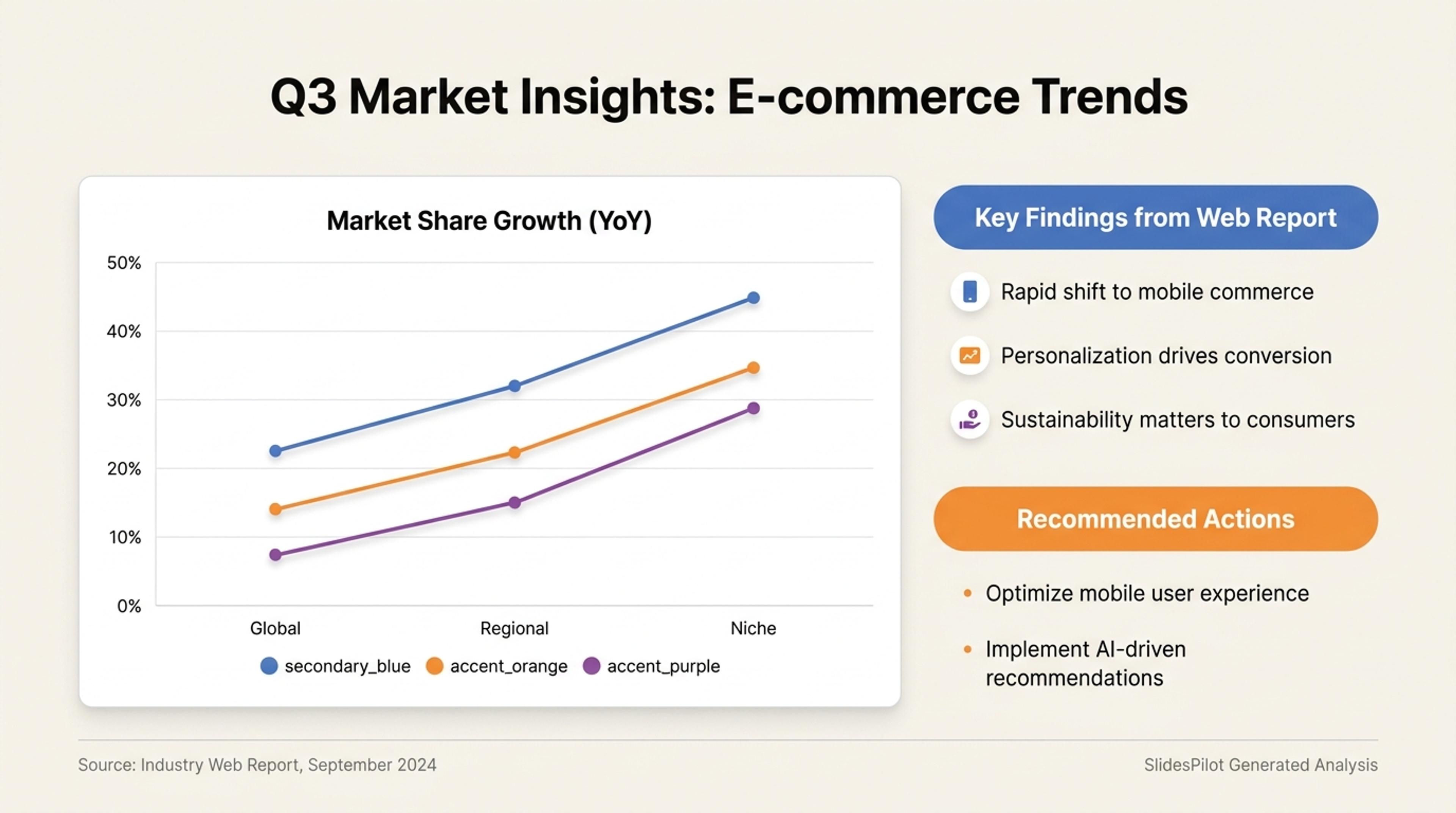
A professional deck that turns a web report into key findings, charts, and recommended actions.
Start directly with a content-rich URL and let SlidesPilot understand the source, select its strongest ideas, and create a presentation around your goal.
Paste an article, report, documentation page, knowledge-base entry, product page, or another rich online source.
Choose the audience, outcome, sections, claims, evidence, and recommendations that deserve the most attention.
AI turns the online source into clear messages, supporting detail, visuals, and an editable presentation flow.
Start with a content-rich article, report, documentation page, knowledge base, press release, or product page.
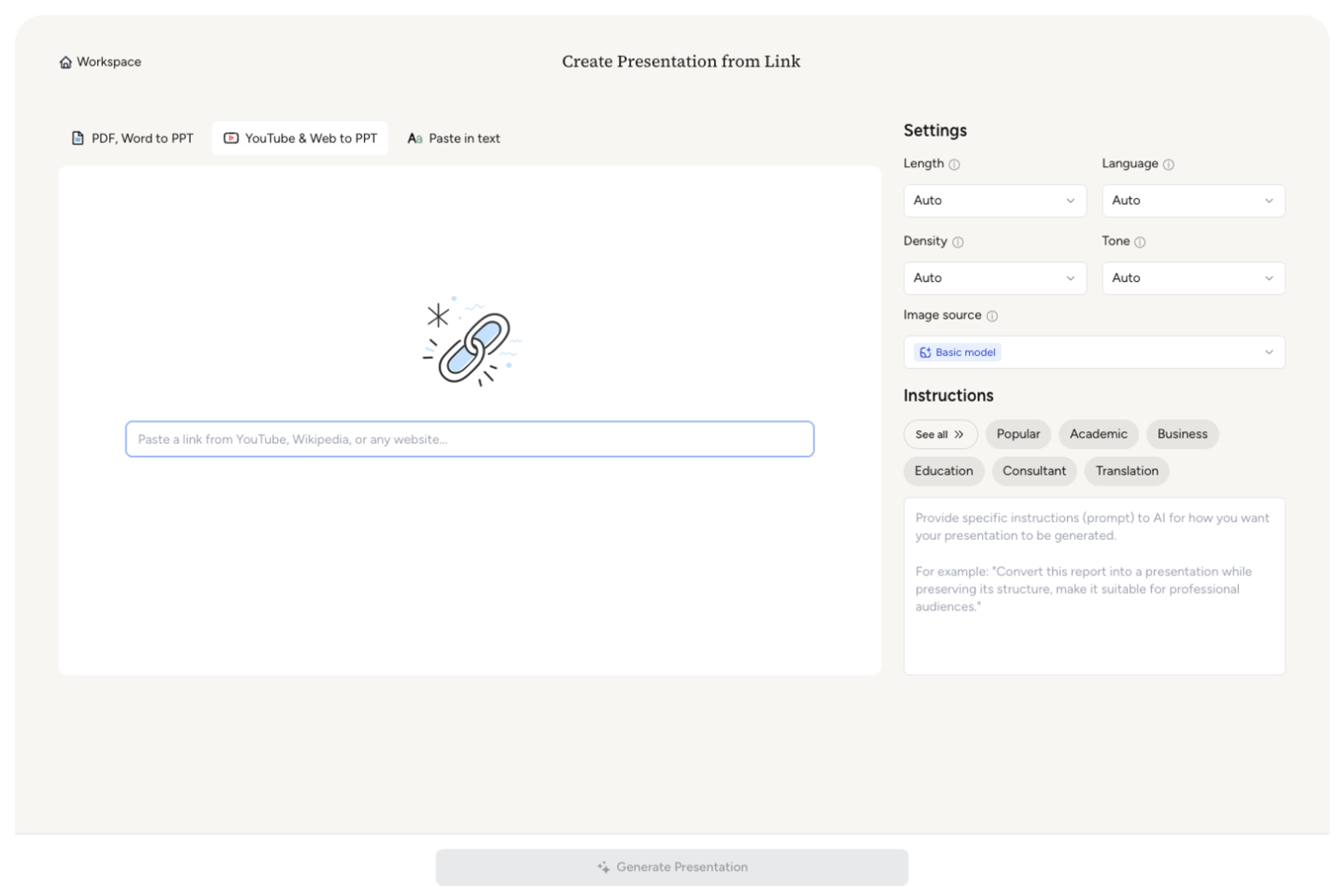
Highlight the sections, claims, evidence, examples, data, and recommendations that should shape the presentation.

Define the purpose, slide count, density, tone, and takeaway for the people who will see the deck.

SlidesPilot understands the source and creates a fresh slide narrative with focused messages and audience-ready visual structure.
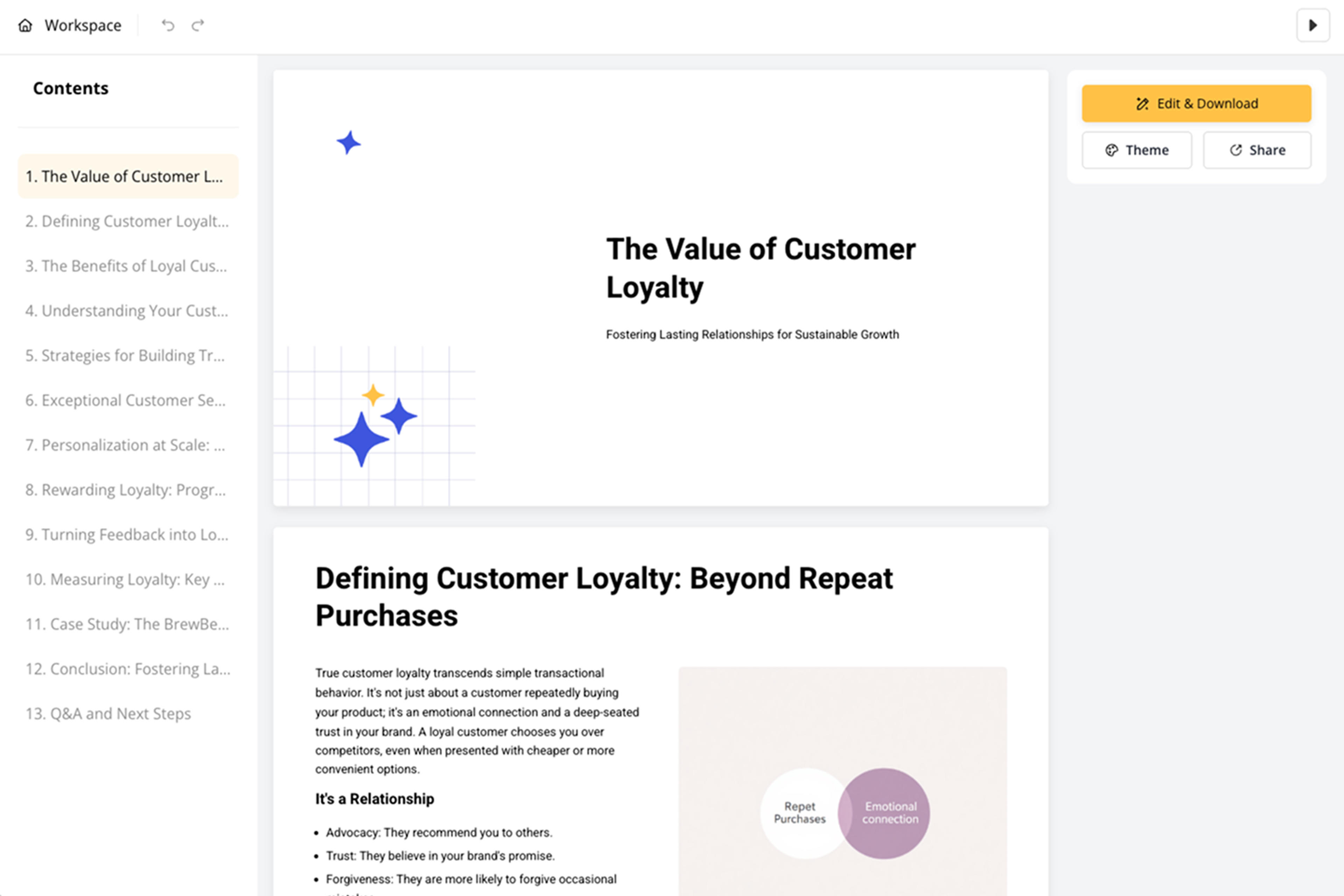
Polish facts, dates, quotations, links, attribution, layouts, and visuals, then export the editable presentation.

Turn rich online material into a clear deck without manually moving content through documents and slide layouts.

Start with articles, reports, documentation, knowledge bases, product pages, and other content-rich online sources.

AI connects headings, claims, evidence, examples, and recommendations across the linked content.

Your goal determines which ideas receive the strongest emphasis in the deck.

The source becomes a focused story with an opening, logical sections, and a clear conclusion.

Dates, quotations, statistics, links, and attribution can remain connected to the final presentation.

Refine every slide and export to PPTX, Google Slides, PDF, or PNG.

Transform news articles into PowerPoint presentations
Transform web content into professional PowerPoint presentations instantly
Transform professional profiles into PowerPoint portfolios instantly
Transform support documentation into professional PowerPoint presentations
Turn articles, reports, and other web pages into clear, editable PowerPoint presentations.

Transform Wikipedia articles into PowerPoint presentations instantly
Transform academic preprints into professional PowerPoint presentations

Transform lengthy business reports into professional PowerPoint presentations instantly
Transform podcast episodes into PowerPoint presentations
Turn screen recordings into professional PowerPoint presentations
Use content-rich online sources such as articles, reports, documentation, knowledge bases, press releases, and product pages.
SlidesPilot understands the source hierarchy, identifies its strongest ideas and evidence, and creates a fresh presentation narrative.
Yes. Prioritize specific sections, claims, data, examples, recommendations, and takeaways for your audience.
URL to PPT is the broad link-first workflow. Web Page to PPT is the focused option for turning the readable content of a specific HTML page into slides.
Yes. Include source links, dates, quotations, statistics, and attribution in the presentation for useful context.
Yes. Refine the presentation in SlidesPilot and export an editable PPTX, continue in Google Slides, or download PDF and PNG versions.
Use URL to PPT for a content-rich link, Web Page to PPT for a specific HTML page, or a dedicated tool for PDF, Word, text, and video sources.
Turn articles, reports, and other web pages into clear, editable PowerPoint presentations.
Turn reports, papers, and documents into clear, structured, editable PowerPoint presentations with AI.
Turn Word documents into clear, structured, editable PowerPoint presentations with AI.
Turn notes, paragraphs, and ideas into a clear, editable PowerPoint presentation.
Transform YouTube videos into editable PowerPoint presentations
Paste text, add a YouTube or webpage link, or upload a document to create a beautiful, structured summary connected to the source.
Transform your work into a presentation, instantly. ⭐ #1 AI PowerPoint Generator | Trusted by 3 million users worldwide