

Build the News Briefing
SlidesPilot turns headline, context, key developments, and implications into a presentation sequence. The deck helps audiences understand what happened and why it matters.
Transform news articles into PowerPoint presentations
Convert an article into slides that explain the event, context, stakeholders, and implications.
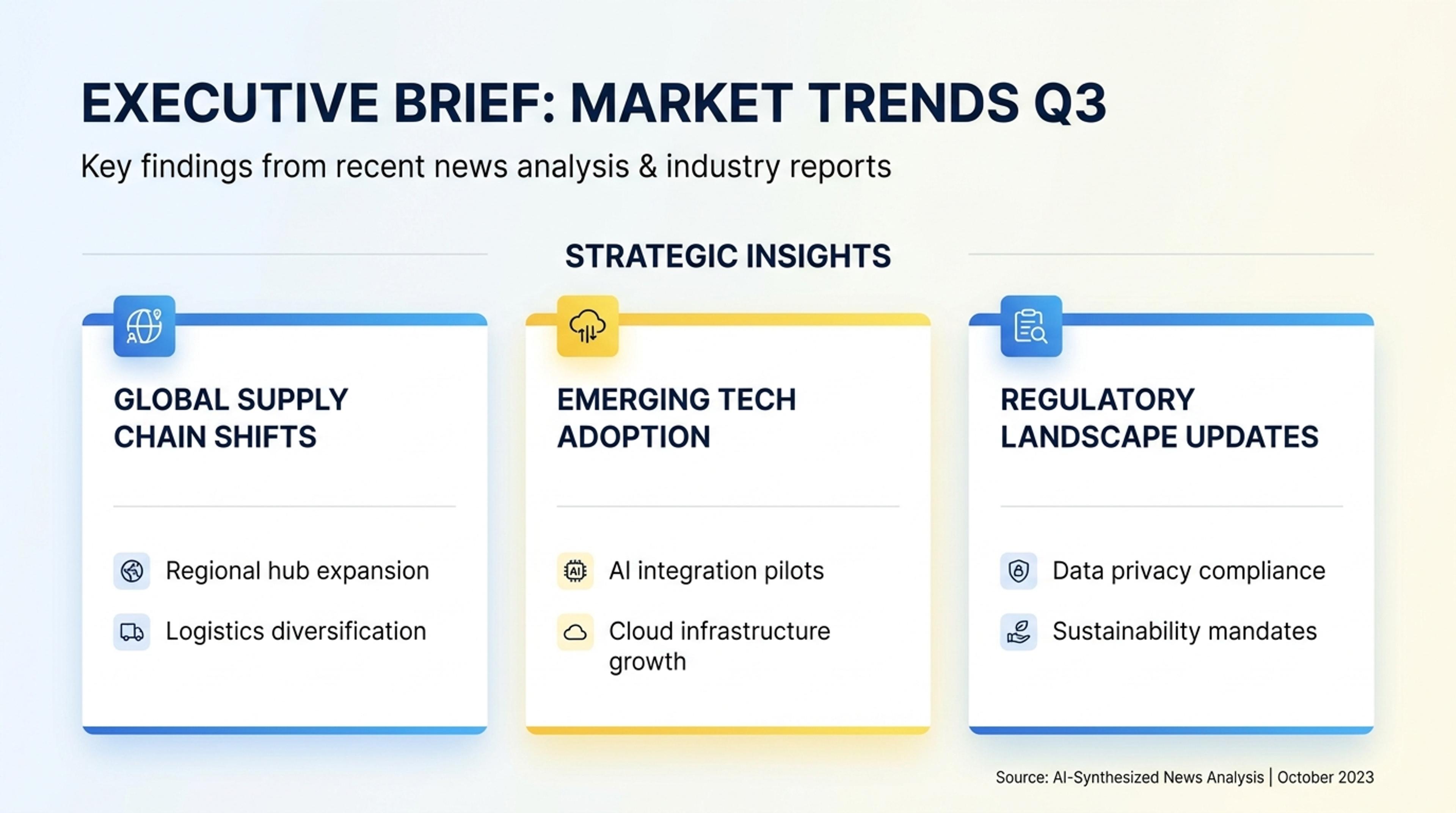
Summarize the main facts and timeline so a team can understand the story quickly.
Turn a news article into a current-events briefing deck with background, timeline, stakeholders, key facts, quotes, implications, and discussion points.
SlidesPilot turns headline, context, key developments, and implications into a presentation sequence. The deck helps audiences understand what happened and why it matters.
Dates, people, organizations, places, policy changes, and quoted perspectives can become clear slide sections. This makes timely stories easier to teach, brief, or discuss.
The output can support class discussions, media analysis, business briefings, communications updates, and current-events recaps. Users can edit tone and emphasis for the audience.
Paste the news article URL or article text, including headline, background, quotes, timeline details, and any related notes. Add the audience and purpose, such as class briefing, business update, or discussion deck.
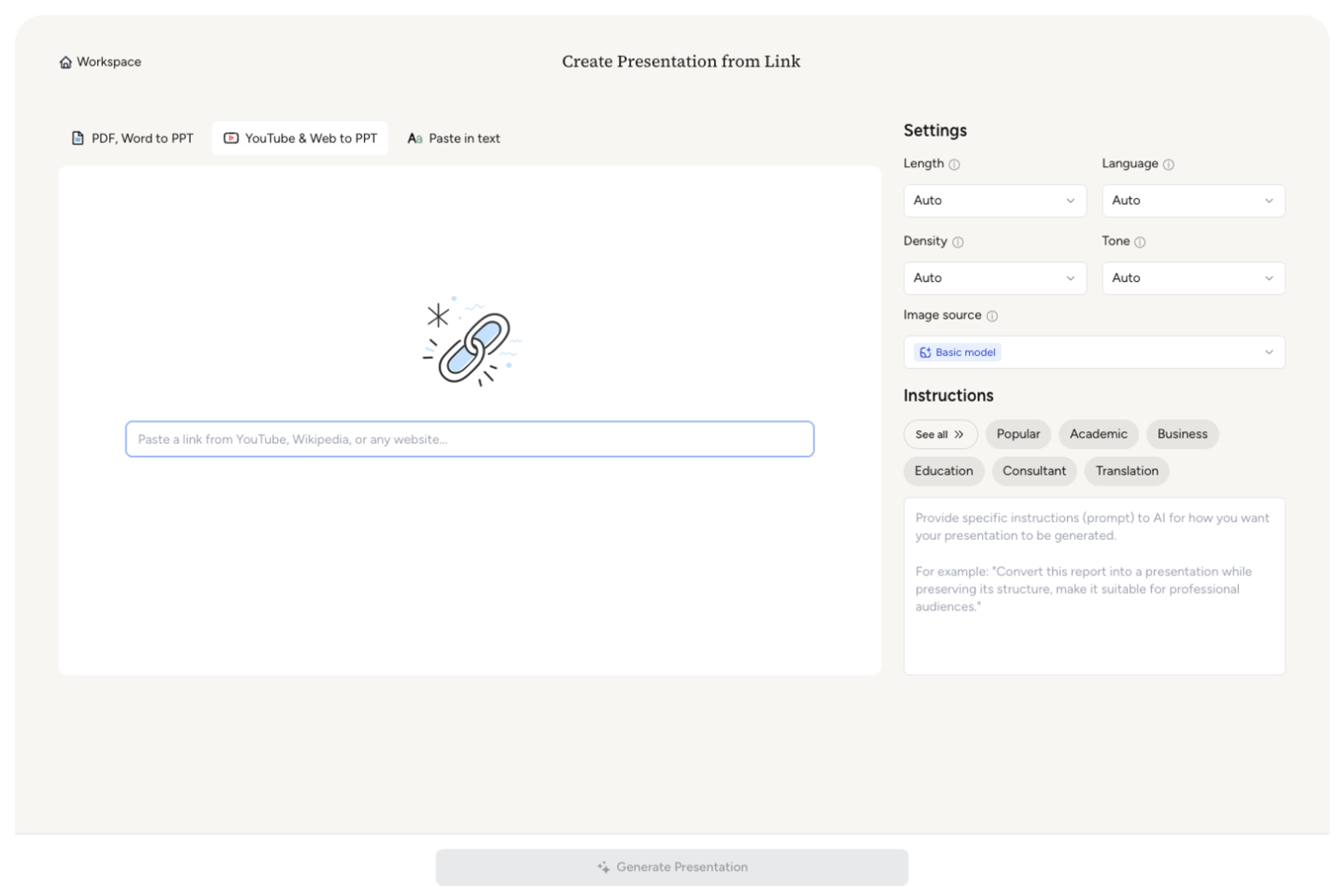
SlidesPilot identifies the story context, main event, stakeholders, timeline, key facts, quotes, and implications. This turns the article into a briefing structure instead of a copied article summary.

Choose the angle that should lead the deck. A technology regulation story can become slides for policy background, affected companies, timeline, expert reactions, and implications for users.

Generate a news presentation with context, key developments, stakeholder slides, timeline or issue sections, quote highlights, and takeaway questions. The deck is built for explanation and discussion.
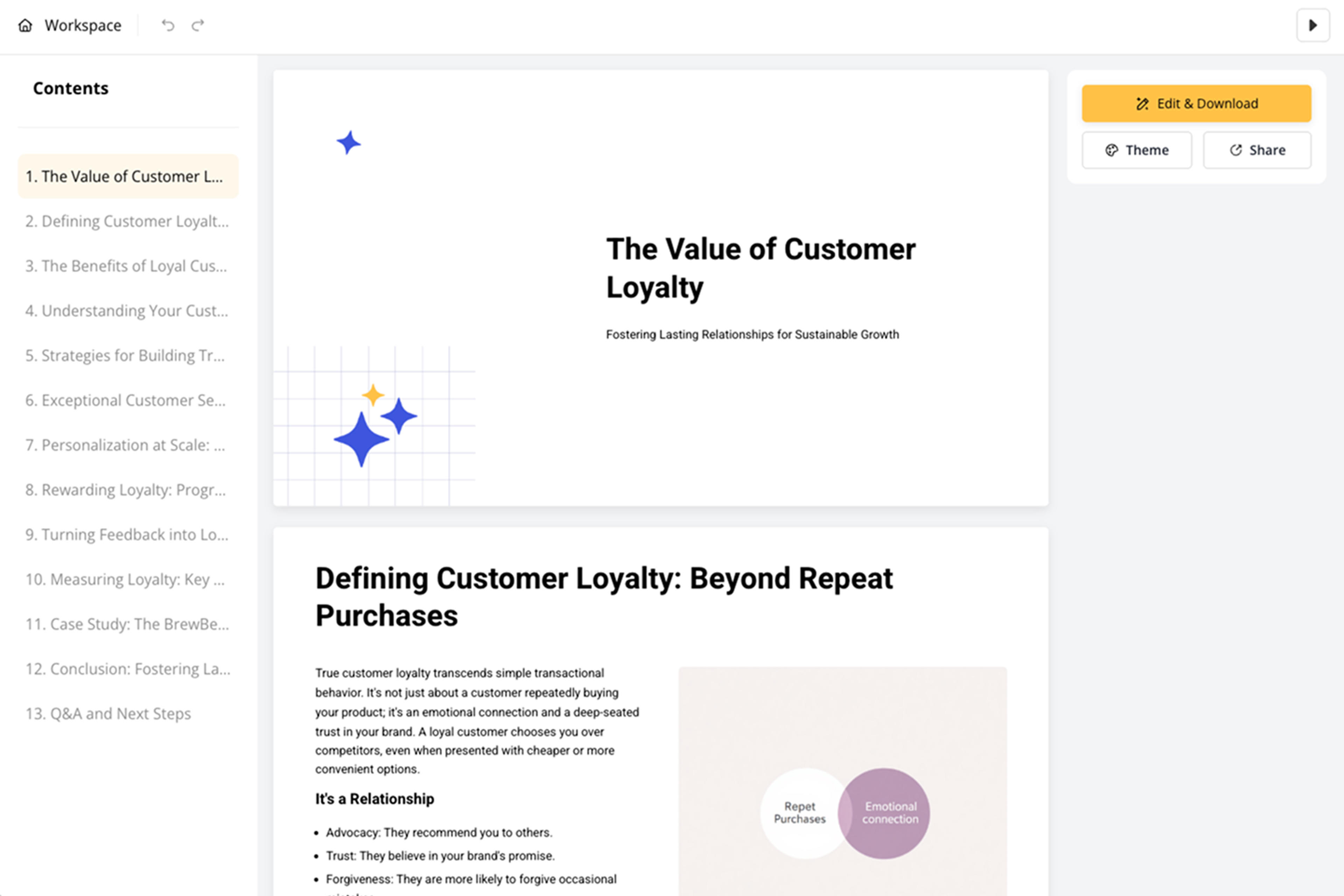
Refine facts, quotes, tone, slide depth, and discussion prompts before export. The deck can be adapted for classrooms, internal updates, media review, or stakeholder briefings.

News Article to PPT turns journalism into a clear briefing. SlidesPilot focuses on context, stakeholders, chronology, and implications.

Headline, background, and key developments become a presentation flow. Audiences can quickly understand the story and its importance.

People, organizations, locations, dates, and policy or market changes can become distinct slide sections. This makes complex stories easier to explain.

Quotes, reactions, implications, and discussion angles can be highlighted for teaching or briefing. The deck turns news into a conversation-ready resource.

The editable output supports classrooms, business updates, comms teams, and current-events discussions. Users can adjust tone and depth for the setting.
Yes. Paste the article URL or text and SlidesPilot can create a briefing deck with background, key facts, timeline, stakeholders, quotes, implications, and discussion points.
Policy updates, business news, technology stories, science news, current events, interviews, and investigative articles can all become presentations when the goal is explanation or discussion.
Yes. Dates, events, decisions, announcements, and reactions can be organized into timeline slides when chronology helps the audience understand the story.
Yes. The deck can include background, issue framing, stakeholder perspectives, key quotes, and discussion prompts. Teachers can edit slide depth for grade level and lesson goals.
News Article to PPT focuses on journalism and current-events briefing. Web Page to PPT handles broader pages such as landing pages, help articles, blogs, documentation, and general online content.
Yes. You can refine wording, quotes, timeline slides, visuals, discussion prompts, and takeaways before exporting the editable presentation.
Use News Article to PPT for journalism and current-events briefings. Choose web-page, article-summarizer, Wikipedia, or research workflows when the source has a different online structure.
Turn articles, reports, and other web pages into clear, editable PowerPoint presentations.
Turn article content into a focused, editable presentation
Transform Wikipedia articles into PowerPoint presentations instantly
Paste a content-rich link and turn the online source into a clear, editable PowerPoint presentation.
Transform detailed reports into executive PowerPoint presentations
Turn notes, paragraphs, and ideas into a clear, editable PowerPoint presentation.
Transform your work into a presentation, instantly. ⭐ #1 AI PowerPoint Generator | Trusted by 3 million users worldwide