

Follow Encyclopedia Structure
SlidesPilot turns Wikipedia headings, overview sections, history, categories, and examples into presentation sections. The deck makes long reference content easier to teach, study, or brief.
Transform Wikipedia articles into PowerPoint presentations instantly
Preview how SlidesPilot can turn your source material into a clearer deck before you export or share the result.
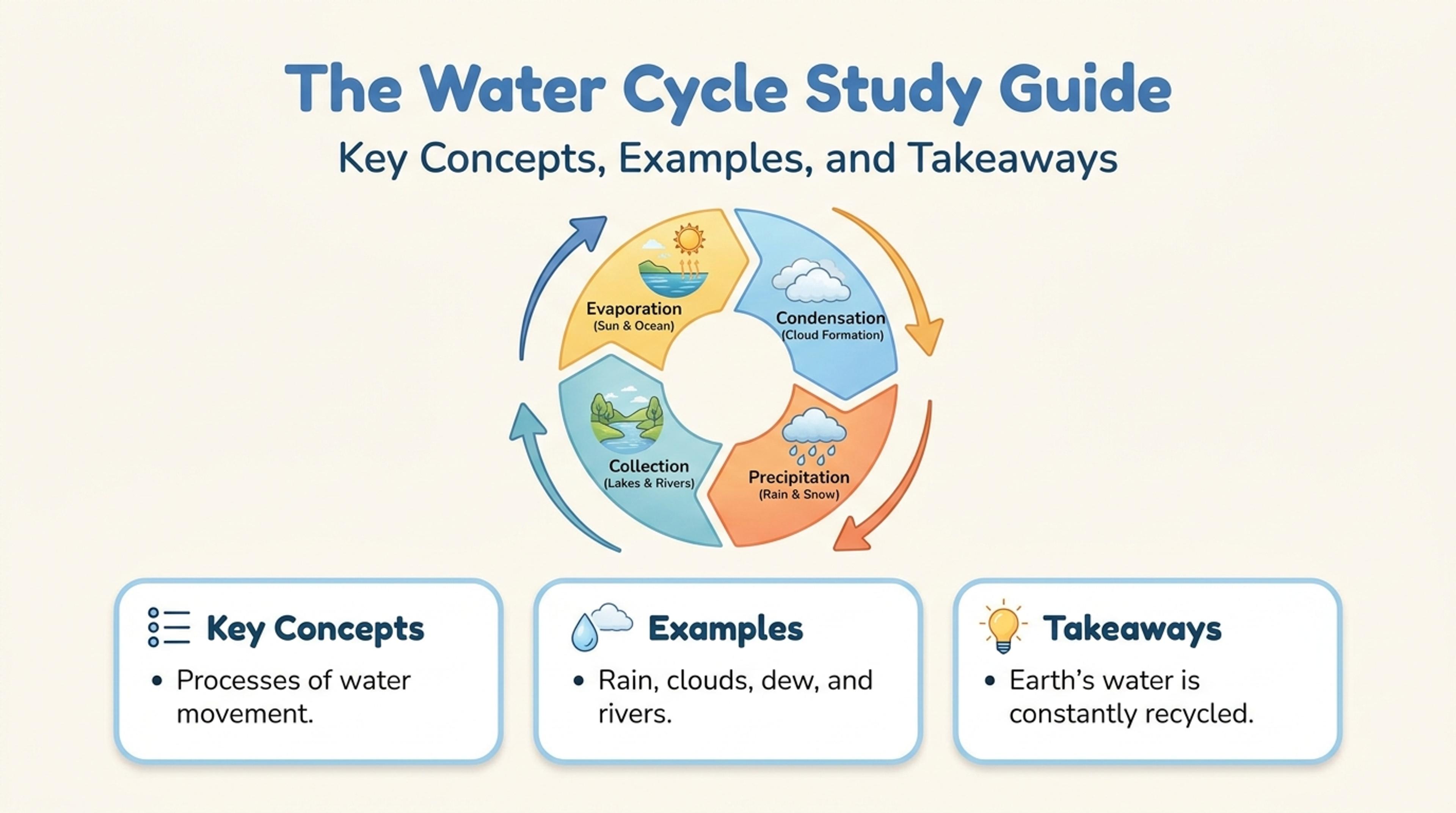
Turn source links into a study guide deck with the main concepts, examples, and takeaways first.
Turn a Wikipedia article into an educational presentation with overview, key facts, chronology, categories, people, places, and memorable takeaways.
SlidesPilot turns Wikipedia headings, overview sections, history, categories, and examples into presentation sections. The deck makes long reference content easier to teach, study, or brief.
Dates, people, places, definitions, events, and major developments can become timeline or category slides. This helps factual topics become more visual and easier to remember.
The generated presentation can support school projects, lessons, quick research briefings, and introductory talks. Users can edit scope, examples, and slide order before exporting.
Paste the Wikipedia article URL or article text, including headings, chronology, definitions, tables, notable examples, and reference notes you want included. Add the audience, such as students, class, research group, or general briefing.
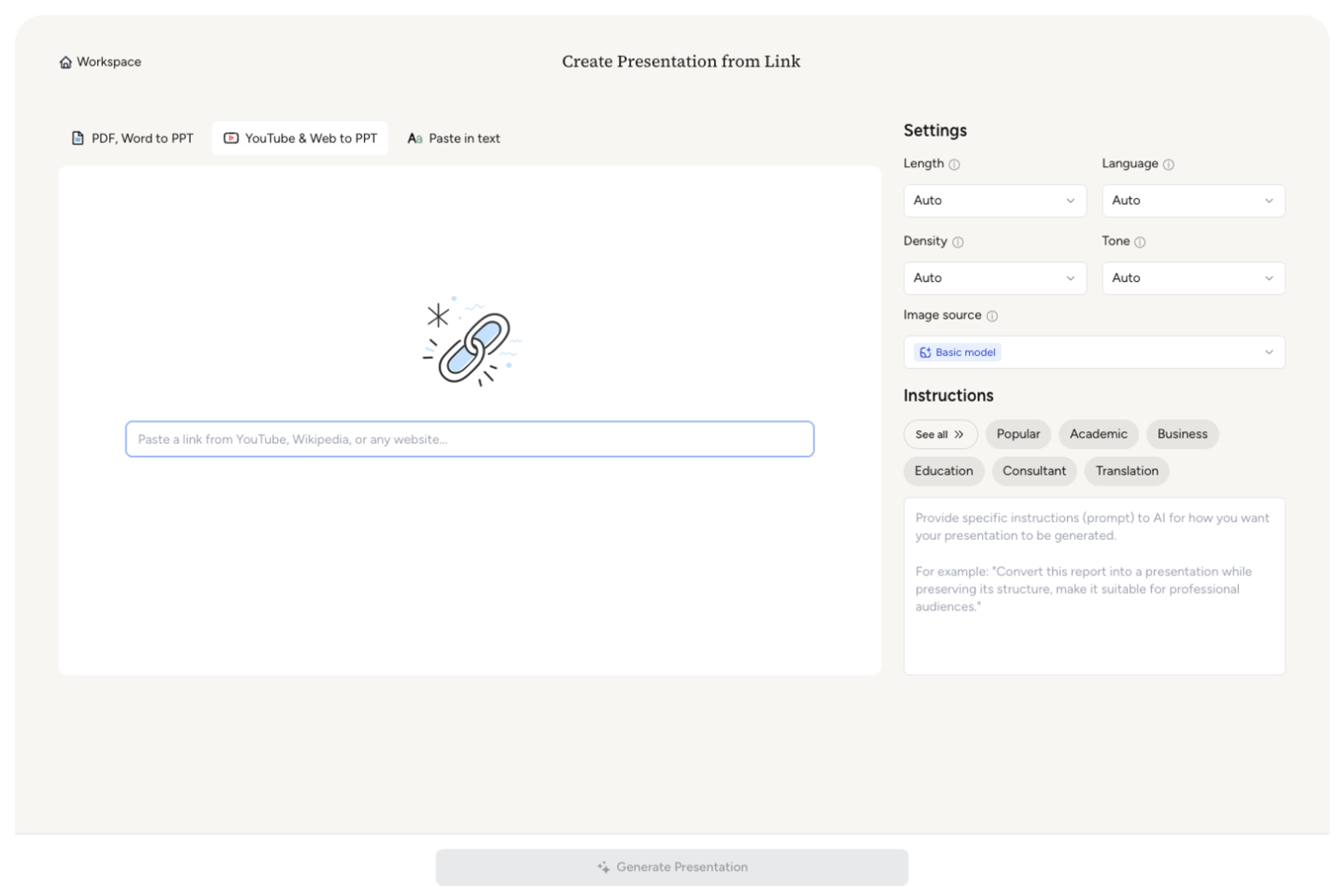
SlidesPilot identifies the article's structure: overview, history, key concepts, people, places, categories, timeline, and significance. This helps the deck follow the source while becoming easier to present.
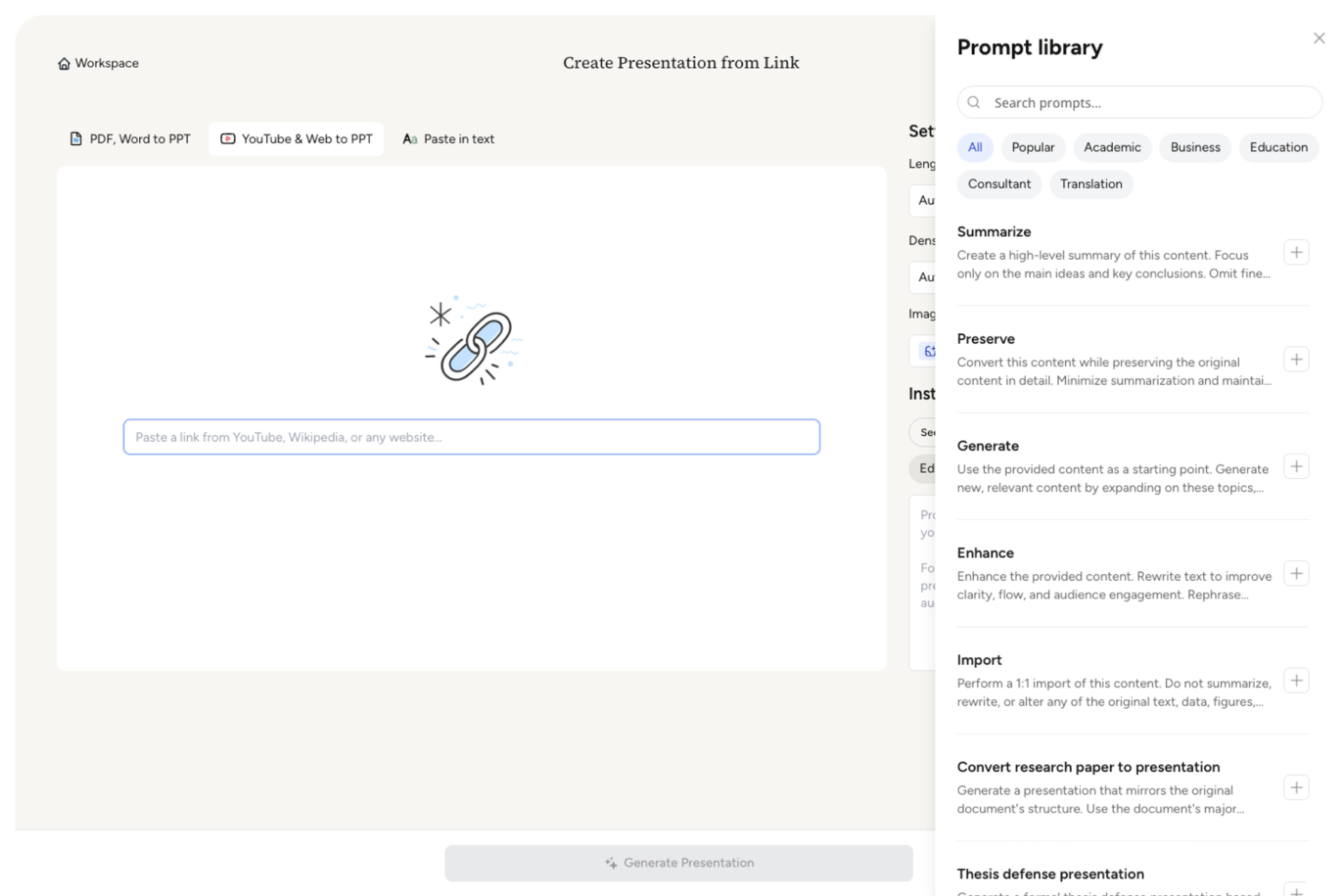
Choose the learning angle and slide scope. An article on the Industrial Revolution, for example, can become slides for causes, inventions, social change, global spread, and historical significance.
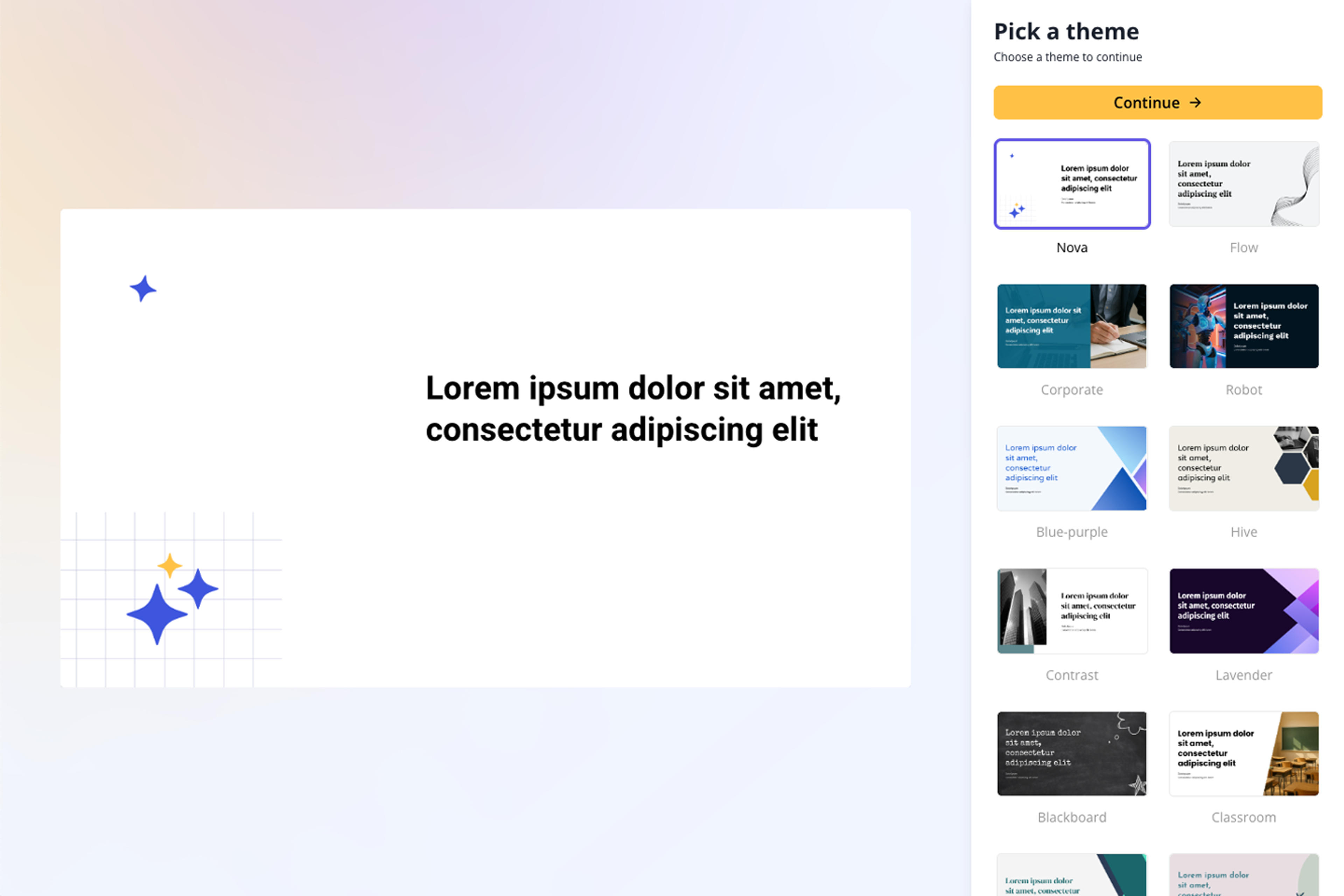
Generate a Wikipedia presentation with intro, section summaries, fact slides, timeline or category visuals, and final takeaways. The deck is designed for explanation rather than a pasted encyclopedia page.
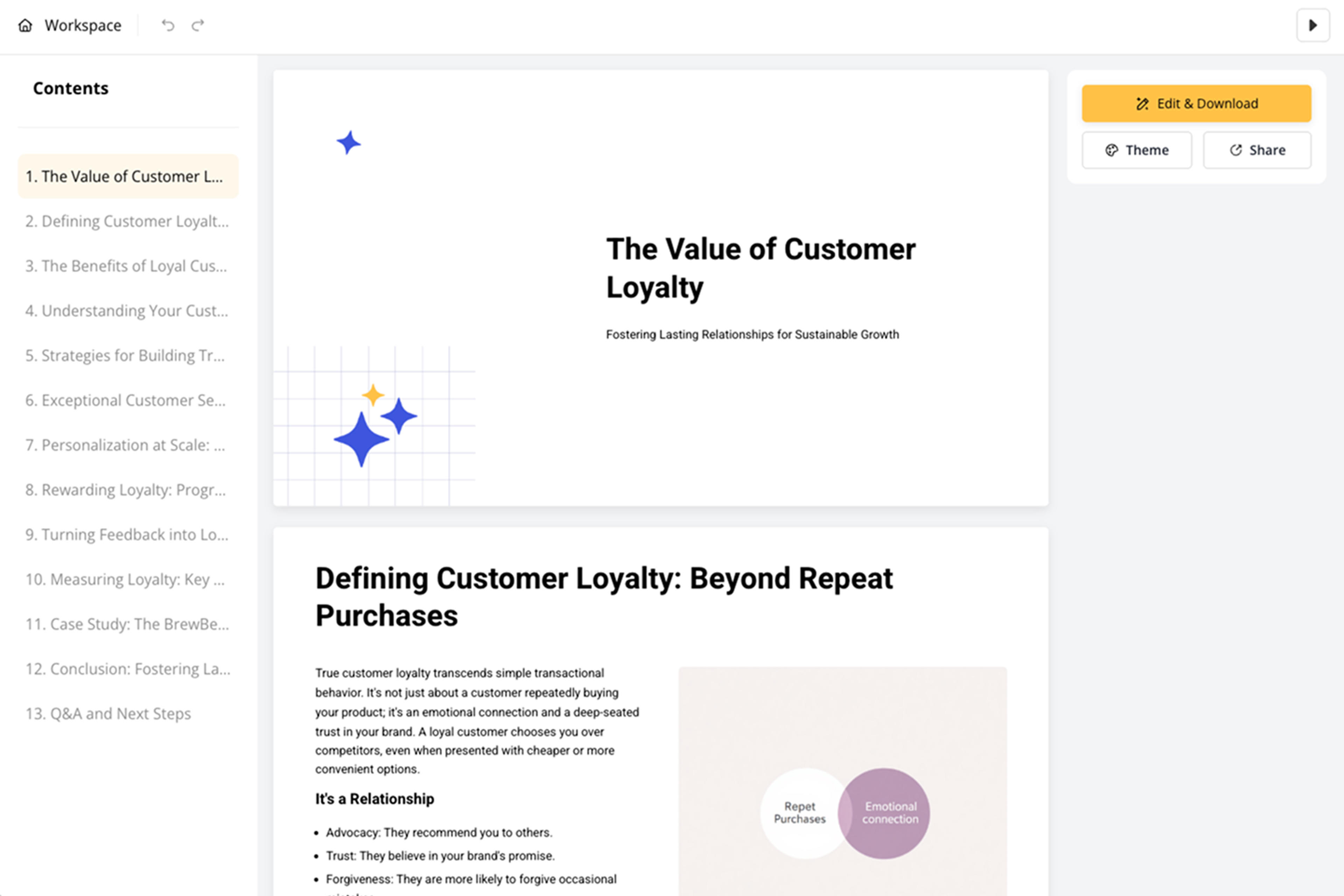
Refine terminology, dates, examples, citations, visuals, and slide order before export. The presentation can be adapted for classroom lessons, student projects, research introductions, or quick briefings.

Wikipedia to PPT should make encyclopedic information presentable. SlidesPilot turns article structure into educational slides with facts, categories, chronology, and takeaways.

Article headings and sections become a logical presentation outline. This helps the deck keep the organization of the source while making it easier for an audience to follow.

Dates, people, locations, definitions, theories, and examples can become timeline or category slides. Factual detail becomes more memorable when organized visually.

Long article sections are condensed into teachable explanations and key takeaways. The deck supports class projects, lessons, and introductory research briefings.

The output remains editable for grade level, audience, speaking time, and source emphasis. Users can refine facts, visuals, and section depth before presenting.
Yes. Paste the article URL or text and SlidesPilot can create a presentation with overview, key facts, section summaries, timeline slides, category slides, and final takeaways.
Historical events, biographies, scientific concepts, countries, technologies, theories, movements, and cultural topics work well. SlidesPilot uses article headings and facts to create an educational deck.
Yes. Dates, events, periods, people, and developments can be organized into chronology or timeline slides when the article has a time-based structure.
Yes. The deck can support student projects, classroom lessons, quick briefings, and introductory research talks. You can adjust slide depth and examples for the class level.
Wikipedia to PPT focuses on encyclopedia-style articles with headings, facts, chronology, categories, and references. Web Page to PPT handles broader webpages, landing pages, articles, and online sources.
Yes. You can edit wording, facts, slide order, examples, citations, and visuals before exporting the editable presentation.
Use Wikipedia to PPT for encyclopedia-style articles and educational topics. Choose web-page, news-article, article-summarizer, or research workflows when the source has a different online format or intent.
Turn articles, reports, and other web pages into clear, editable PowerPoint presentations.
Paste a content-rich link and turn the online source into a clear, editable PowerPoint presentation.
Transform news articles into PowerPoint presentations
Turn article content into a focused, editable presentation
Turn notes, paragraphs, and ideas into a clear, editable PowerPoint presentation.
Use AI Presentation Generator when that workflow better matches your source or output.
Transform your work into a presentation, instantly. ⭐ #1 AI PowerPoint Generator | Trusted by 3 million users worldwide